Day to Night Photo Converter Generator
upload image
Day to Night Photo Converter Result
Upload an image and configure to see the AI-generated result here
Similar Styles
View All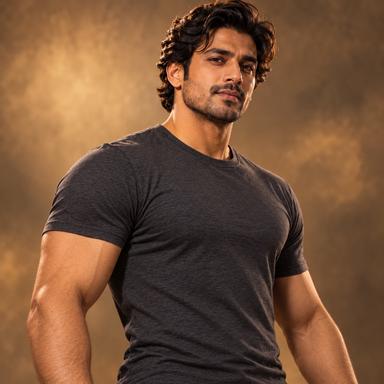
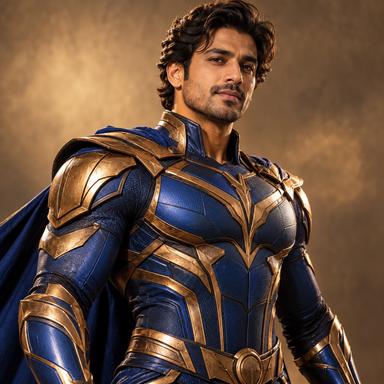
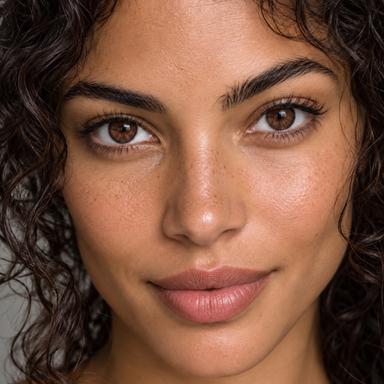
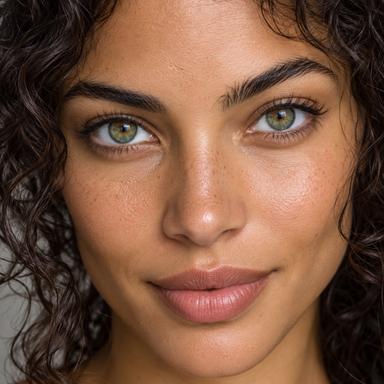


Day to Night Photo Converter
Transform a daytime scene into a believable night or blue-hour image while preserving its buildings, people, objects, and camera position.

How to Use Day to Night Photo Converter
Complete the edit in three straightforward steps

1. Upload Your Image
Choose a clear JPG, PNG, or WebP image that shows the area you want to edit.
2. Choose the Result
Select the available options and describe any details that matter for the final image.
3. Generate and Review
Generate the edited image, inspect the preserved details, and download the result when it matches your goal.
Best Inputs for More Reliable Results
A few input choices can make the requested edit more consistent
Use a Clear Target
Choose an image where the subject or area being edited is easy to identify and not heavily obstructed.
Start with Enough Detail
Images with usable resolution and natural lighting give the model more information to preserve.
Prefer a Simple Composition
Outdoor streets, buildings, landscapes, and property photos with a visible sky usually provide the clearest transformation.

Day to Night Photo Converter Use Cases
Common situations where this focused edit is useful

Architecture and Property
Preview a building or property exterior at night without reshooting the same camera angle.
Travel and City Scenes
Turn a daytime street or destination photo into a blue-hour or city-night visual.
Creative Campaign Concepts
Create a nighttime version of an existing scene for mood boards, posters, or storytelling.
What to Expect from AI Editing
Understand the result boundaries before using the generated image
The Model Reconstructs Pixels
Night conversion is generated. Artificial lights, window glow, sky, and shadows may not match the real location exactly.
Review Important Details
Check faces, hands, text, logos, product details, and background geometry before publishing or using the result commercially.
A Clearer Input Can Improve the Result
If the first result changes too much, use a clearer image, simplify the request, or choose a more specific option.

Why Use Day to Night Photo Converter
A focused workflow for one clear image-editing task
Focused AI Editing
Day to Night Photo Converter is designed around this specific editing goal instead of applying broad, unrelated changes to the whole image.
Preserve Important Details
This page owns the time-of-day transformation intent. It changes the entire scene illumination consistently rather than acting as a general relighting page.
Simple Guided Controls
Upload one image, choose the requested result, add optional details, and generate without learning complex editing software.
Download-Ready Result
Review the generated image and download the result for personal, creative, or commercial workflows where permitted.
Designed for Practical Image Editing
A focused generator can reduce the setup needed for common visual tasks
Content Creator
The focused options make it easier to describe the result without writing a long technical prompt.
Small Business Owner
I can create a useful draft quickly and then review the details before publishing it.
Designer
It is helpful for testing an edit direction before moving into more detailed production work.
One Page, One Editing Goal
This page is intentionally focused on one user task so its controls, examples, and guidance stay relevant.
Day to Night Photo Converter
Transform a daytime scene into a believable night or blue-hour image while preserving its buildings, people, objects, and camera position.
Day to Night Photo Converter FAQ
Practical answers about inputs, results, and usage
Try Day to Night Photo Converter
Upload an image, choose the requested result, and generate a focused AI edit.