AI Poster Generator Generator
upload image
AI Poster Generator Result
Upload an image and configure to see the AI-generated result here
AI Poster Generator
Create a polished poster from text or photo. Describe your idea, optionally upload a reference image, and generate a poster for events, promotion, cinematic visuals, or cover art.

How to Create a Poster
Generate a poster in three quick steps

Choose Poster Type
Pick the kind of poster you want to create, such as event, promo, cinematic, or cover style.
Describe the Poster
Write what should appear in the poster, including the subject, mood, title idea, and background.
Upload an Image if You Have One
Add a reference image to guide the result, or leave it empty and generate from text only.
Best Inputs for Better Poster Results
Simple guidance to improve the poster quality whether you start from text or a photo
Use a Clear Main Subject
If you upload an image, choose one with a clear subject and simple composition so the poster can keep a strong focal point.
Describe Mood and Setting
Include the atmosphere, background, and intended title idea in your prompt so the result feels more like a real poster, not a generic image.
Keep One Main Idea Per Poster
Prompts work best when they focus on one subject, one message, and one visual direction instead of trying to combine too many poster ideas at once.
Common Poster Use Cases
Popular ways people use poster generation
Event Promotion
Create posters for concerts, meetups, product launches, and community events.
Marketing Visuals
Generate promo-style poster concepts for campaigns, social posts, or launch materials.
Cinematic Concepts
Turn a story idea or portrait into a movie-like poster with stronger mood and dramatic composition.
Social Cover Visuals
Generate poster-style cover images for social posts, launch announcements, channel art, or campaign thumbnails.

What You Can Expect from the Result
Understand how the tool behaves before you generate

Poster-Like Layout
The result is guided toward stronger hierarchy, a clearer focal point, and more promotional composition than a normal generated image.
Subject Preservation When Uploading
If you upload a reference image, the model will try to keep the subject direction recognizable, although smaller details may still change.
Good for Concept and Production Drafts
Use the result as a final shareable visual or as a fast concept draft before moving into heavier design editing.
Why Use AI Poster Generator
A simple poster workflow built for quick visual creation
Text or Photo Input
Start from a written poster idea or upload a reference image to guide the composition and subject.
Poster-Focused Output
Generate visuals with stronger hierarchy, cleaner focal points, and a layout that feels like a real poster.
Fast Poster Concepts
Create event, promo, cinematic, and cover-style poster concepts in seconds without design software.
Easy to Share
Use the generated result as a social visual, concept draft, cover image, or marketing poster reference.
Poster Generator or Poster Art Style?
Use AI Poster Generator when you need a full poster workflow with text, concept, and layout. Use DC Movie Poster or Cyberpunk style when you want to transform an existing photo into a specific visual style.
Movie-poster style from a photo
Transform an uploaded image into a dramatic poster-inspired style.
DC Movie PosterNeon style from a photo
Use a cyberpunk art converter when the poster look should be style-led.
Cyberpunk StyleRelated Art Styles & Effects
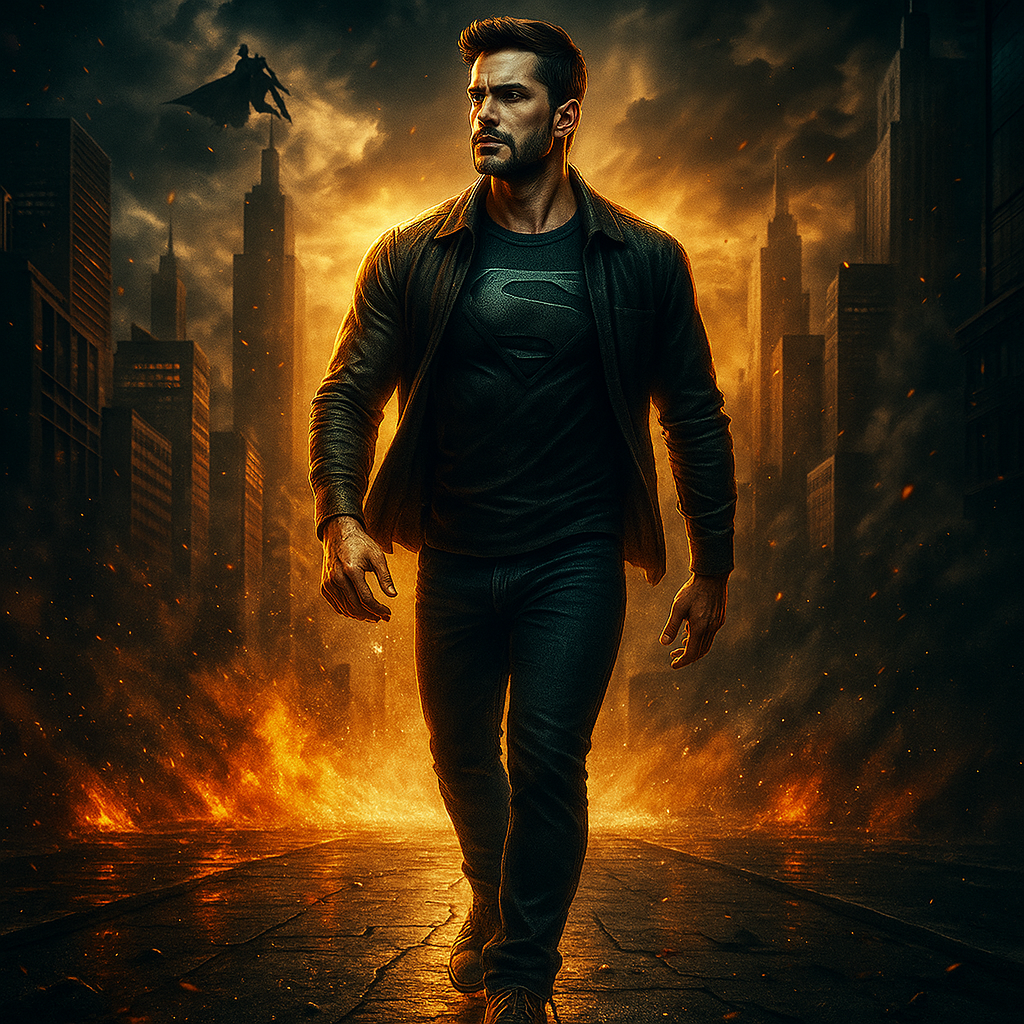
DC Movie Poster
Use this when you want to transform an existing photo into a specific movie-poster style.
Open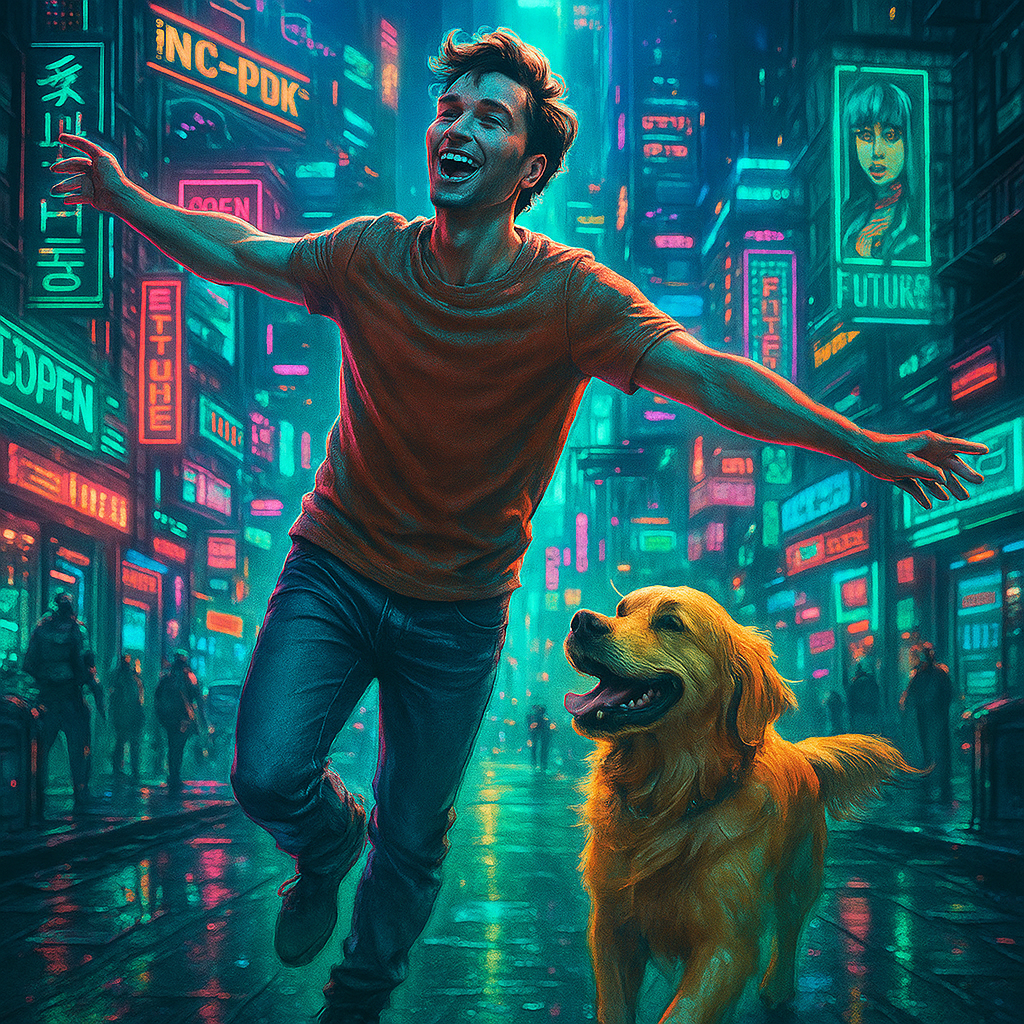
Cyberpunk Style
Choose this style for a neon, game-inspired poster look from an uploaded photo.
Open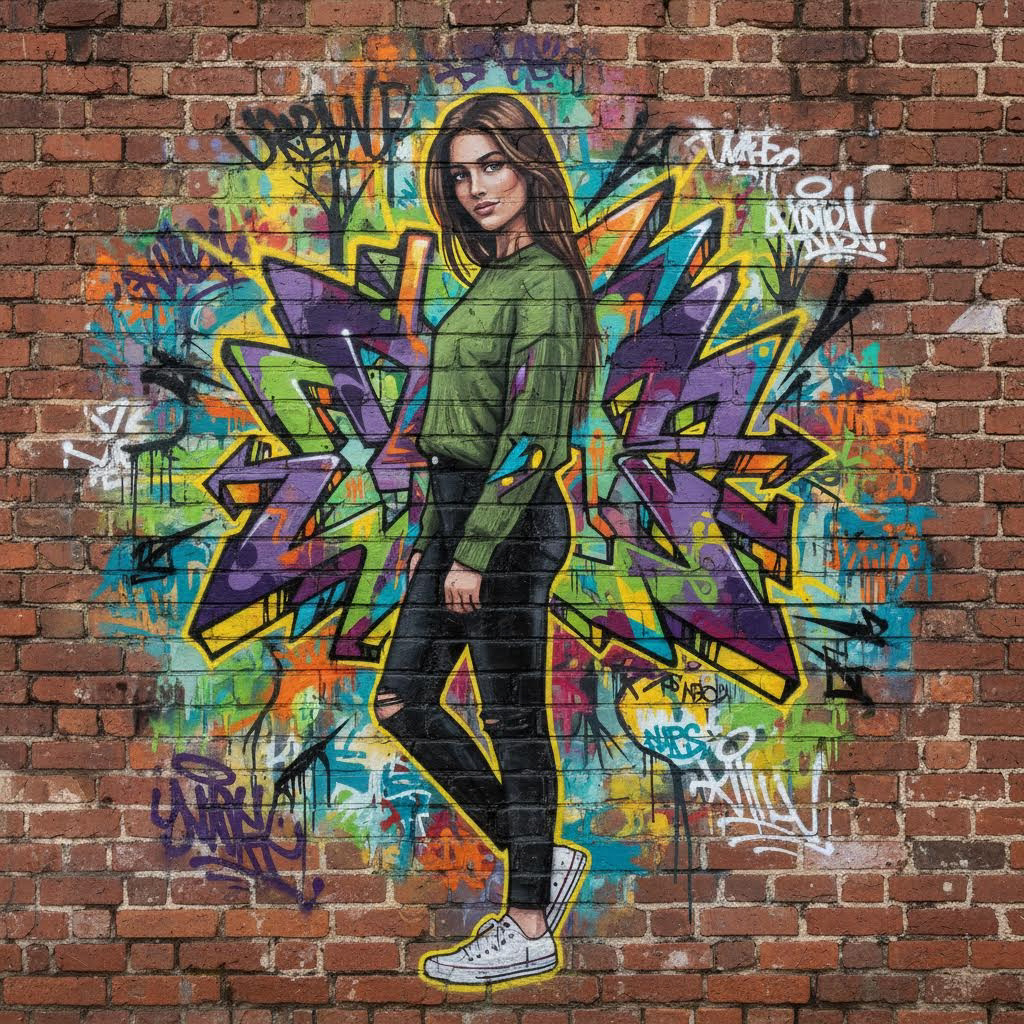
AI Graffiti Generator
Pair this with poster workflows when you need bold urban lettering or wall-art concepts.
Open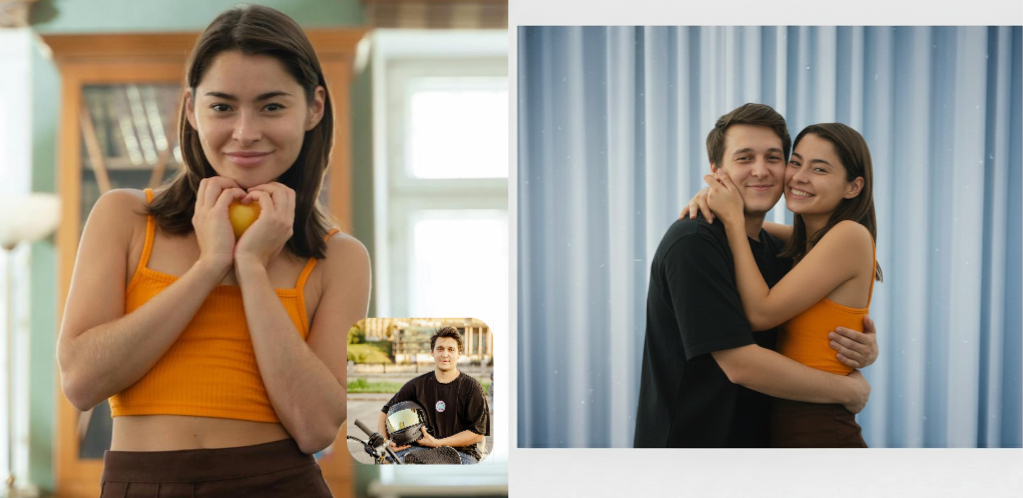
Photo to Polaroid
Use this for a quick retro presentation style after creating or styling an image.
OpenWhat Users Like
Quick poster generation without extra setup
Event Creator
I used it to mock up an event poster in minutes. The layout felt much more poster-like than a normal image generator result.
Content Creator
The cinematic poster type is great when I want something dramatic without spending time on design tools.
Marketing Designer
It works well as a quick concept generator. I can start from text or add a photo if I want the poster to stay closer to a subject.
Best For Quick Poster Concepts
A focused way to turn an idea into a strong visual
Single Page Simplicity
One page, one workflow, and no need to learn design software before generating a poster.
AI Poster Generator FAQ
Common questions about poster generation
Create Your Poster Now
Start from text only or add a photo to guide the result. Generate an AI poster in seconds.