Upcycling Ideas from a Photo
upload image
Your Reuse Concept
Upload an image and configure to see the AI-generated result here
Similar Styles
View All





Find a New Use for Something You Already Own
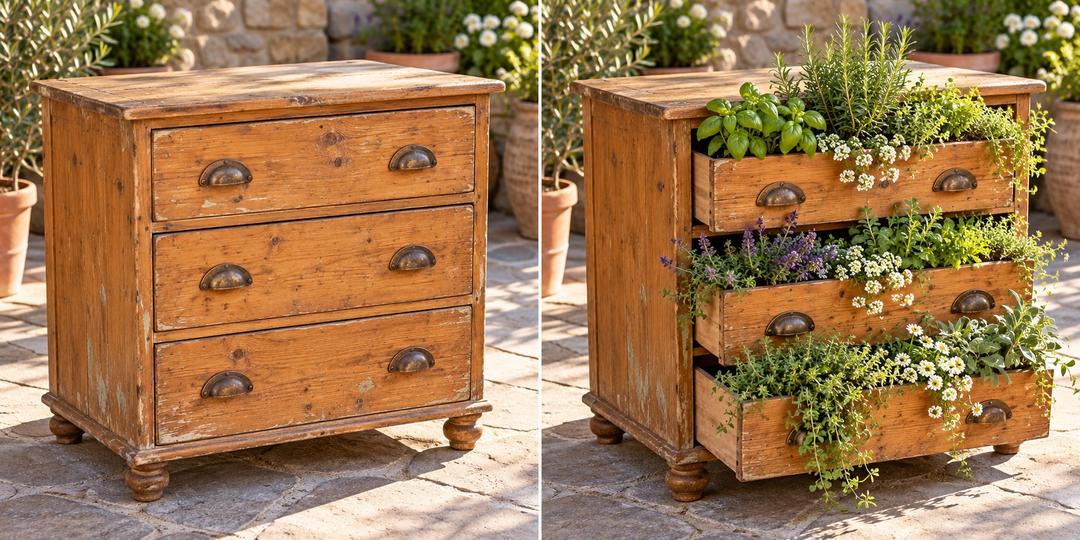
Turn a photo of an unused object into a visual upcycling idea. Choose a purpose and explore a design that keeps the original object recognizable. Images on this page are AI-generated illustrations, not completed DIY projects.
How to Explore an Upcycling Idea
Start with the object you have, then decide what you need. Illustration shows a possible concept, not verified fabrication steps.
1. Photograph the object
Show its whole shape in good light. Include handles, openings and worn areas that matter to the redesign.
2. Choose a new purpose
Select storage, a planter cover or decoration, or let AI suggest a use from your photo.
3. Review the concept
Generate and download an idea. Check real dimensions, condition, joints and suitable finishes separately before making it.
Reuse Ideas for Everyday Objects
These illustrative directions can help you choose a purpose before buying new materials.
Crates into useful storage
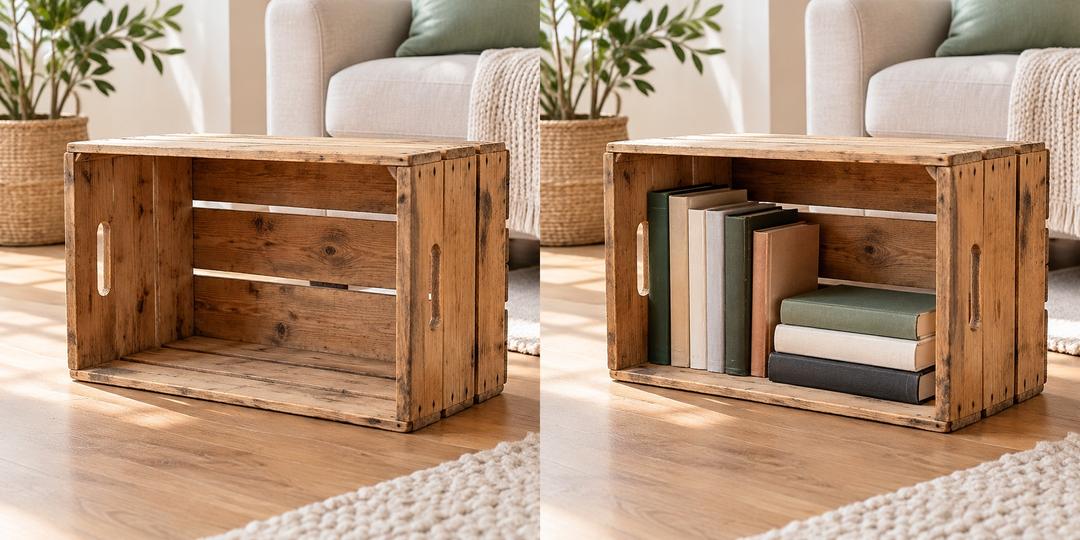
Explore a desktop organizer or a place for craft supplies while retaining the crate's visible structure.
Containers as planter covers
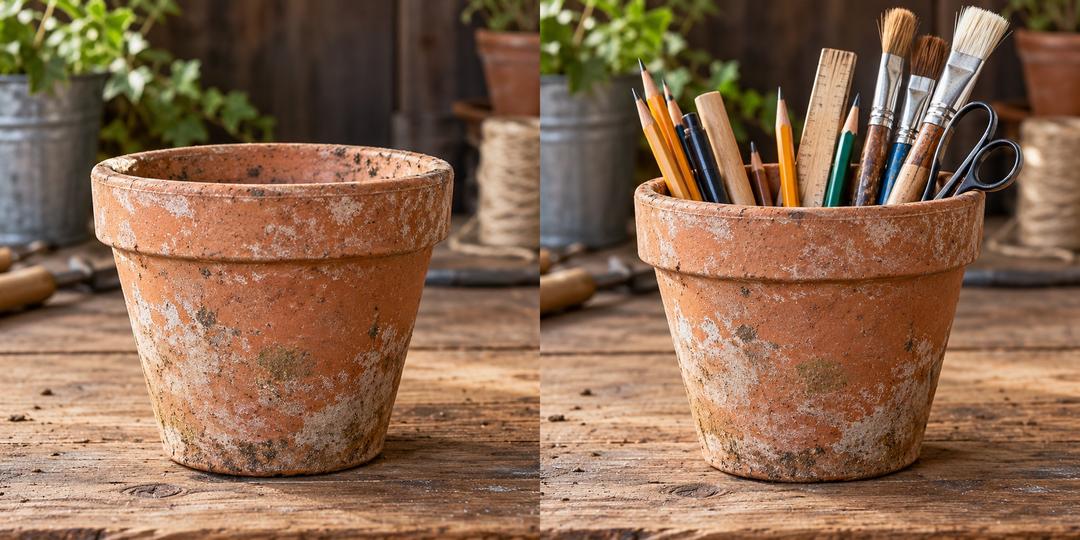
Preview a decorative outer container. Plan water collection and drainage around the actual inner plant pot separately.
Unused objects as decor
Try a coordinated color or display concept that reuses the object's shape instead of replacing it entirely.
Upcycling Ideas FAQ
What this photo-based tool can help you explore.
Give Your Unused Object a New Direction
Start with one photo and a purpose you would actually use.