Yellow · cheek kiss
A cheek kiss against a warm yellow backdrop.
Try the sample photos or upload your own.
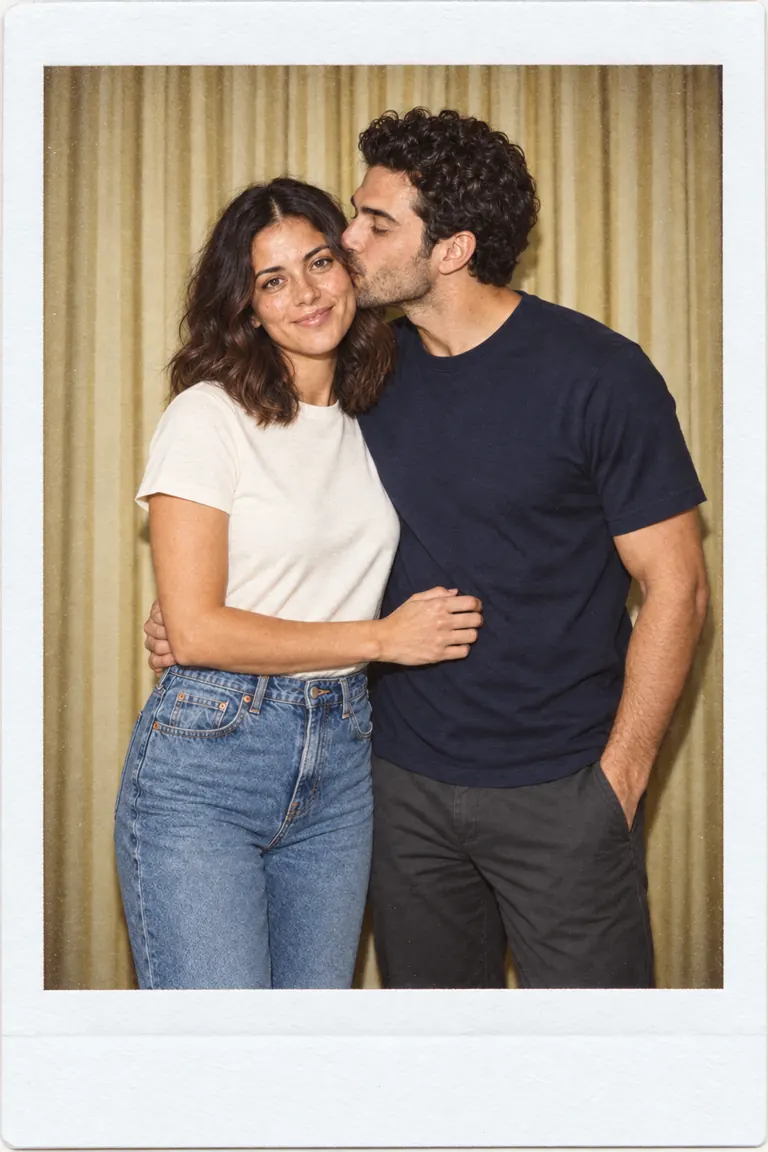
Sample result — your photos will be used when you generate.
Synthetic-person originals and edited scene examples. These are illustrative assets, not product generation tests; actual results may differ.
A cheek kiss against a warm yellow backdrop.
A cheek kiss against a vintage blue backdrop.
A relaxed hug against a warm yellow backdrop.
A face-to-face kiss against a vintage blue backdrop.
One white-bordered photo of a close embrace against white curtains.
One relaxed anniversary portrait with both faces visible and no added names or dates.
One image with three stacked frames of the same two people in a red-curtain booth.


These synthetic-person examples illustrate the scenes available below. Your input photos and generated result will differ.
Start with a close embrace, white curtains, a white photo border and direct-flash styling.
Request a relaxed embrace with both faces visible. Add any names or dates later in an editor.
Choose three stacked frames with the same pair, clothing and red-curtain setting.
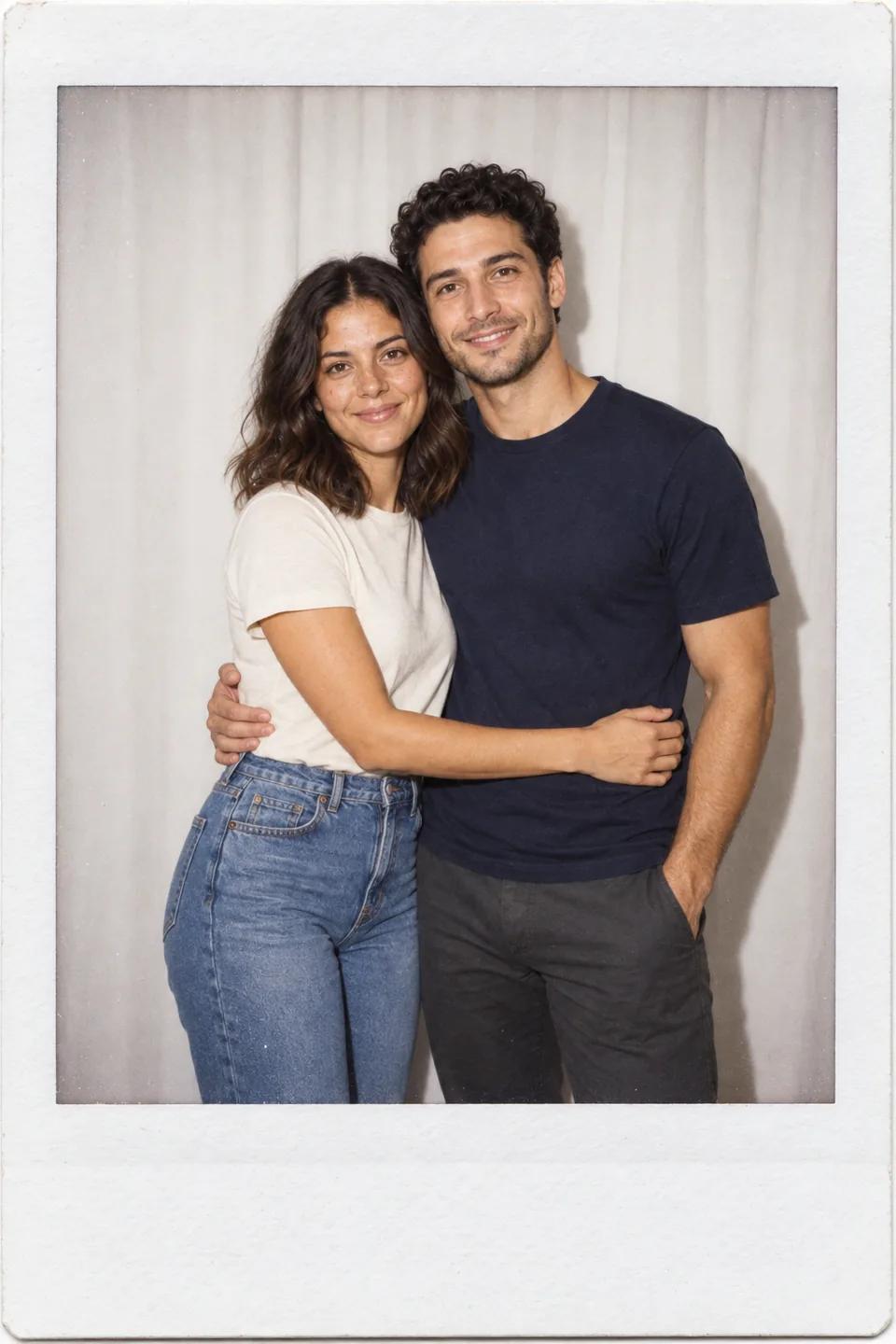
Exactly two uploaded portraits are required, even for a three-frame strip.
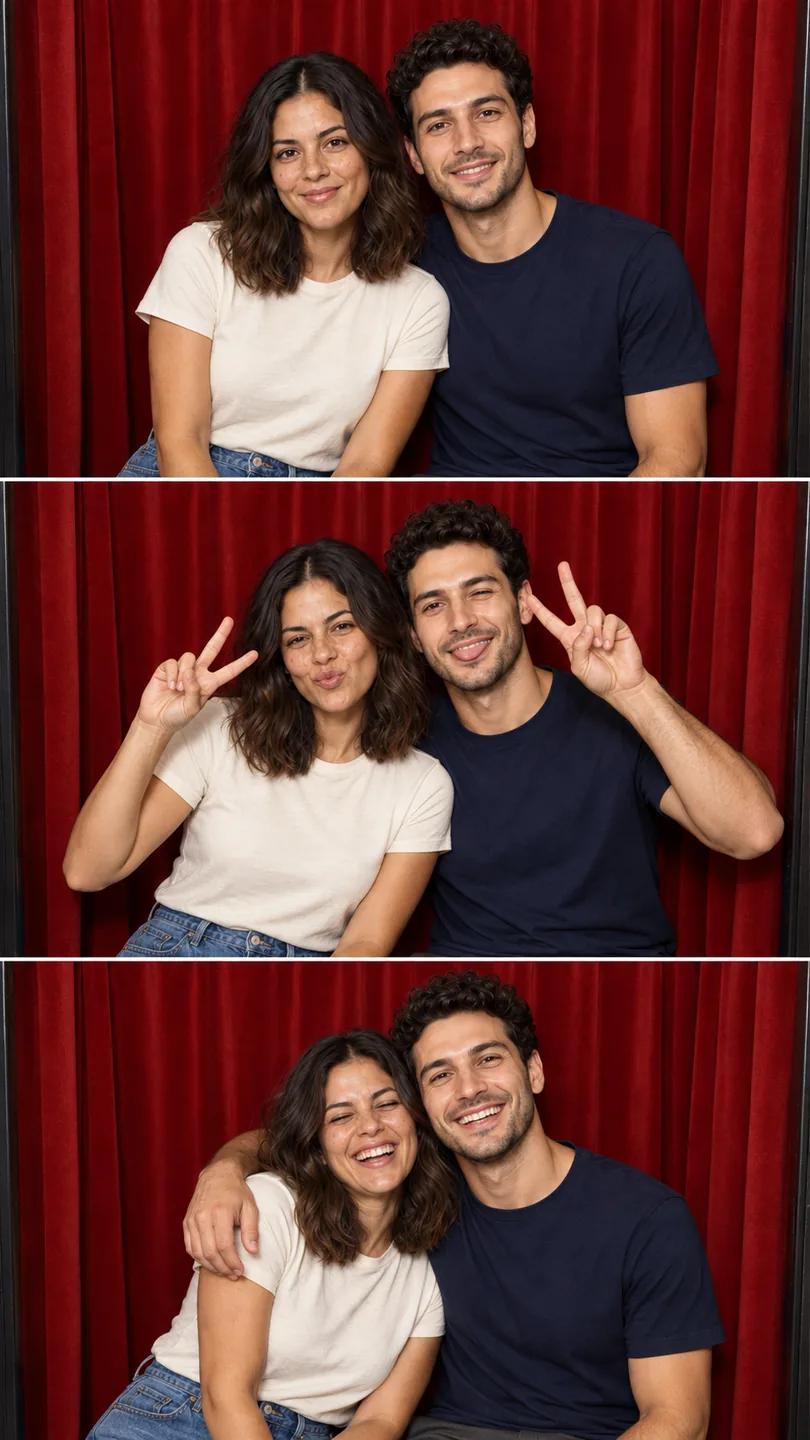
Use one person per photo, clear faces and similar lighting. Avoid cropped heads and obscured features.
Pick a preset, then review the pose, background and output ratio before generating.
Follow the account and credit prompts. When generation finishes, inspect both faces and hands before downloading the digital image.
The output is a digital composition, not a physical instant photograph or a guarantee of exact likeness.
Explore a digital couple portrait for a personal album or a card layout.
Use the vertical photobooth scene as a three-frame composition for a story or post.
Generated images depict imagined scenes. Check identity and anatomy, and do not present them as documentation of an event.
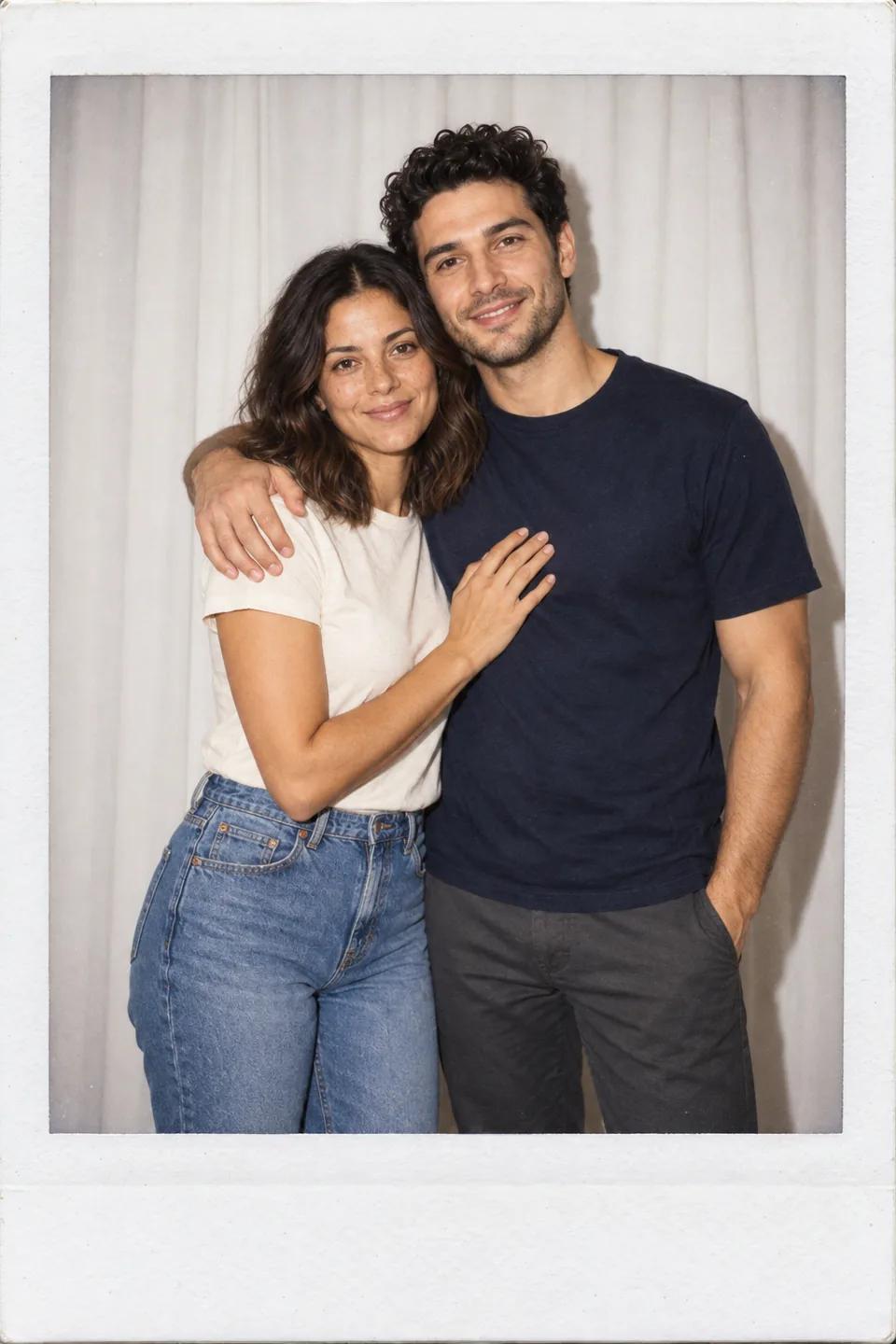
Two identity references, one digital photo or strip.
Single-photo presets request a white border, subtle grain and restrained vintage color.
Use the existing hug, kiss and other pose choices, or start with the anniversary scene.
The red-curtain preset repeats the same two people across three frames in one output image.
Choose a preset to fill the pose, background and recommended aspect ratio together.
Inputs, layouts, access and limitations before you generate.
Upload two photos, one person in each, and choose white curtains, an anniversary embrace or a red-curtain photobooth strip.