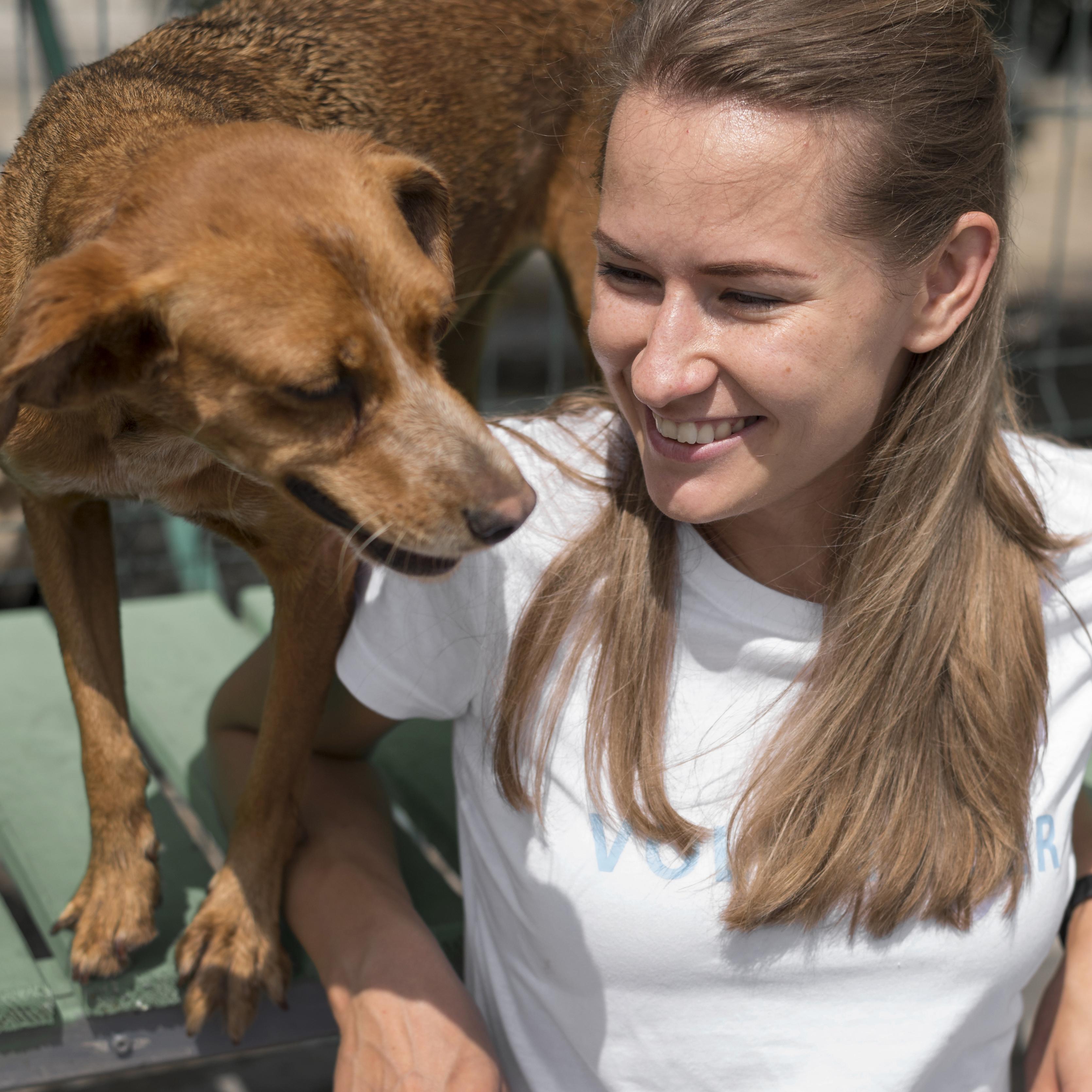
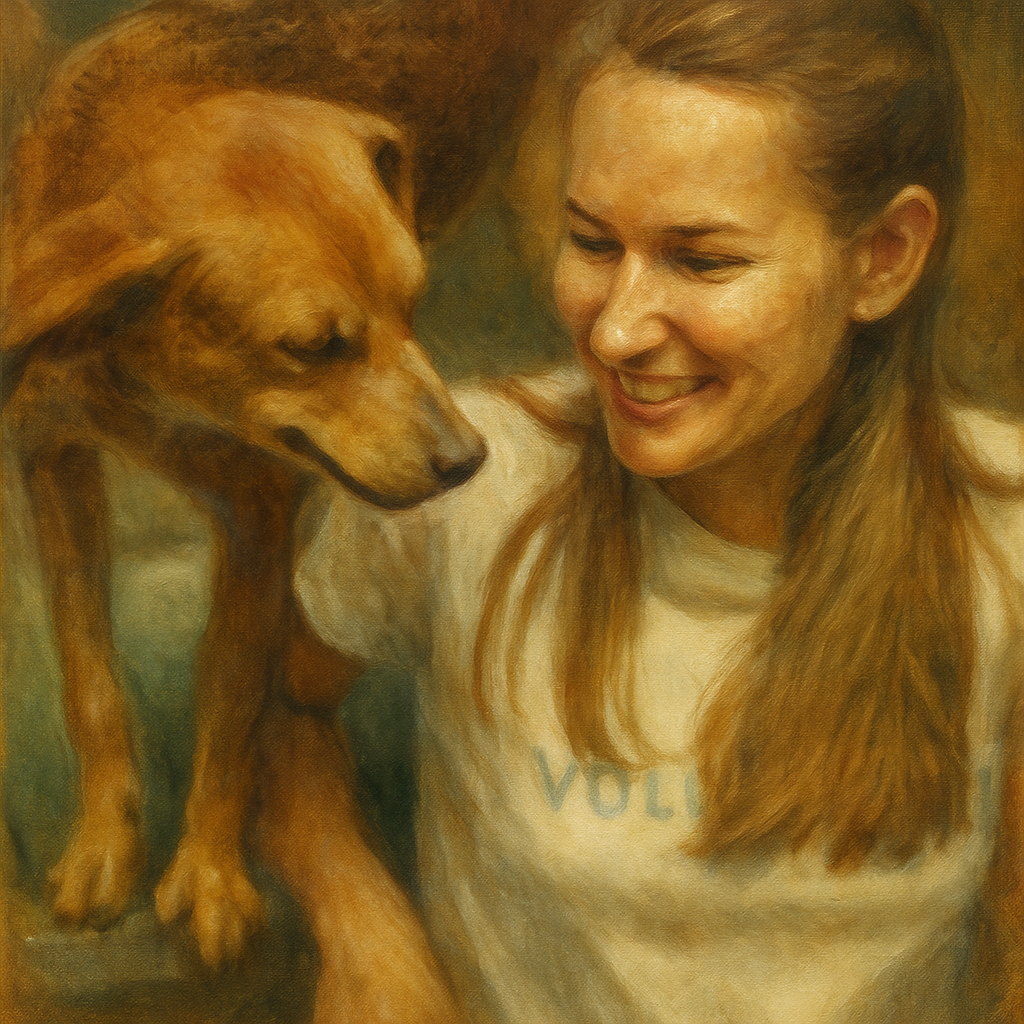
Turn photos into painterly images with brush texture, fine-art color, canvas effects, sketches, and classic art-inspired finishes.
Generated Preview
Oil
Use any card as a painting preset for the generator above, or open its detail page for examples.
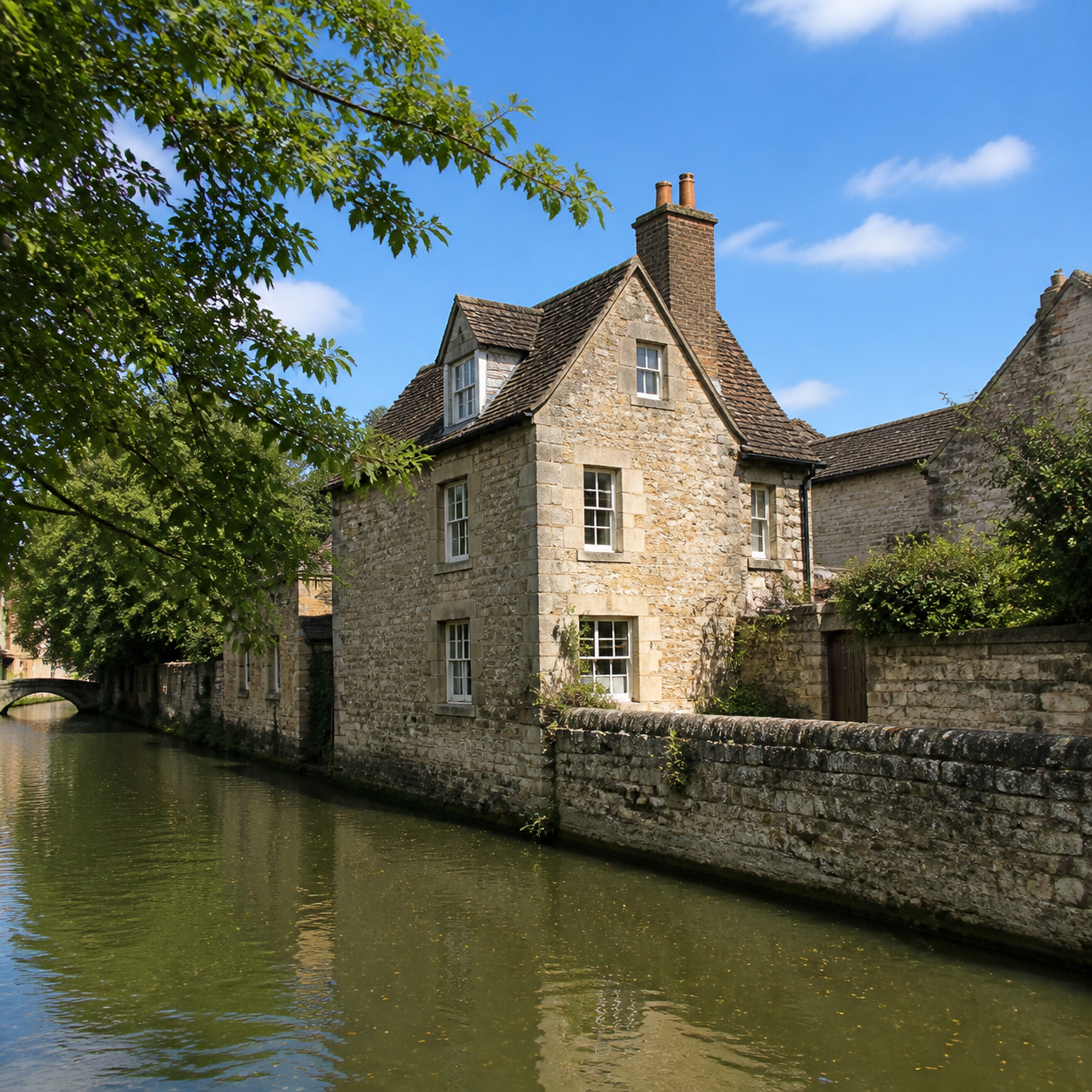
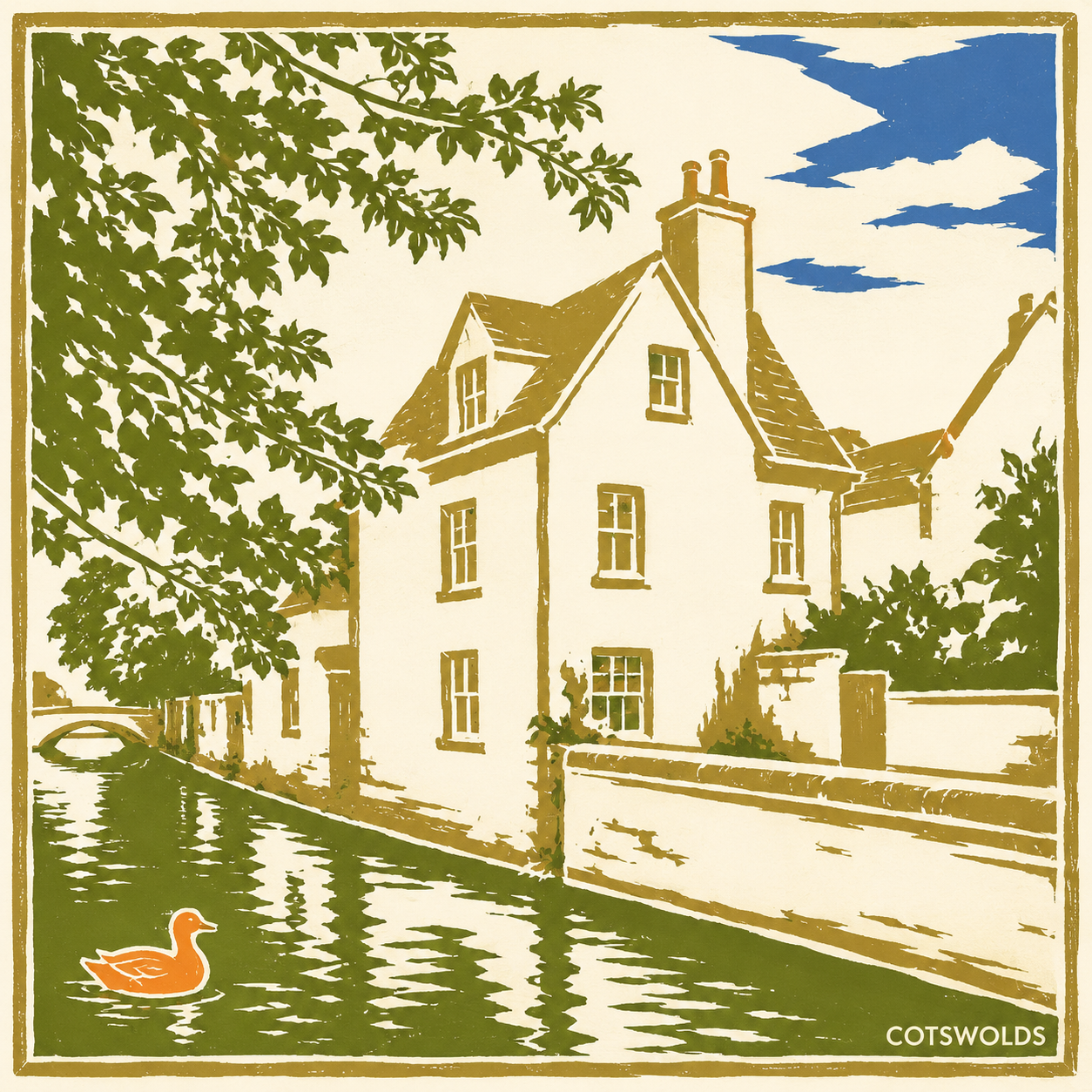
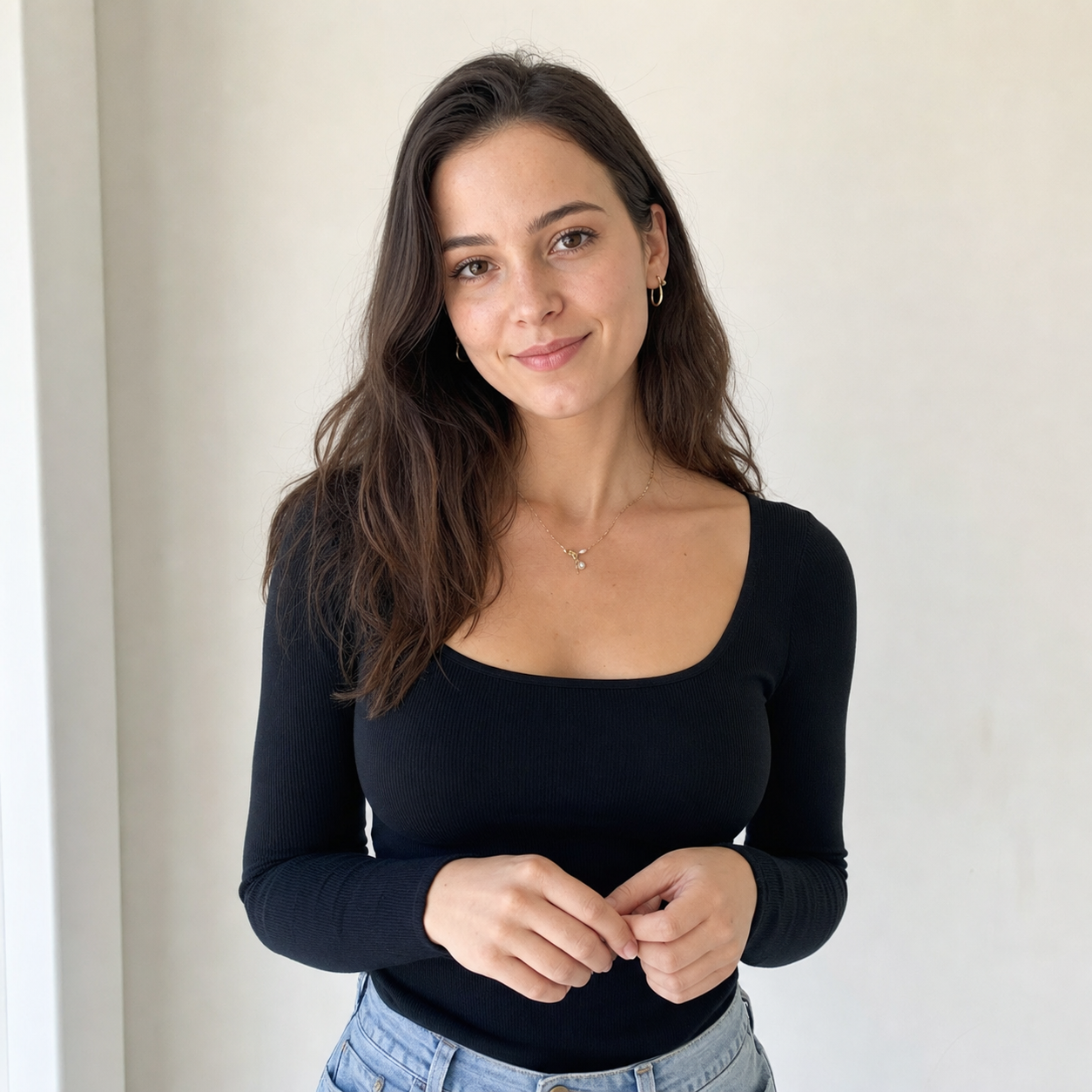
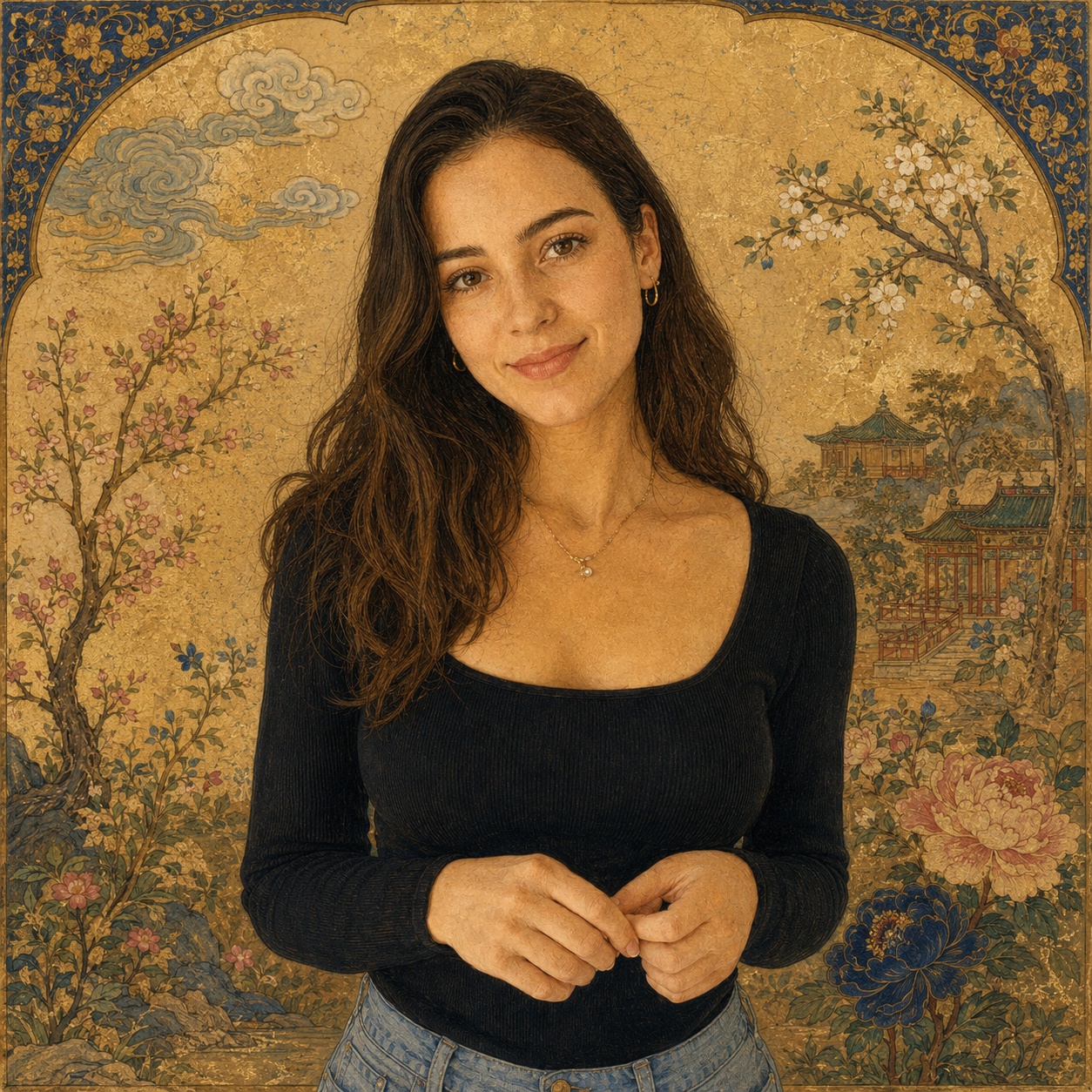
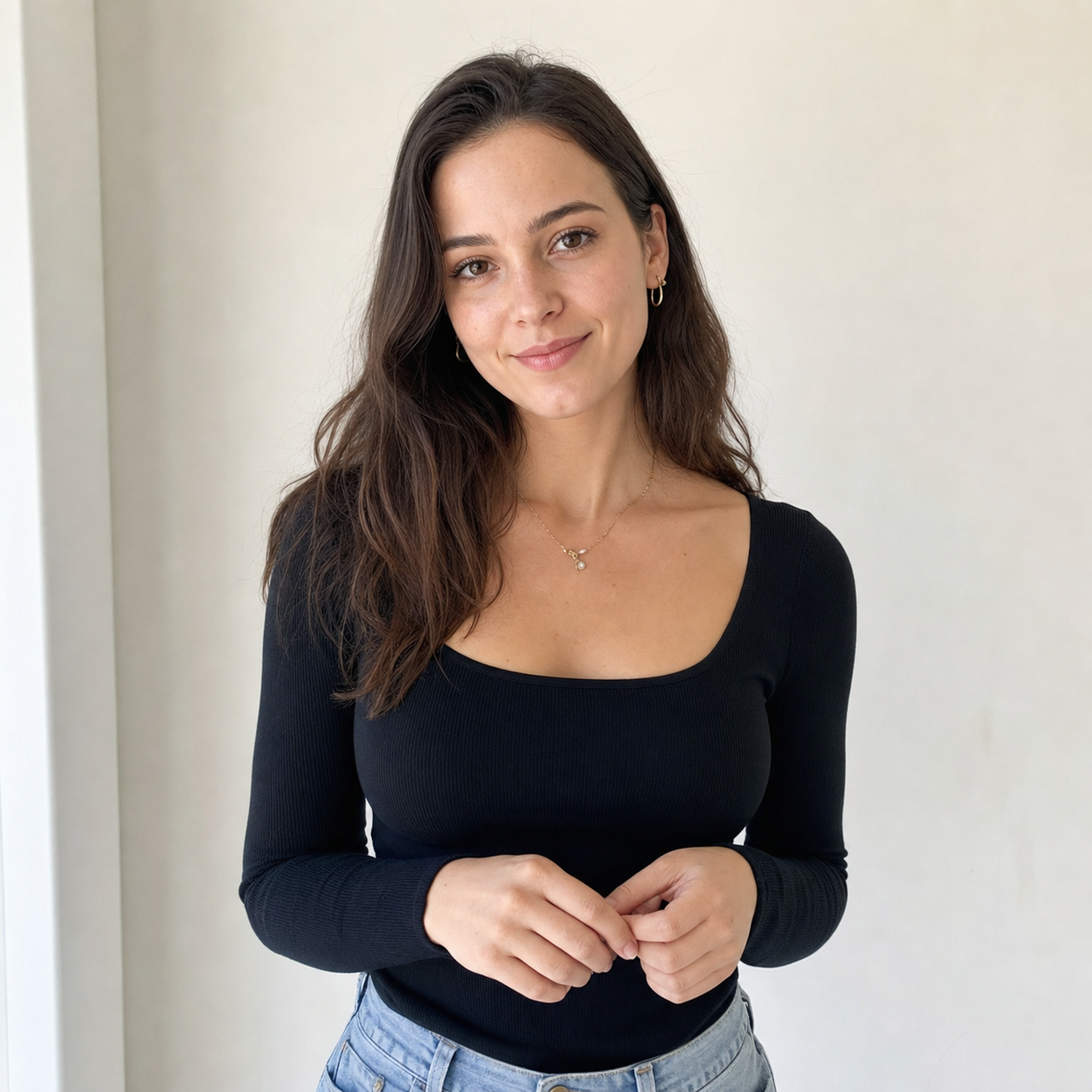
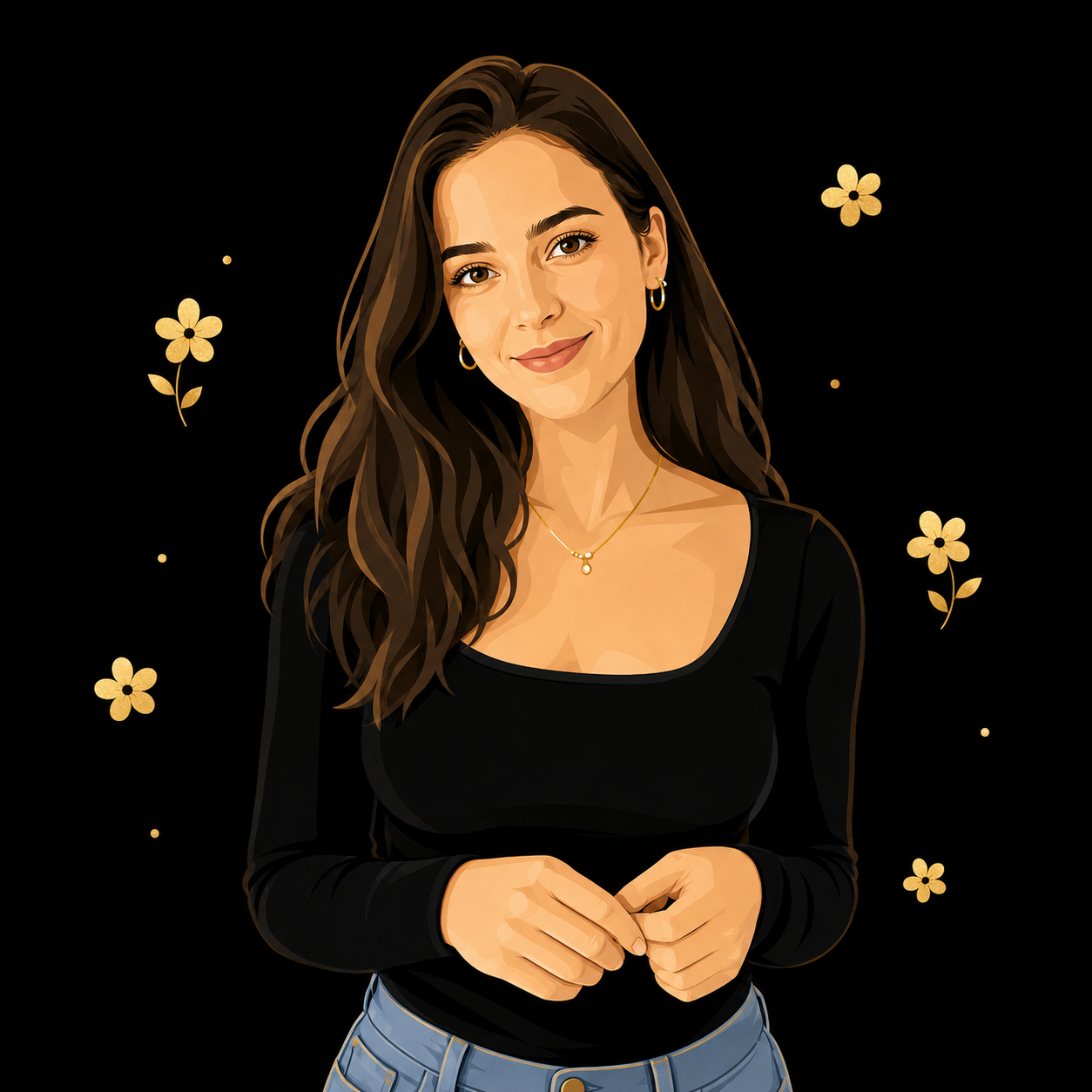
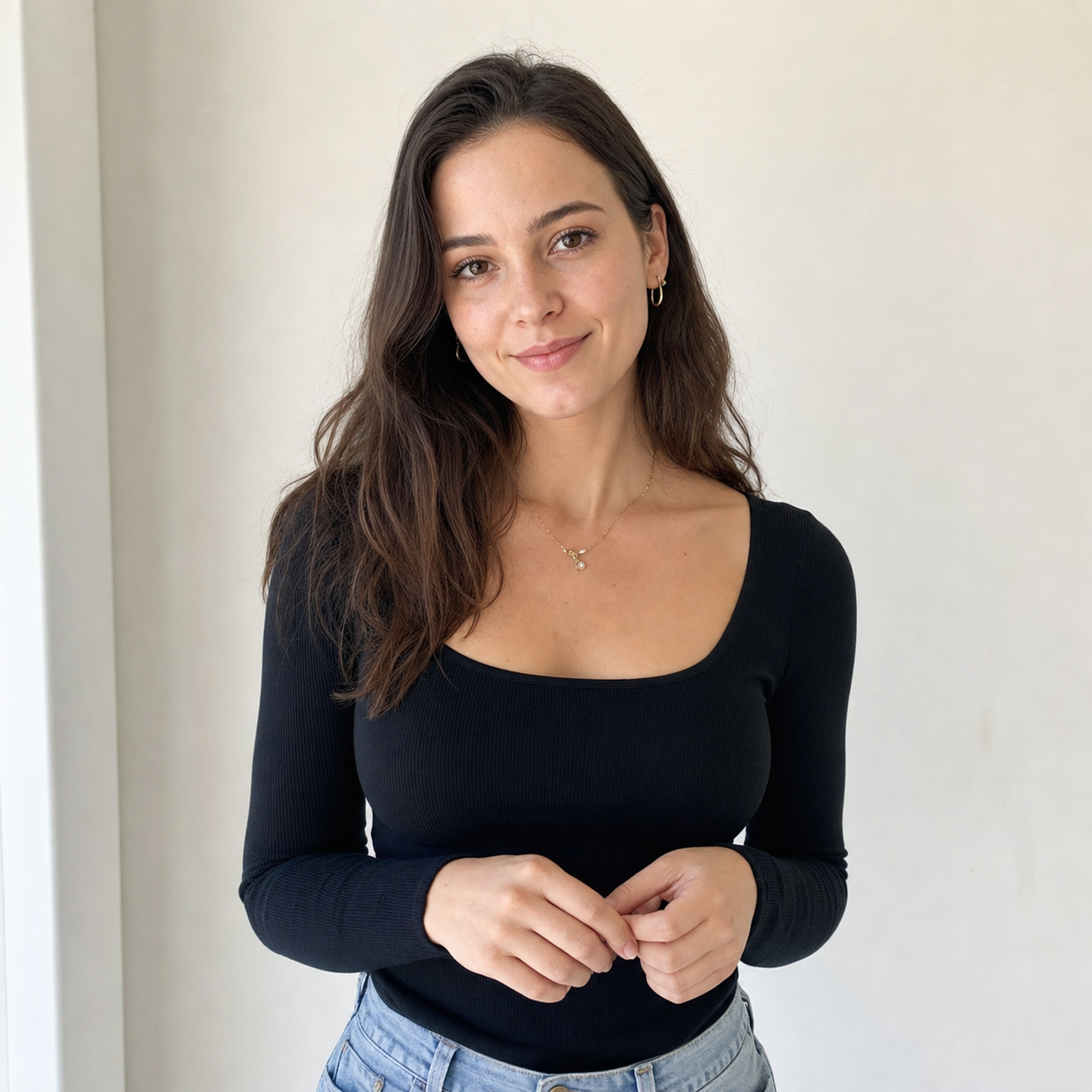
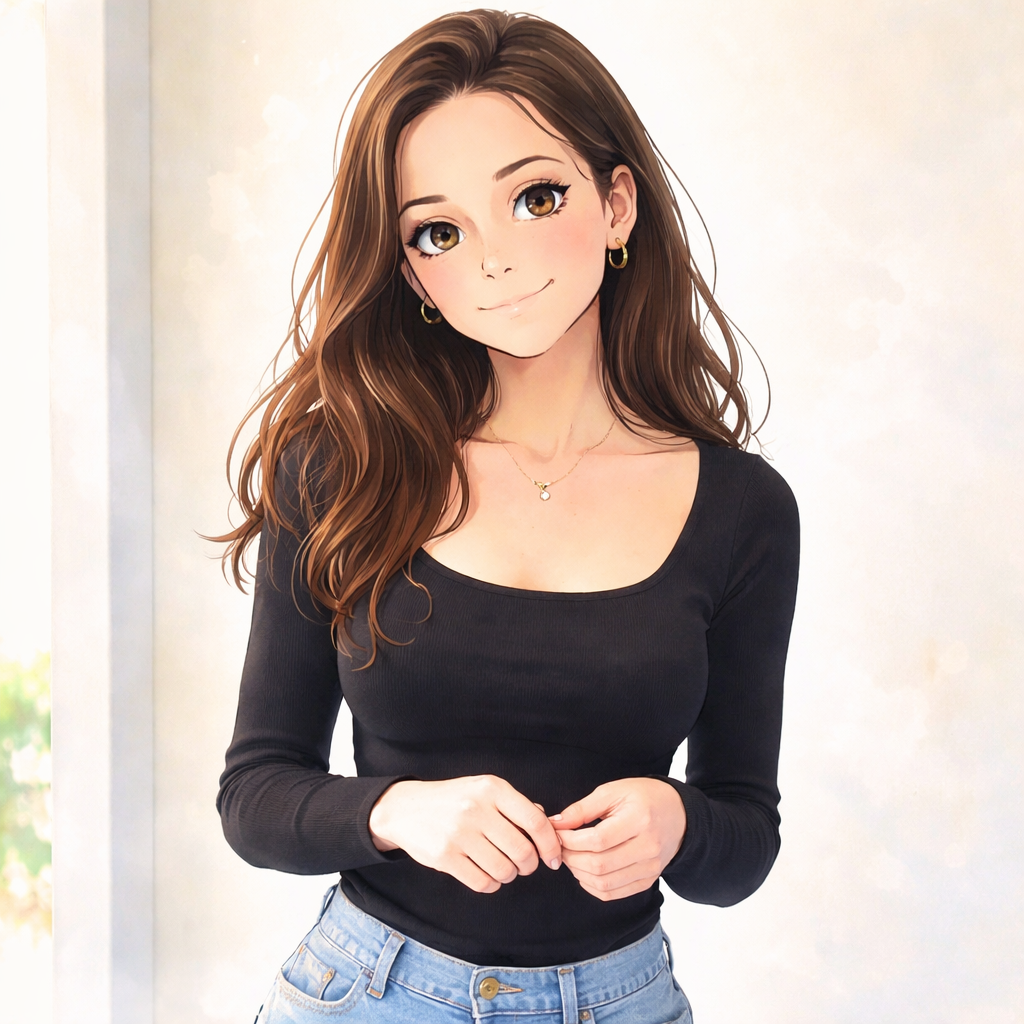
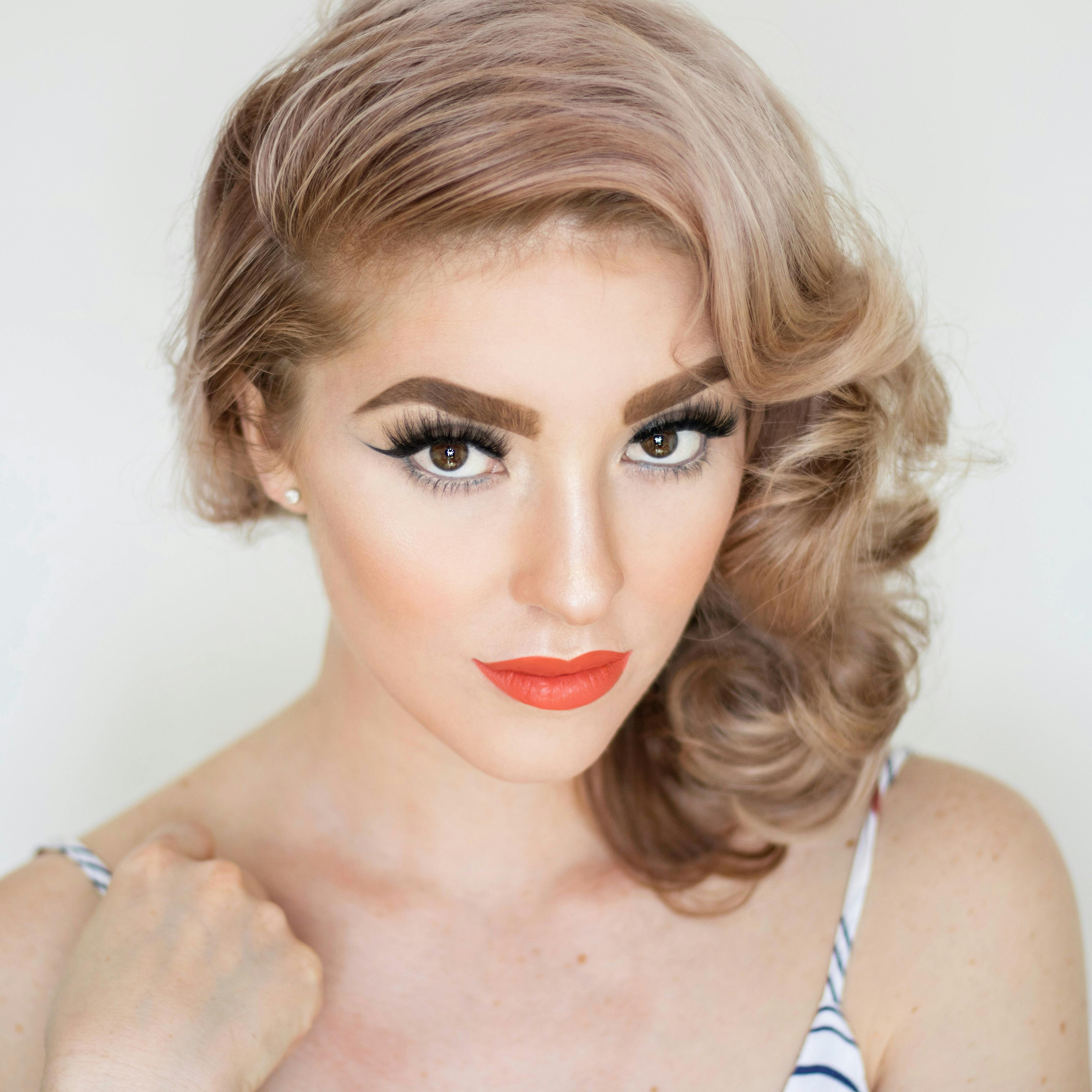
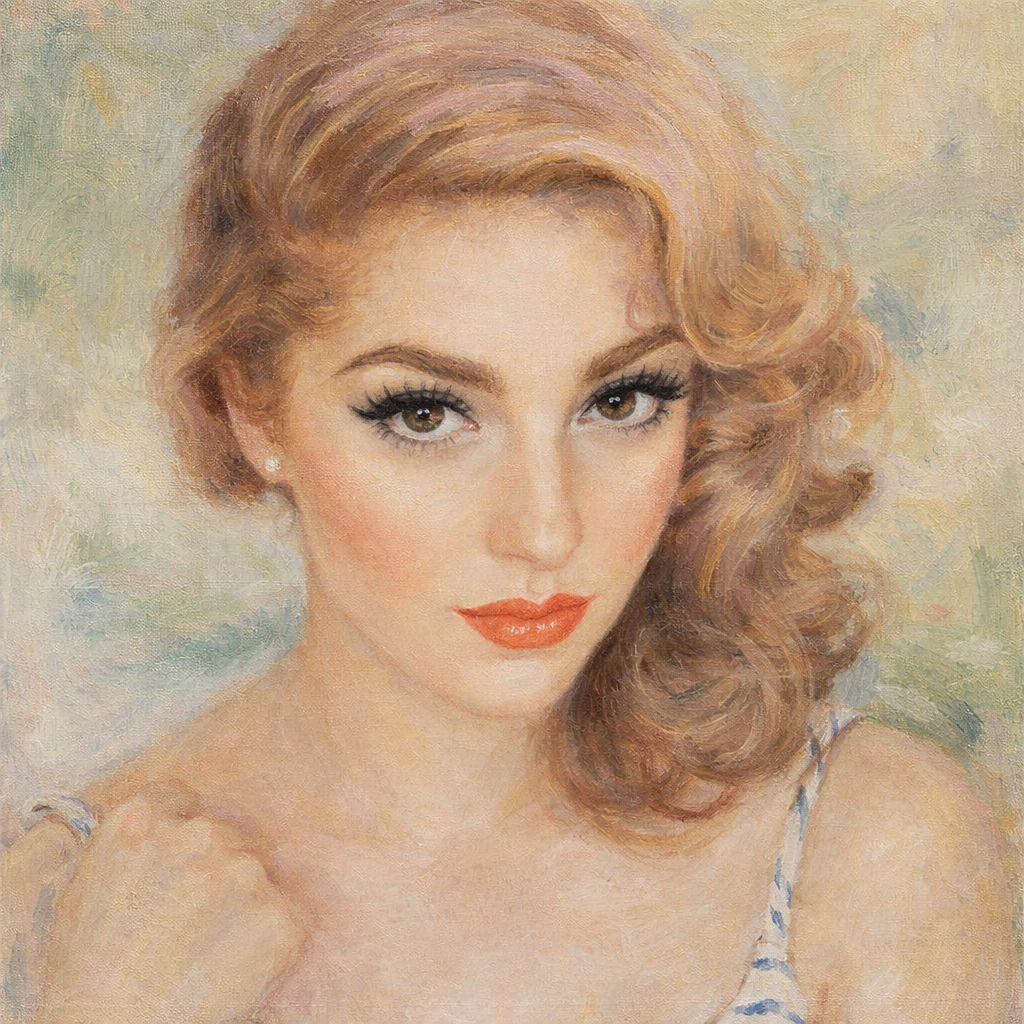
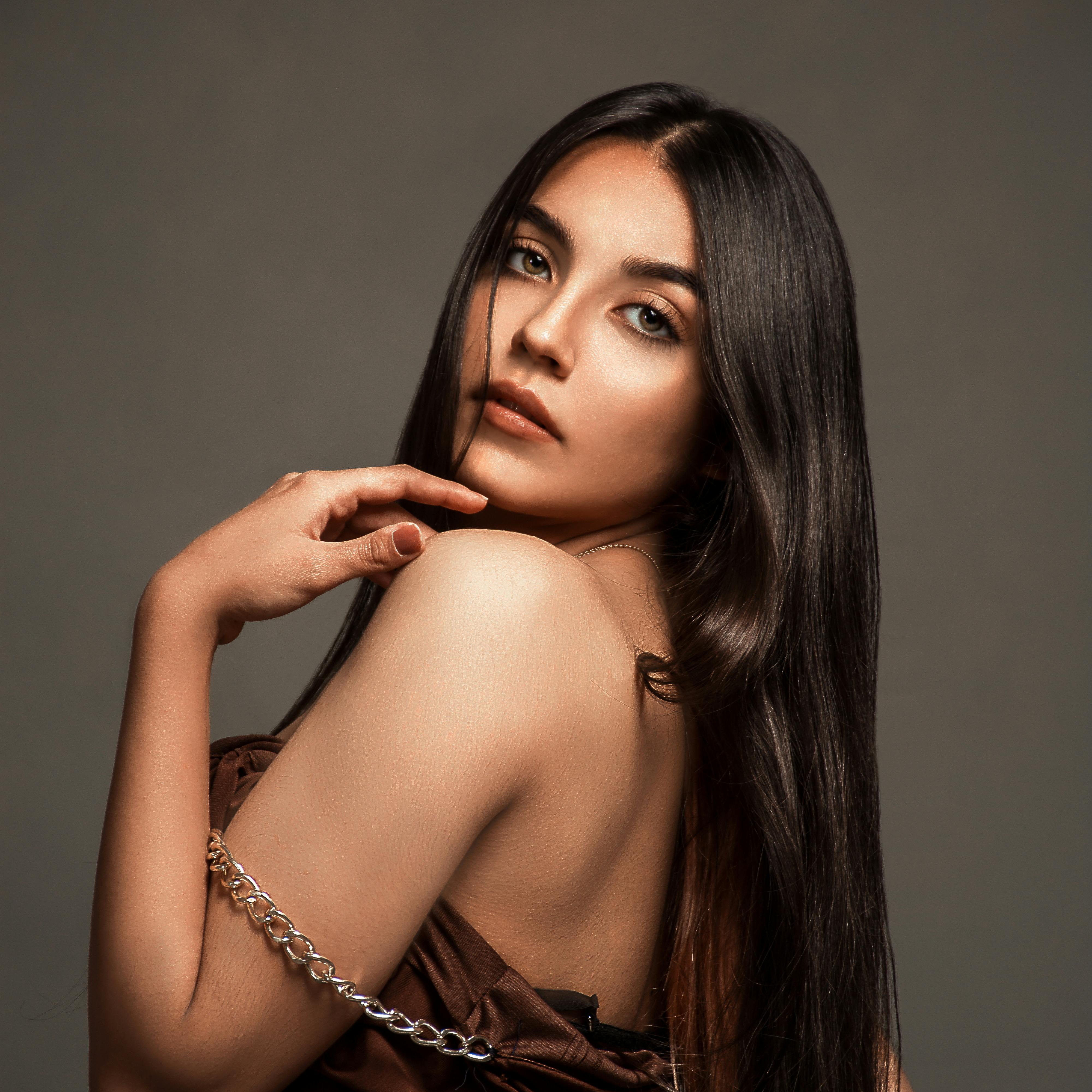
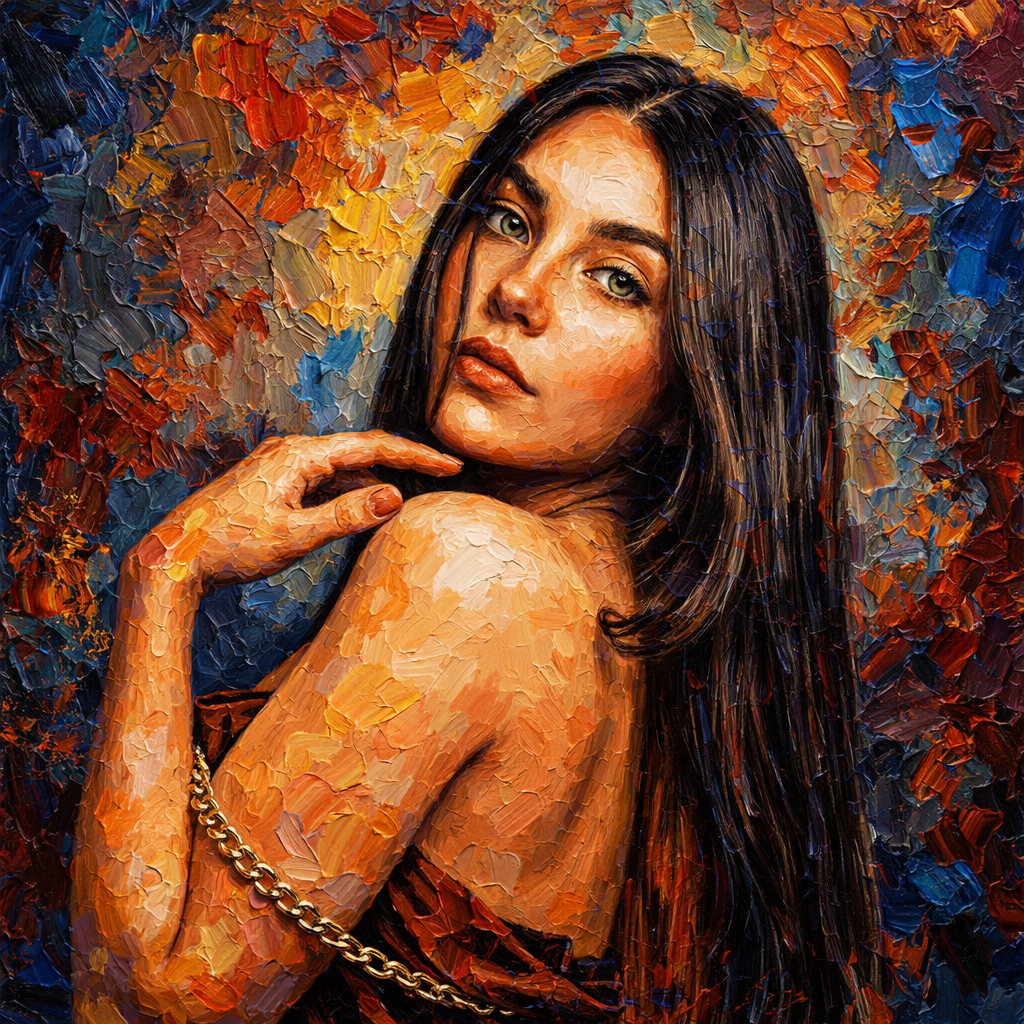
.png)
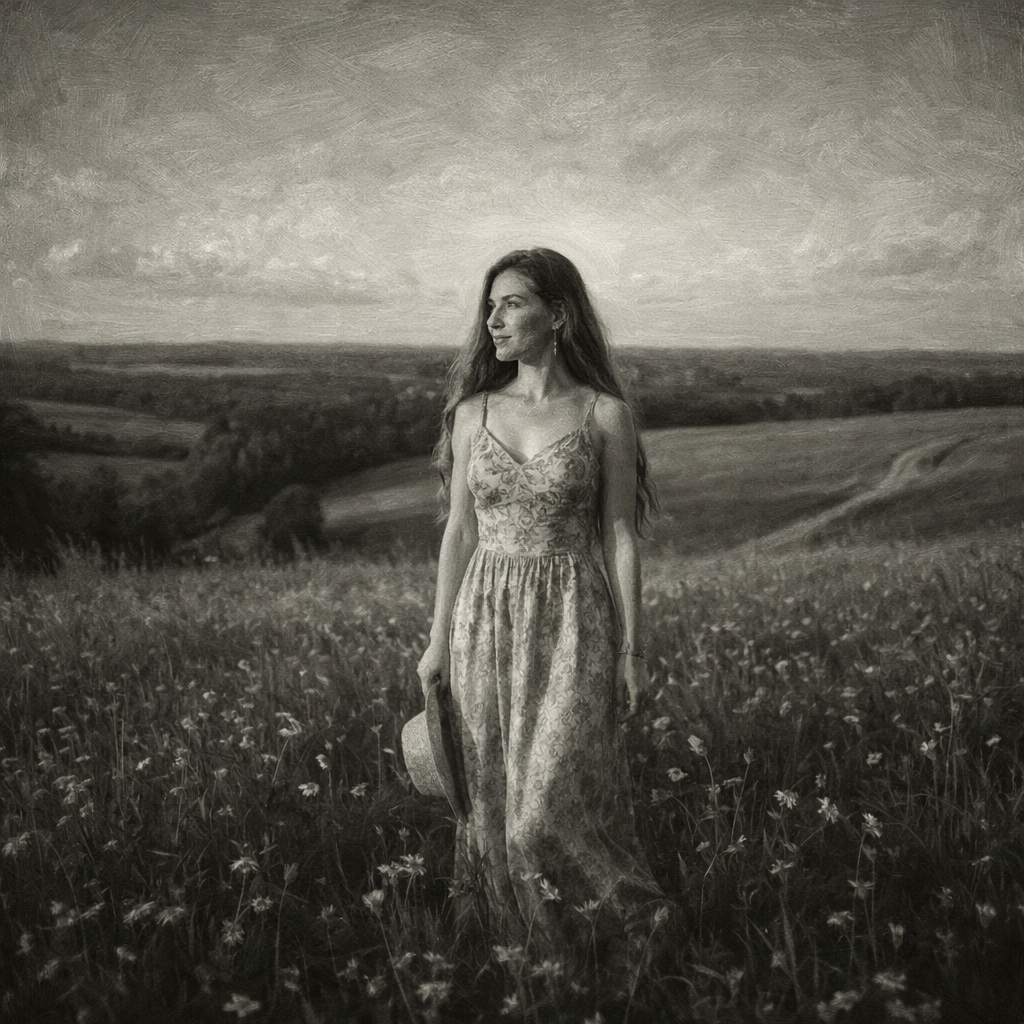
.jpg)
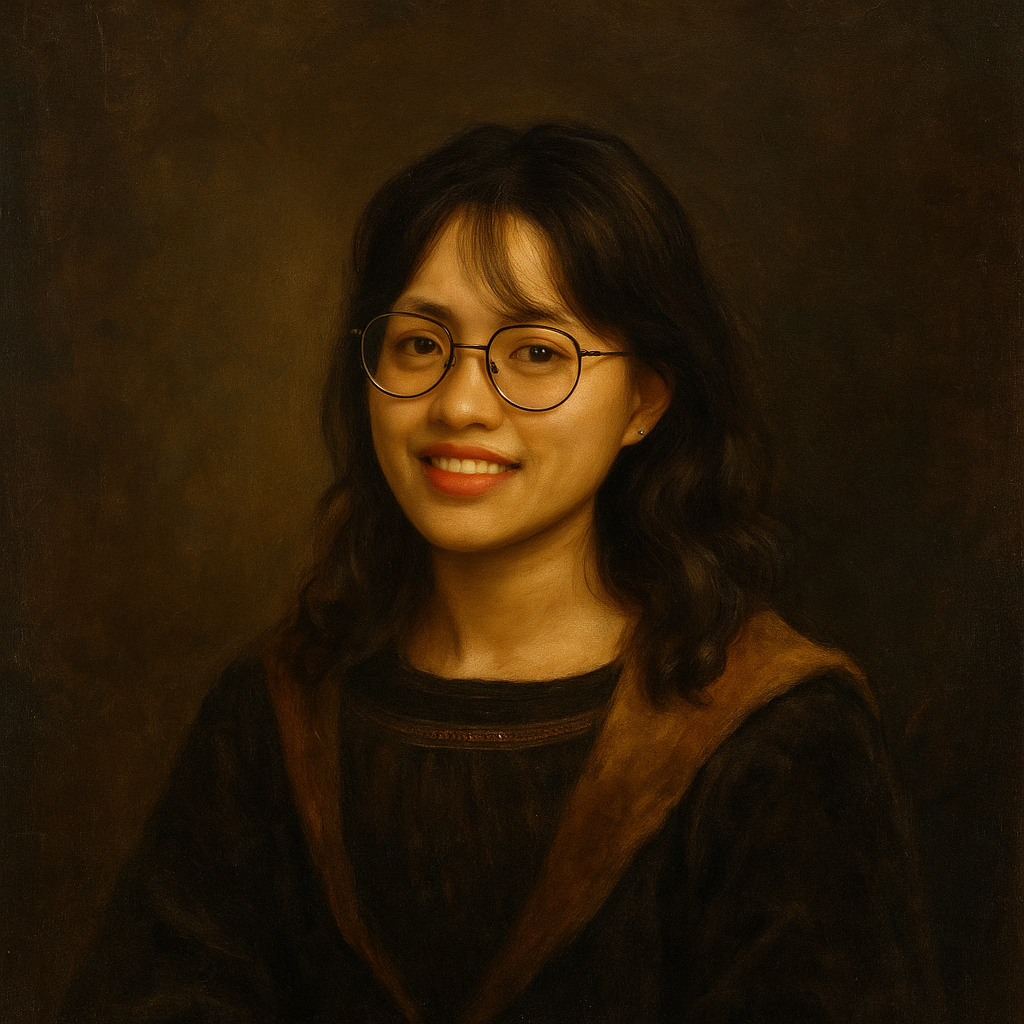
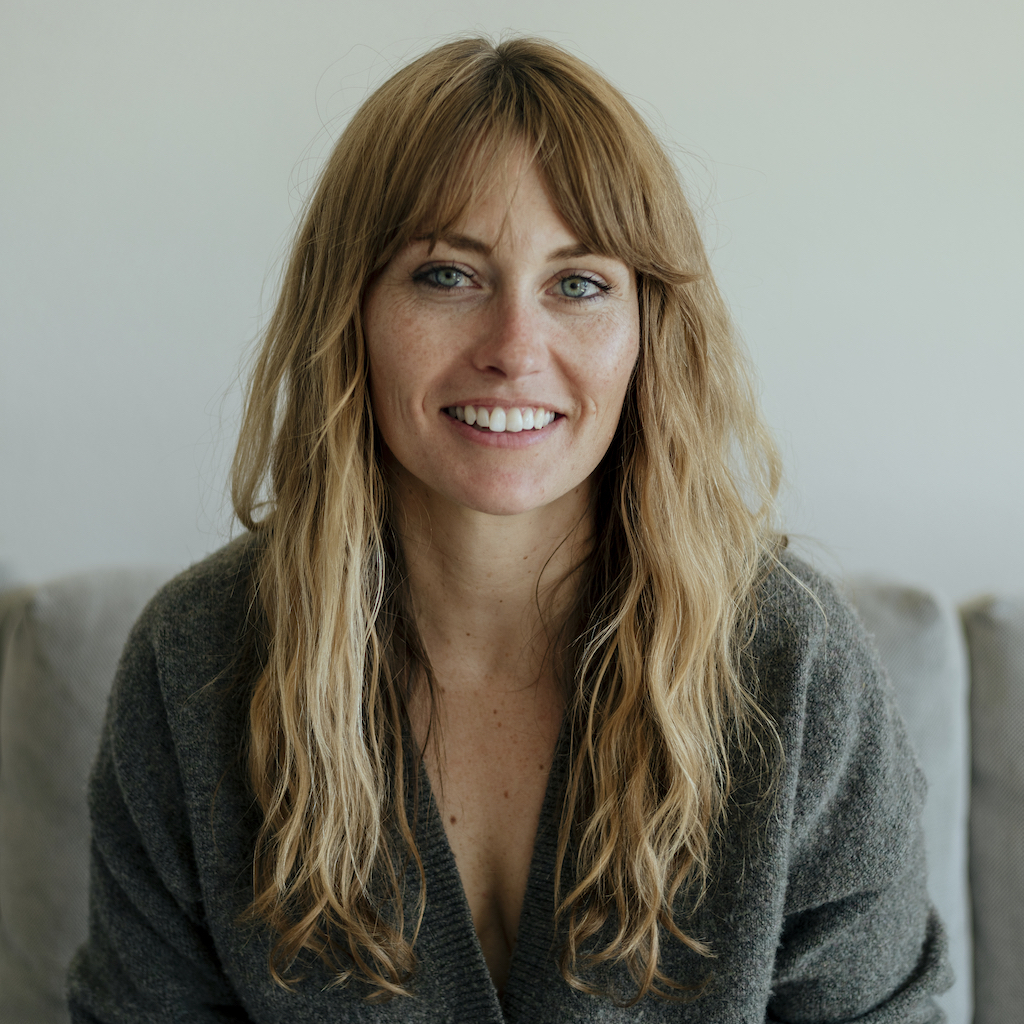
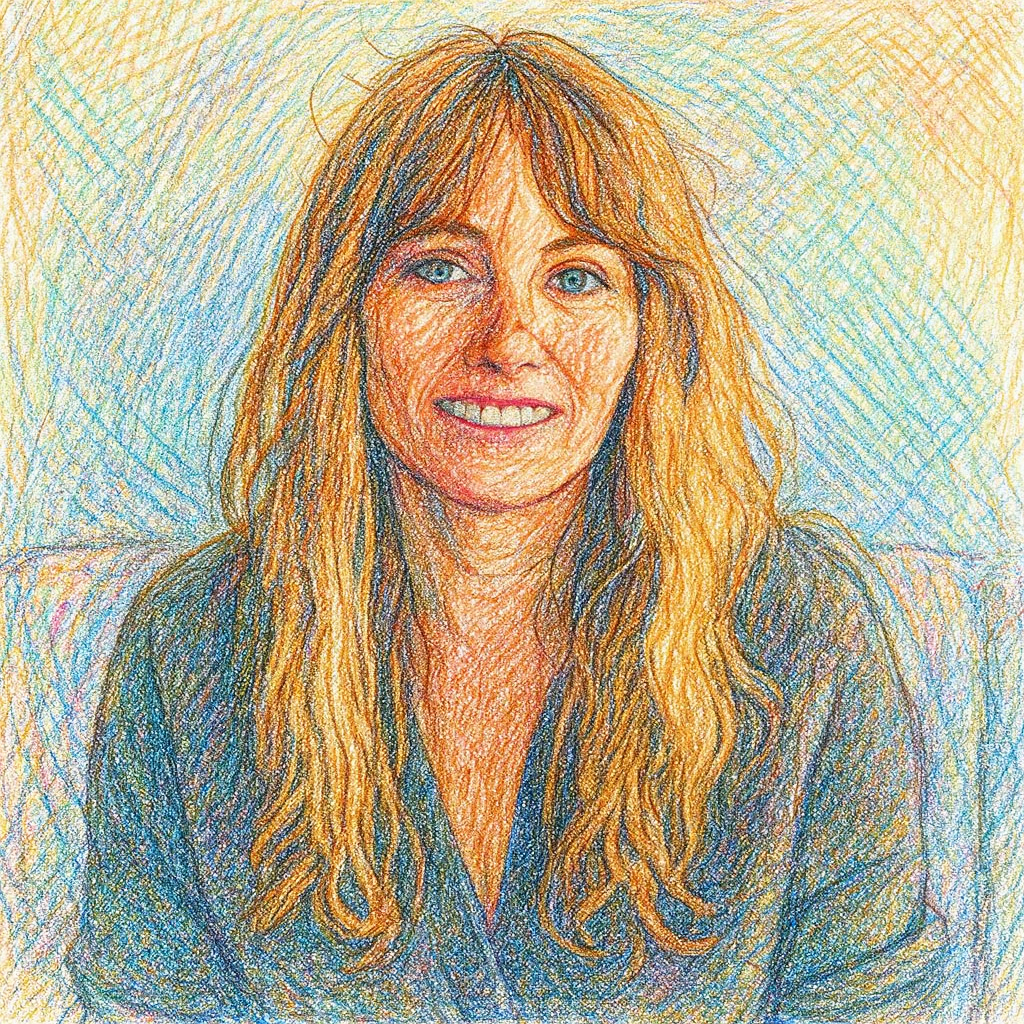

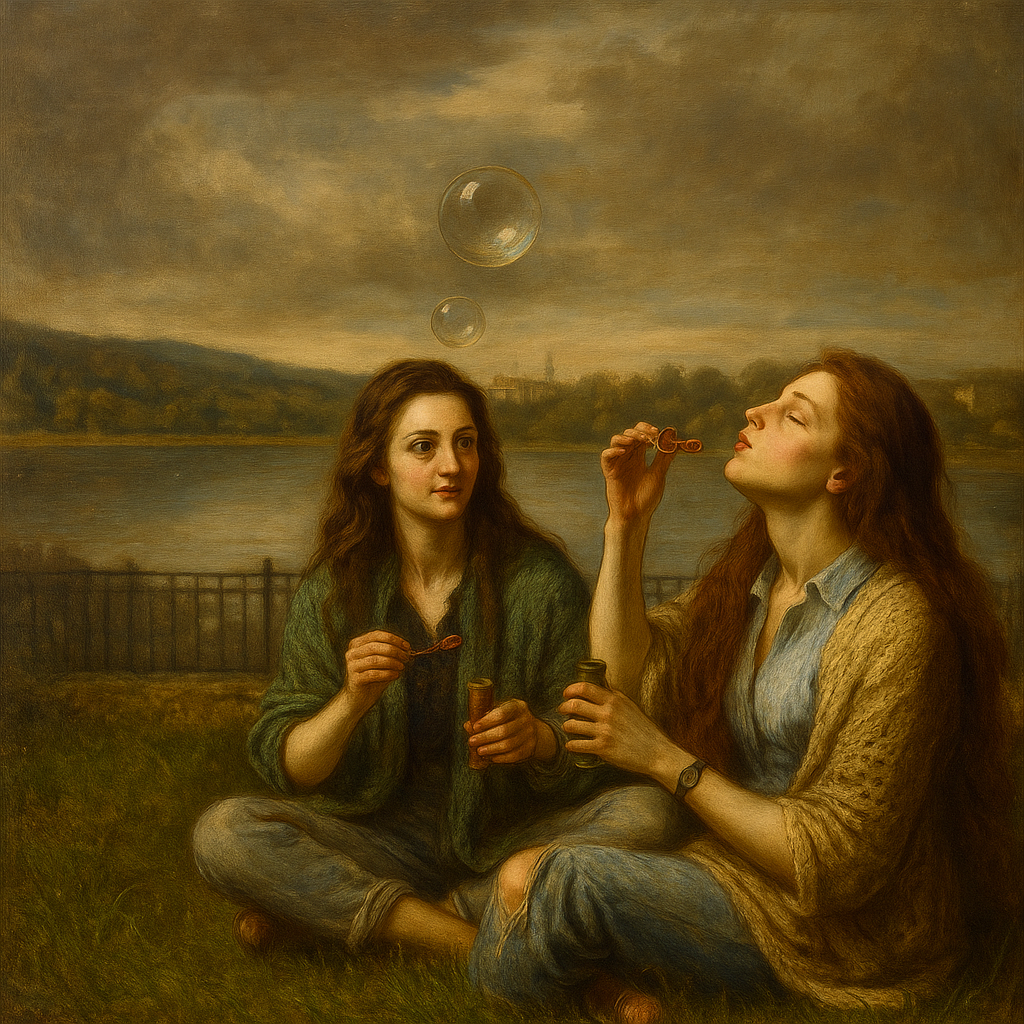
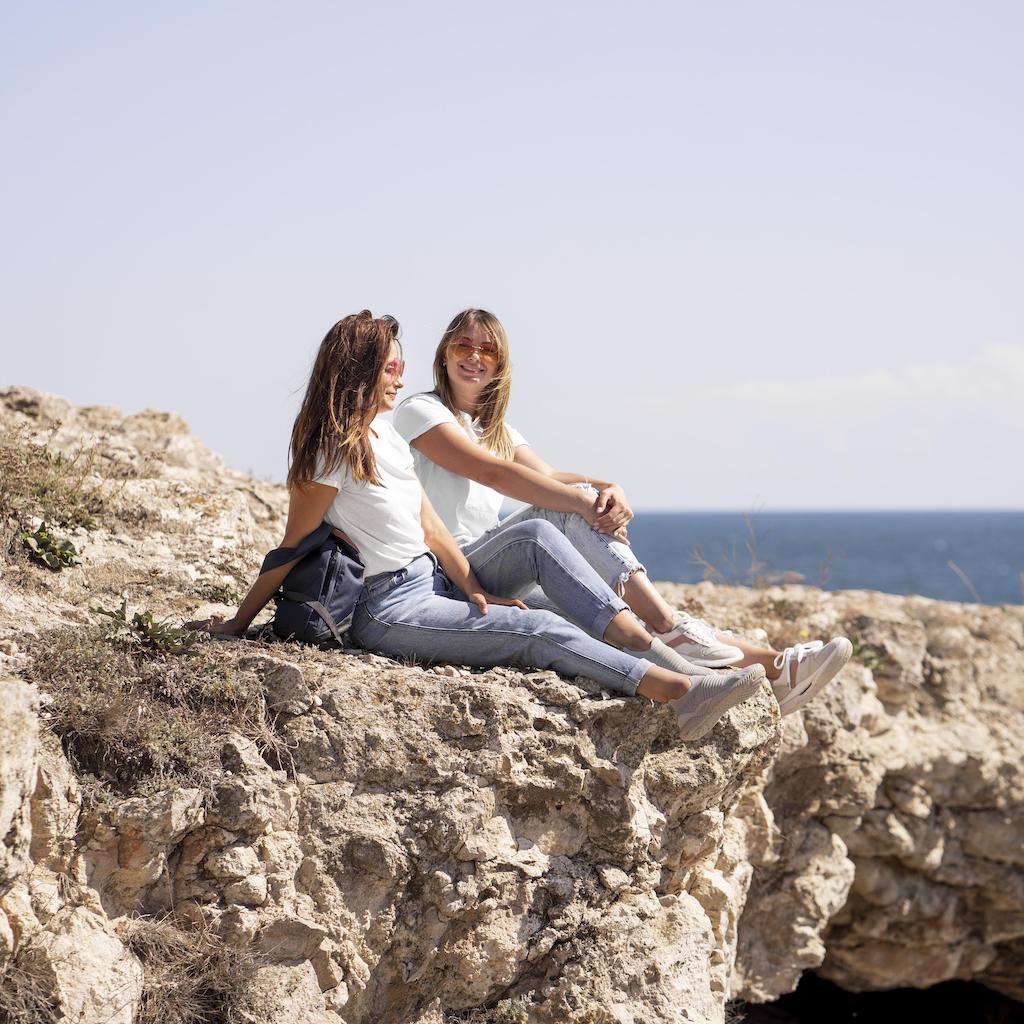
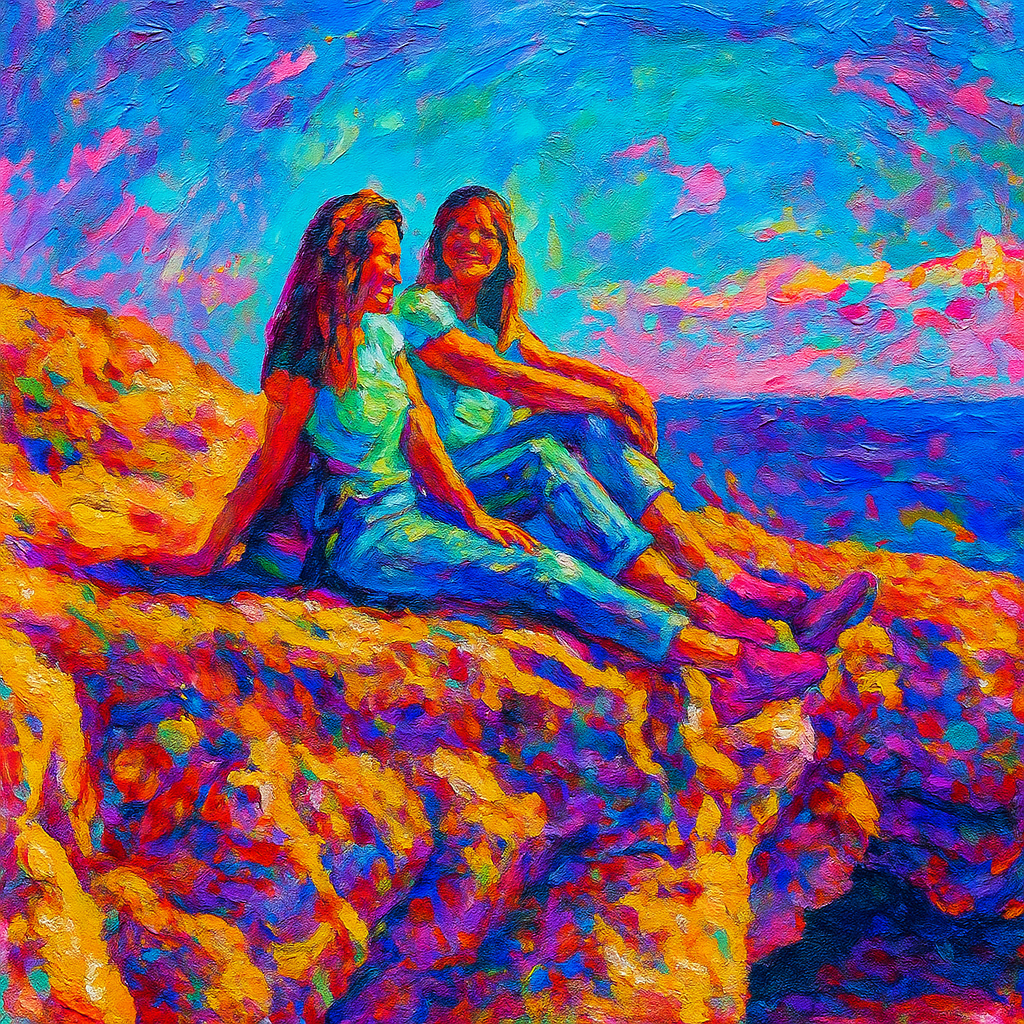

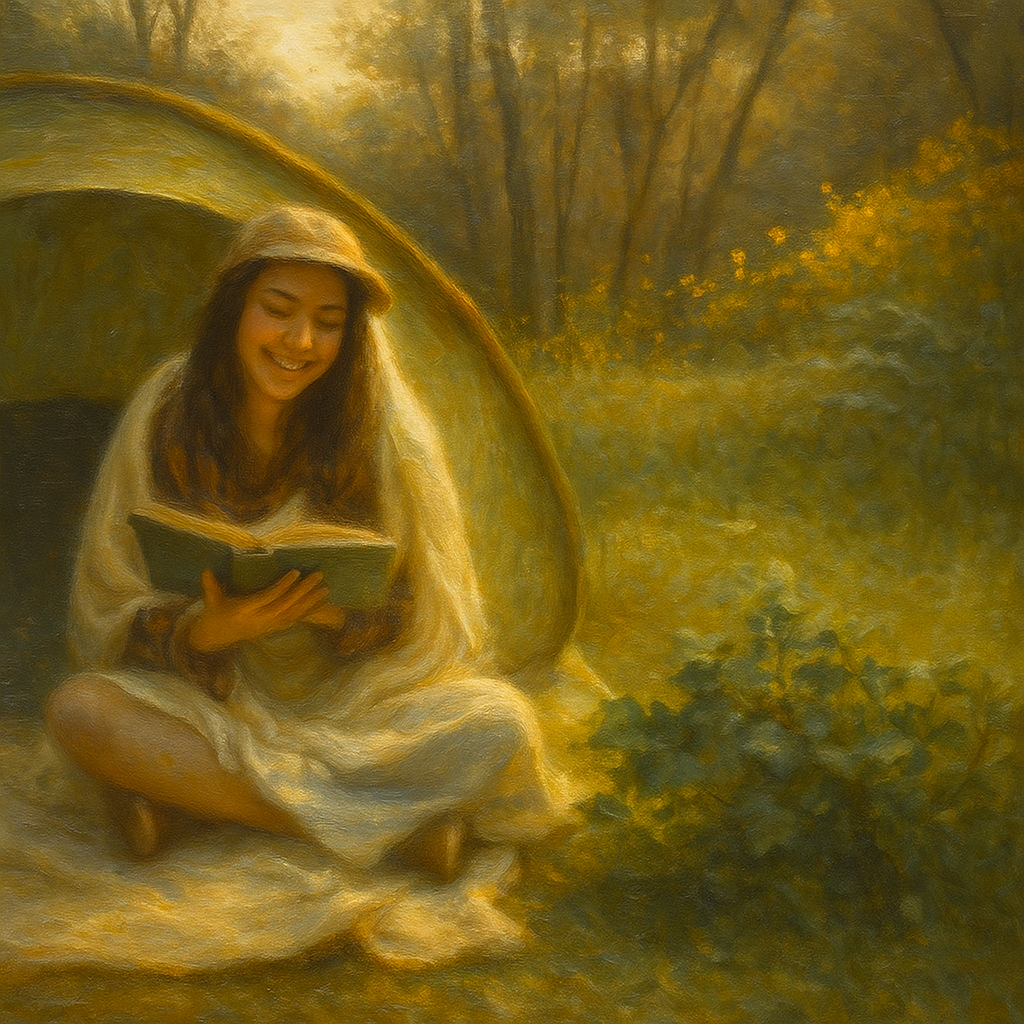
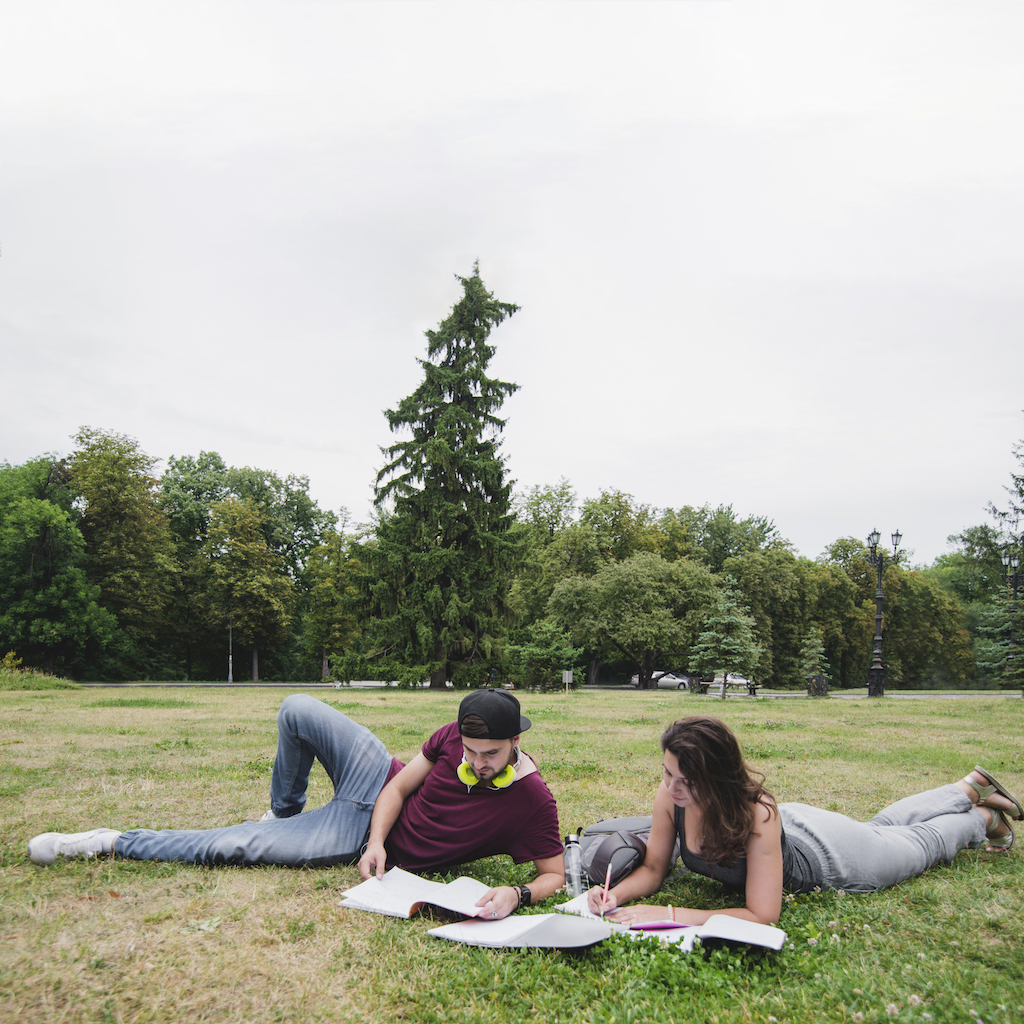
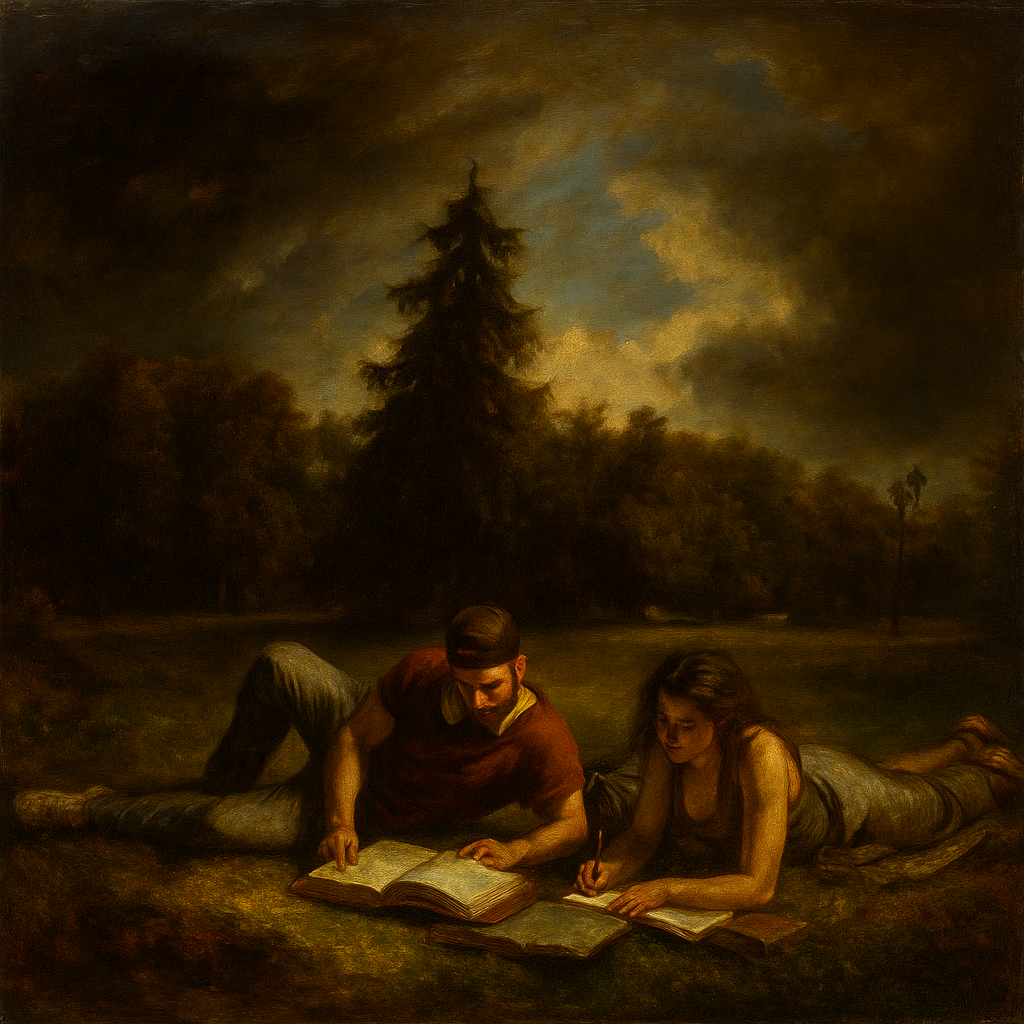
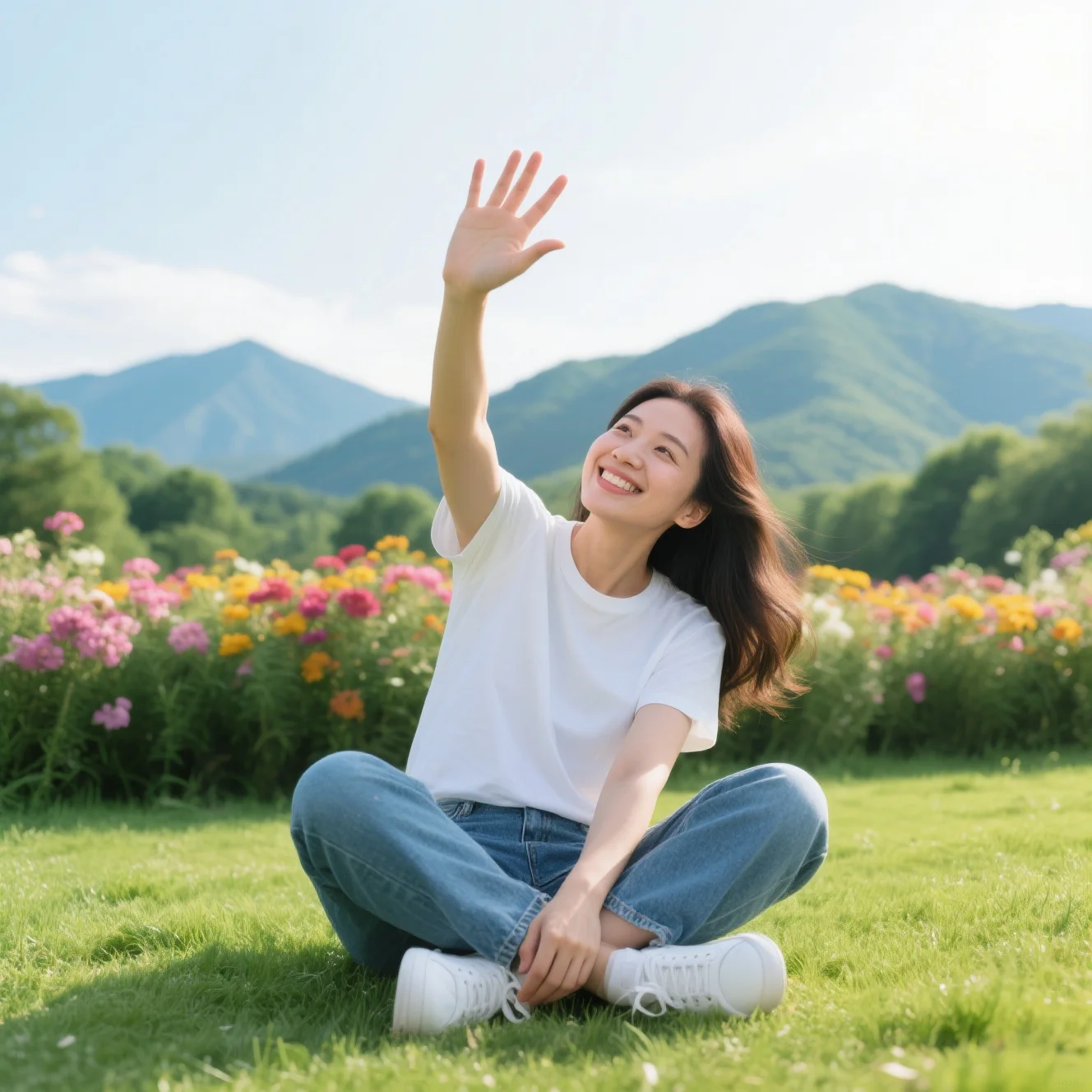
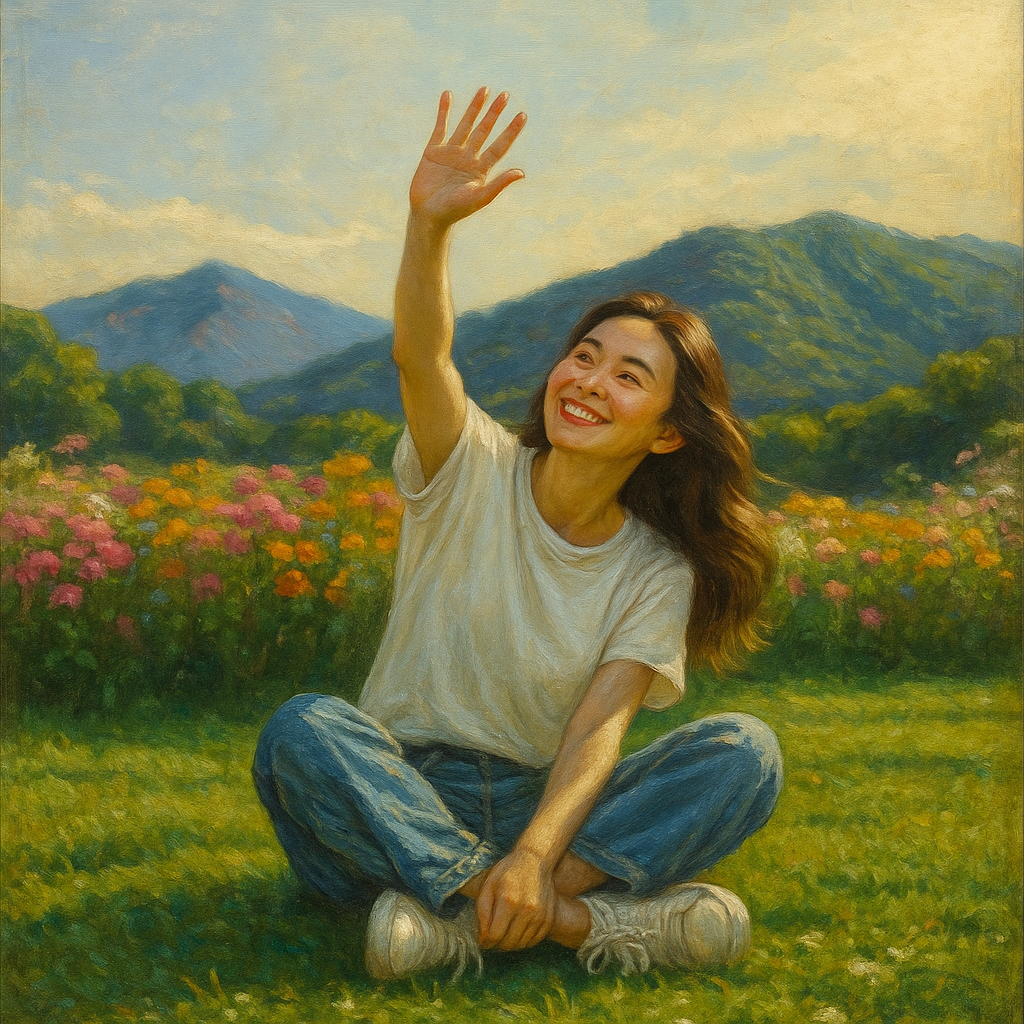
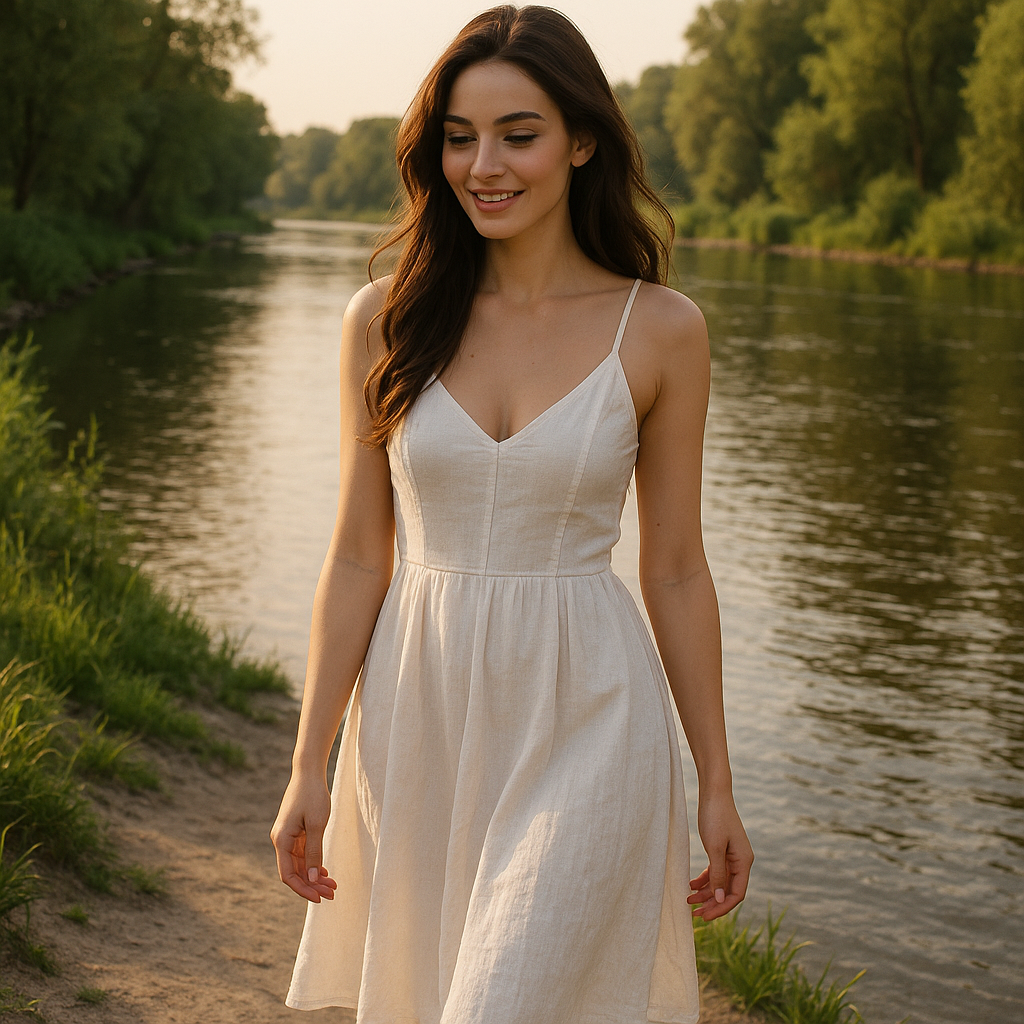
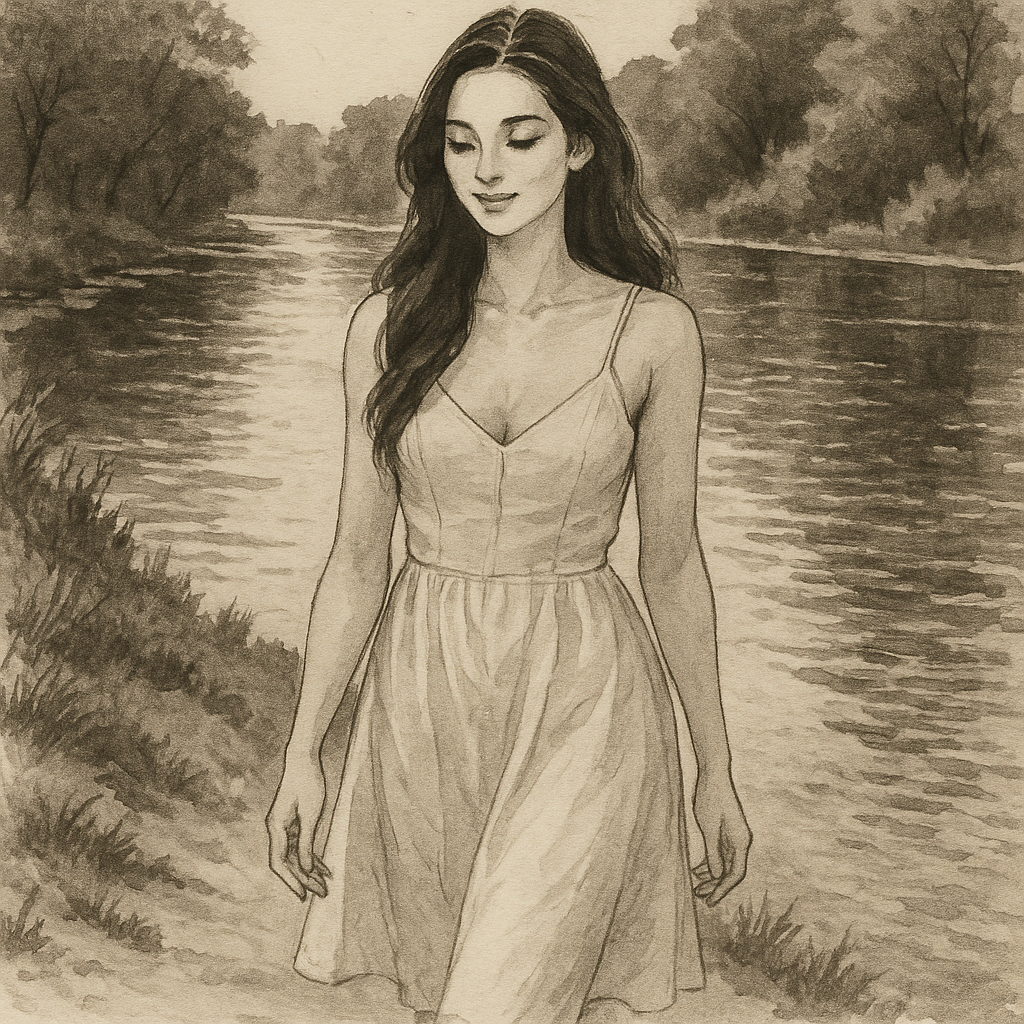
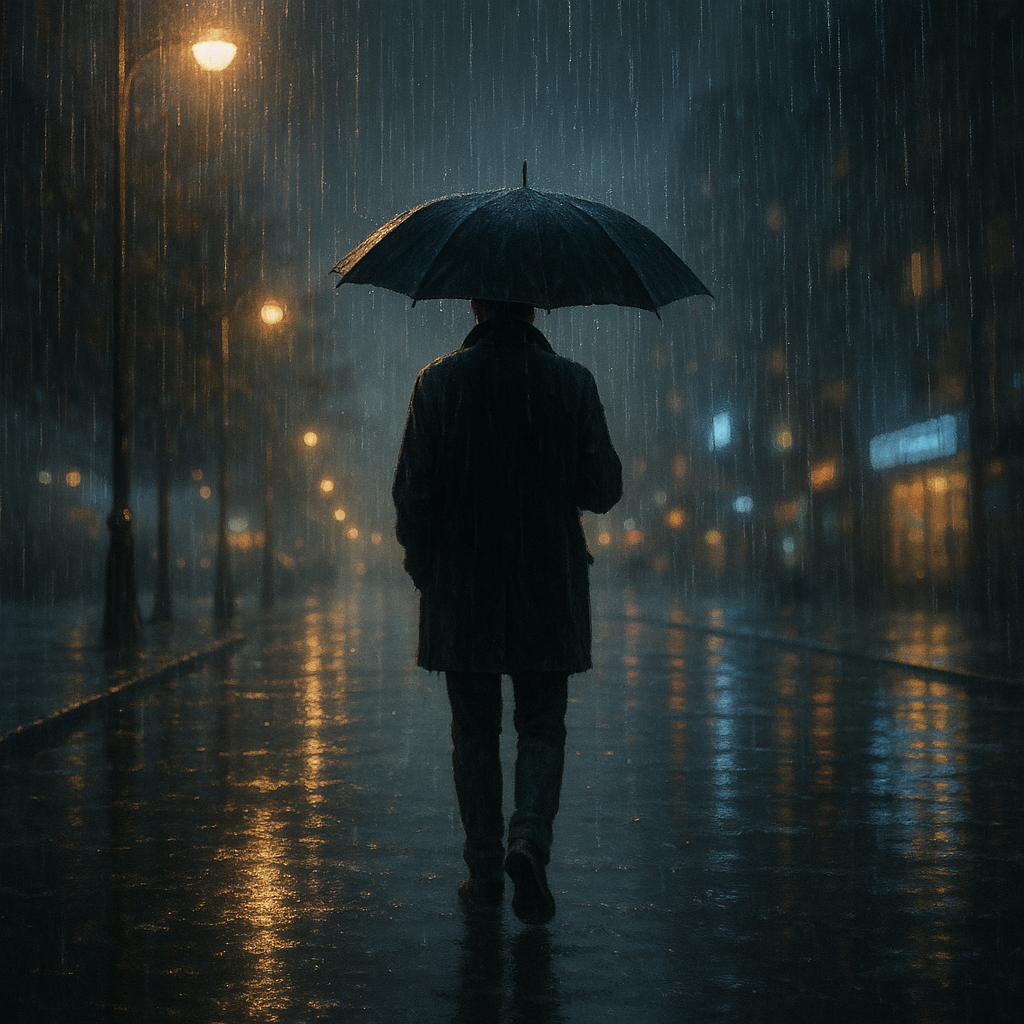
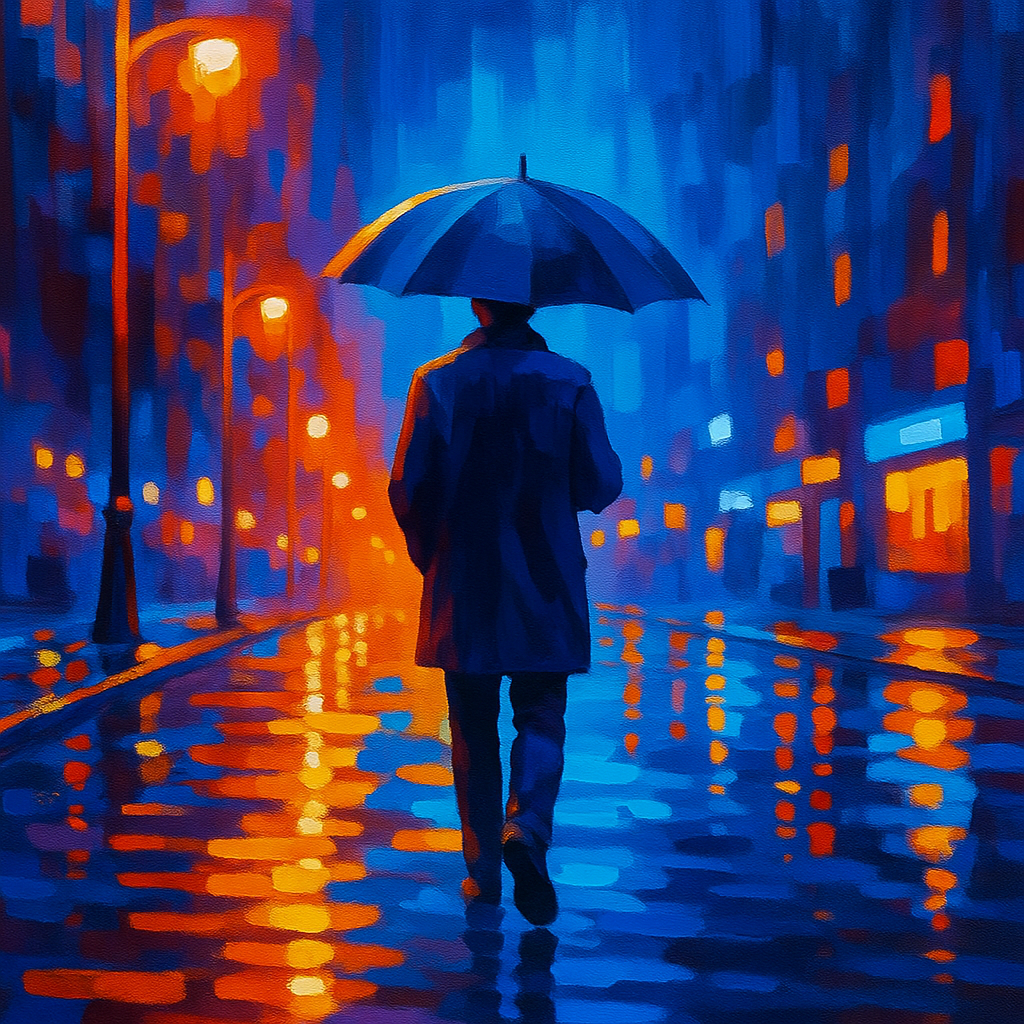
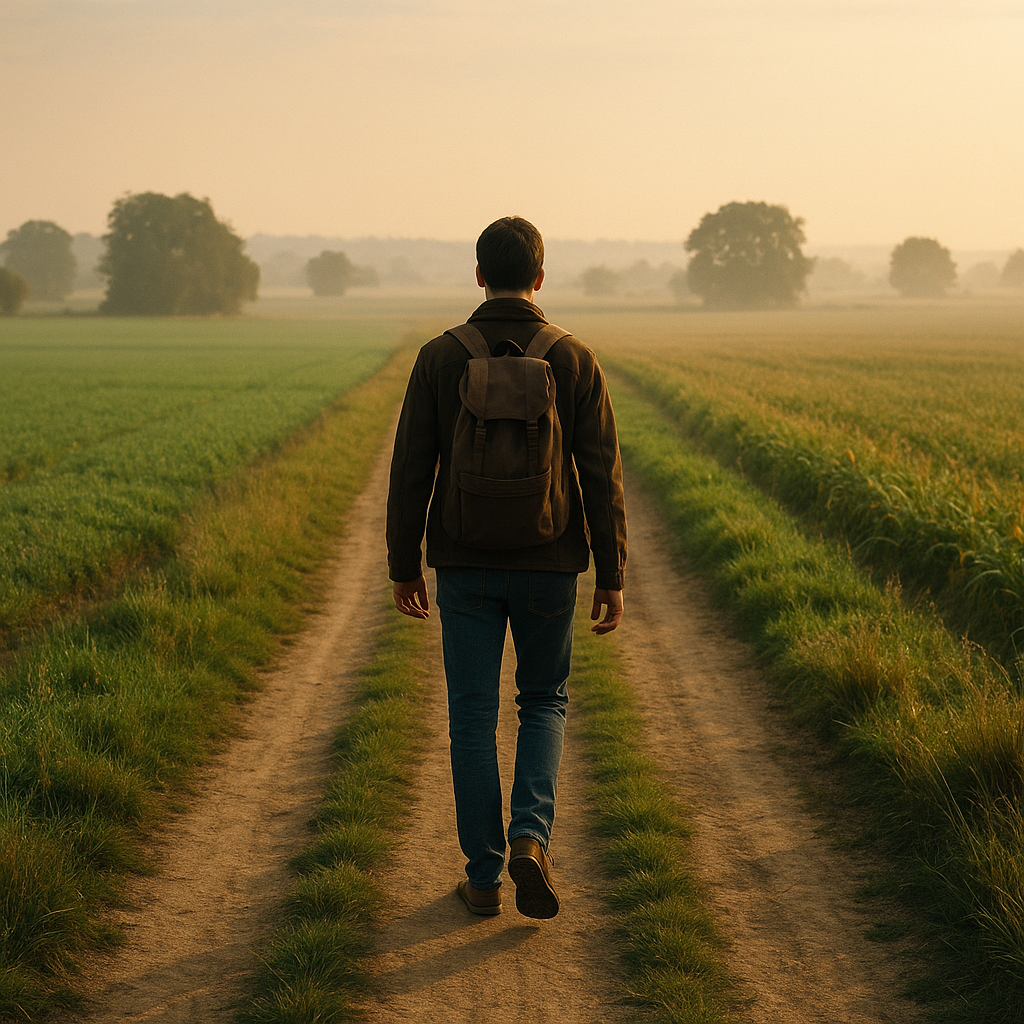
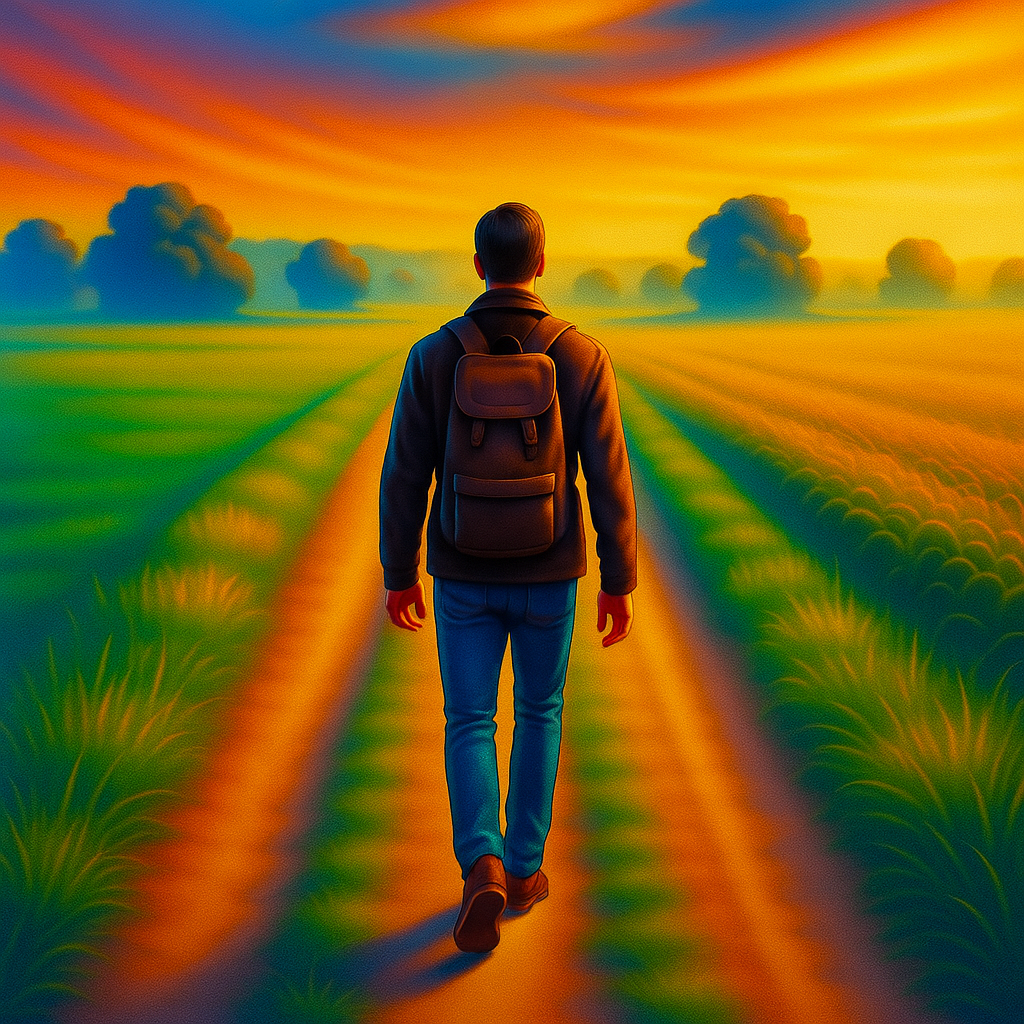
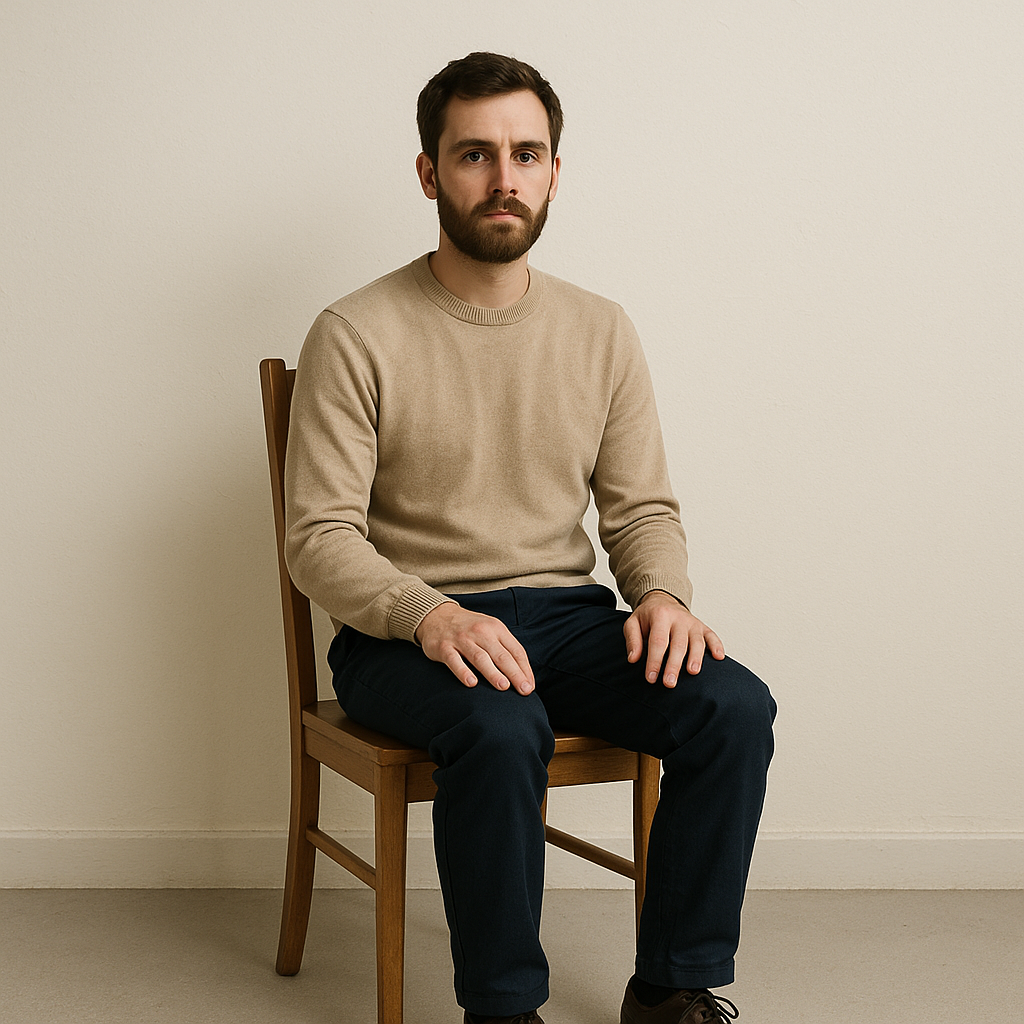
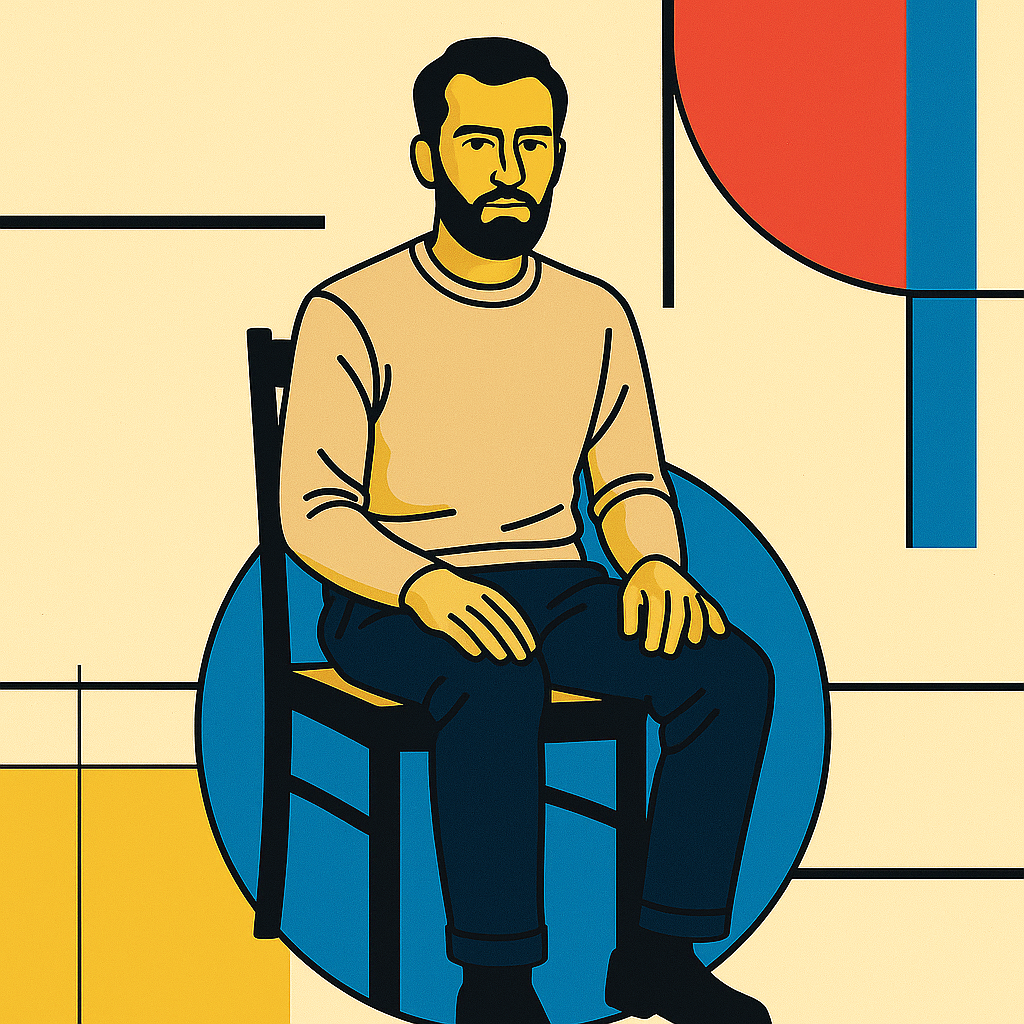
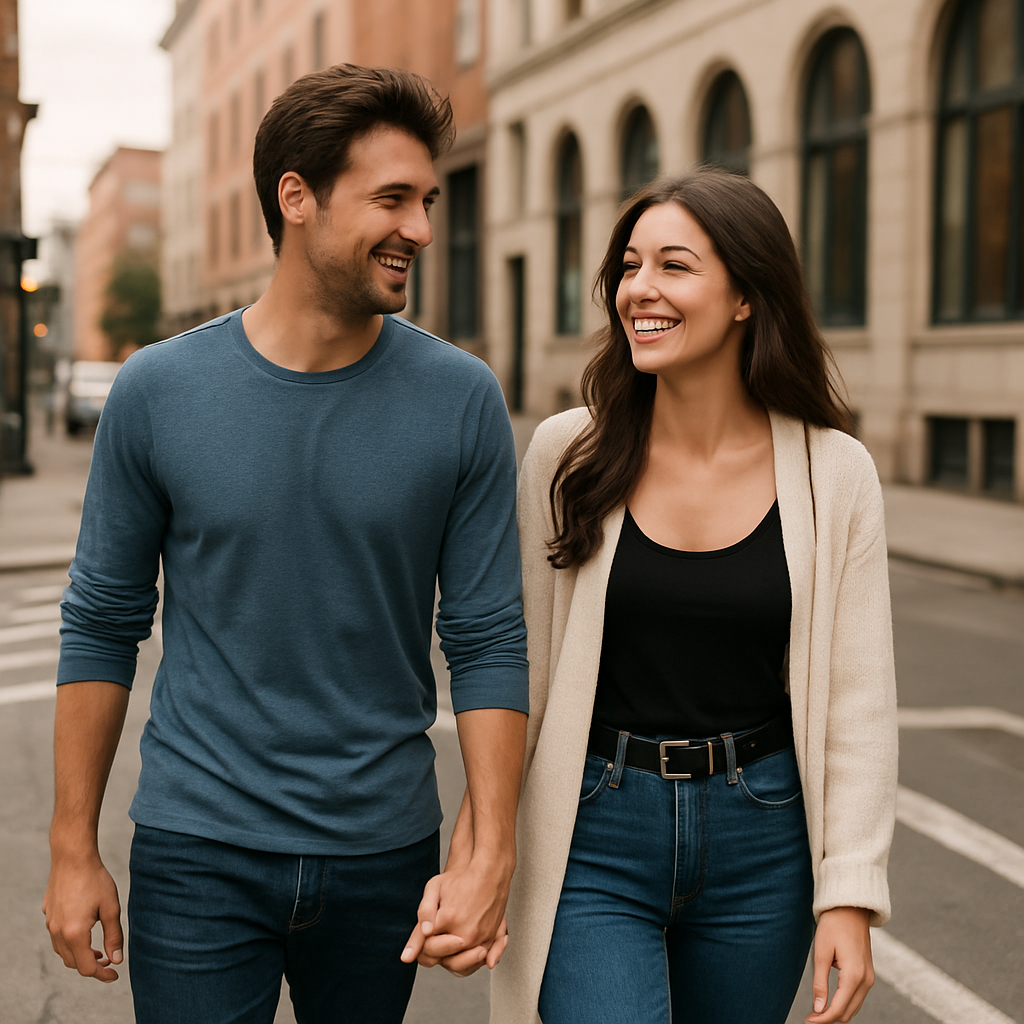
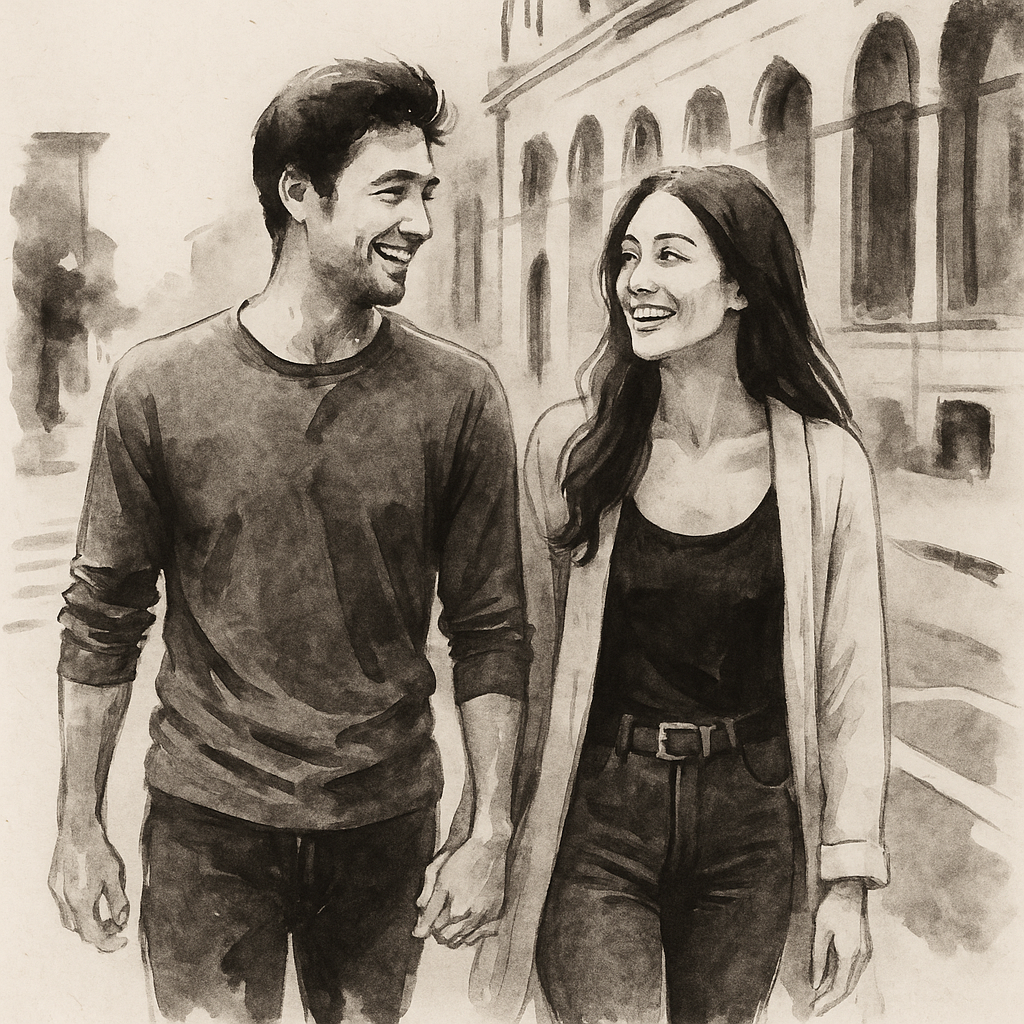
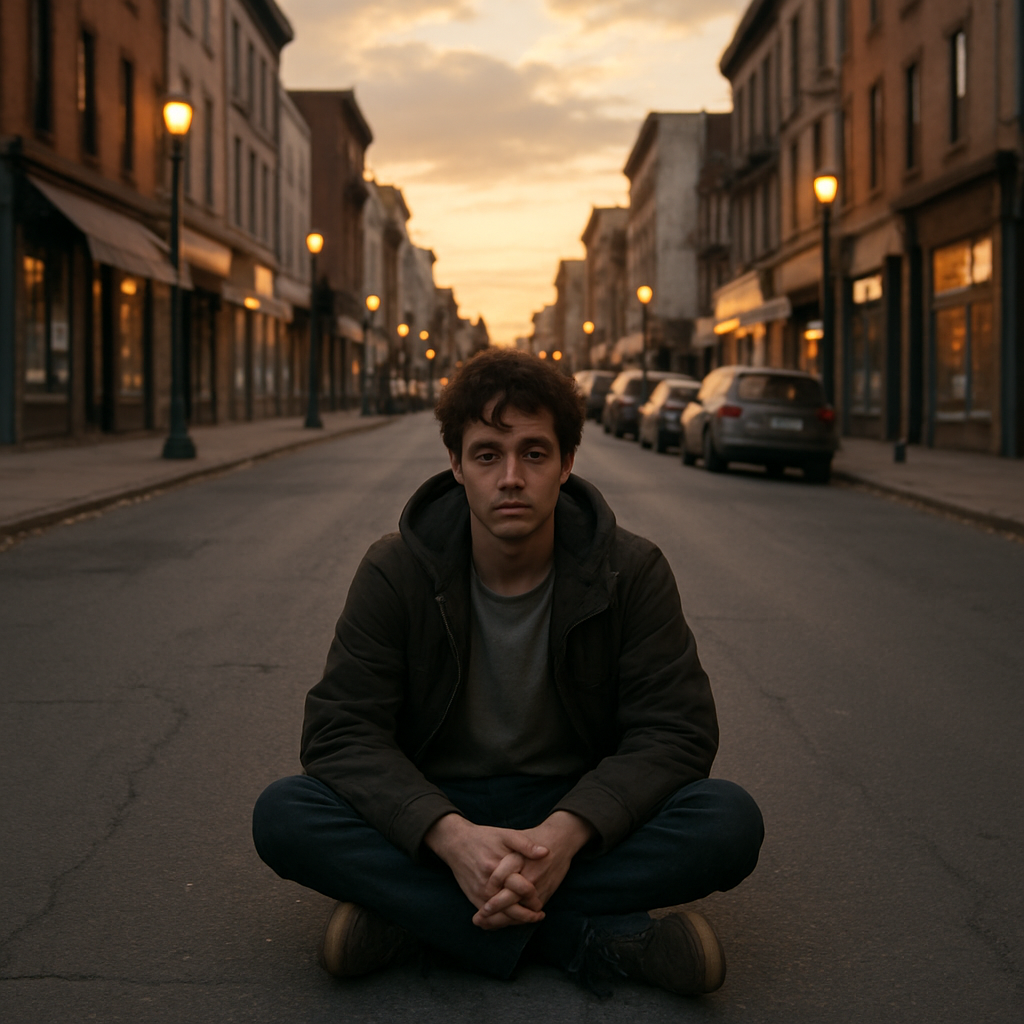
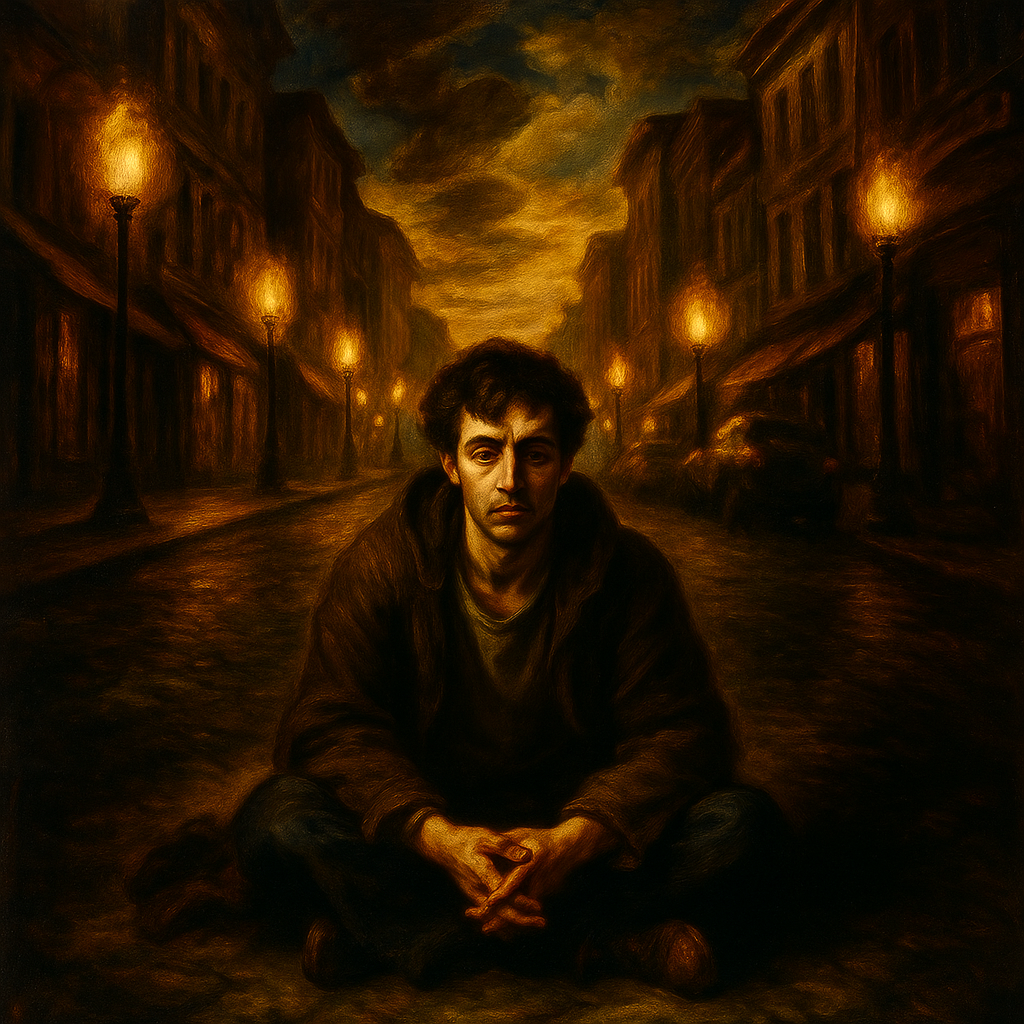
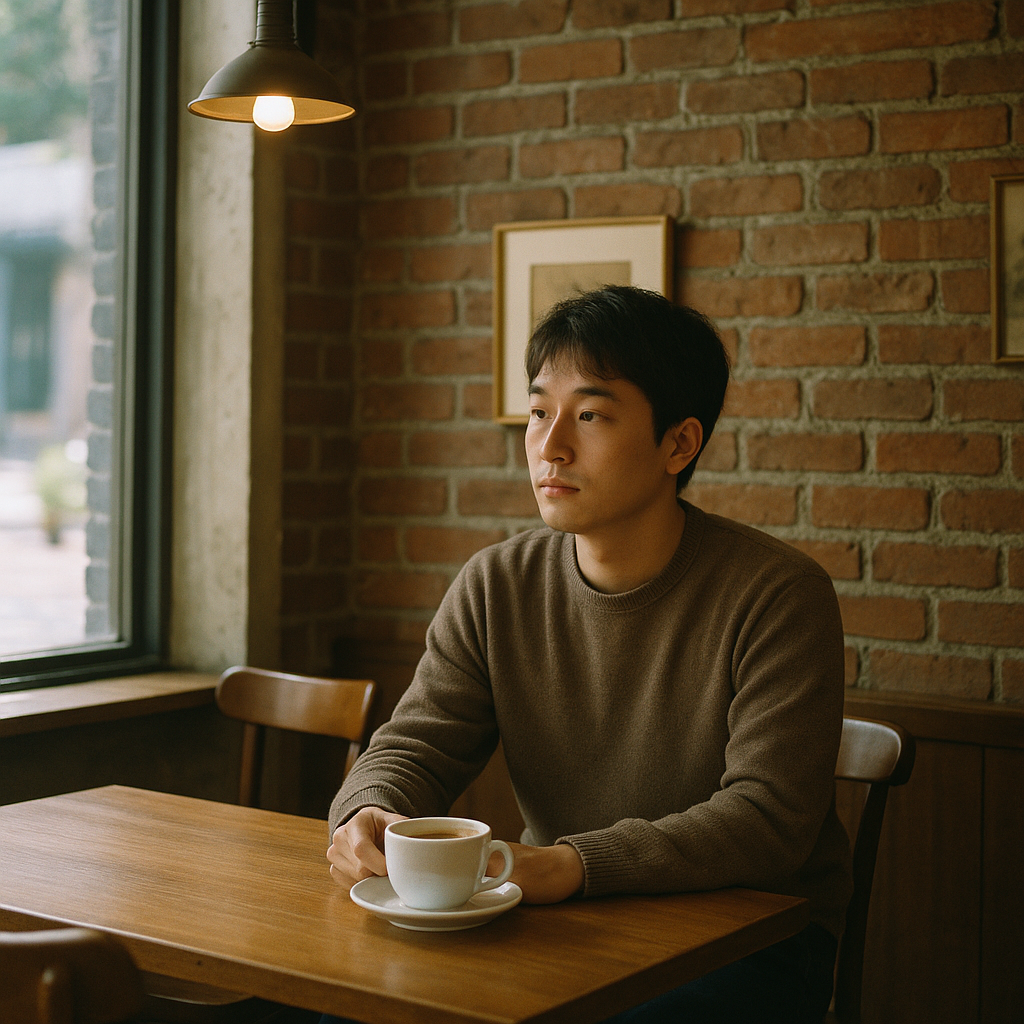
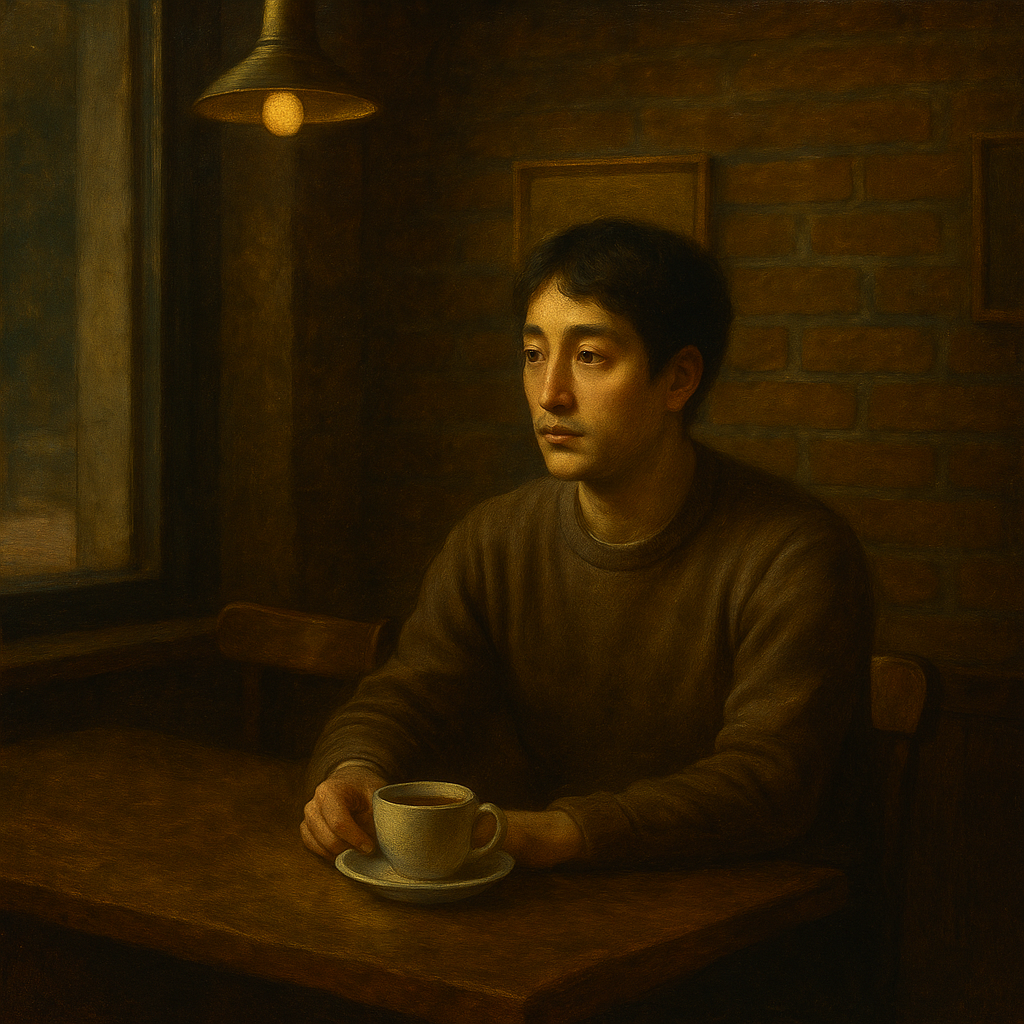
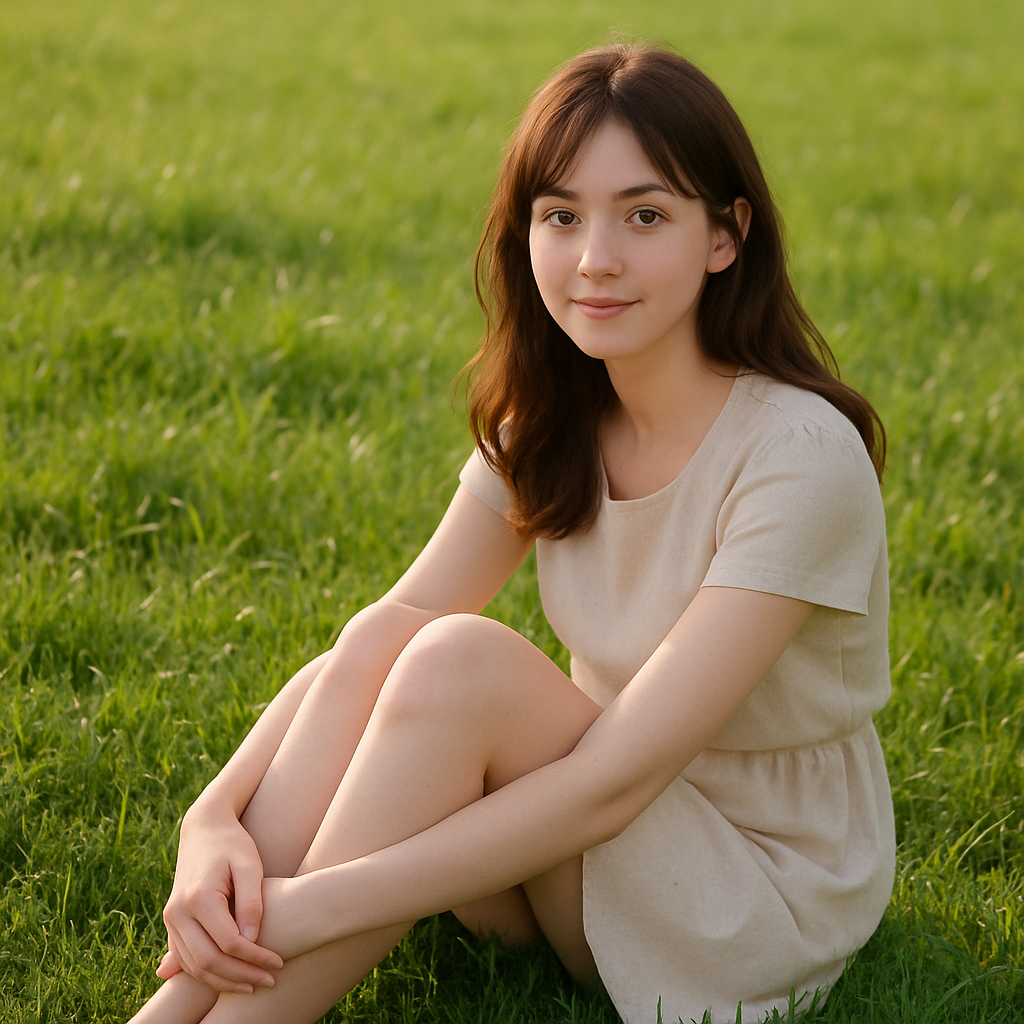
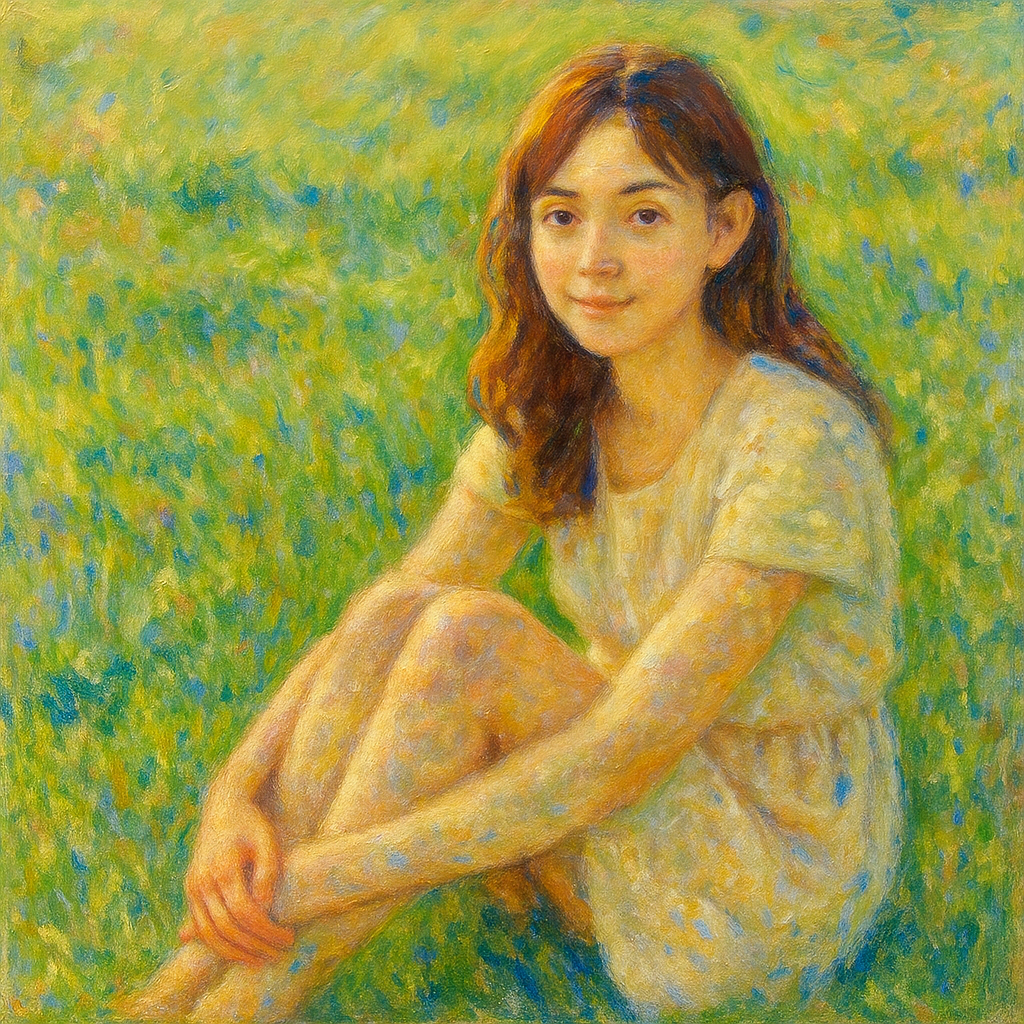
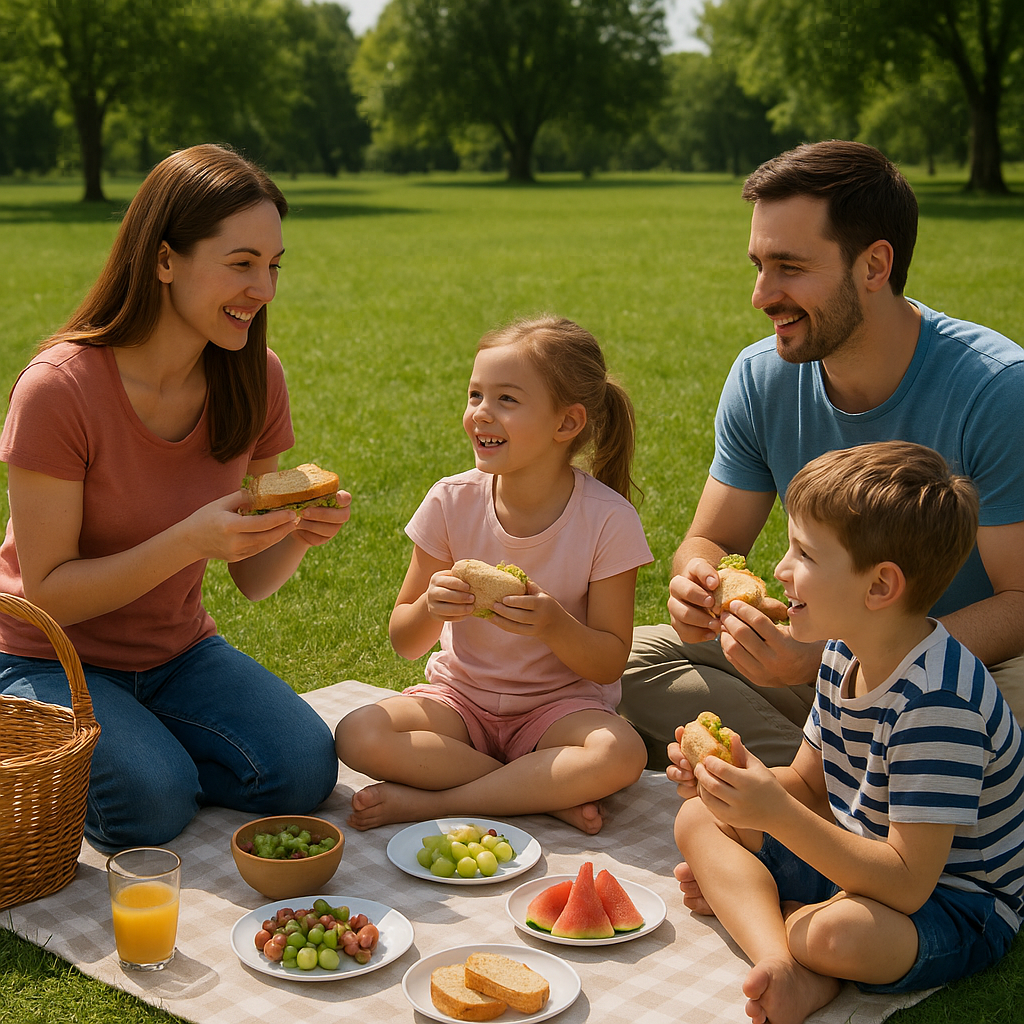
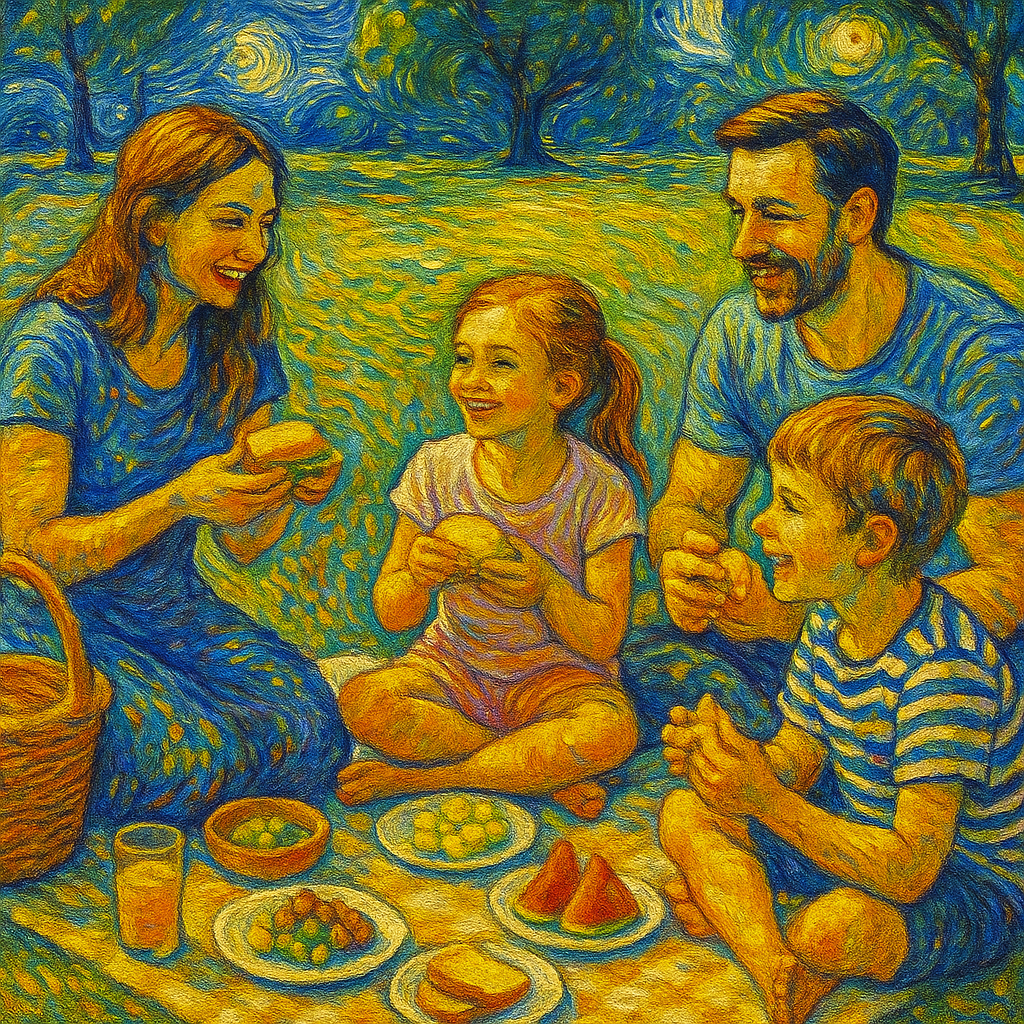
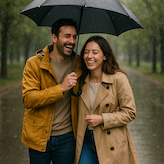
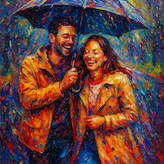
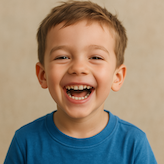
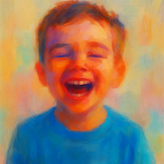
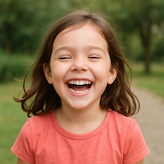
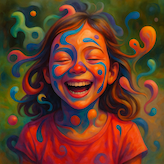
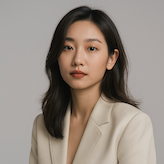
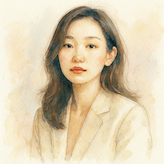
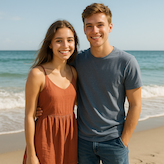
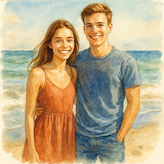
Choose by surface and mood: oil for rich texture, watercolor for soft color, acrylic for clean paint, sketch for drawing structure, and art movements for expressive reinterpretation.
| Intent | Goal | Best Tool | Typical Output |
|---|---|---|---|
| Oil | Classic painted portrait | Oil Painting | Warm canvas brushwork |
| Watercolor | Soft color artwork | Watercolor Portrait | Transparent washes |
| Acrylic | Clean modern paint | Acrylic Painting | Bold color and texture |
| Ink | Expressive ink art | Ink Wash Painting | Brush-and-ink finish |
| Sketch | Structured drawing | Realistic Portrait Sketch | Fine pencil detail |
| Movement | Art movement look | Cubism | Geometric fine-art reinterpretation |
Choose by surface and mood: oil for rich texture, watercolor for soft color, acrylic for clean paint, sketch for drawing structure, and art movements for expressive reinterpretation.
Pick oil, watercolor, acrylic, or ink depending on whether you want rich texture, soft washes, clean color, or expressive brushwork.
Portraits work well with oil painting, watercolor portrait, and realistic sketch. Landscapes and objects can handle stronger art movement styles.
Upload your photo, select the closest painting tool, and regenerate if you want more texture, softer color, or a cleaner portrait.
Browse AI painting photo tools for oil painting, acrylic painting, watercolor, ink wash, cubism, realistic portrait sketch, and fine-art style conversions.
Oil Painting and Watercolor Portrait are good starting points for portraits because they keep the subject readable while adding painterly texture.
Oil painting usually looks richer and softer, while acrylic painting tends to produce cleaner edges, brighter color, and a more modern painted finish.
Yes. Use Realistic Portrait Sketch or Pencil Sketch Drawing when you want a drawing-like result rather than a full painted image.
Clear subjects with good lighting and enough detail usually convert best. Very dark or blurred images may produce less predictable brush detail.
Yes. After generation finishes, you can preview and download the styled image.
Yes. Painting tools work for portraits, pets, products, landscapes, and still-life subjects as long as the source image is clear.
Upload once, choose a painting style, and generate directly from this category Hub.