
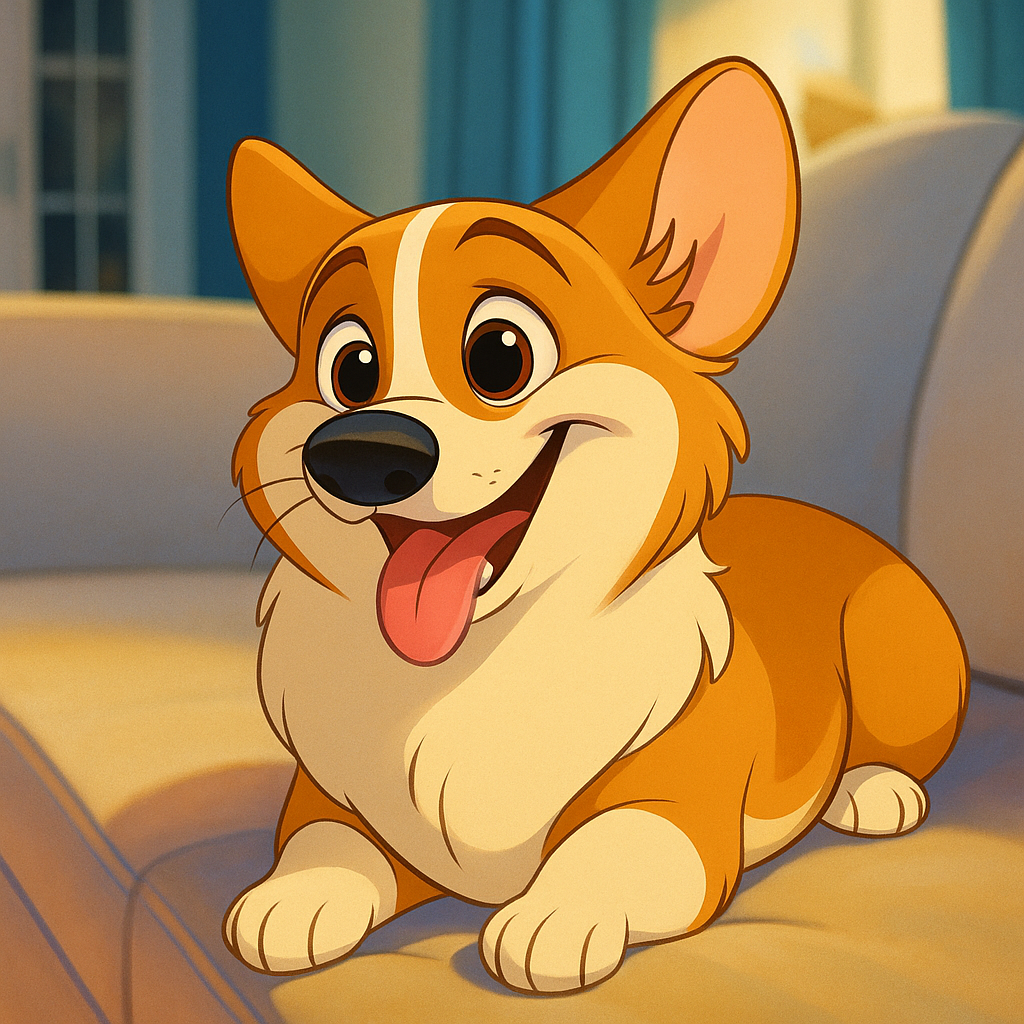
Choose a cartoon or anime style, upload a photo, and turn portraits, pets, or characters into expressive animated looks.
Generated Preview
3D Cartoon
Use any card as a style preset for the generator above, or open its detail page for examples.
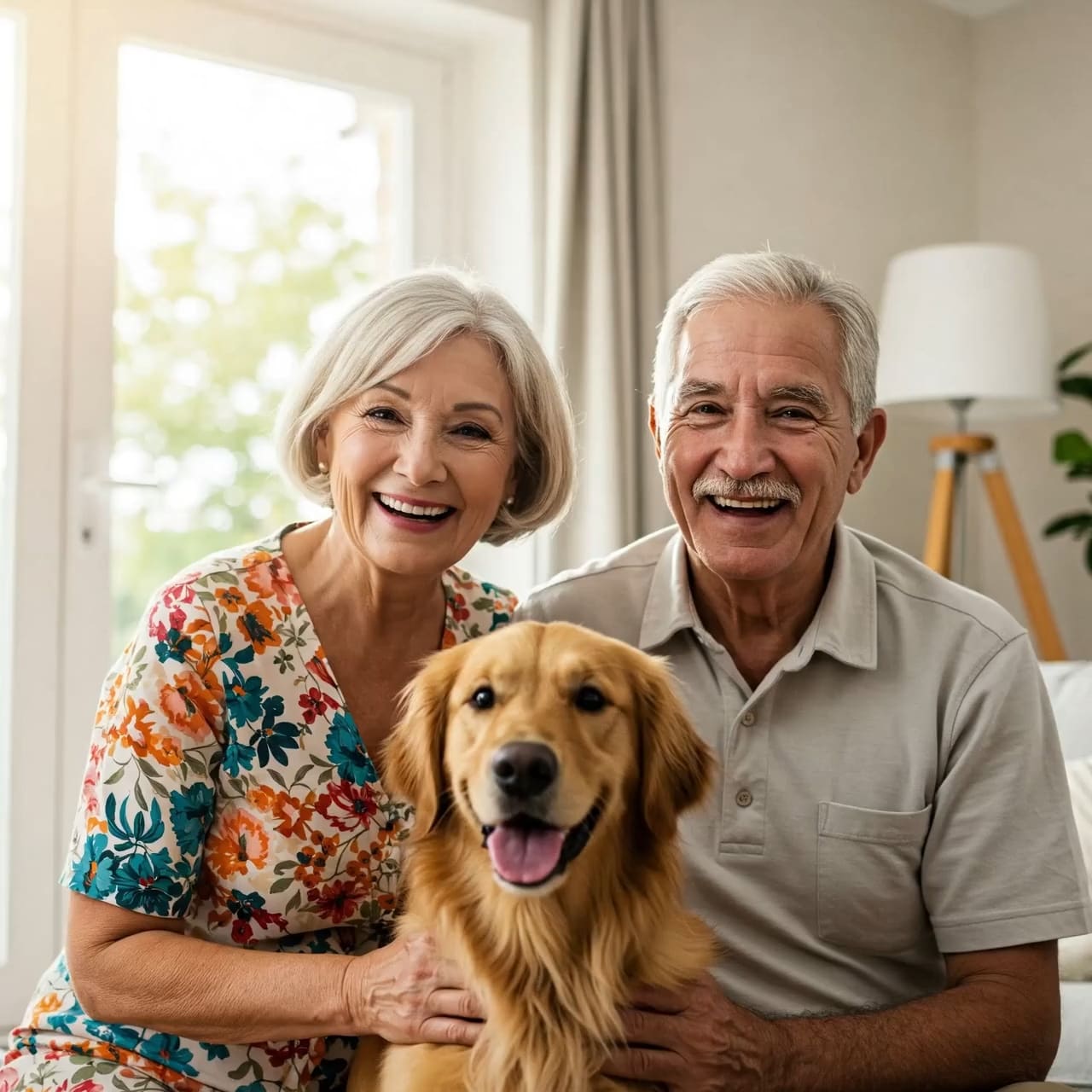
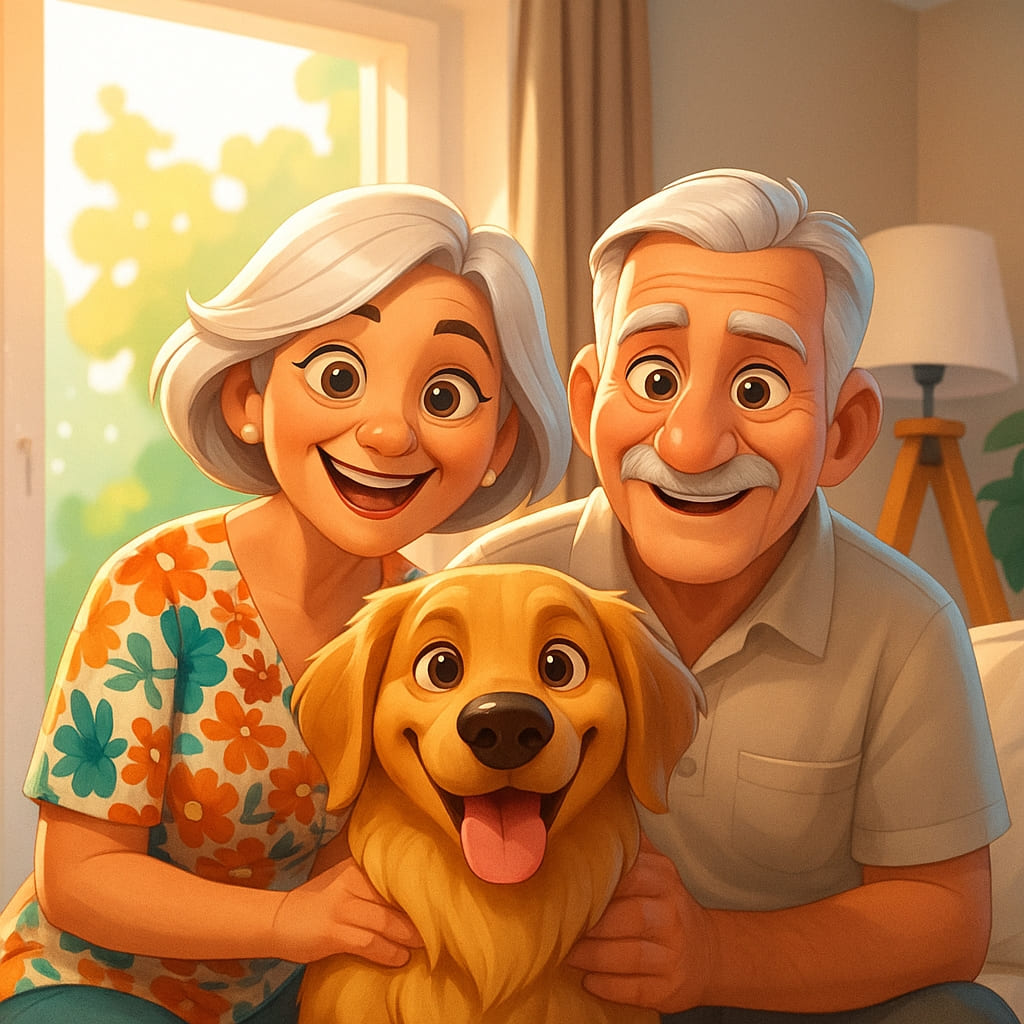
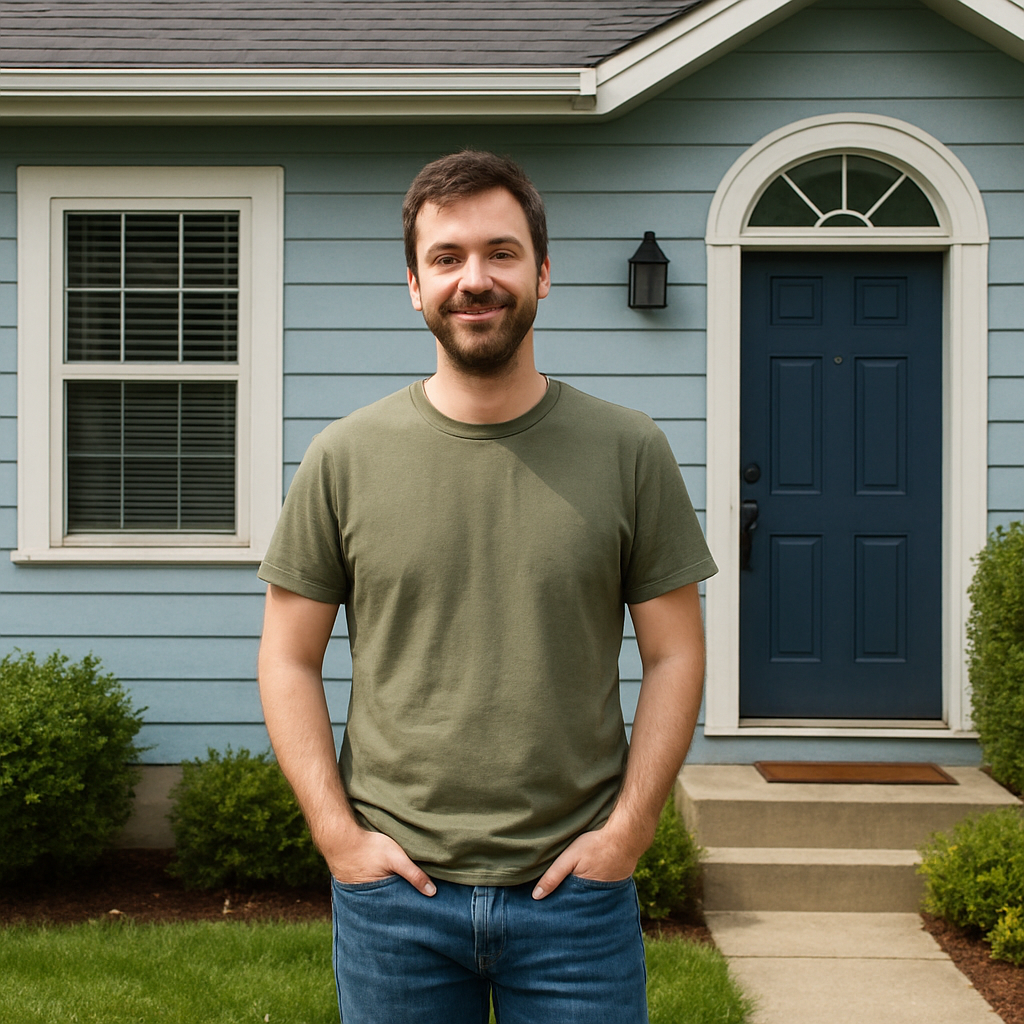
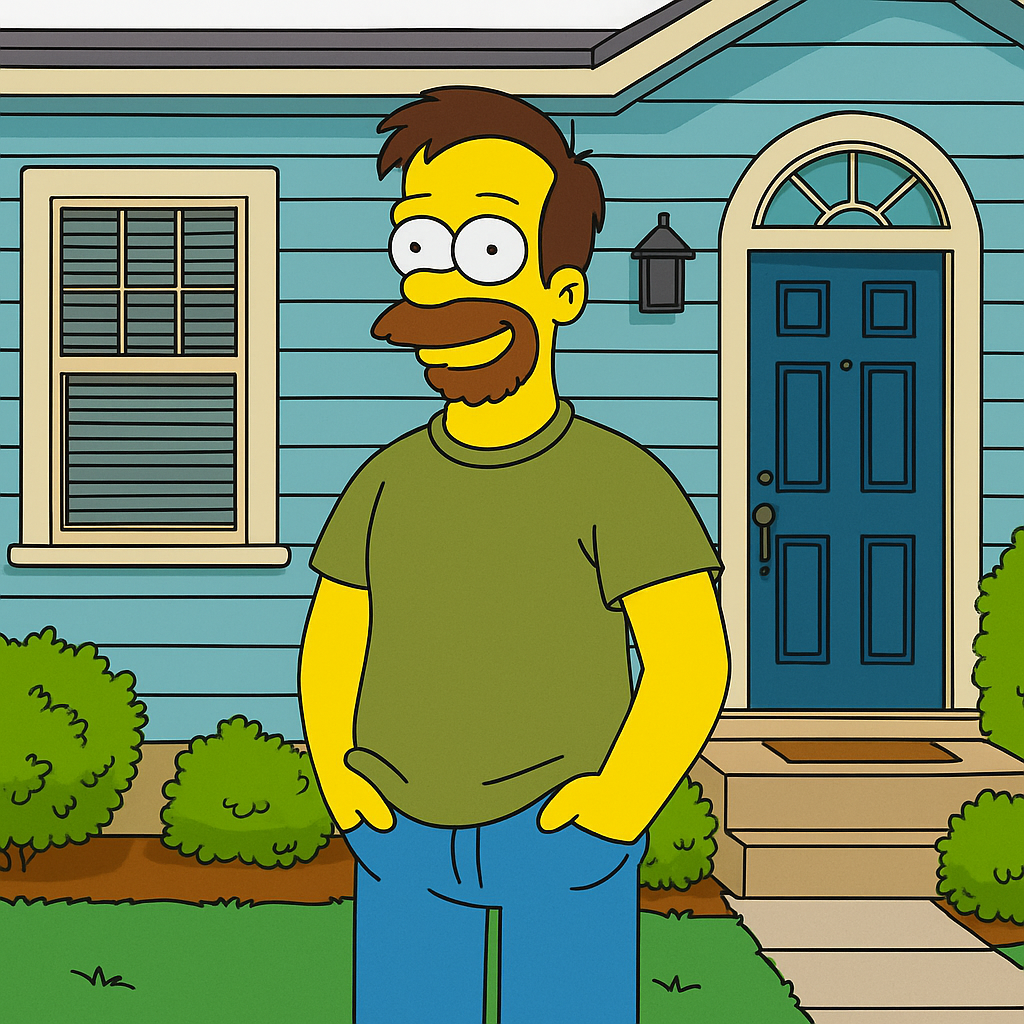

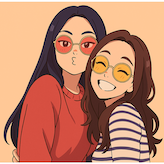

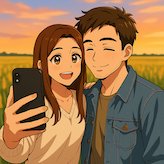
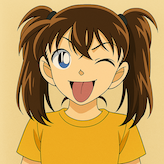

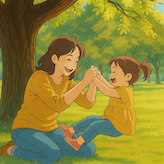

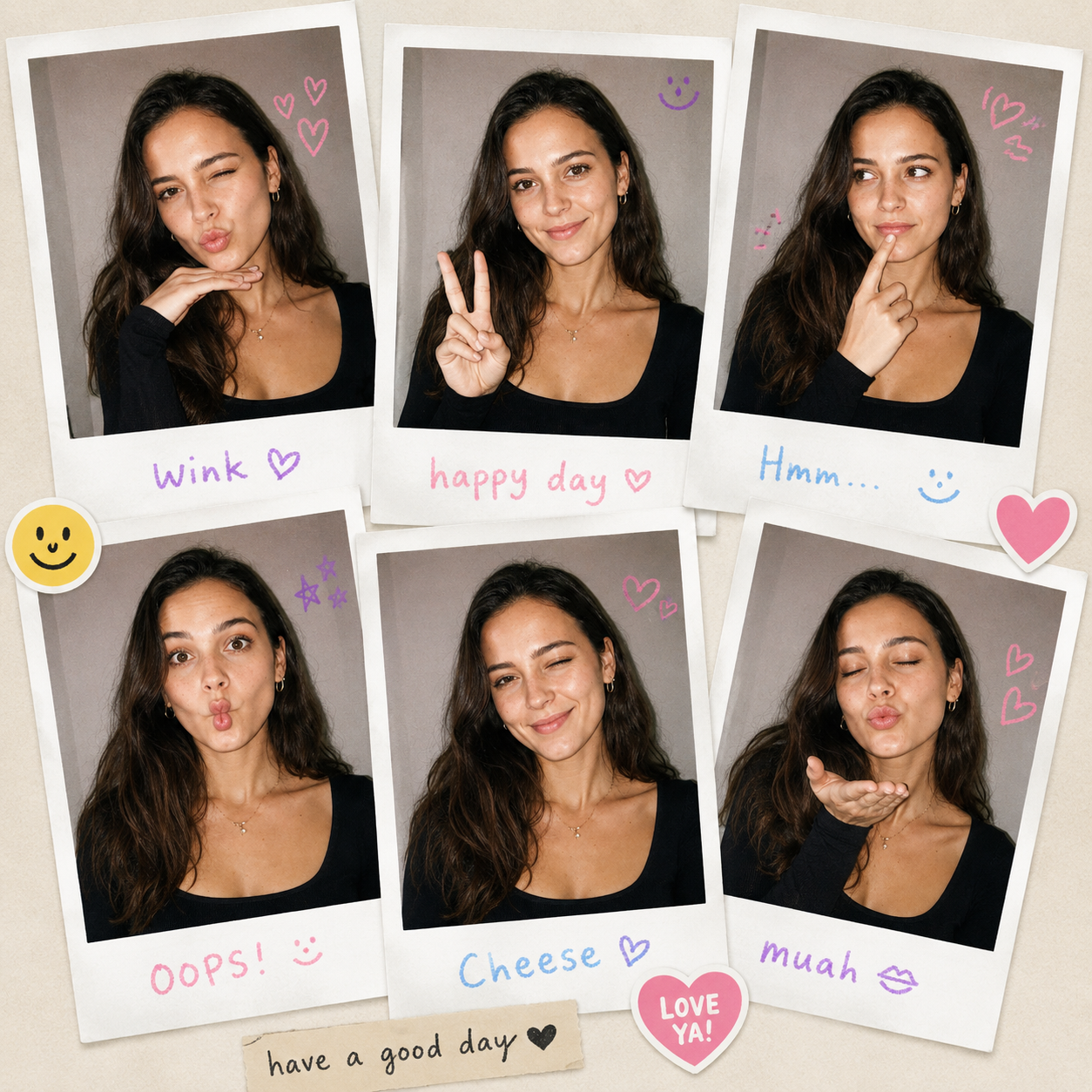

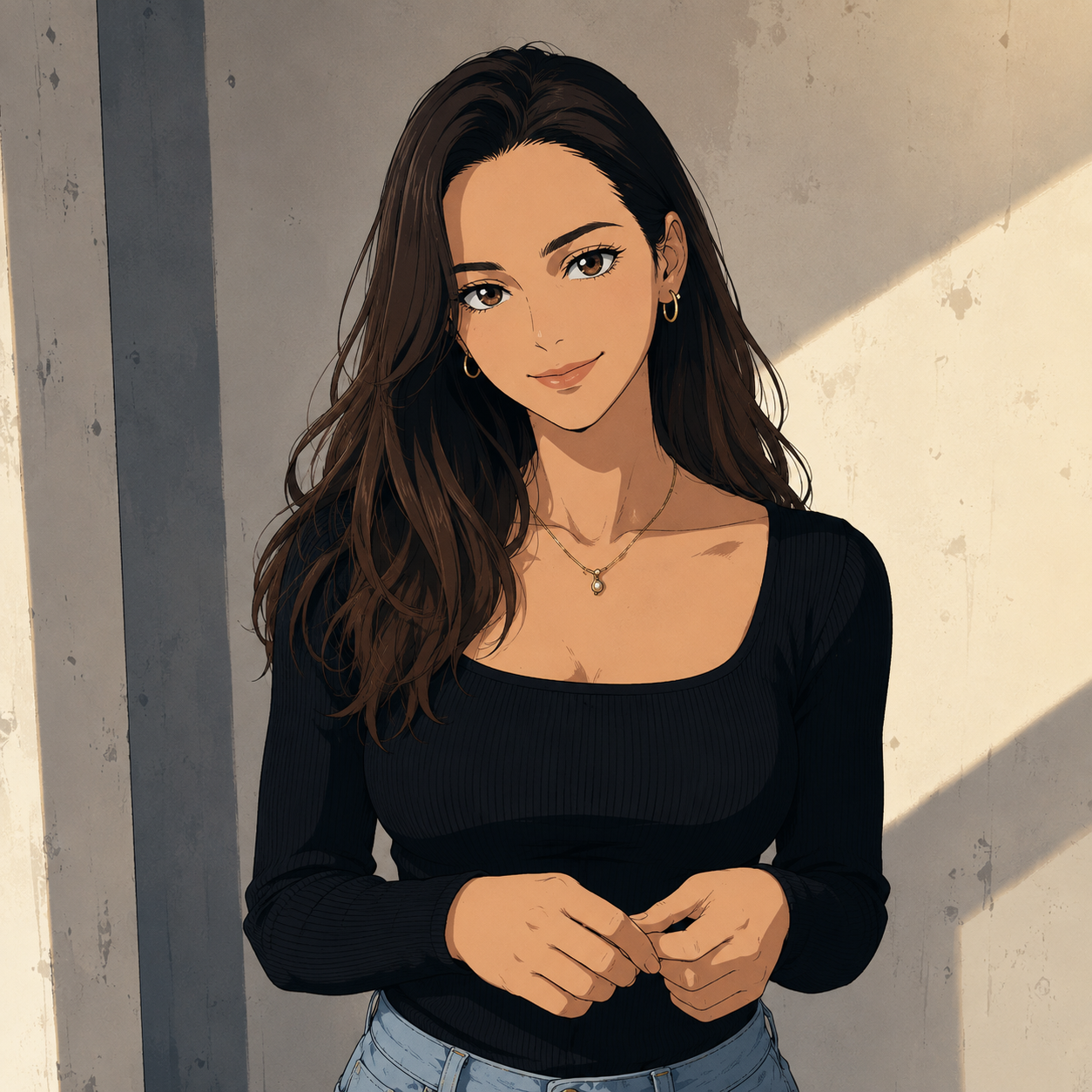

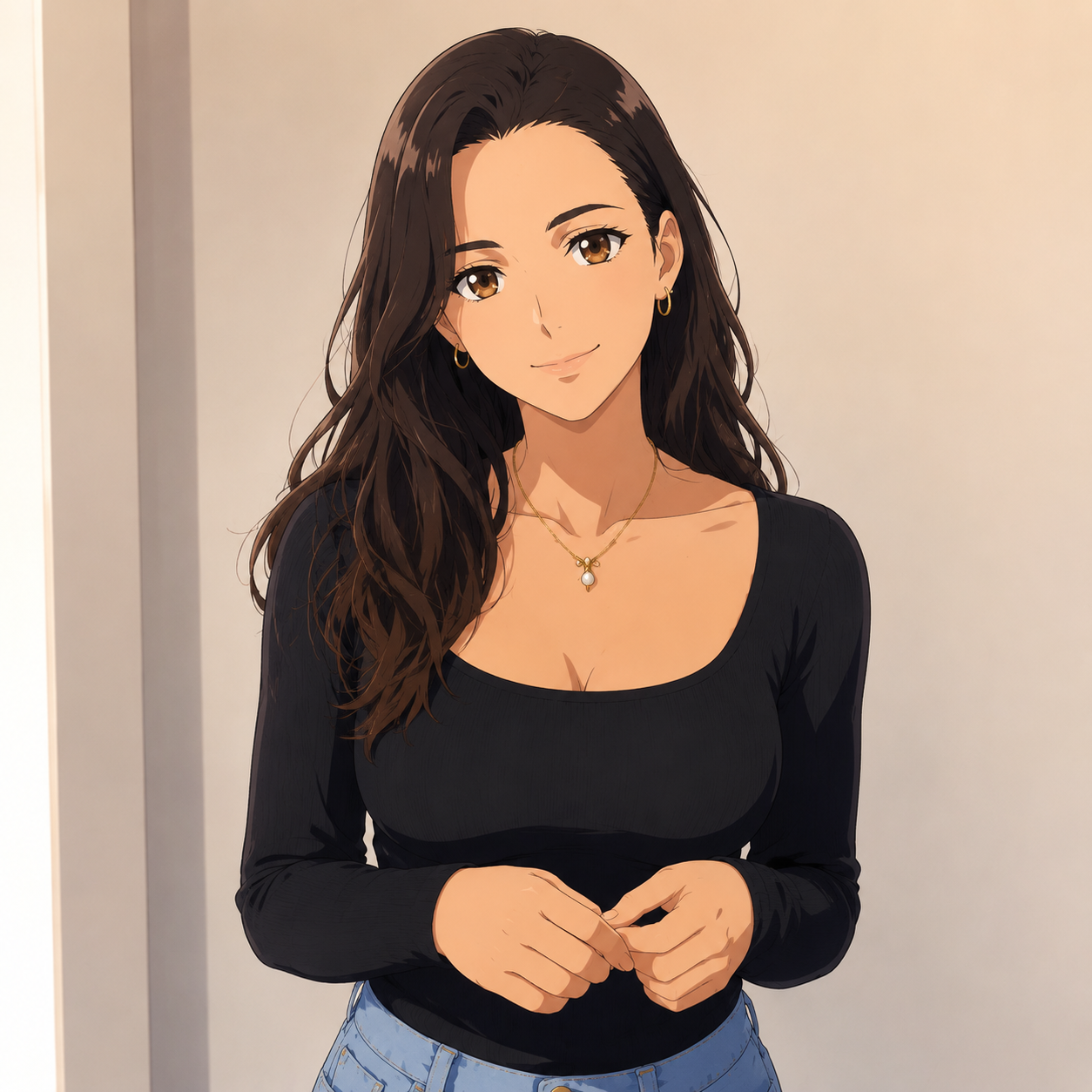

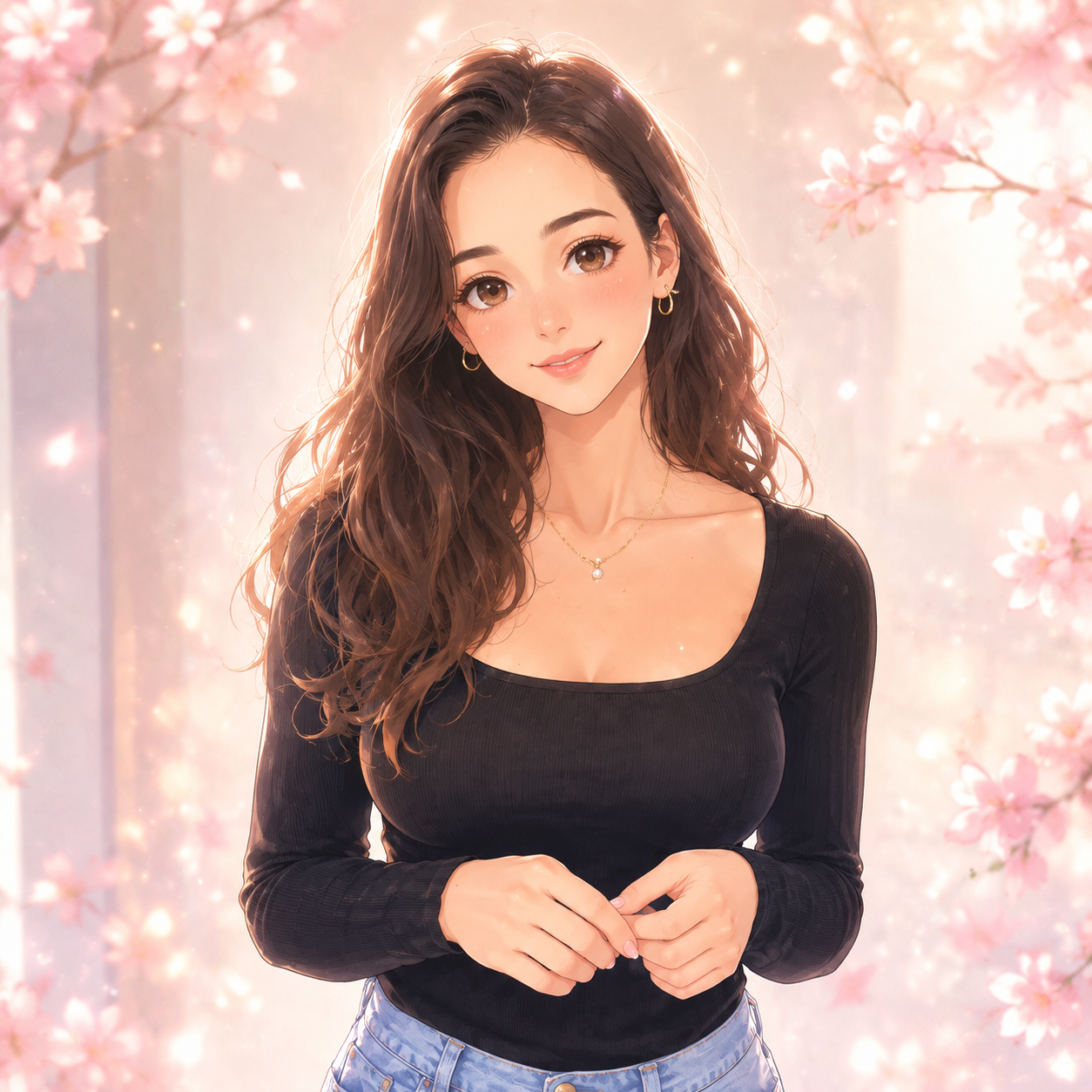

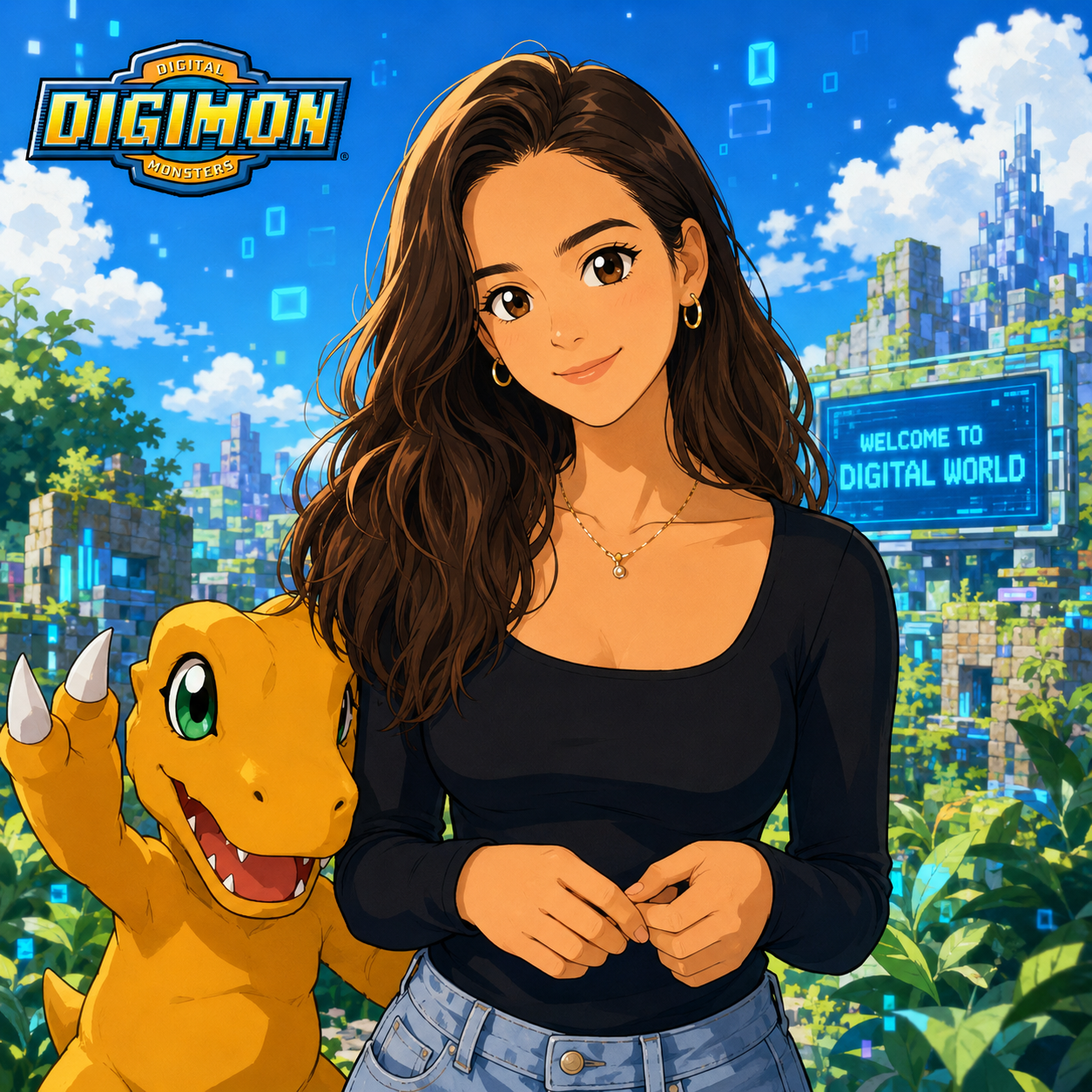

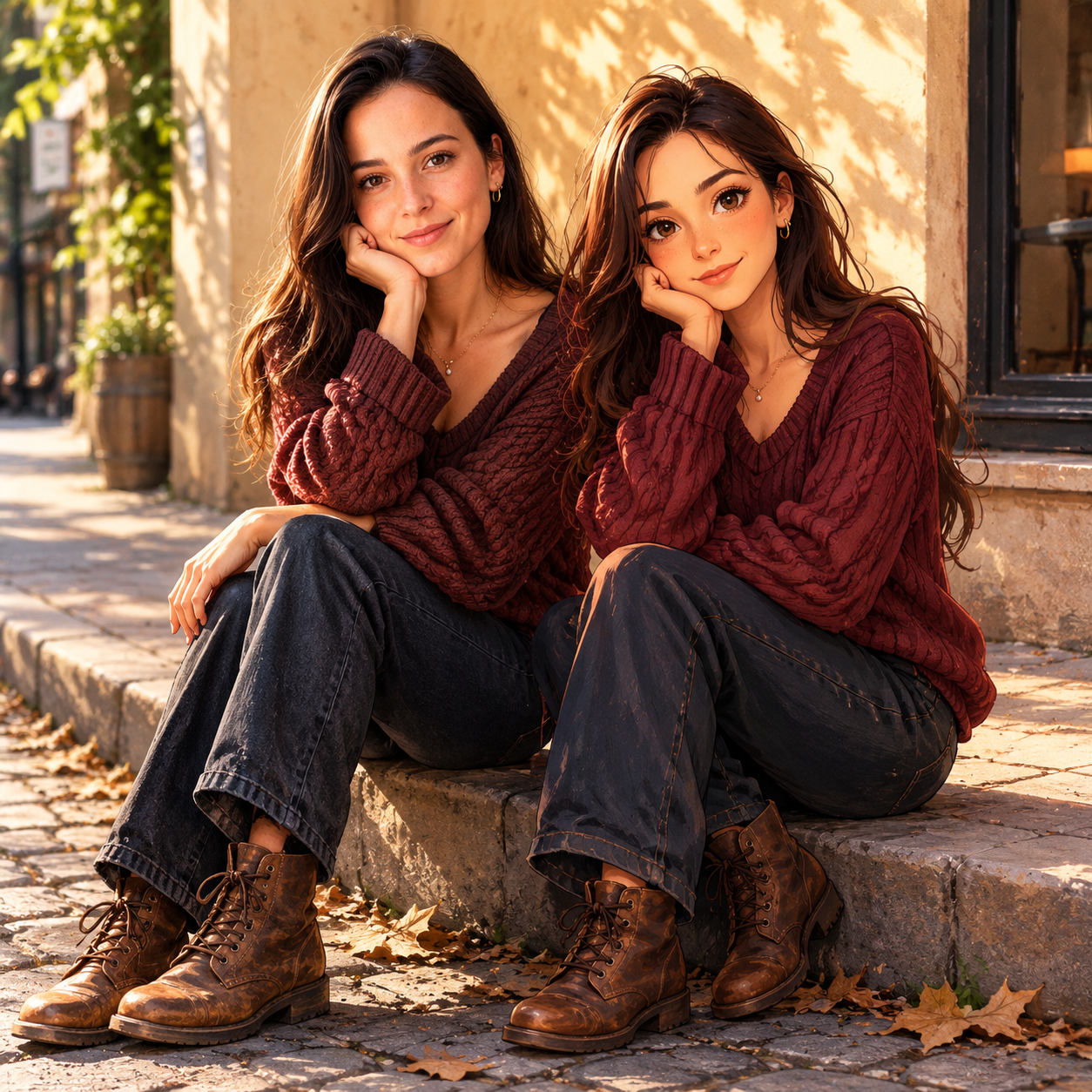

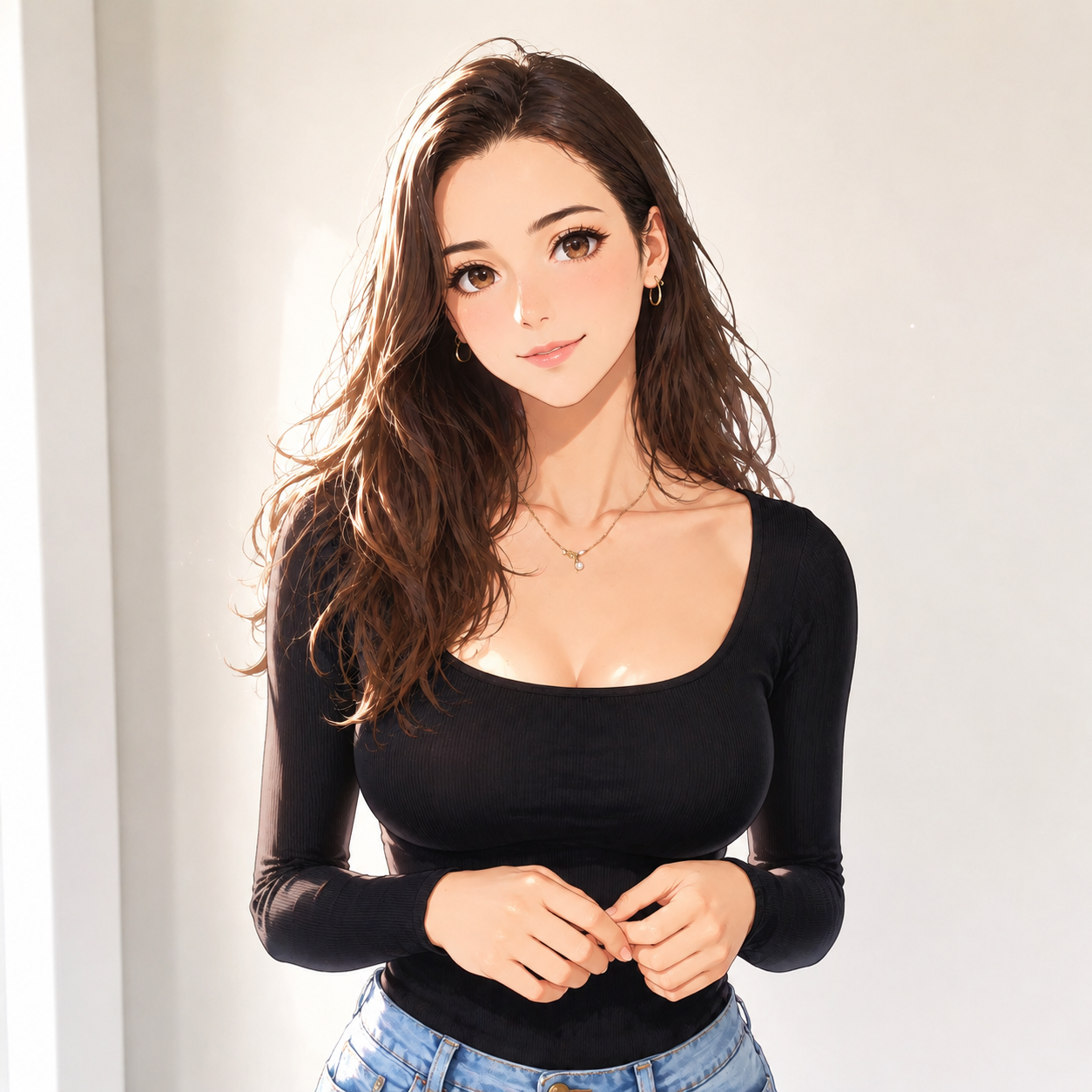
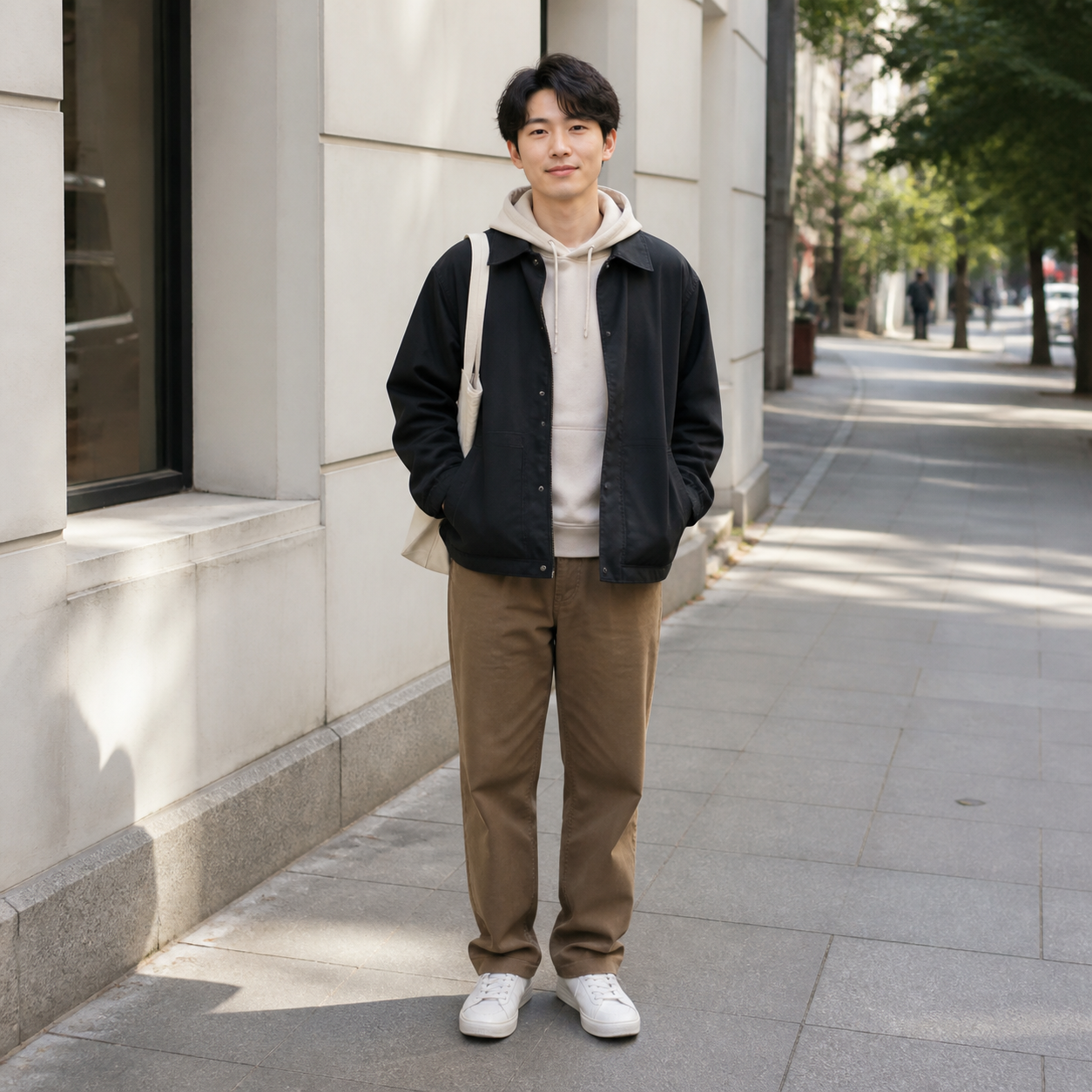
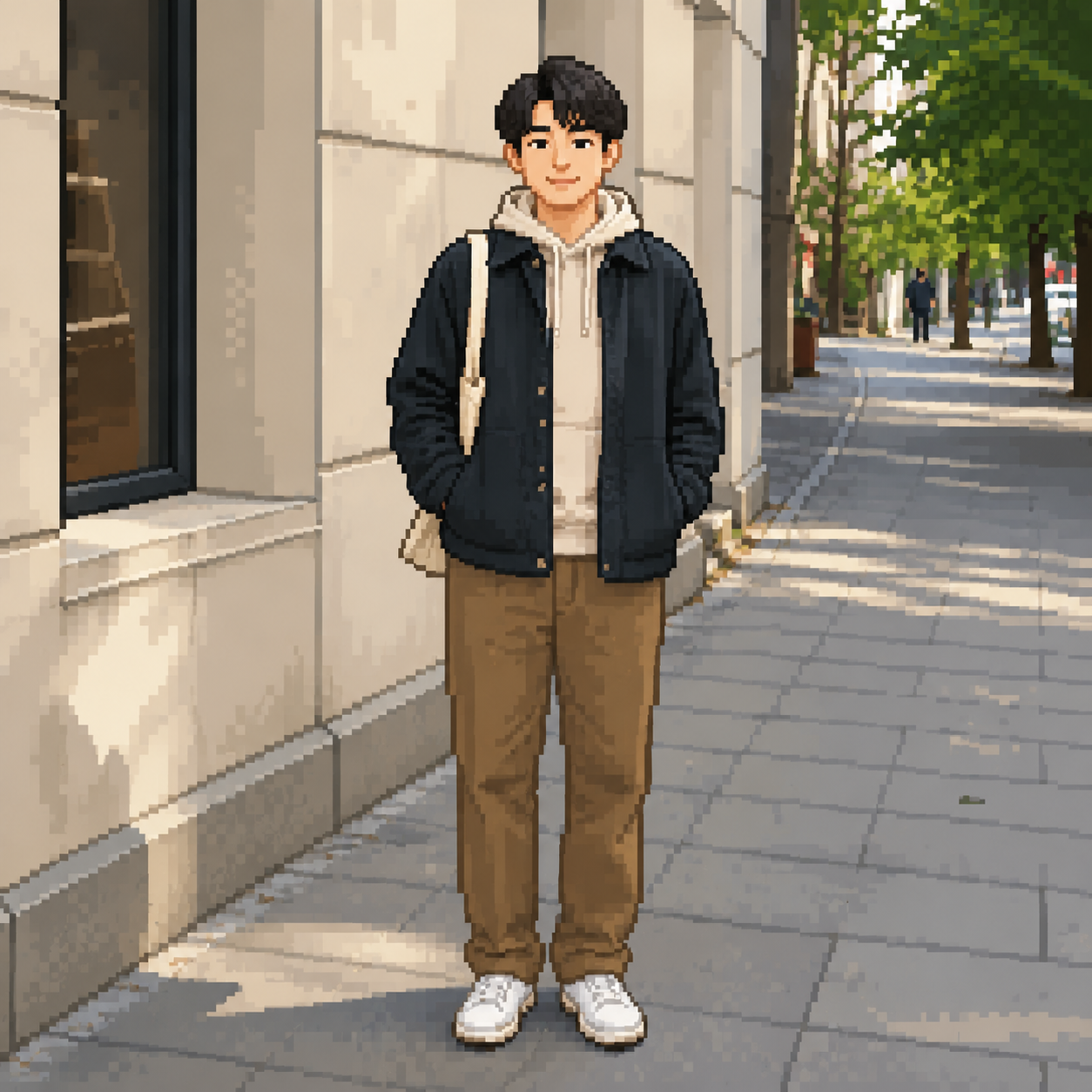

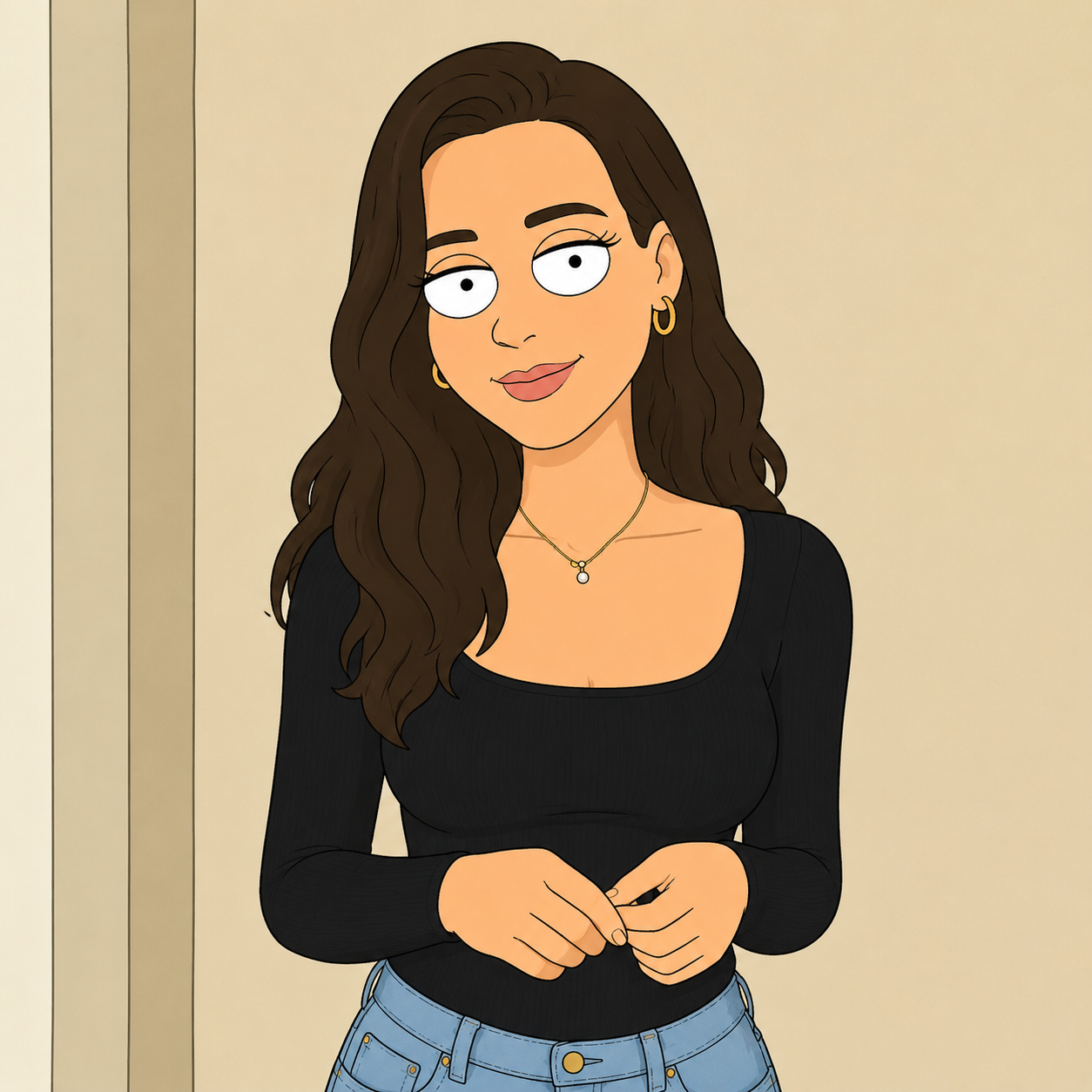
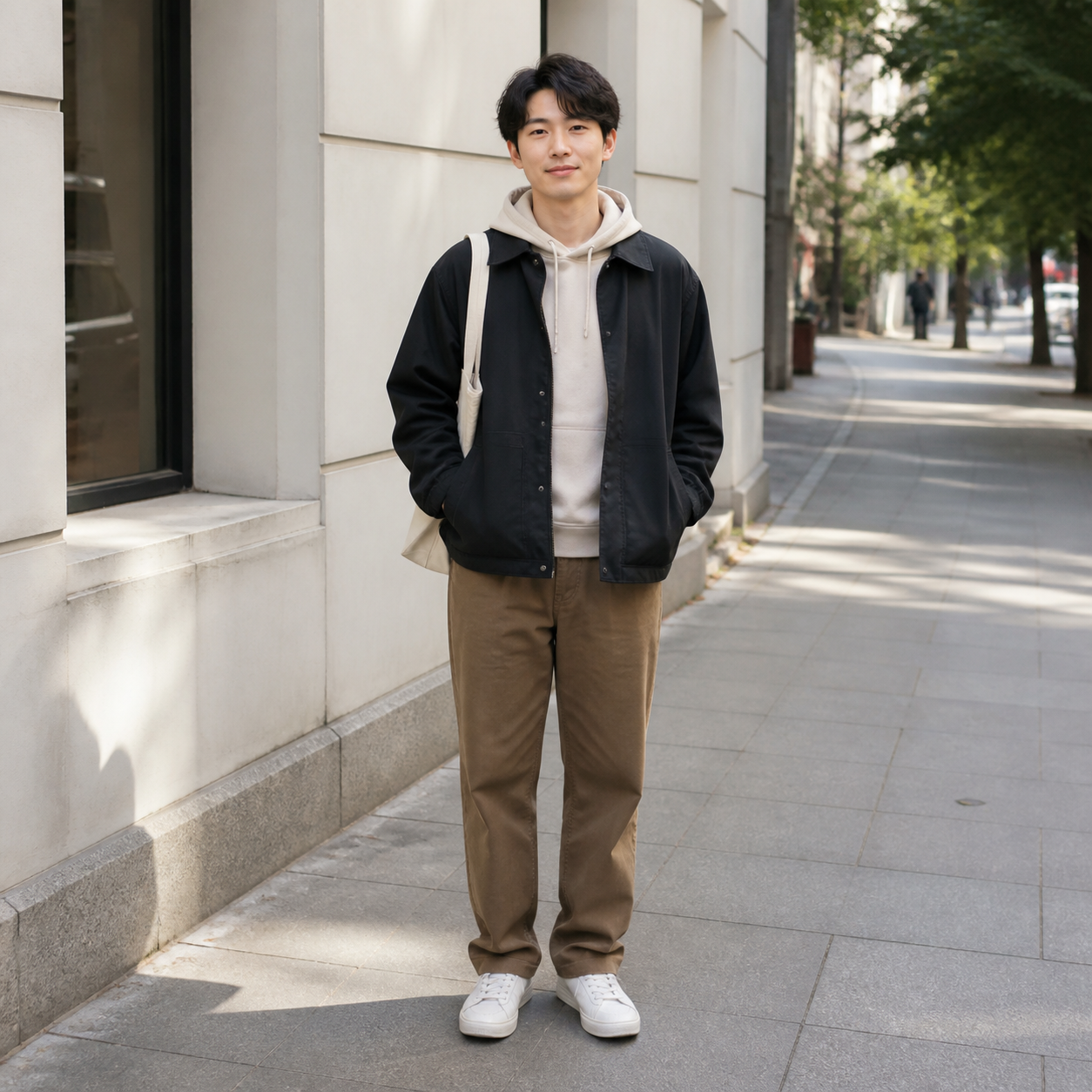
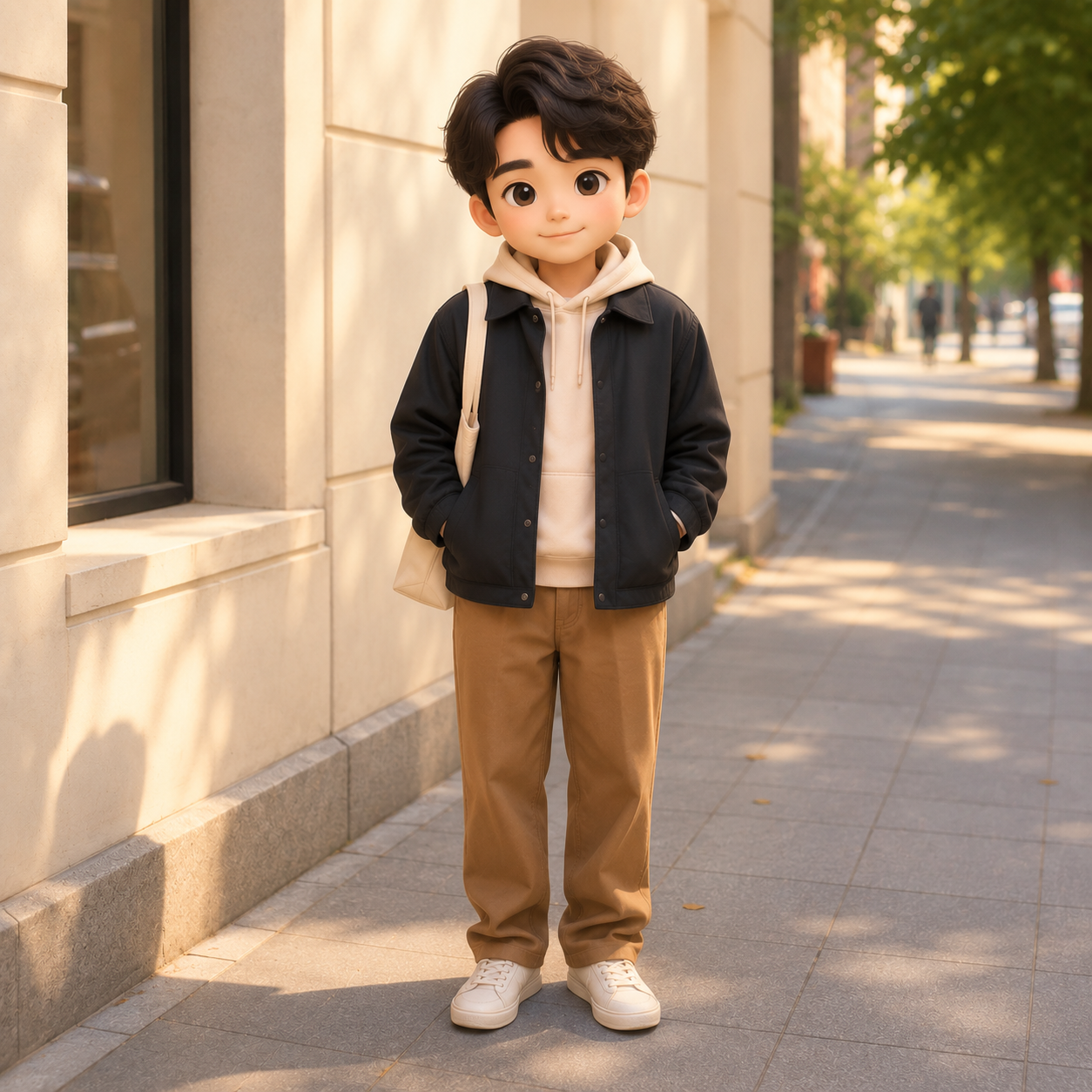
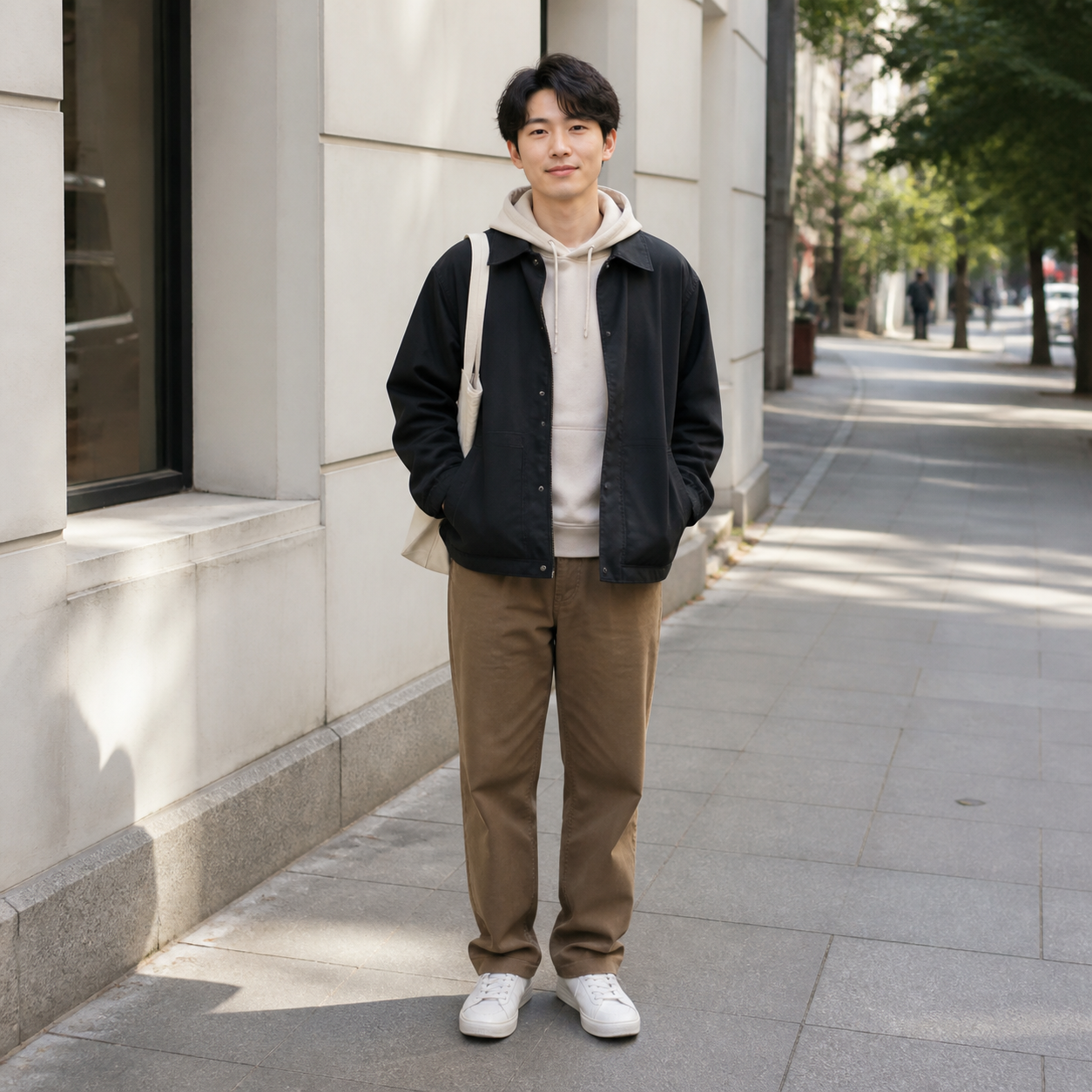
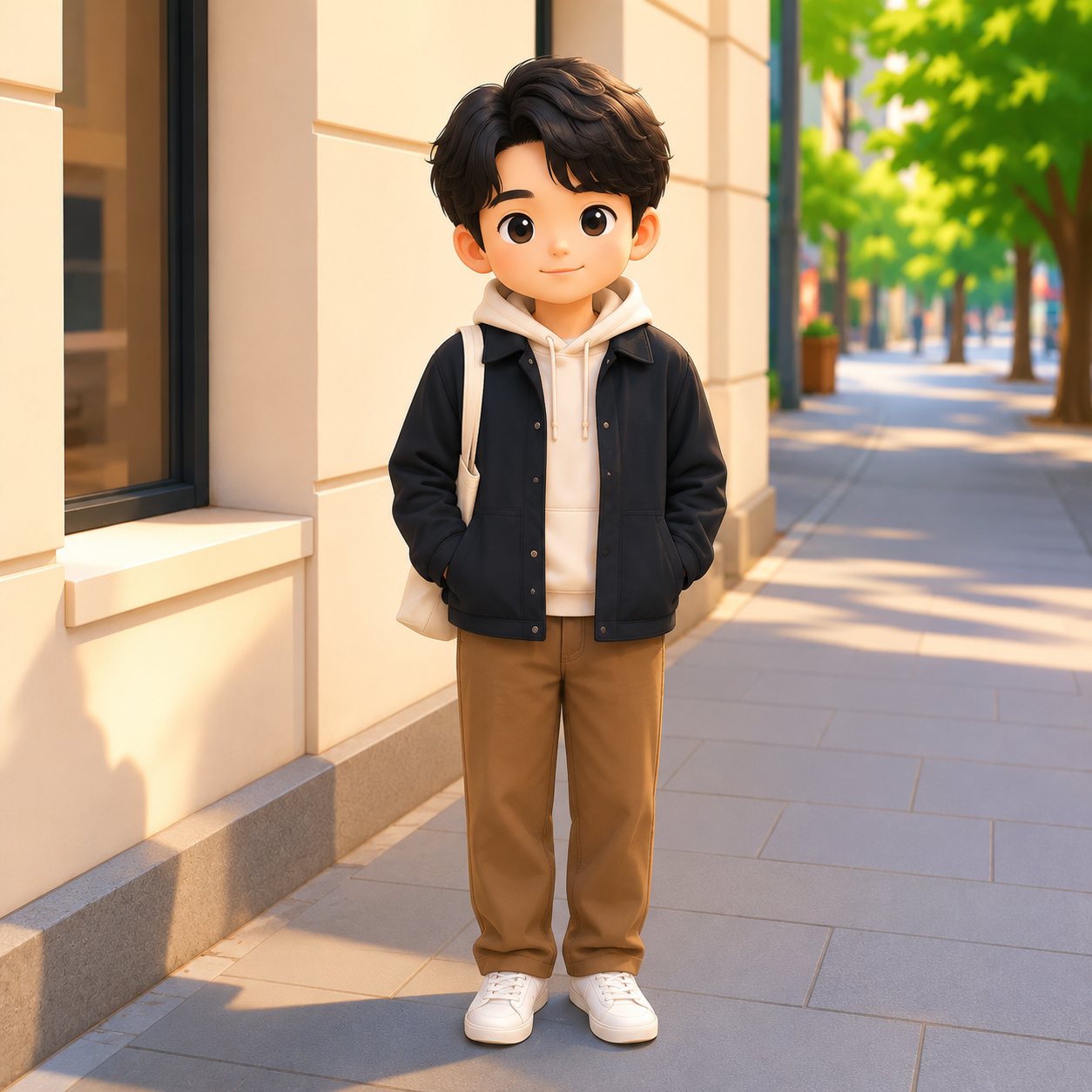

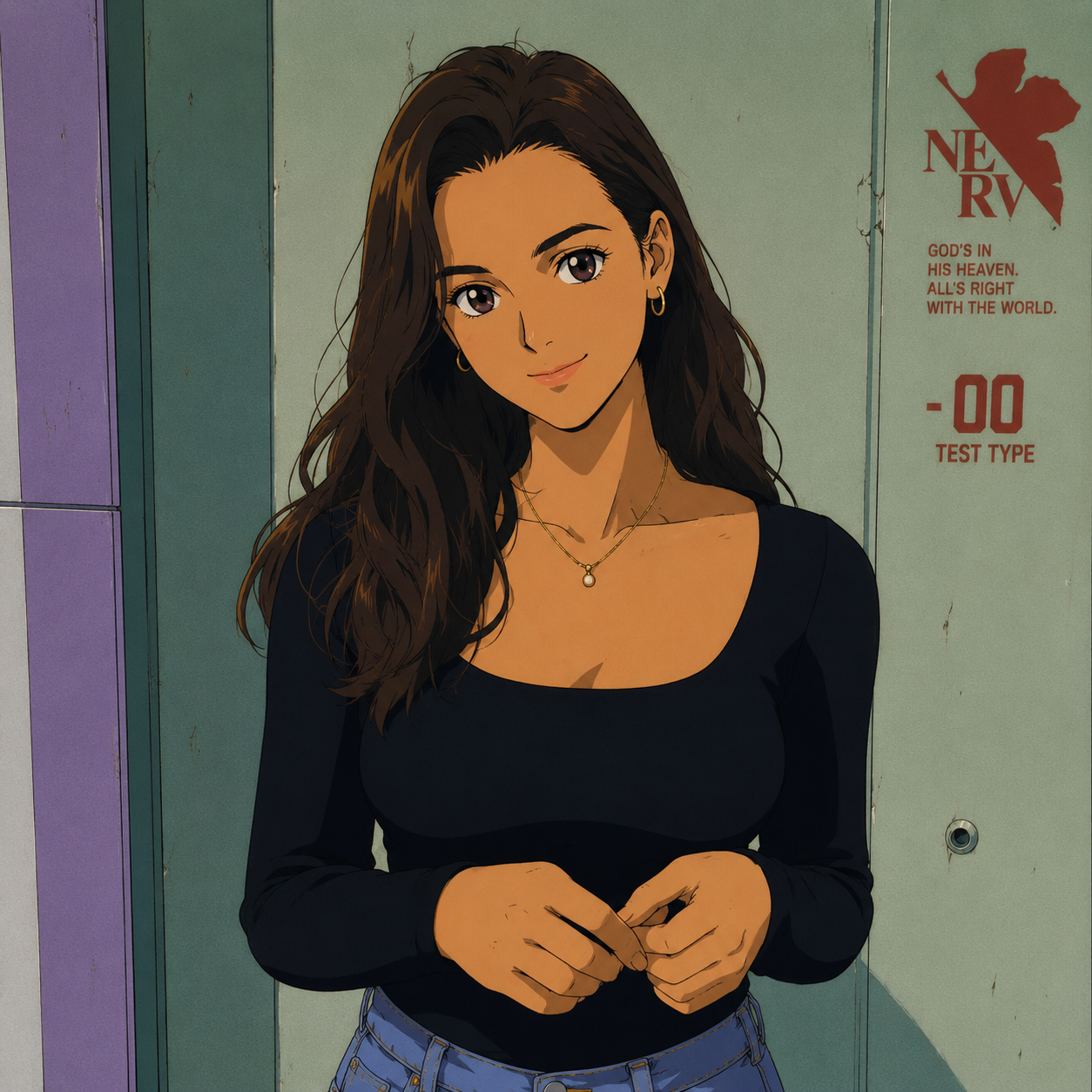
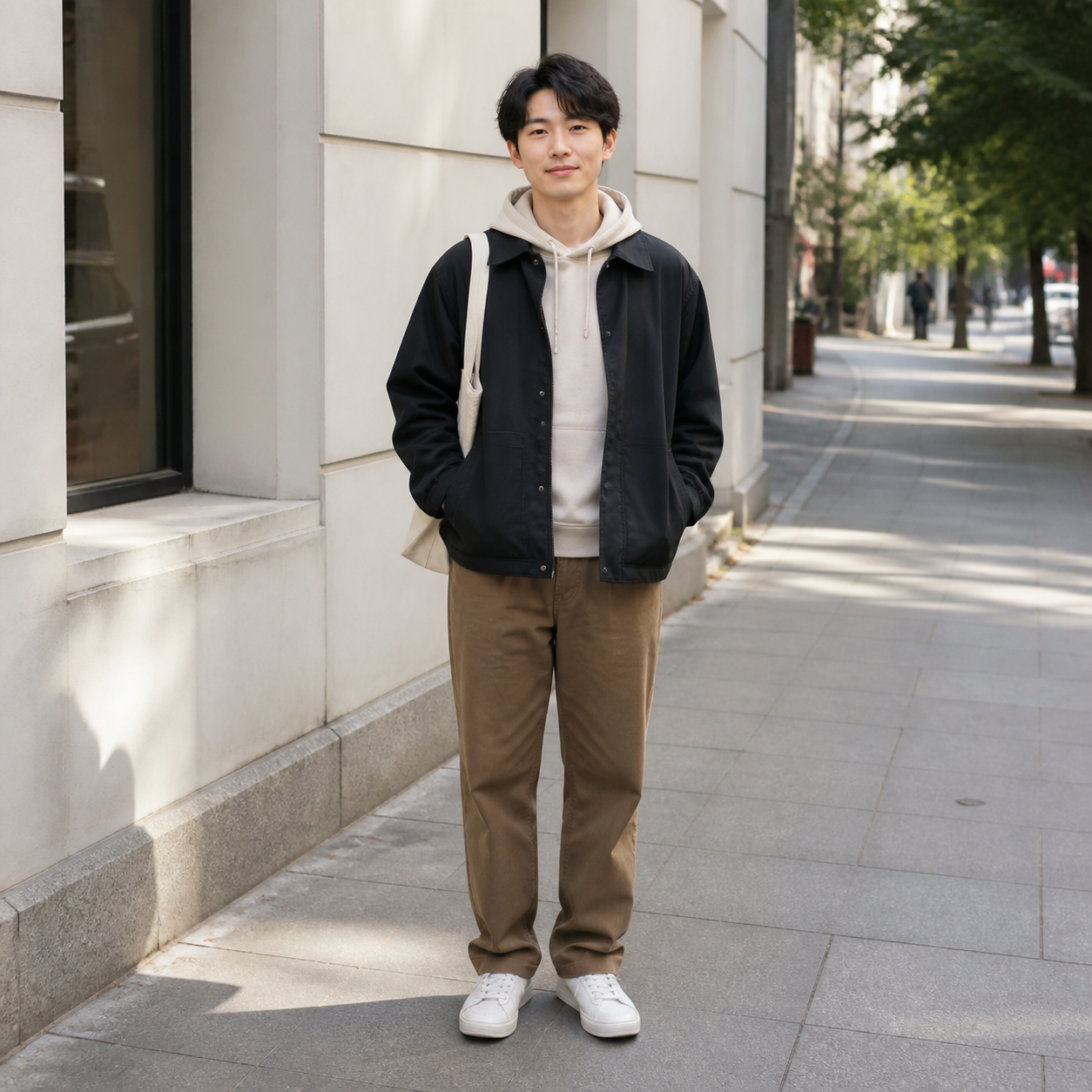
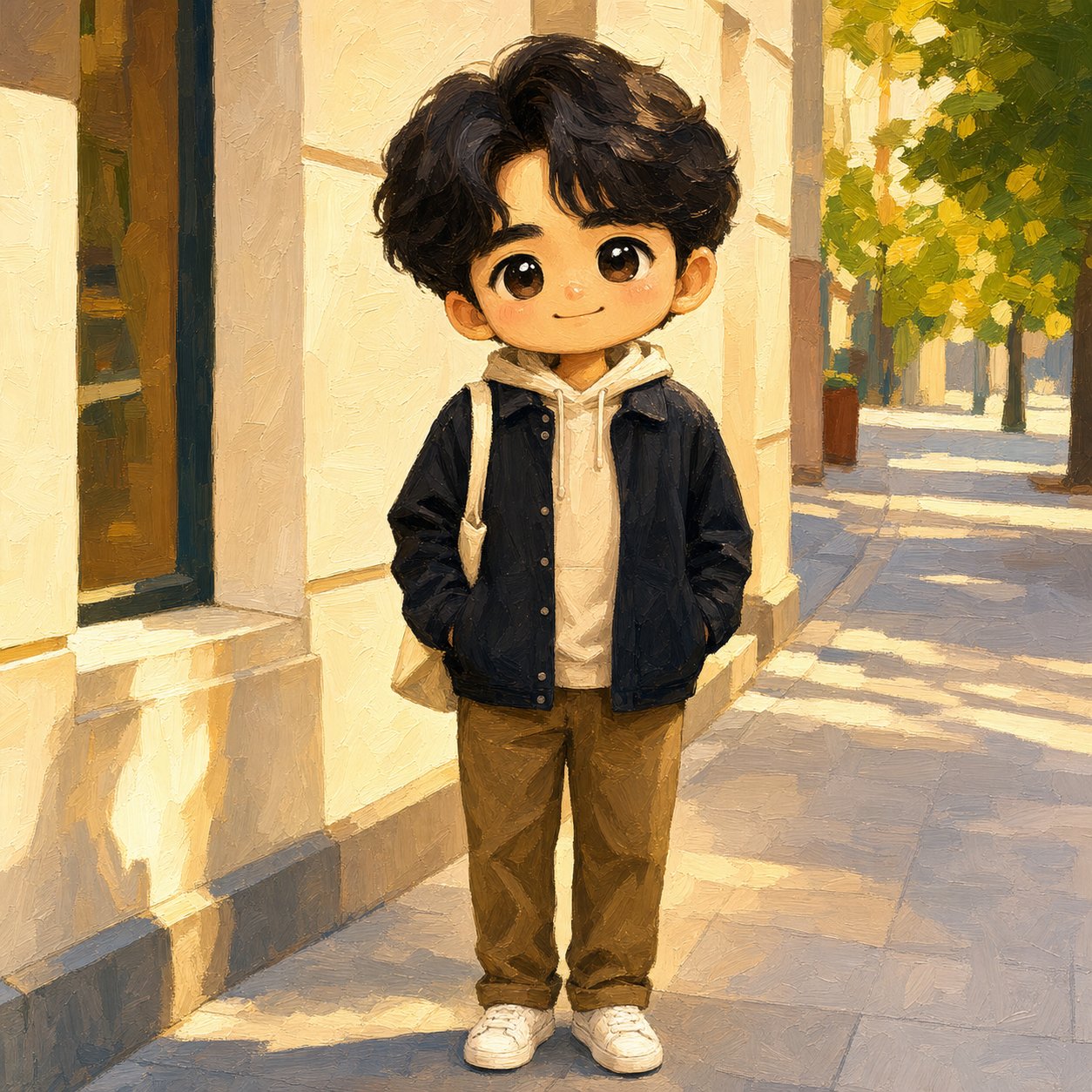
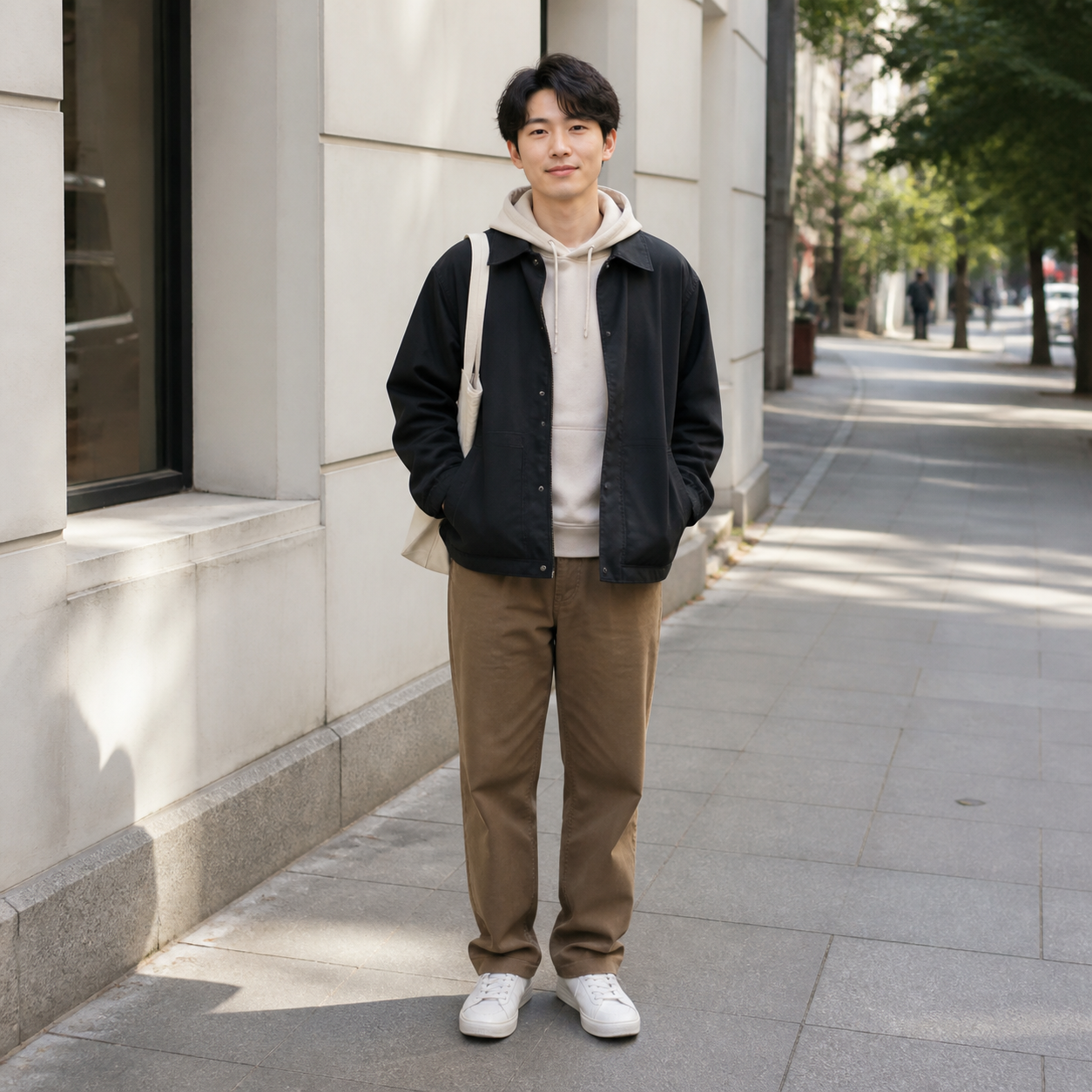
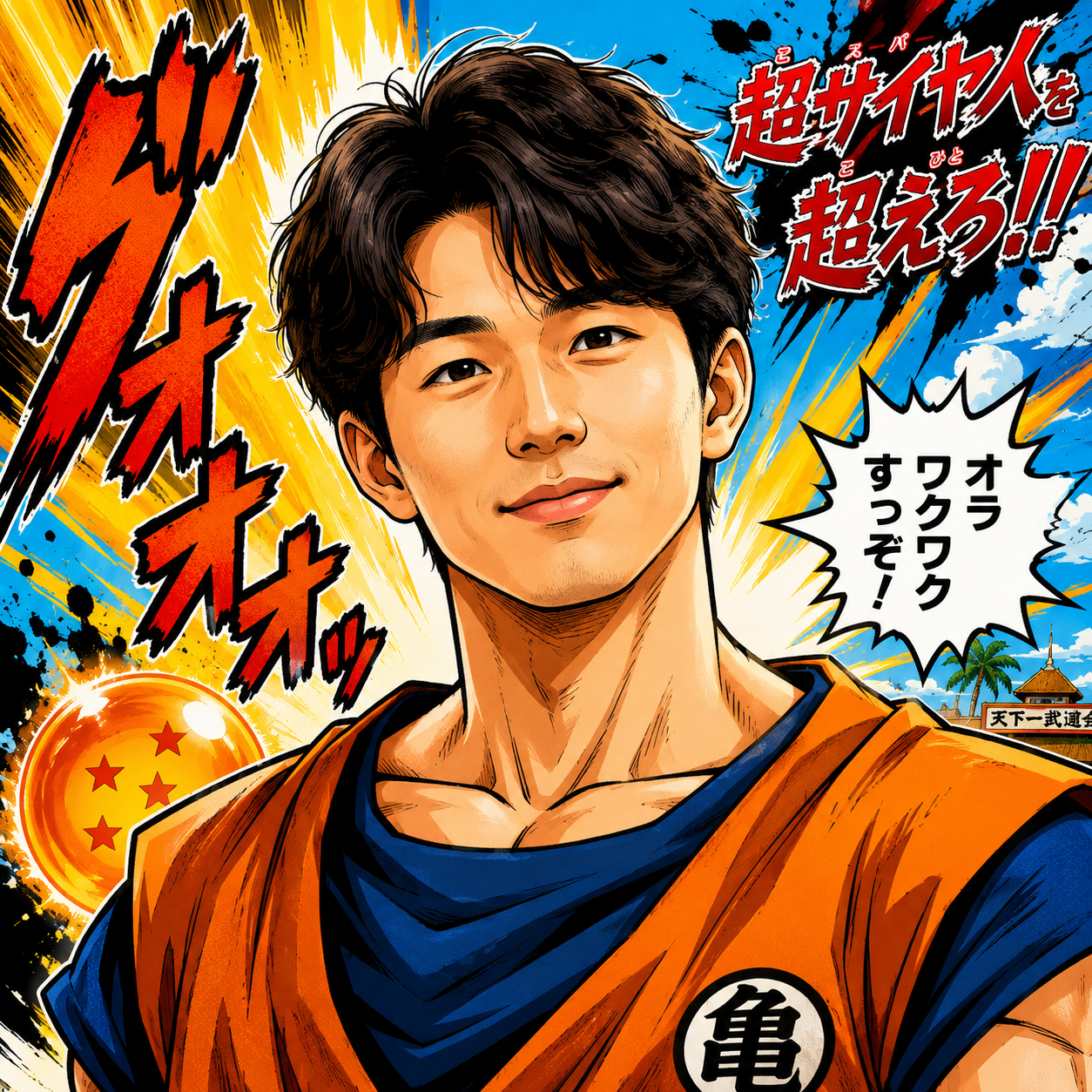

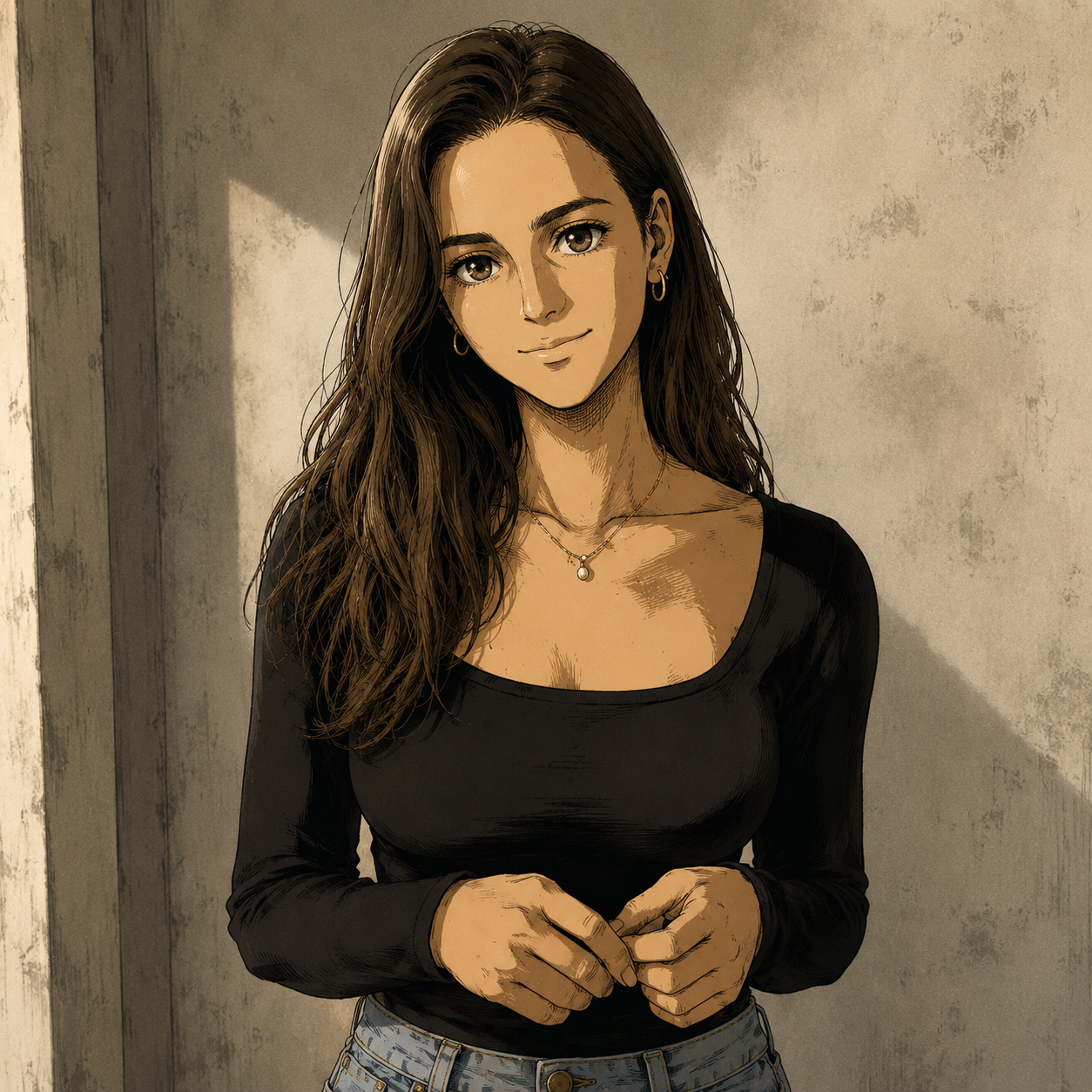

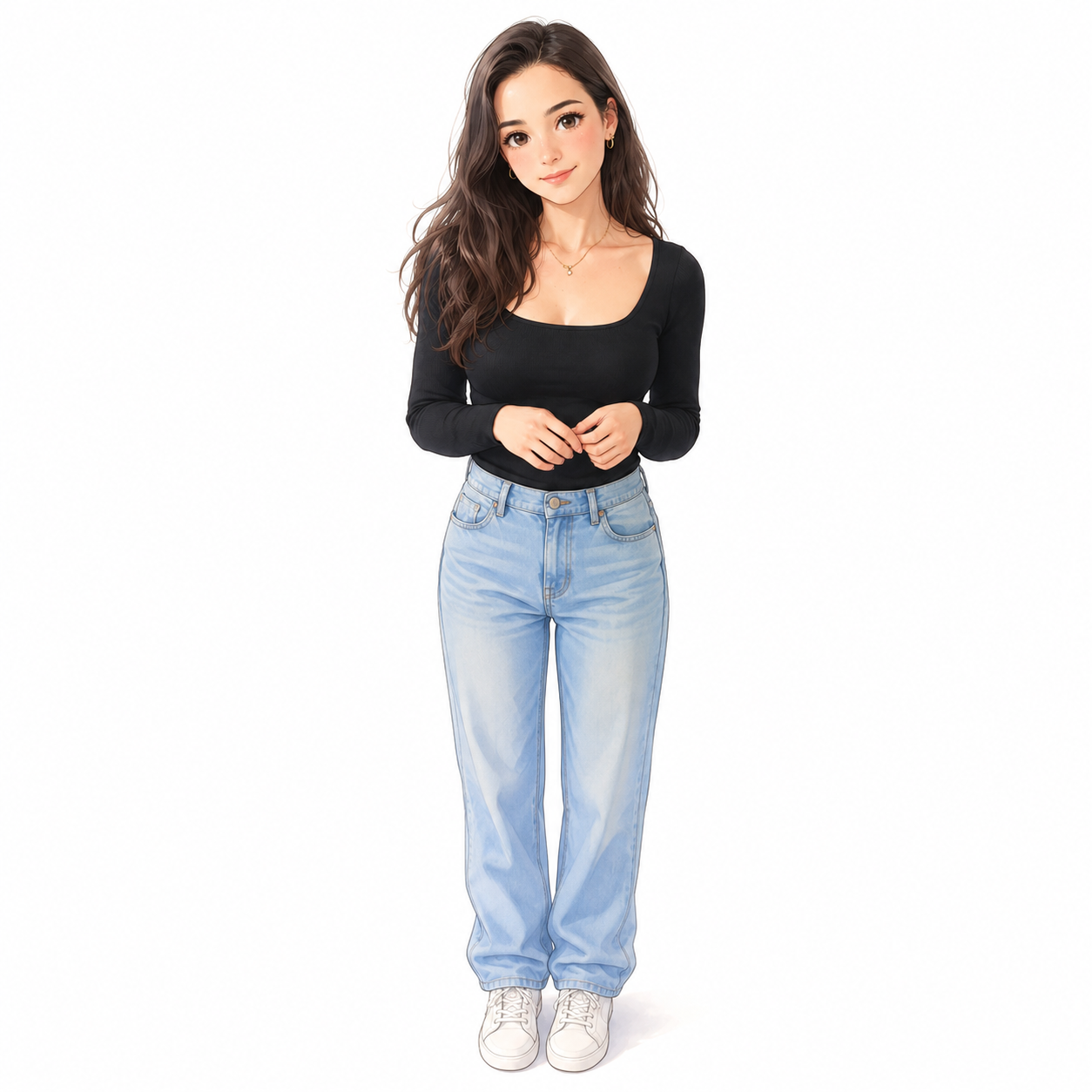
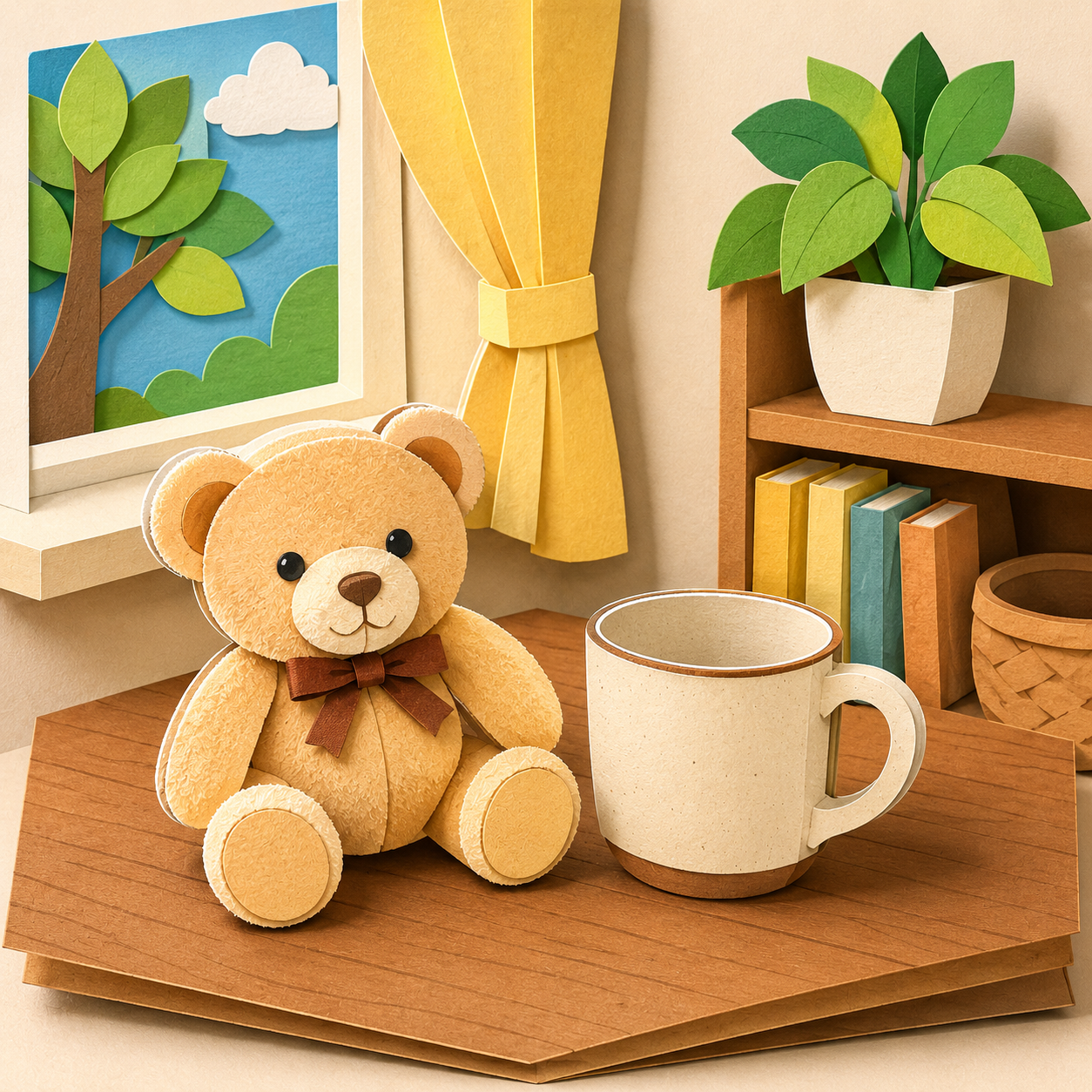
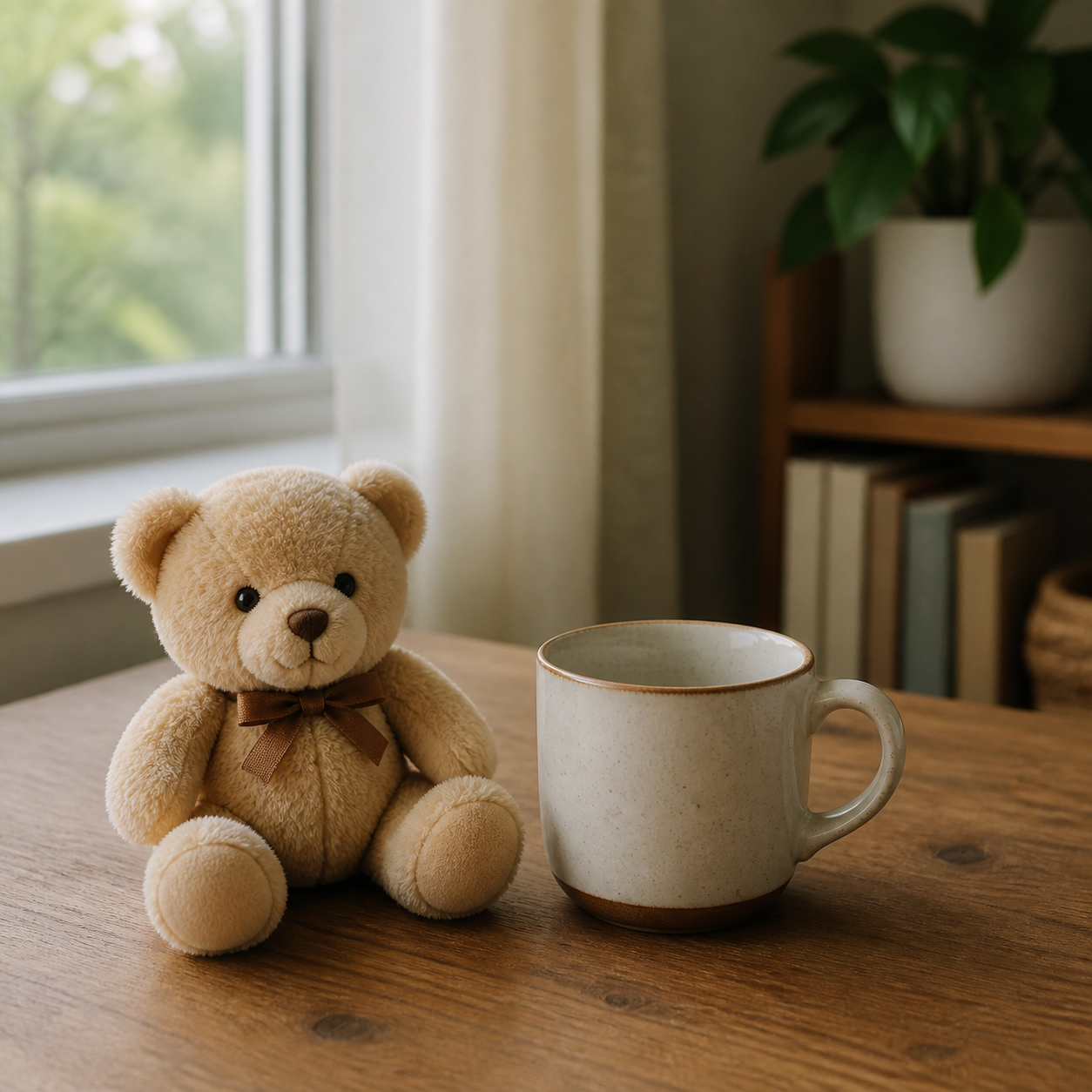
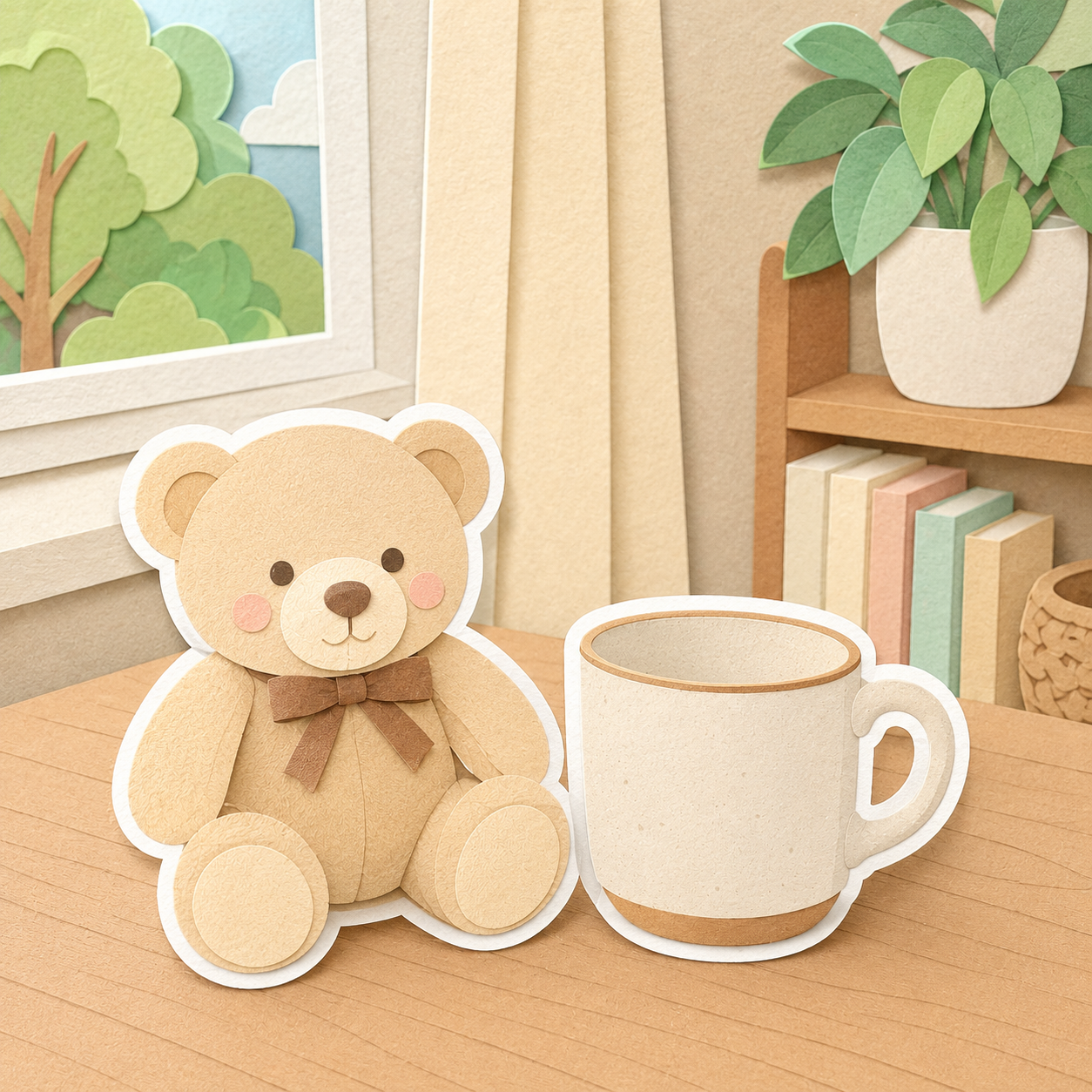

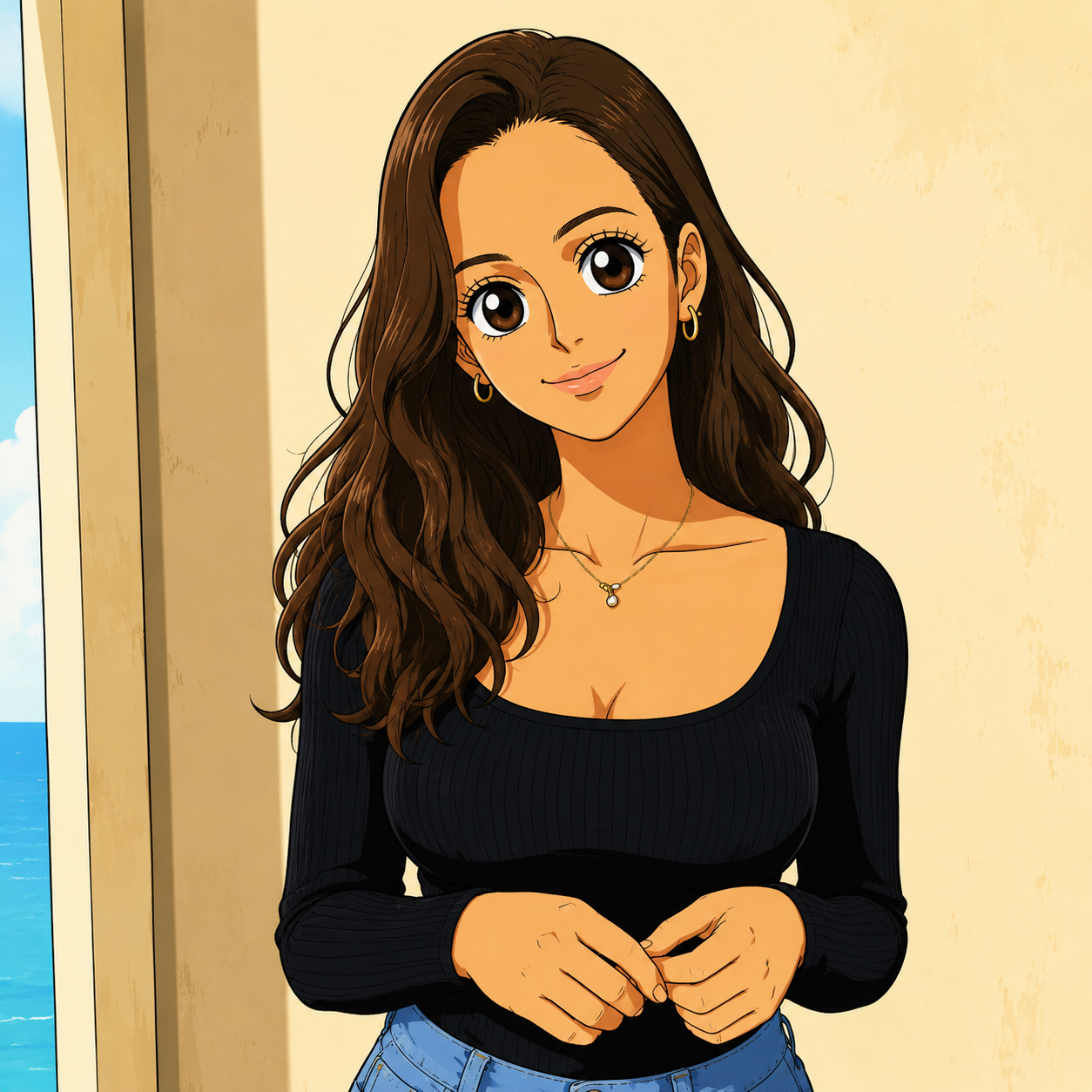

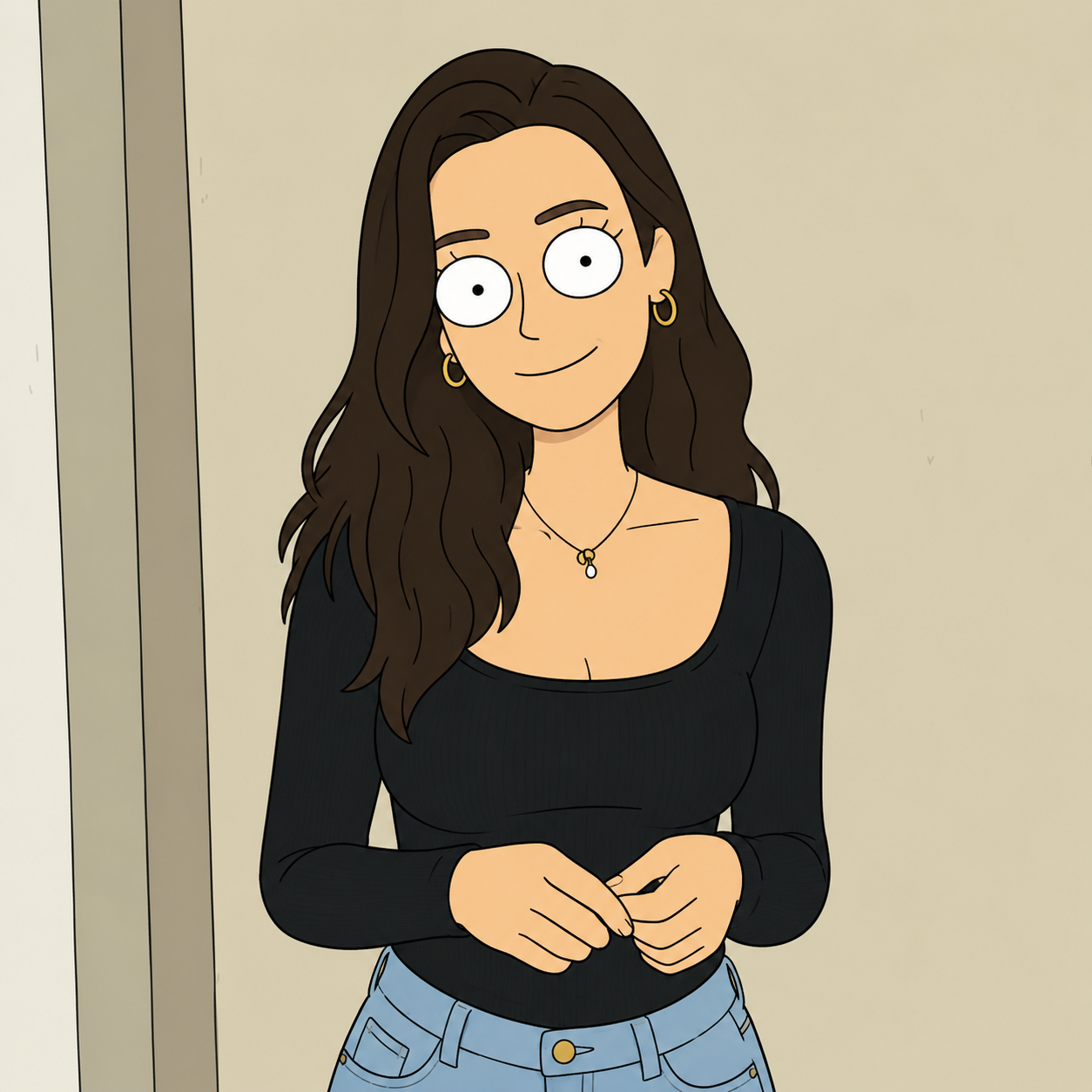

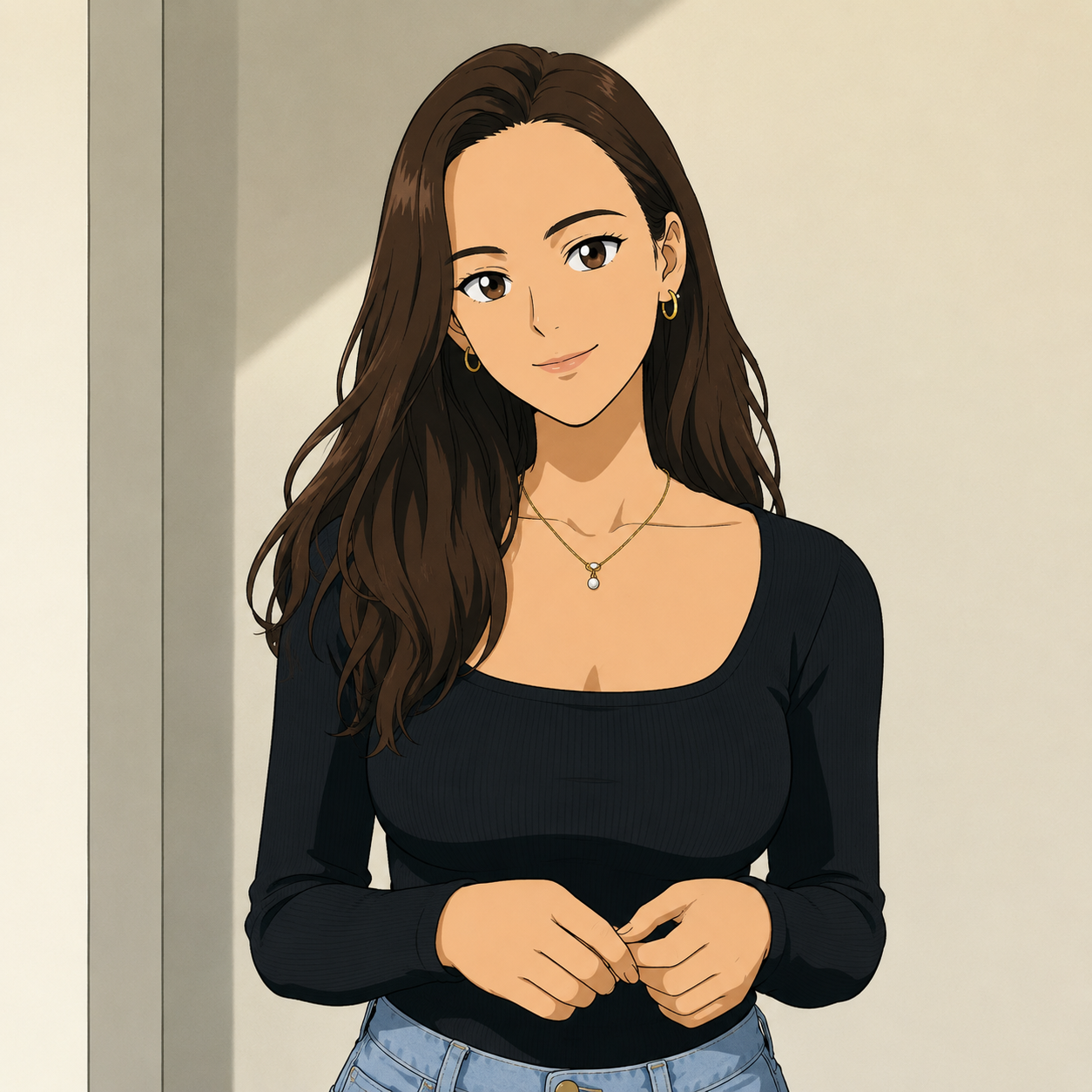
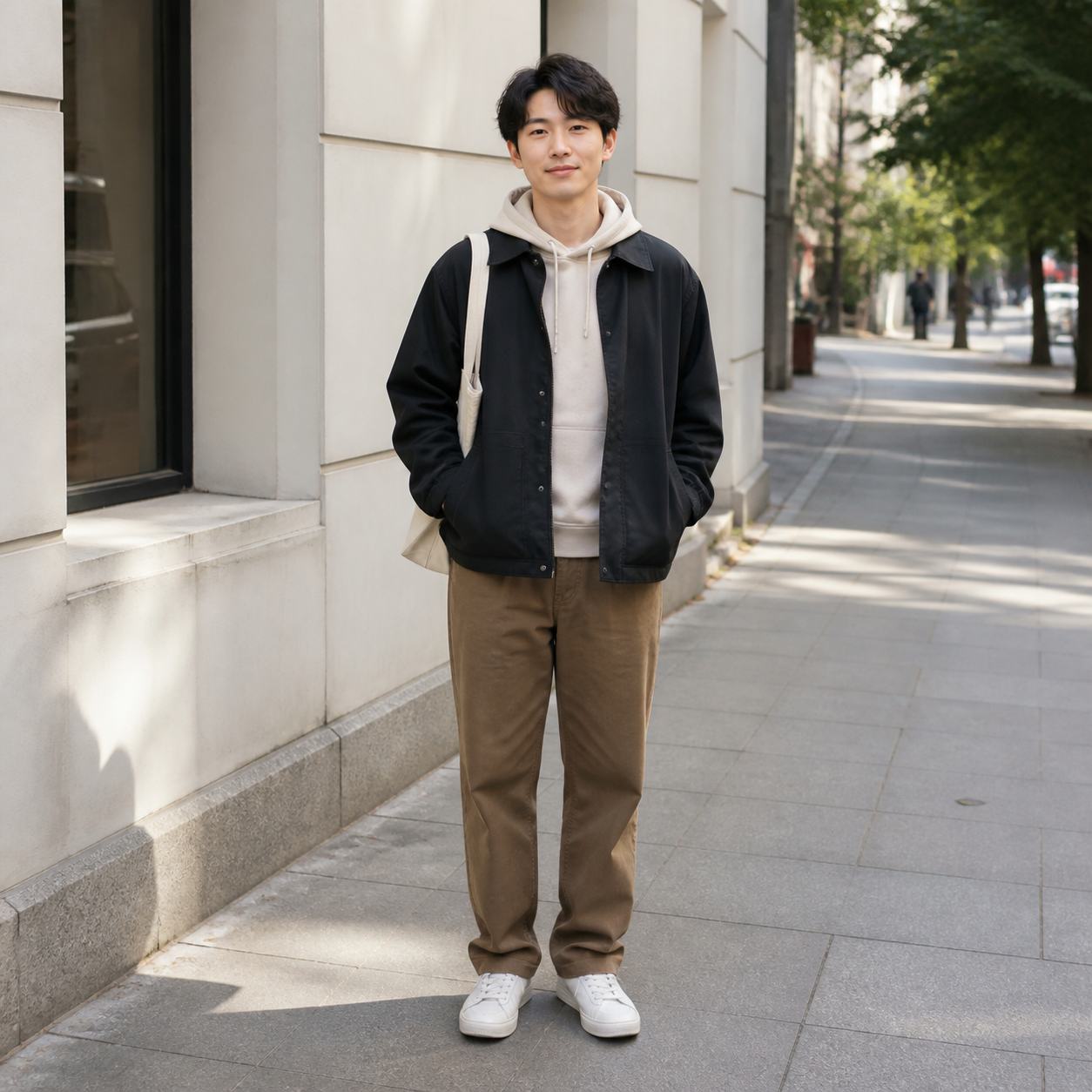
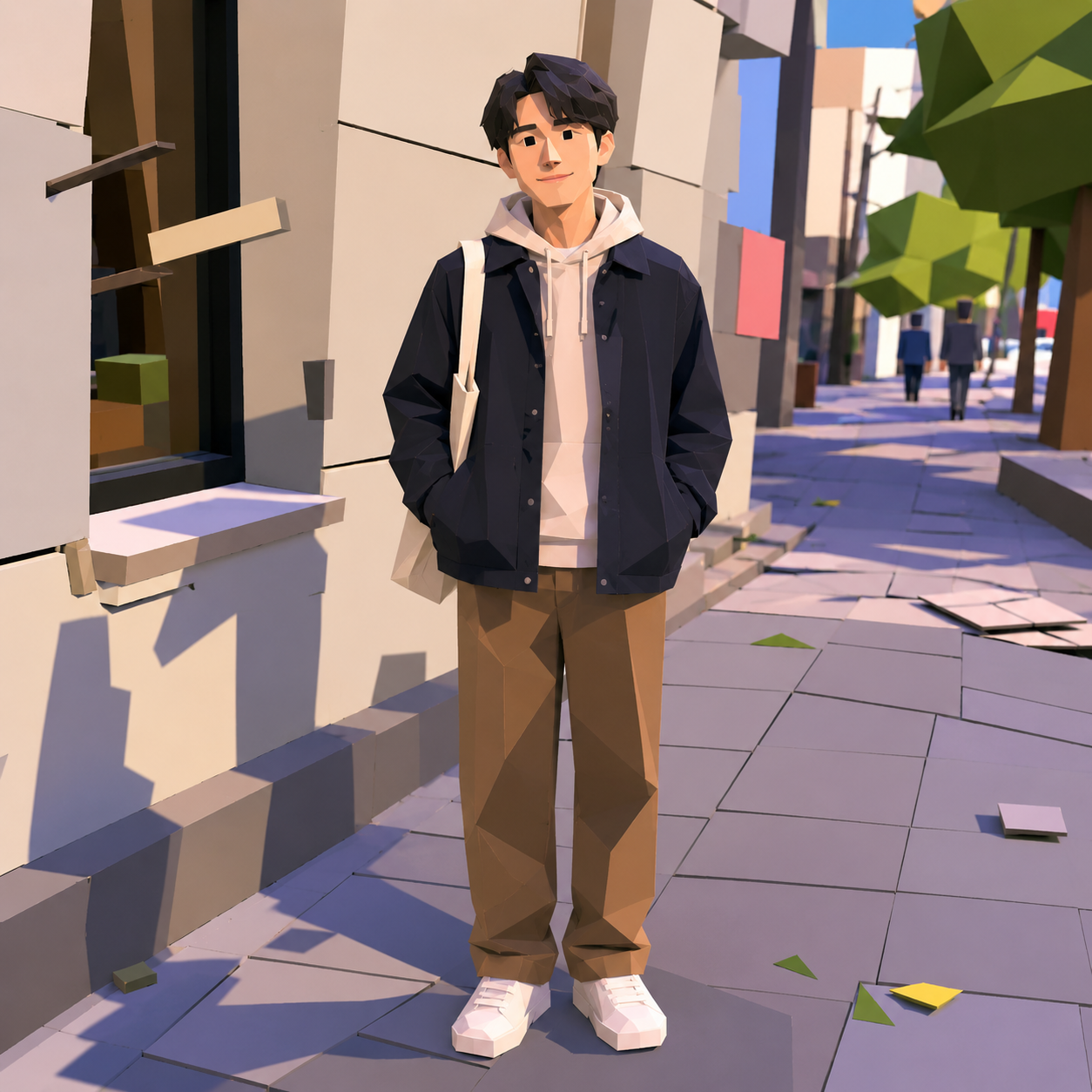

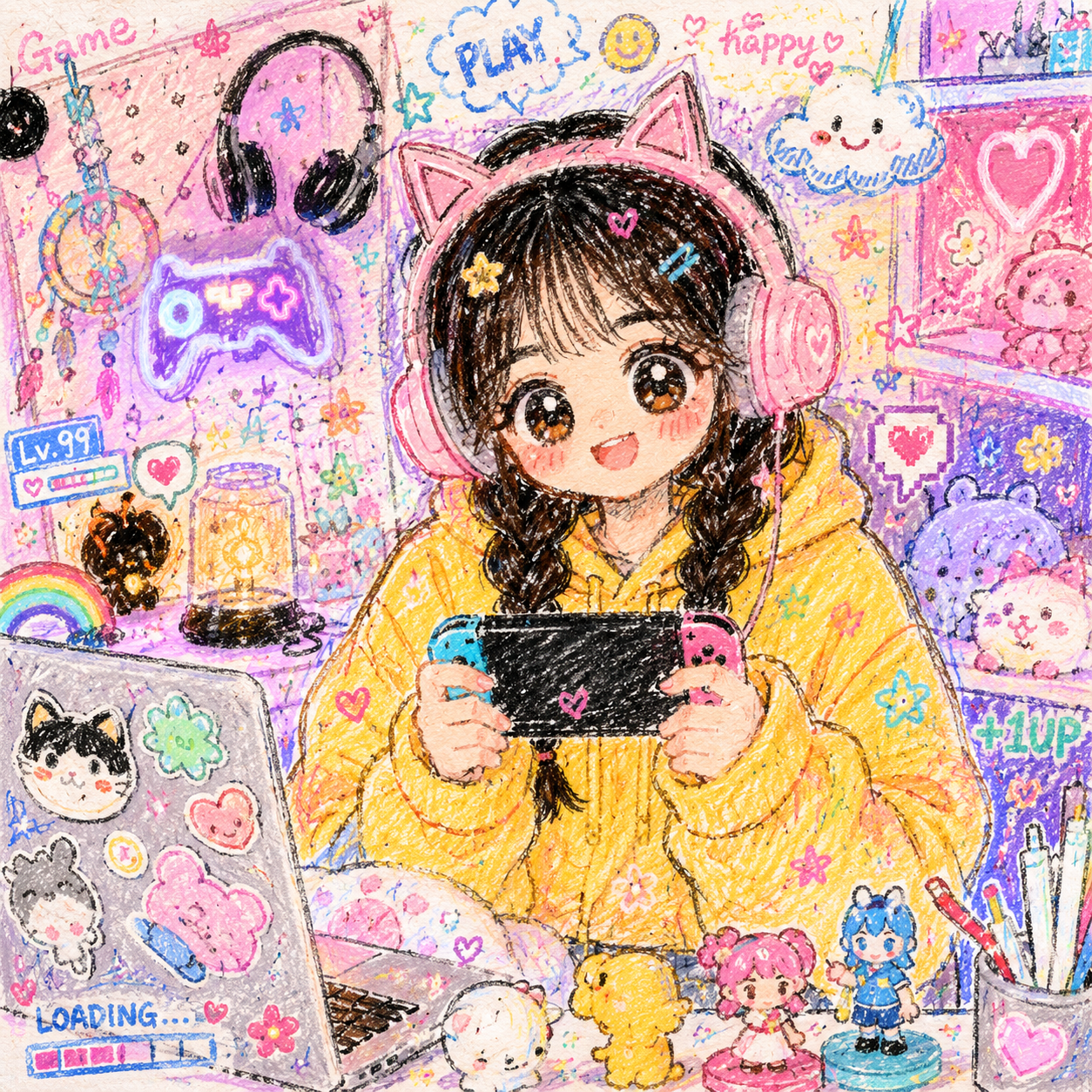
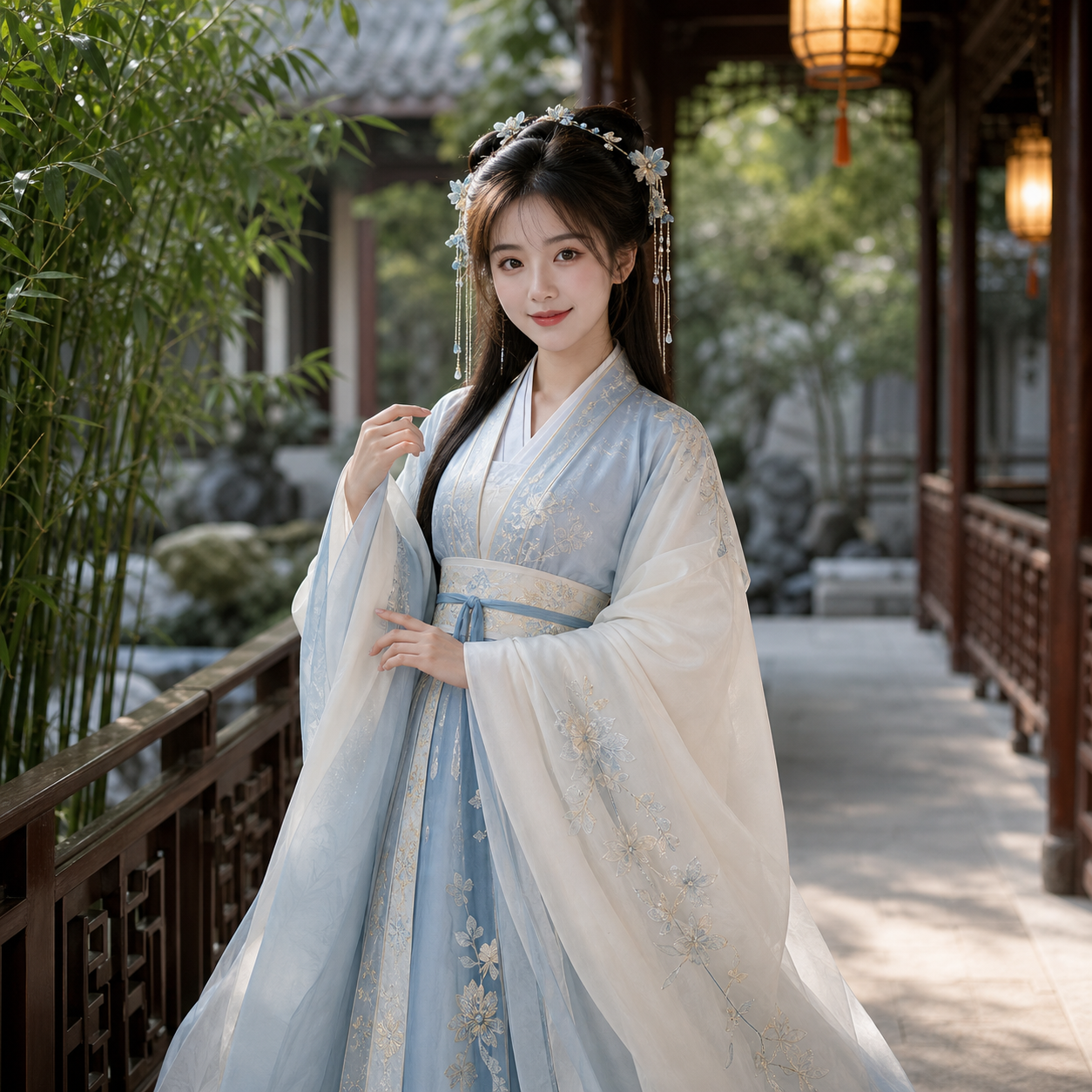
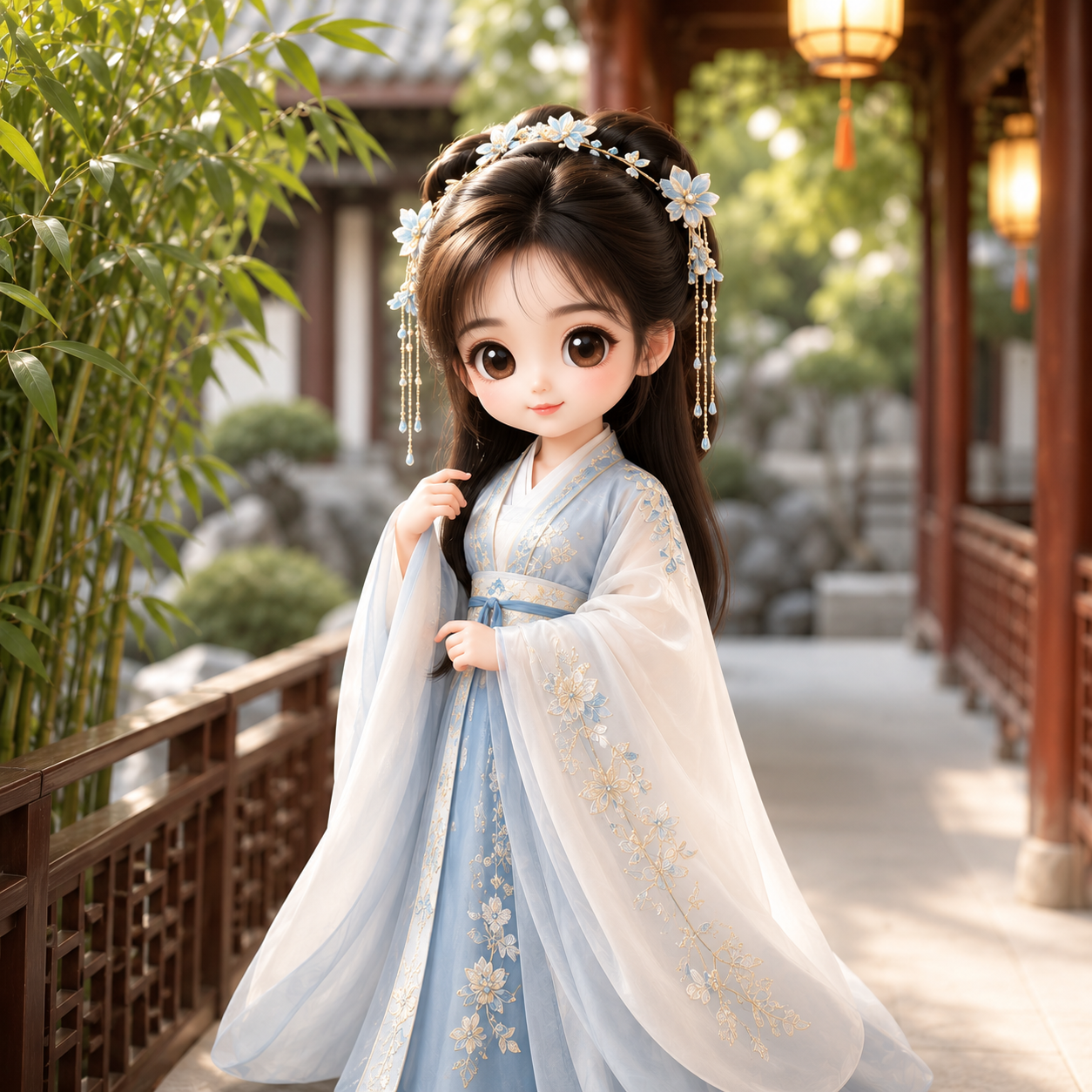
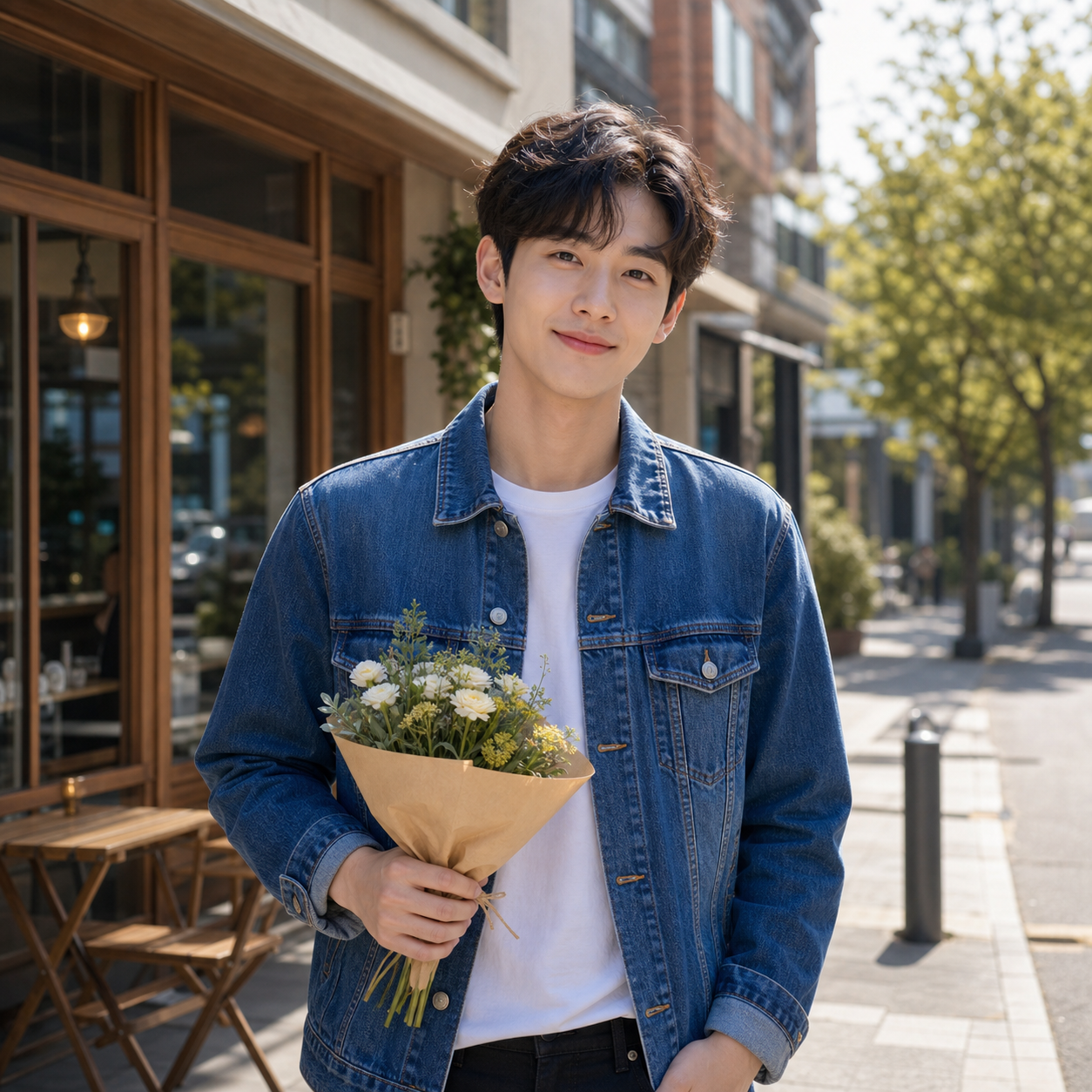
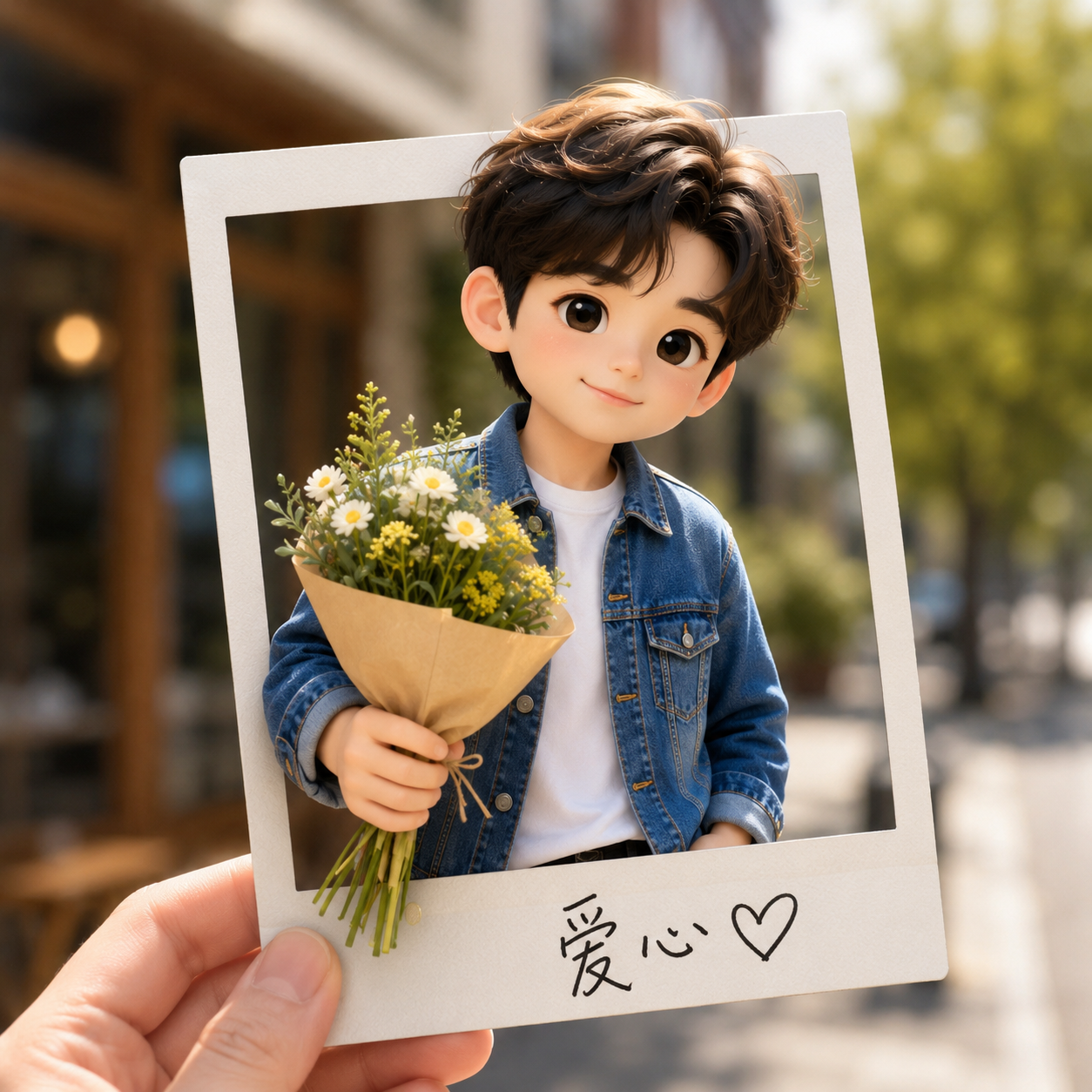
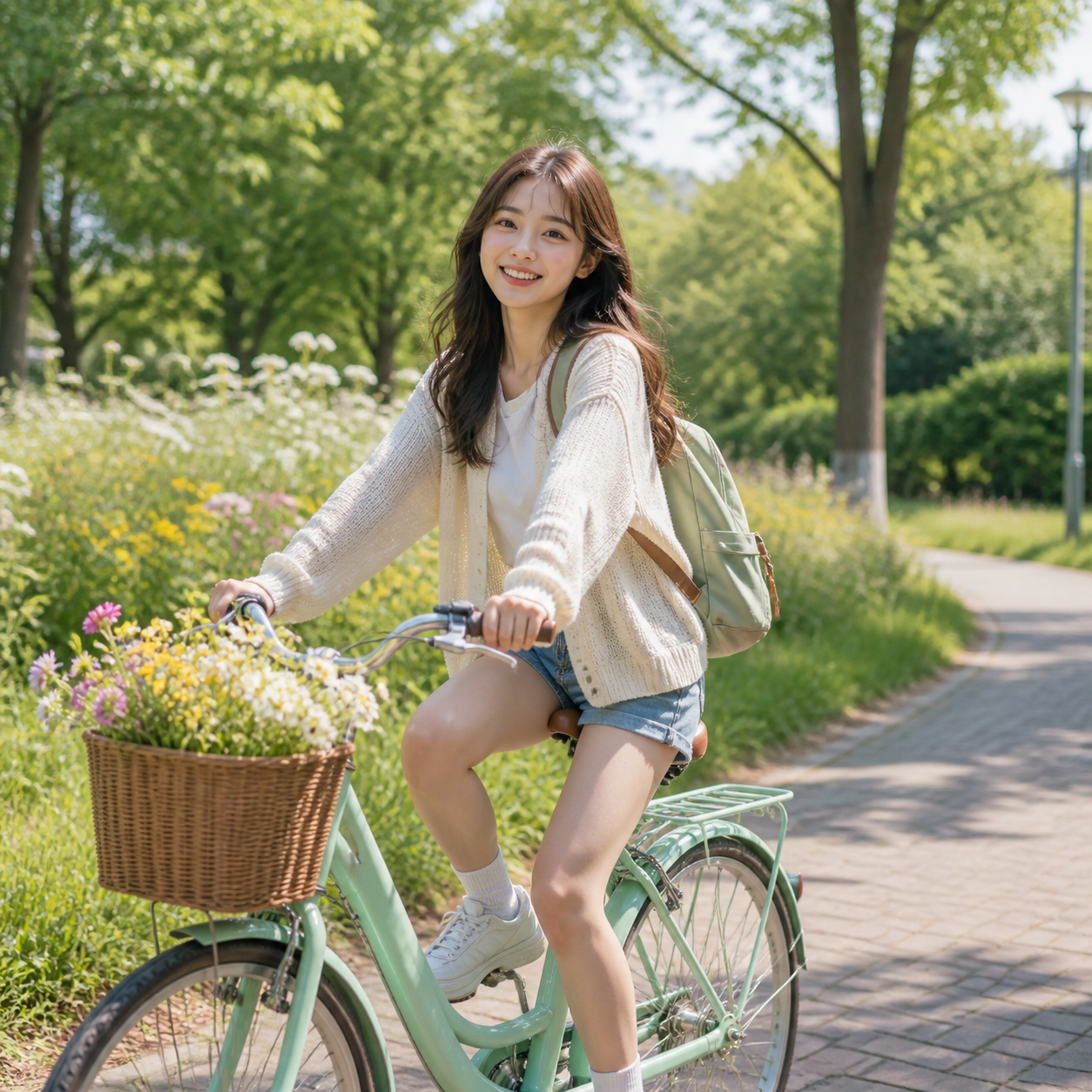
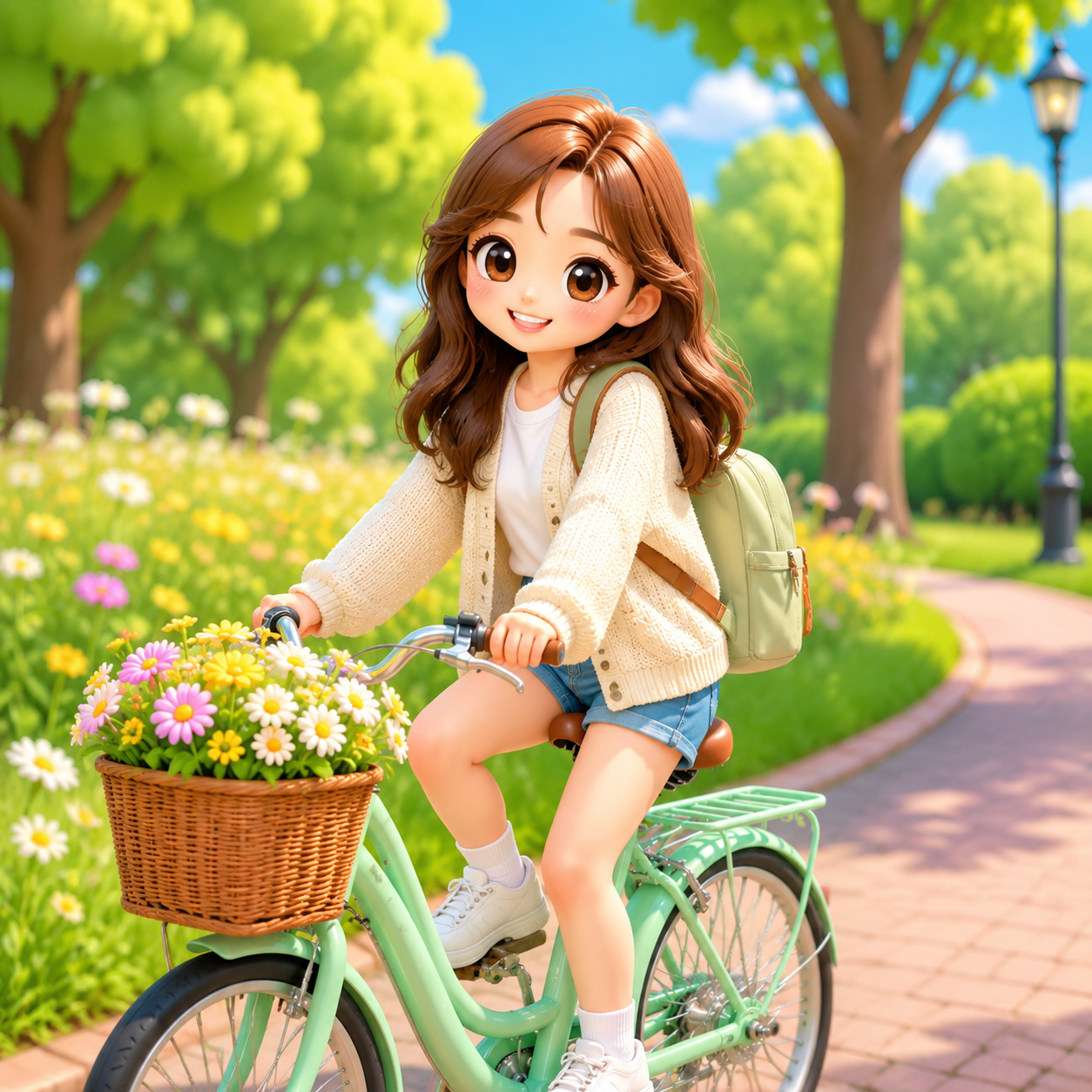
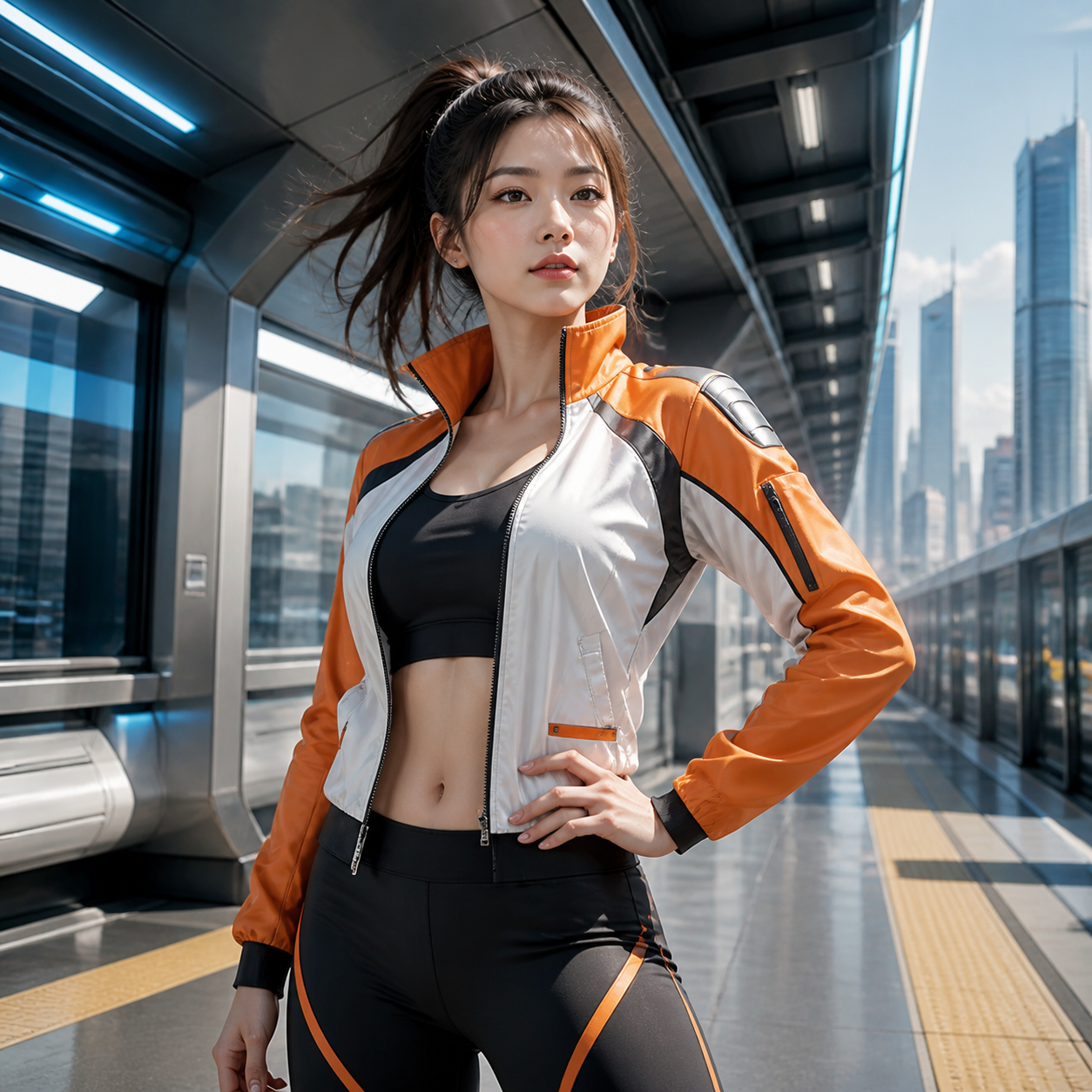
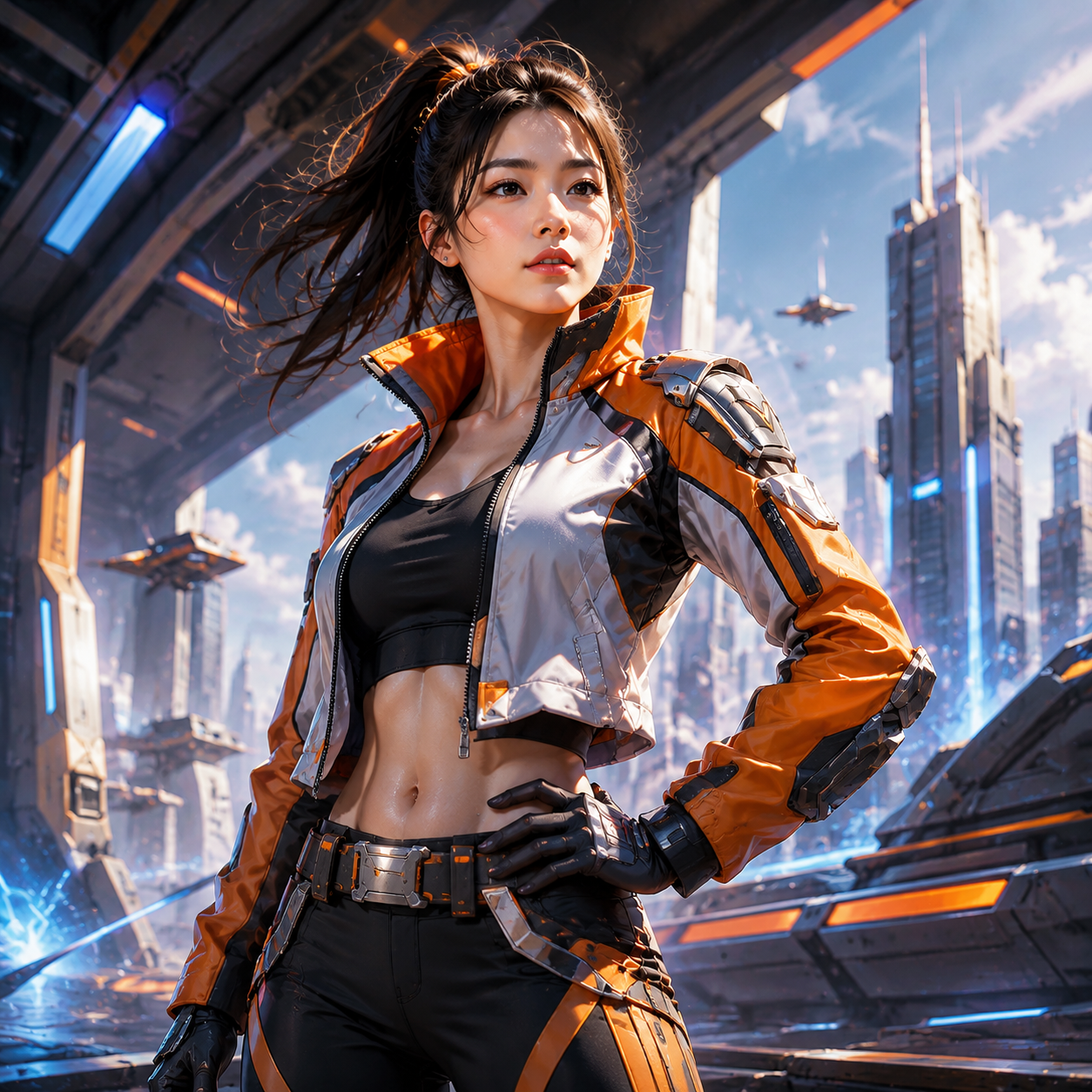
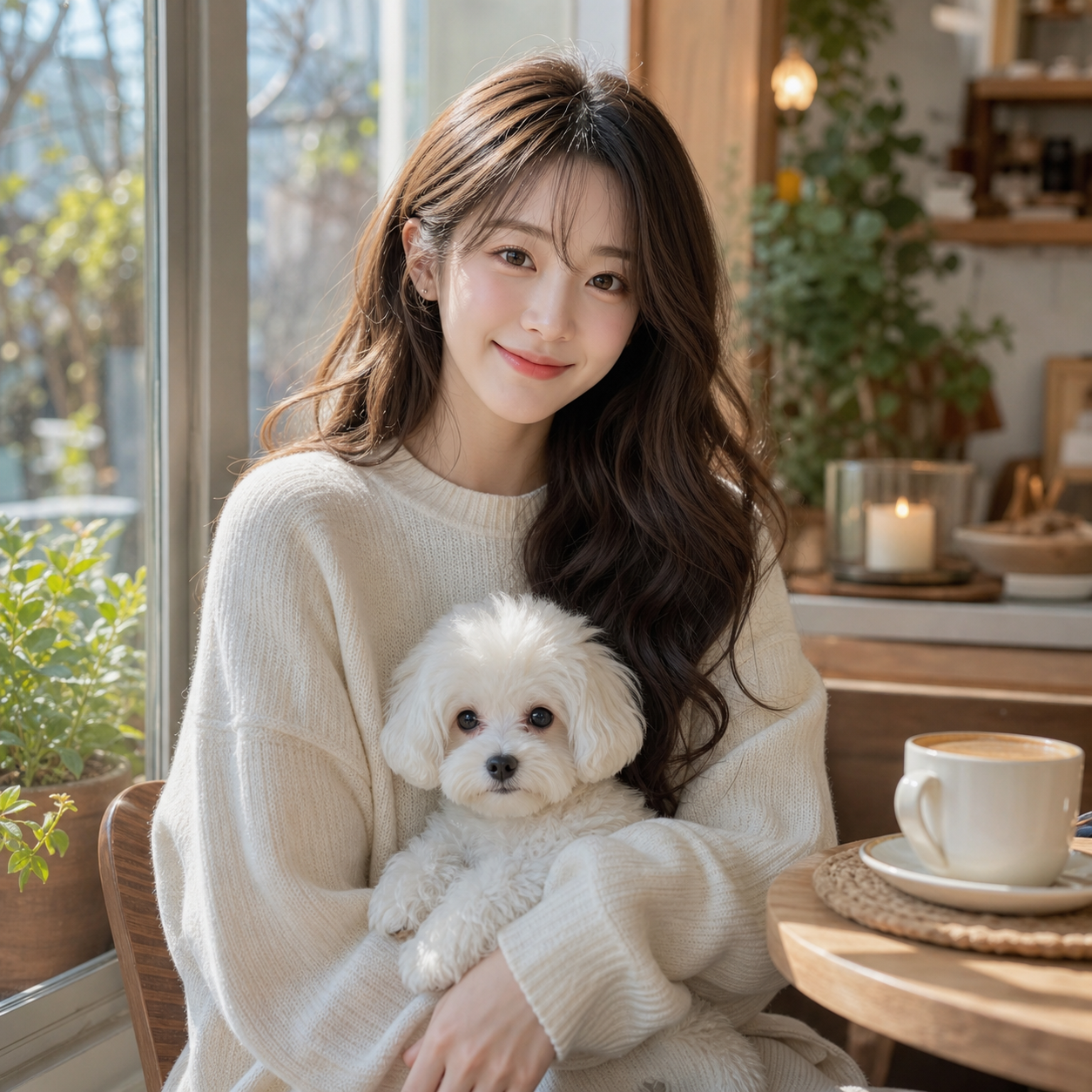
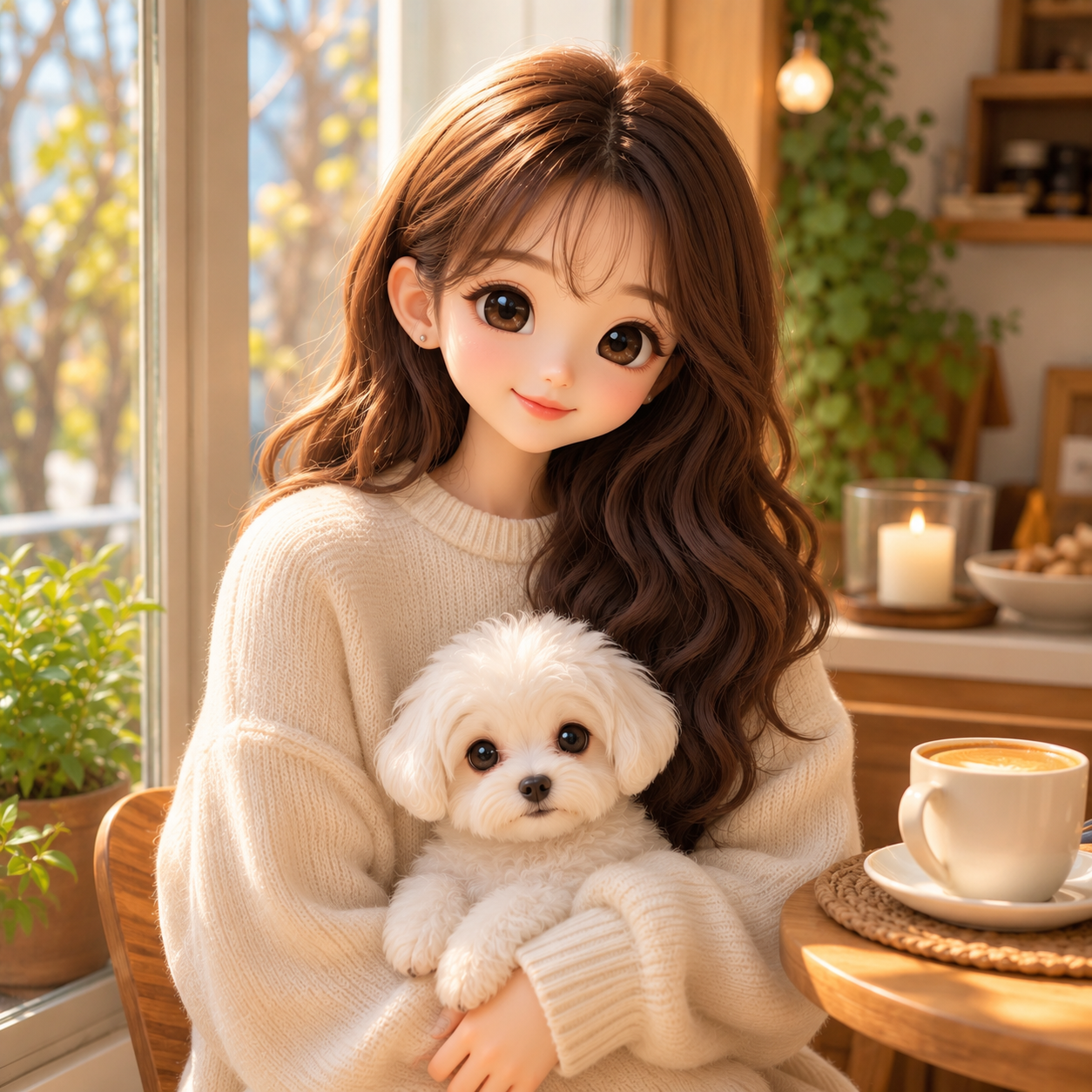
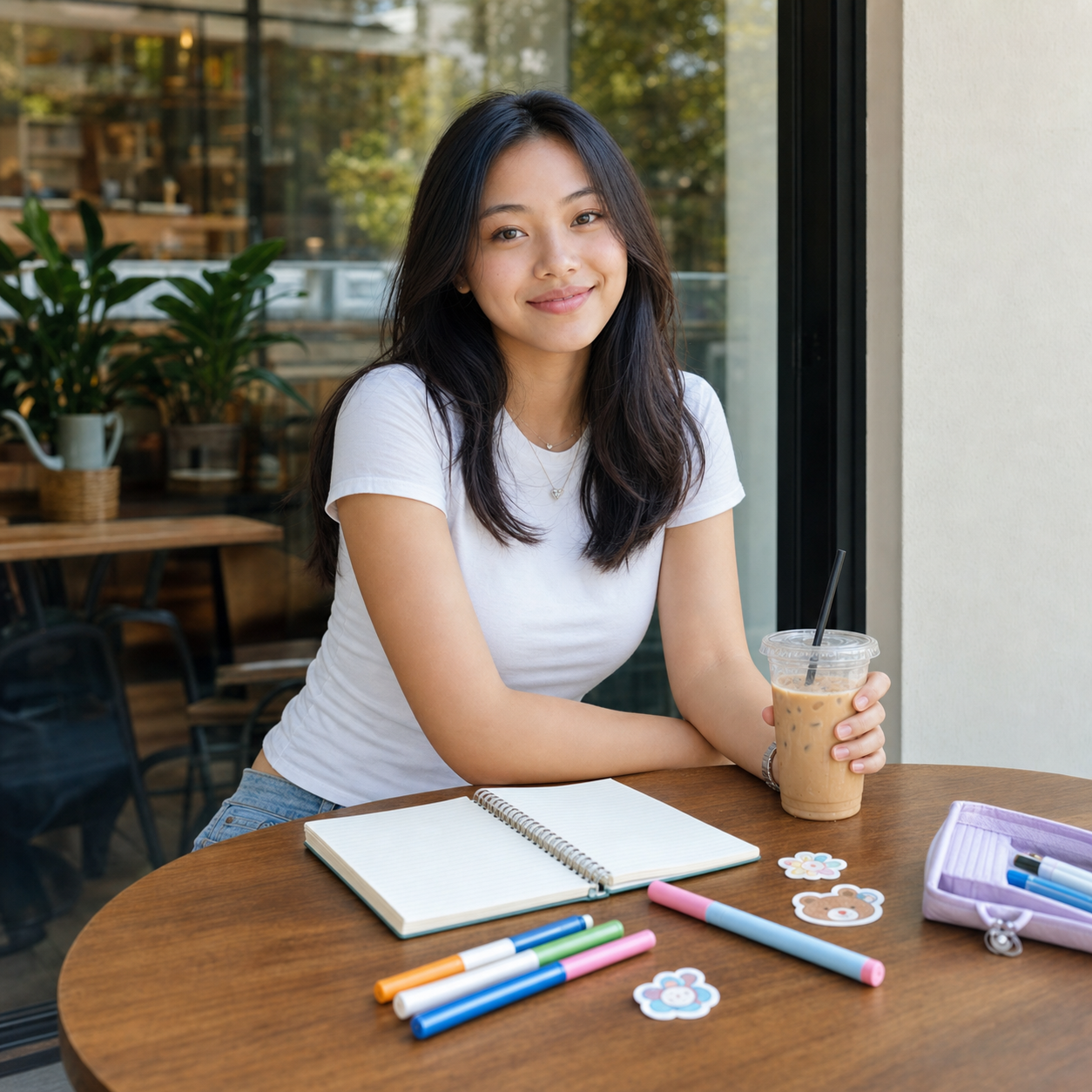
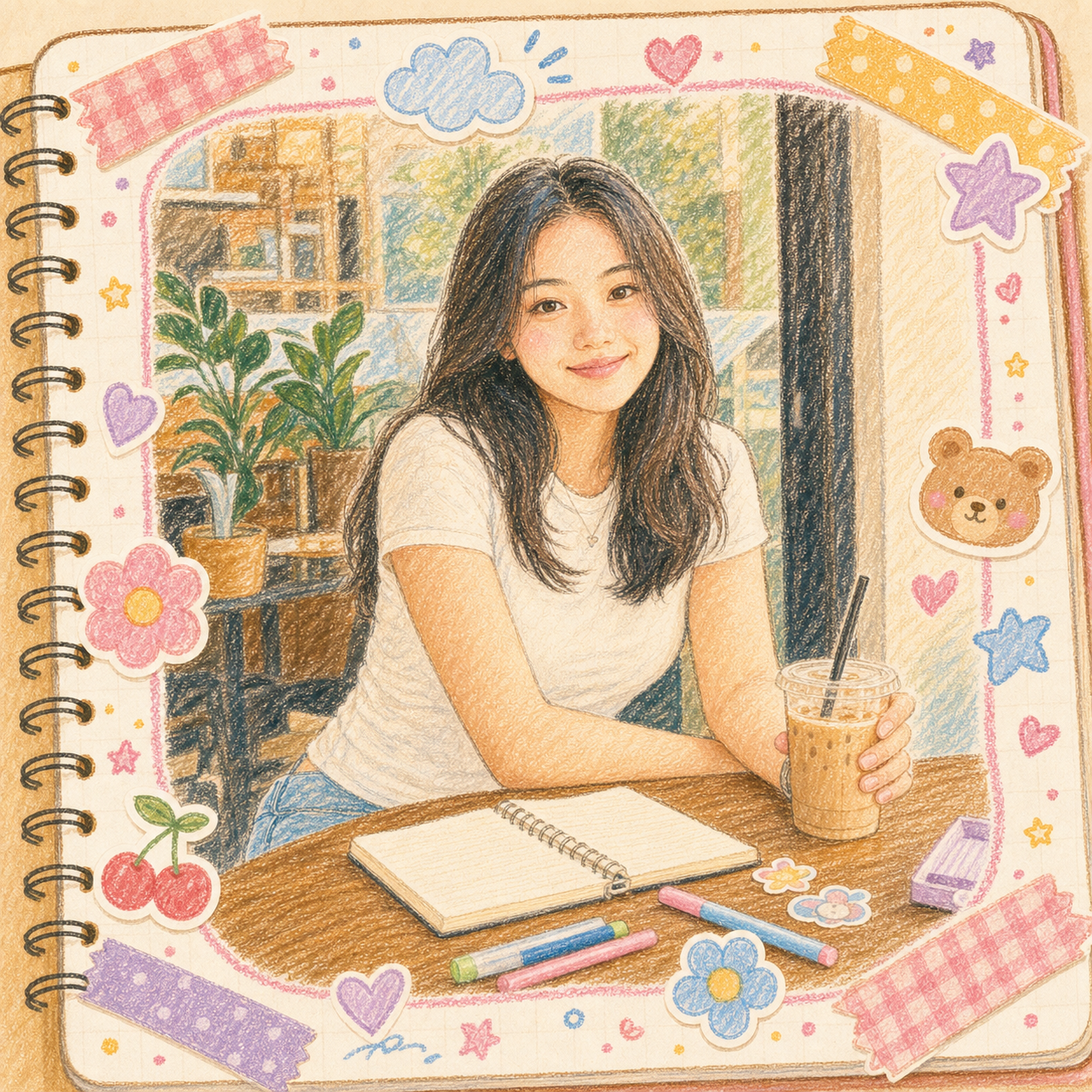
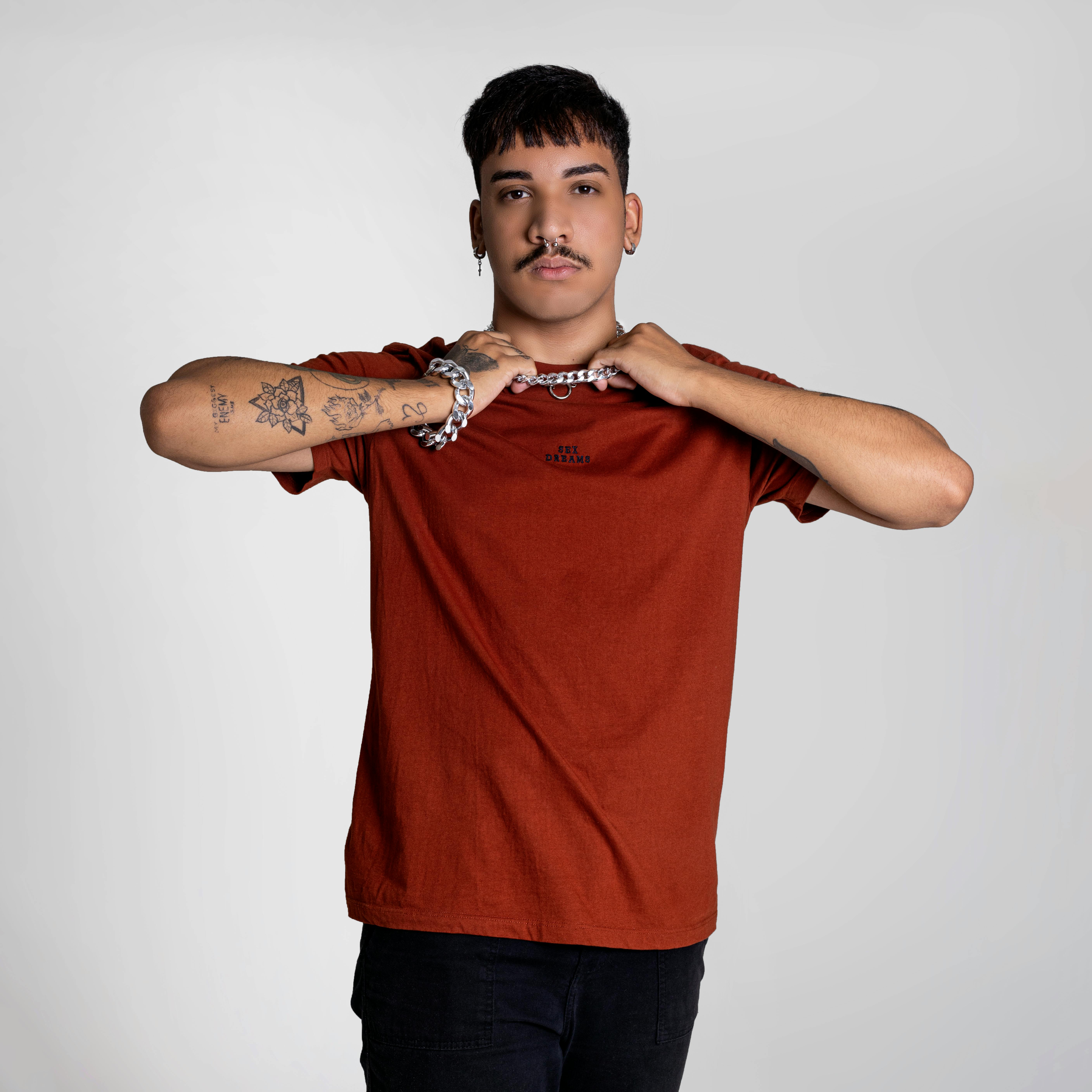
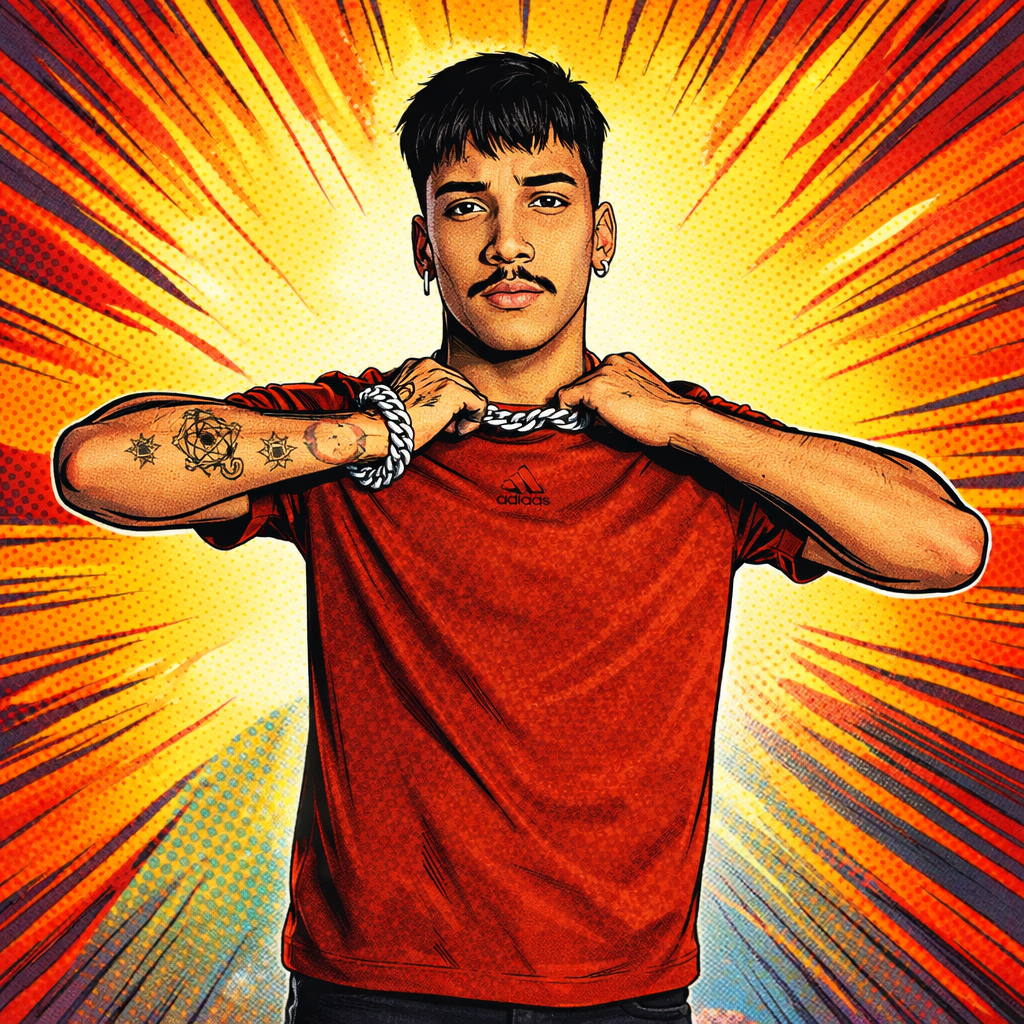
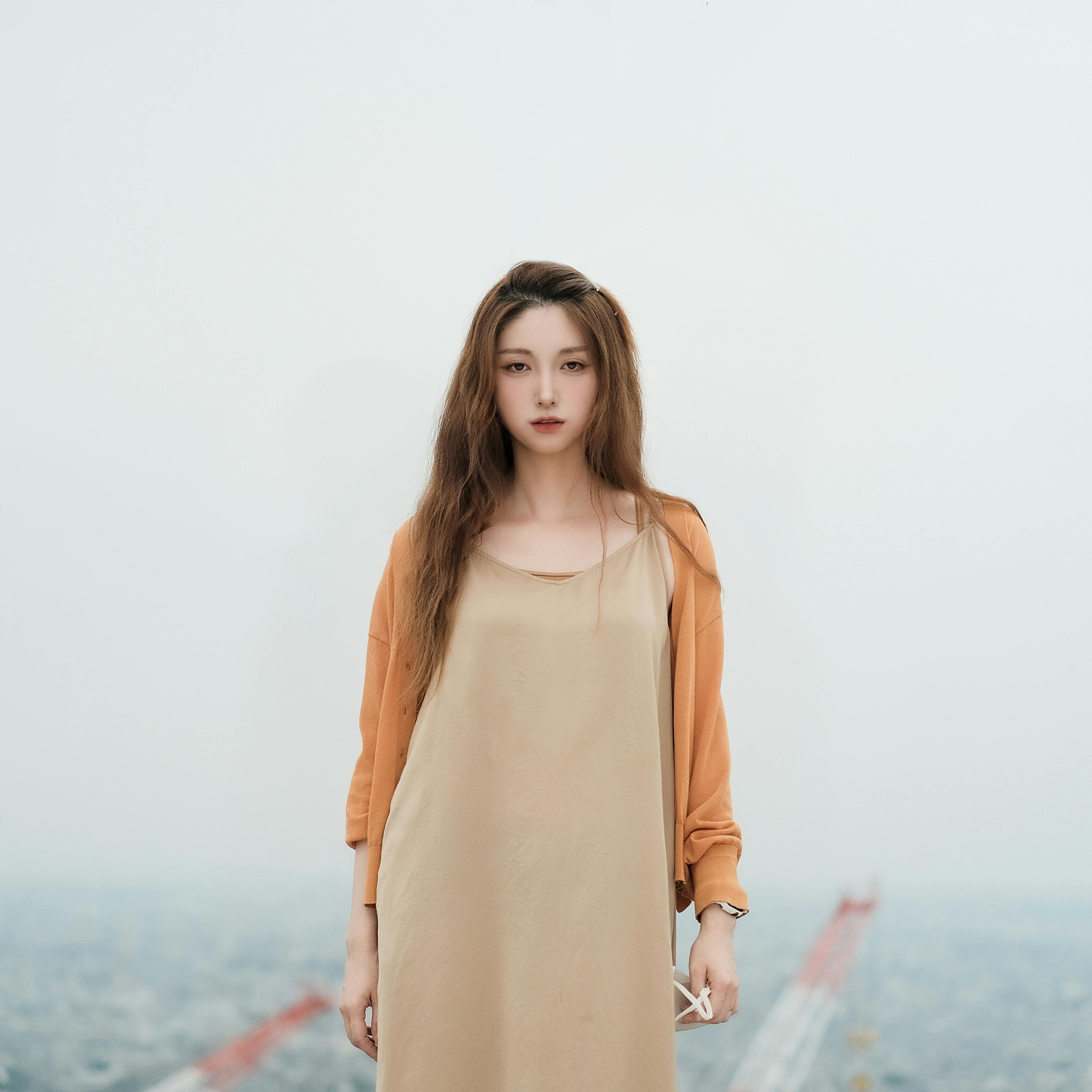
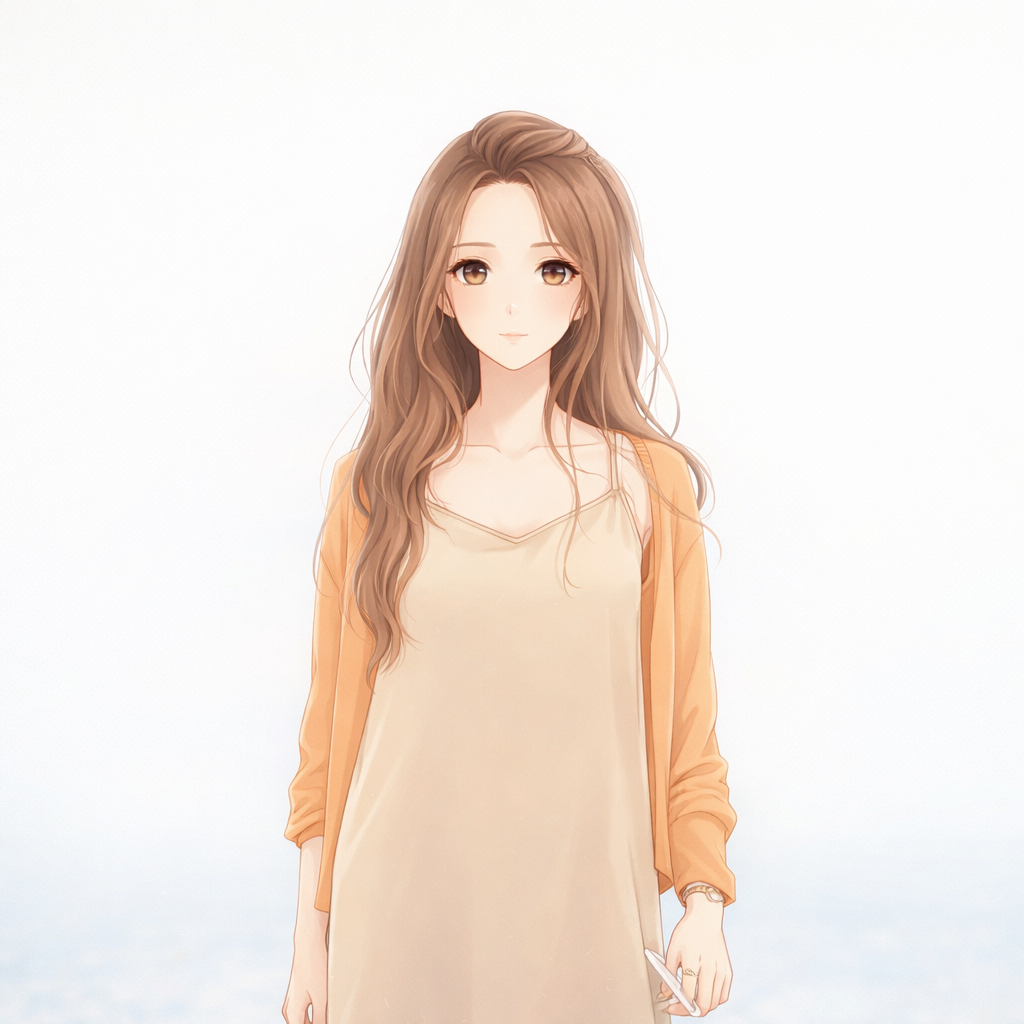






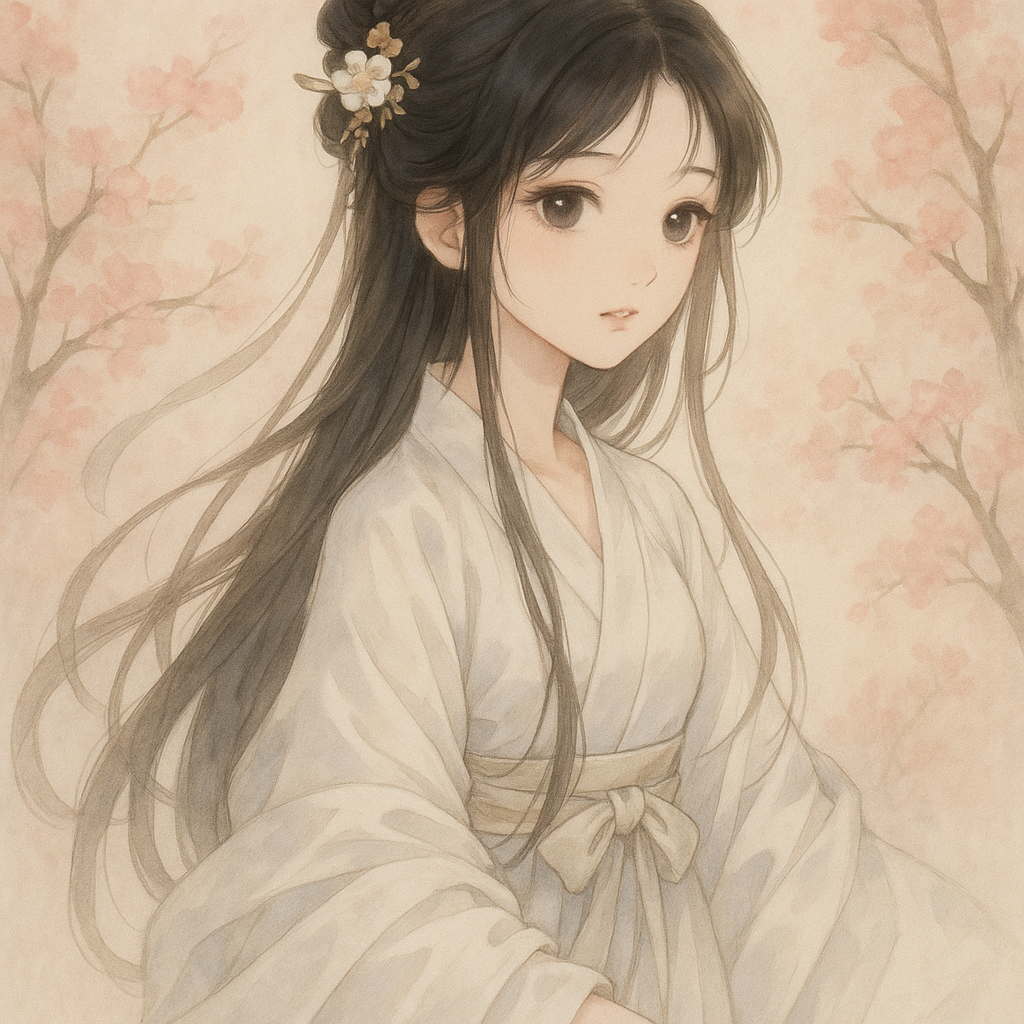
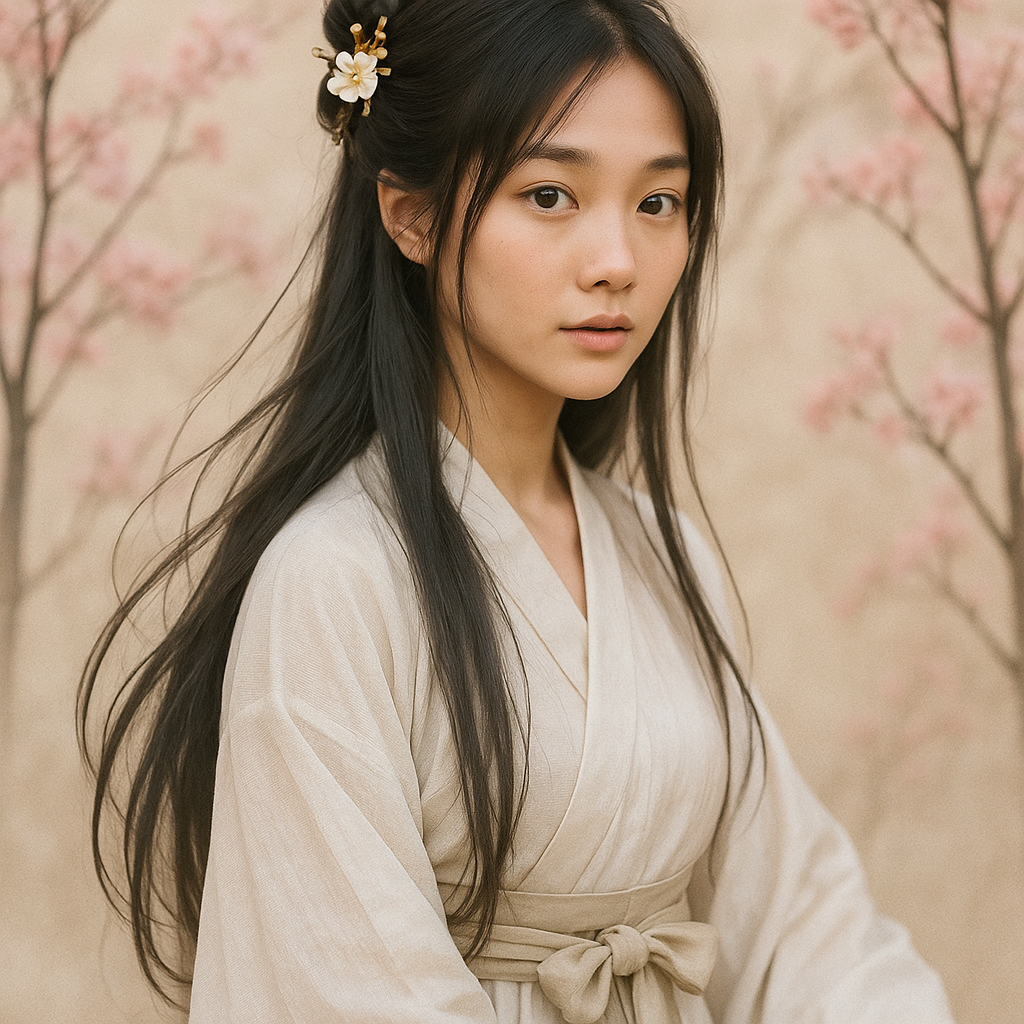


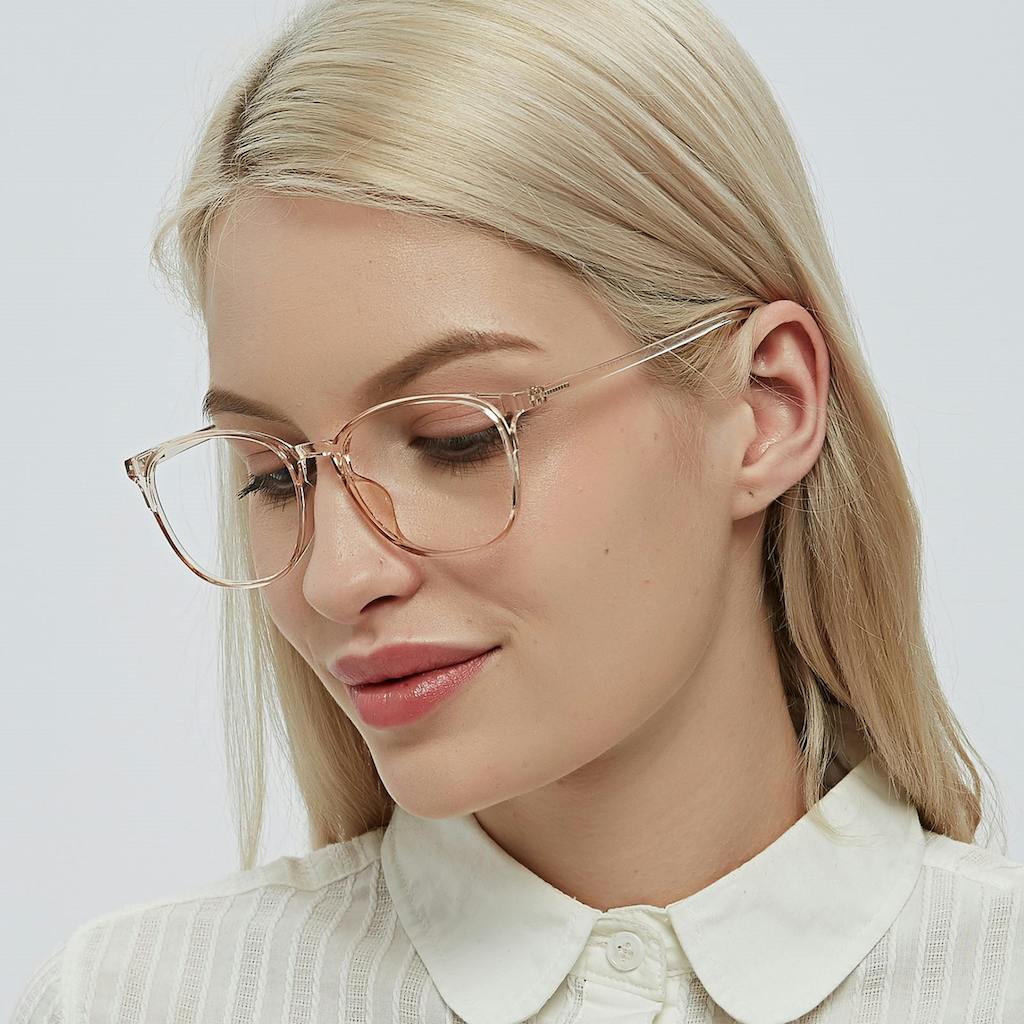
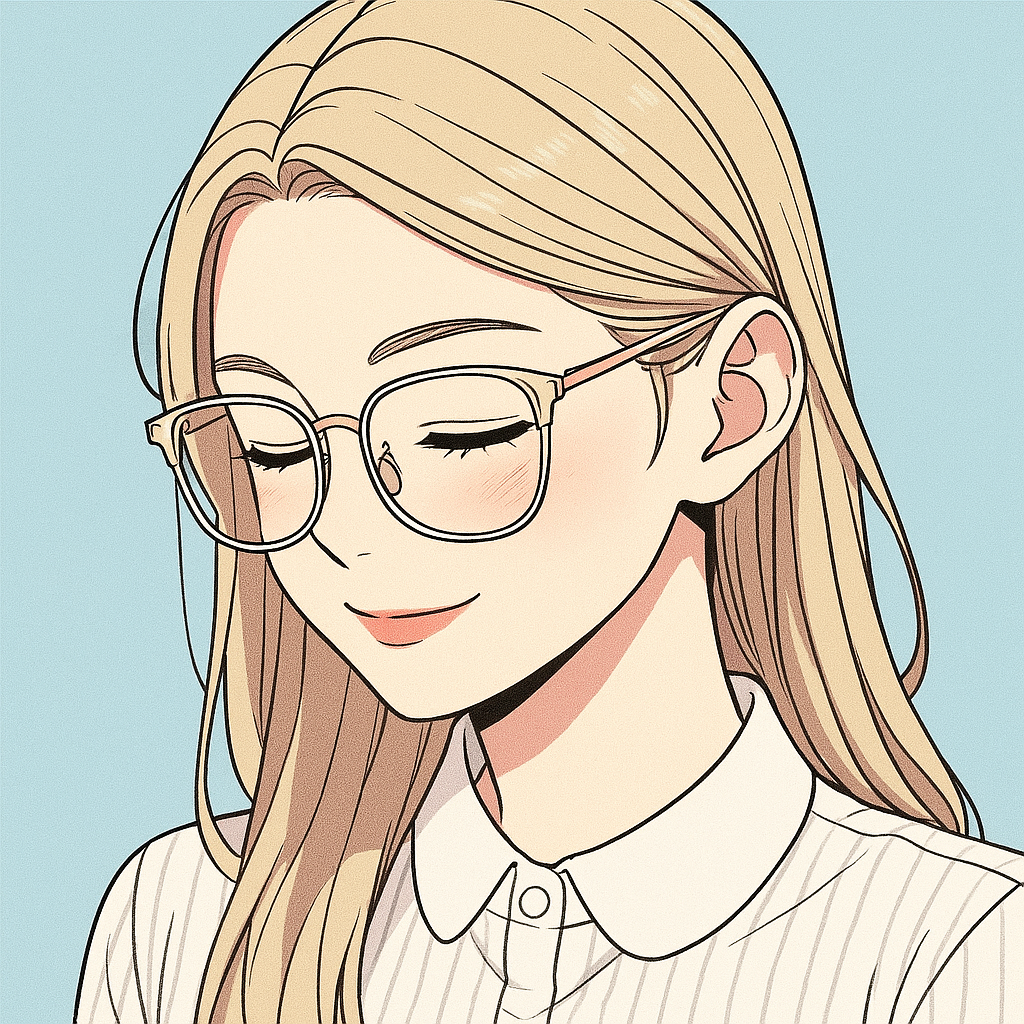

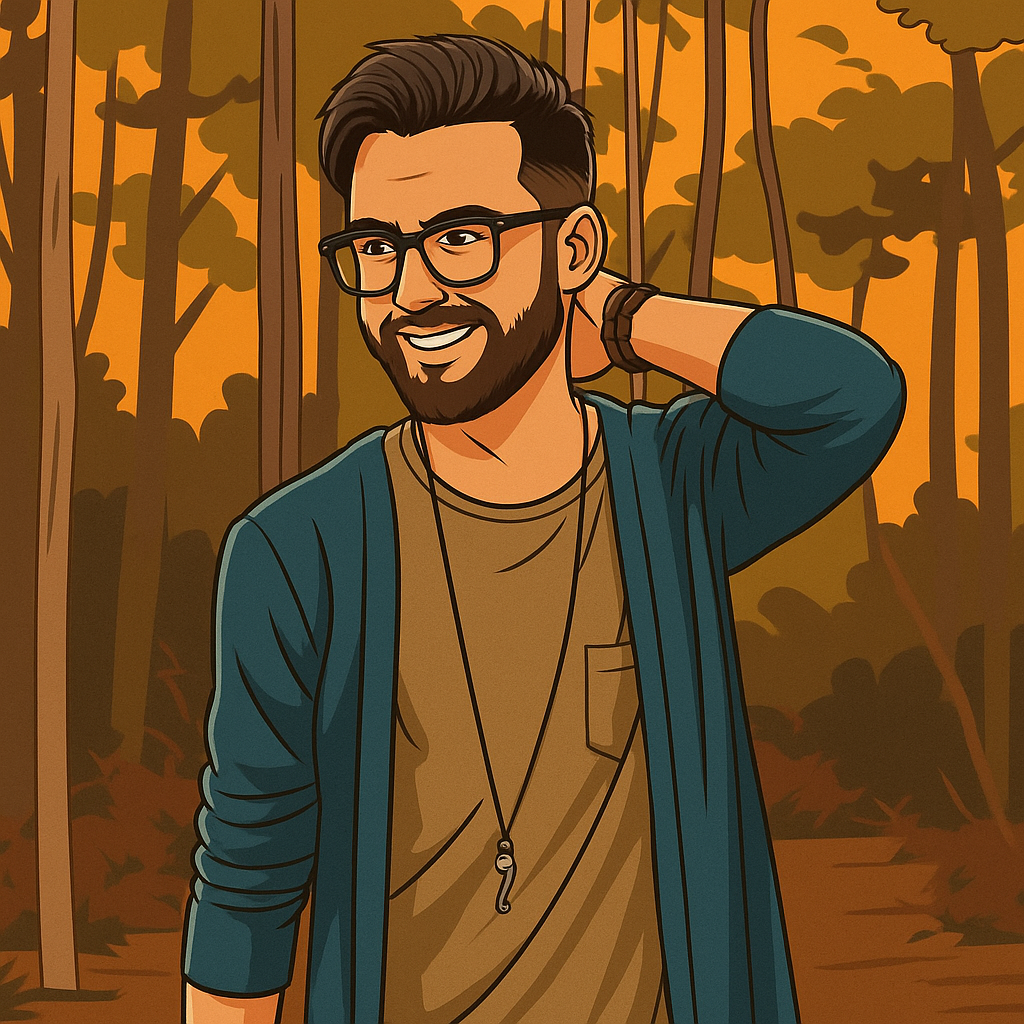

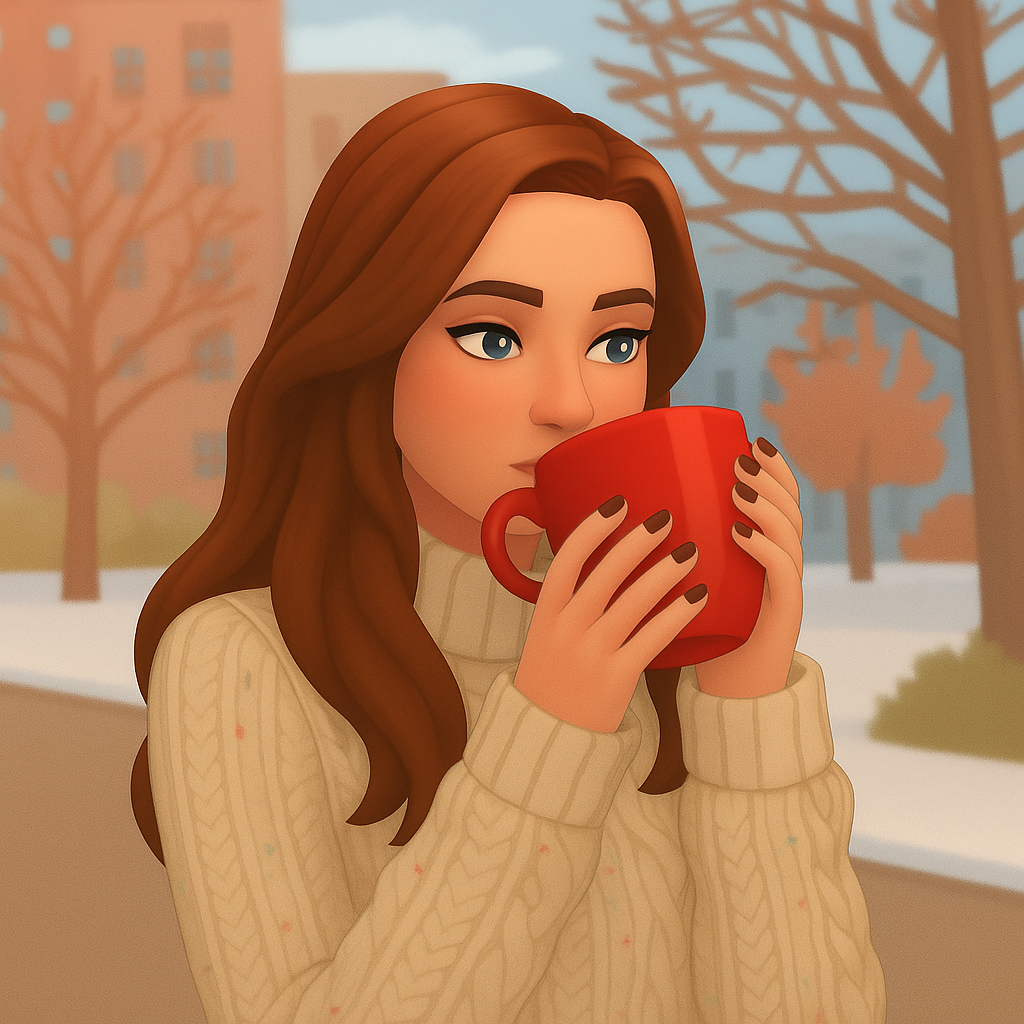
.jpg)
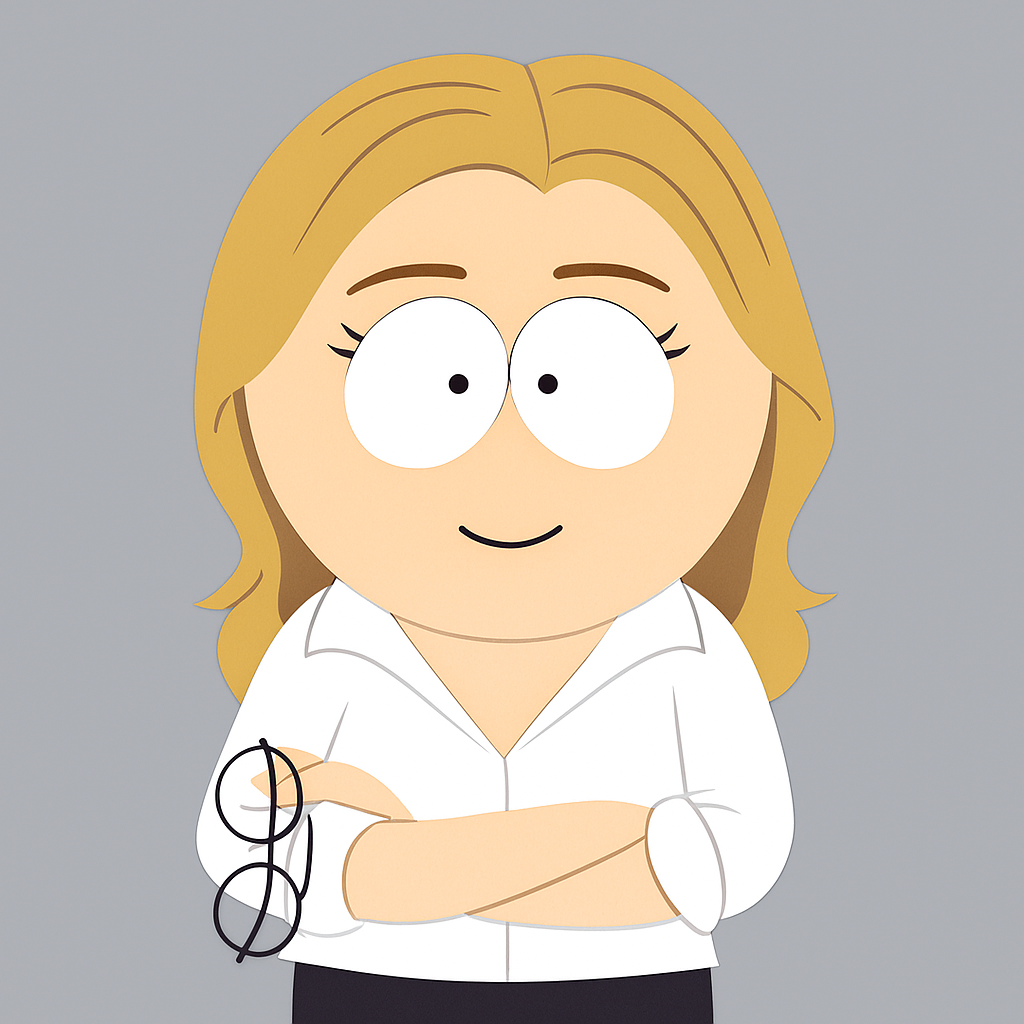

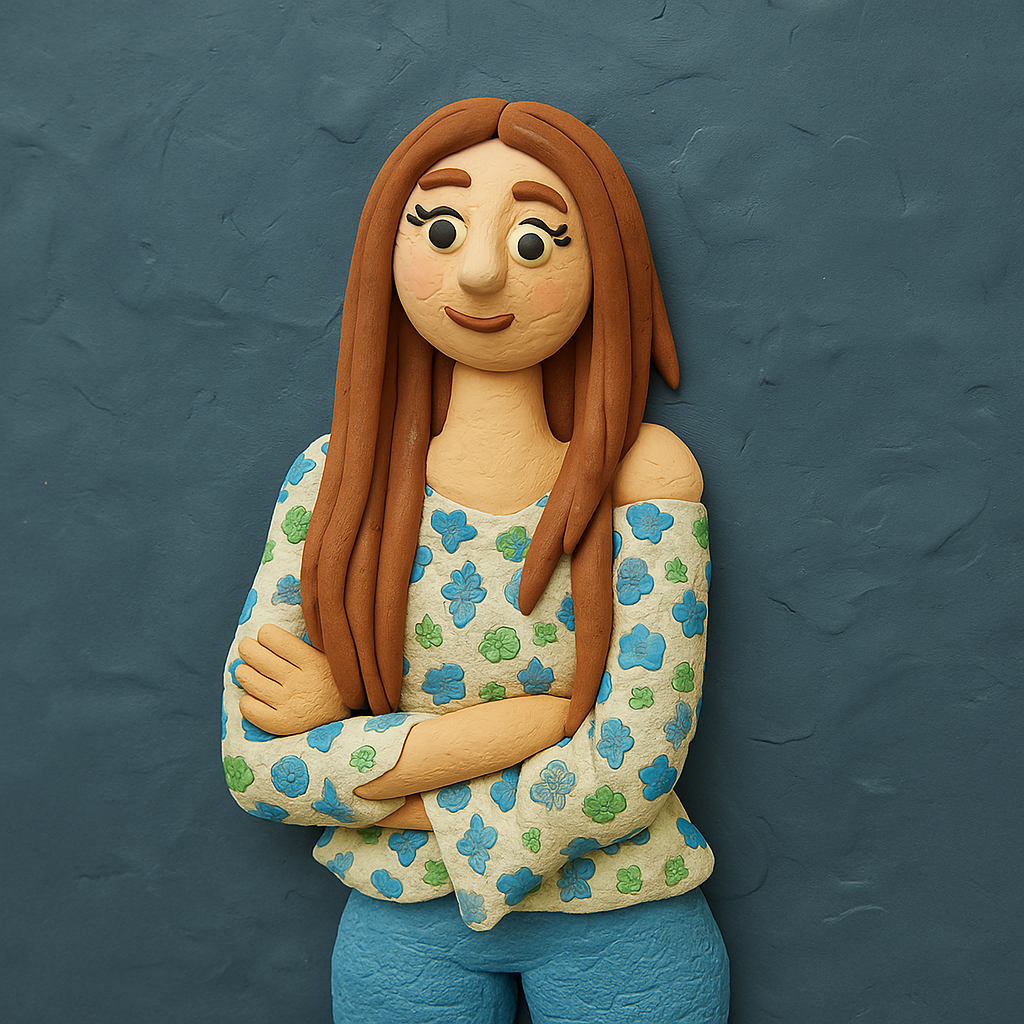
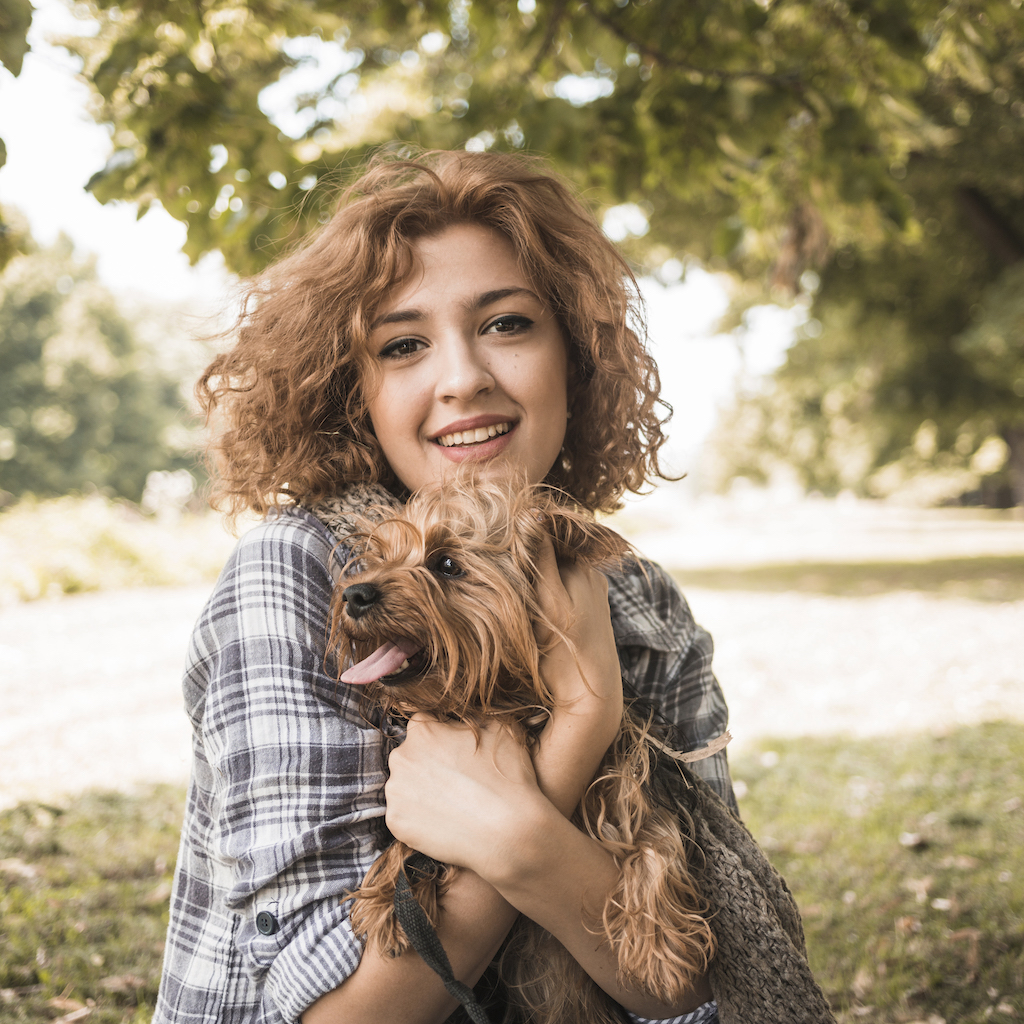
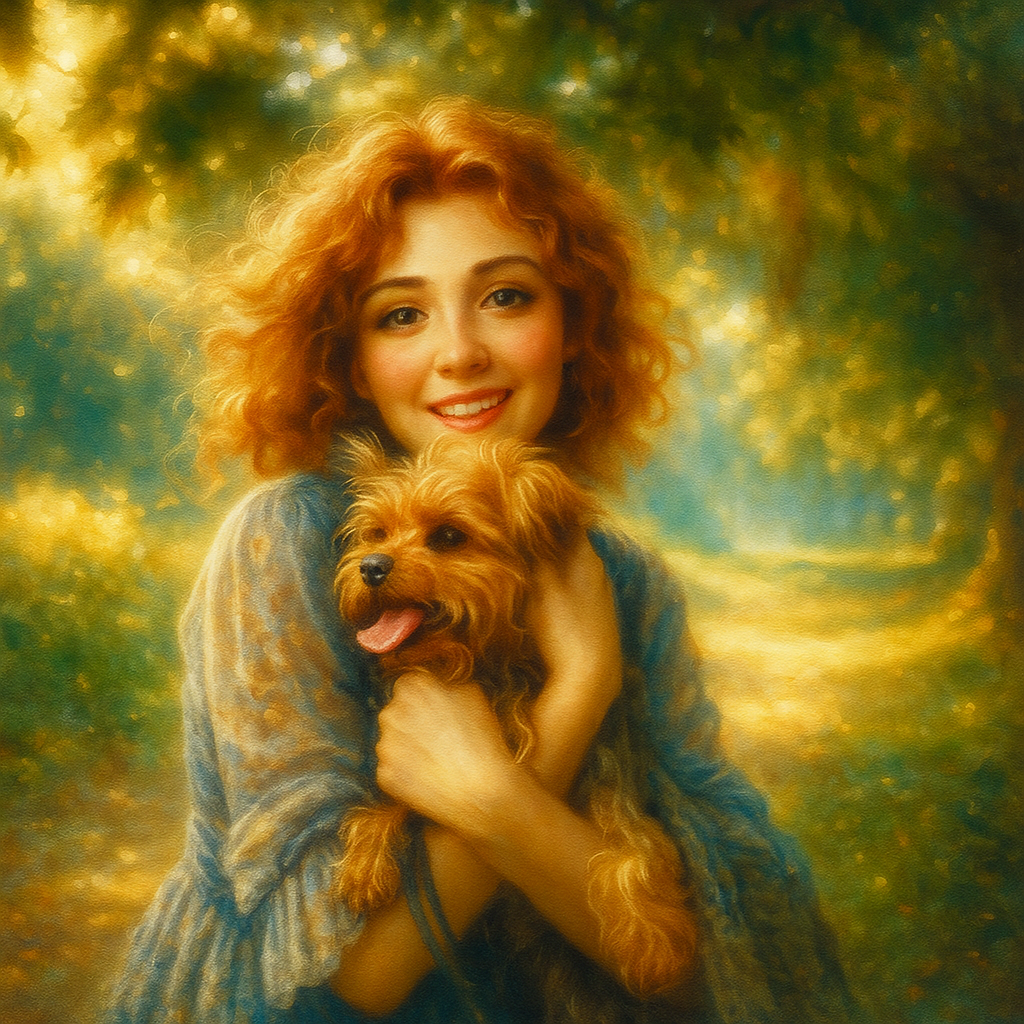

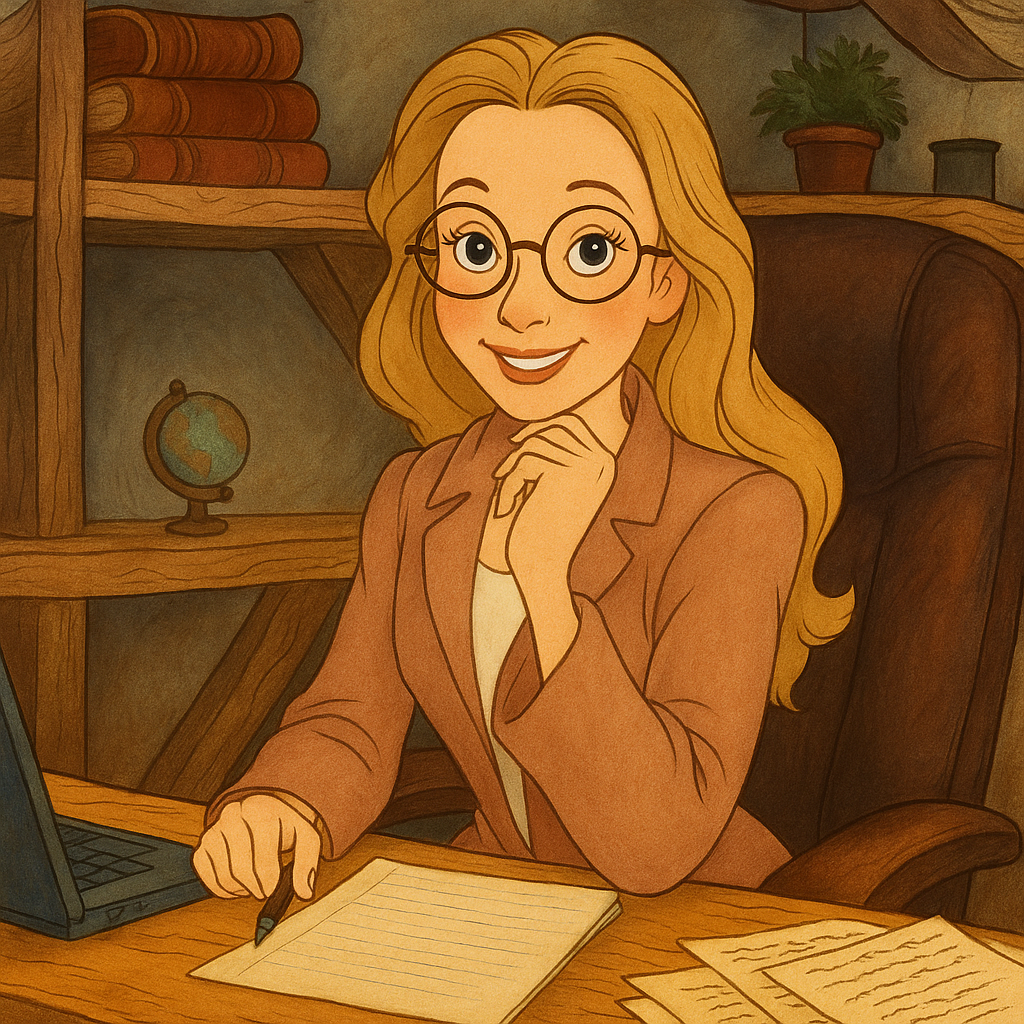
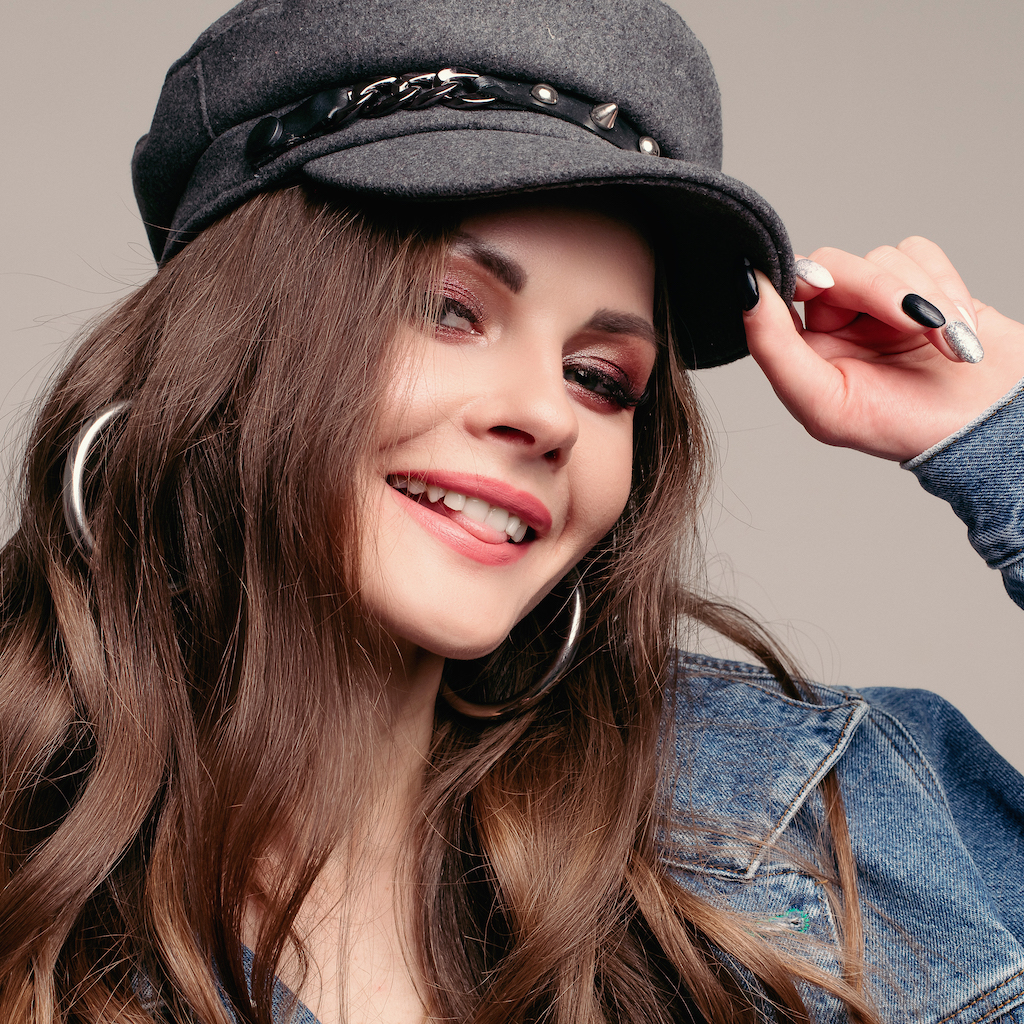

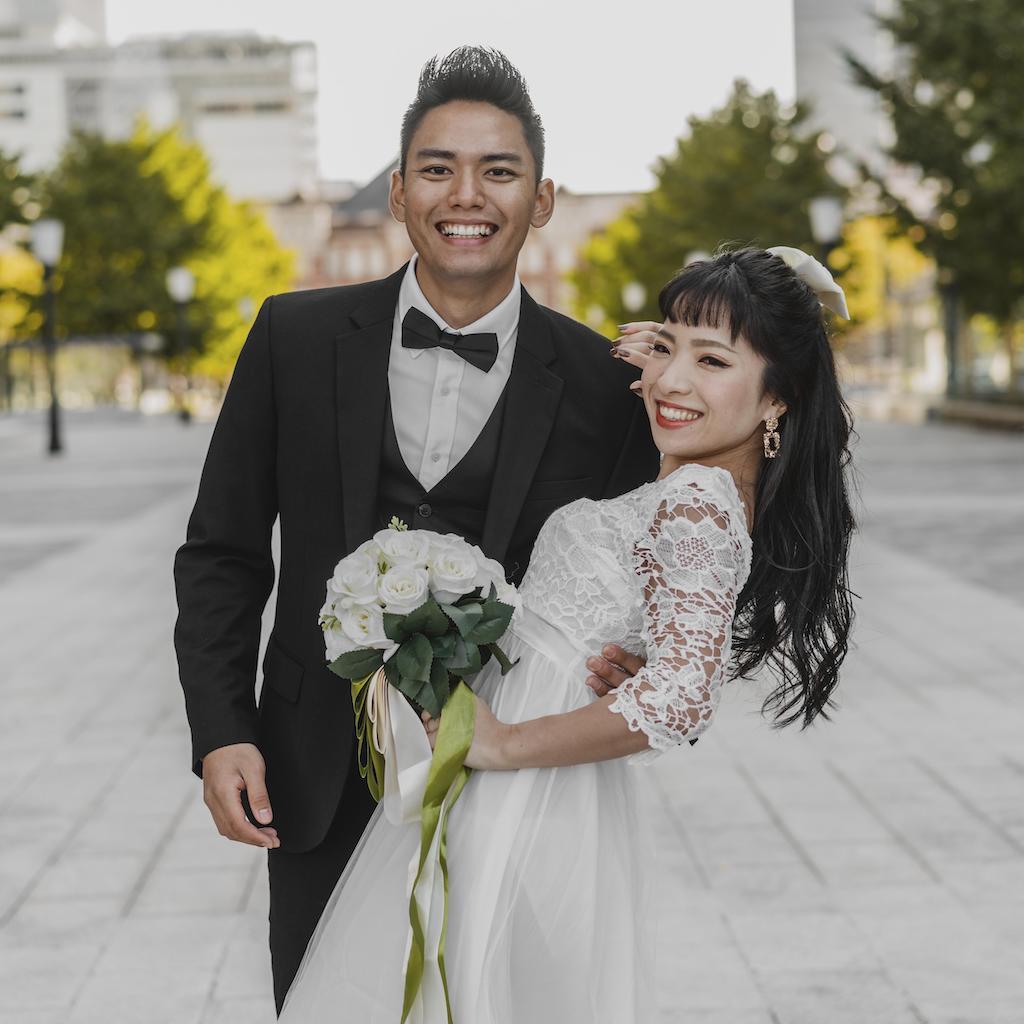
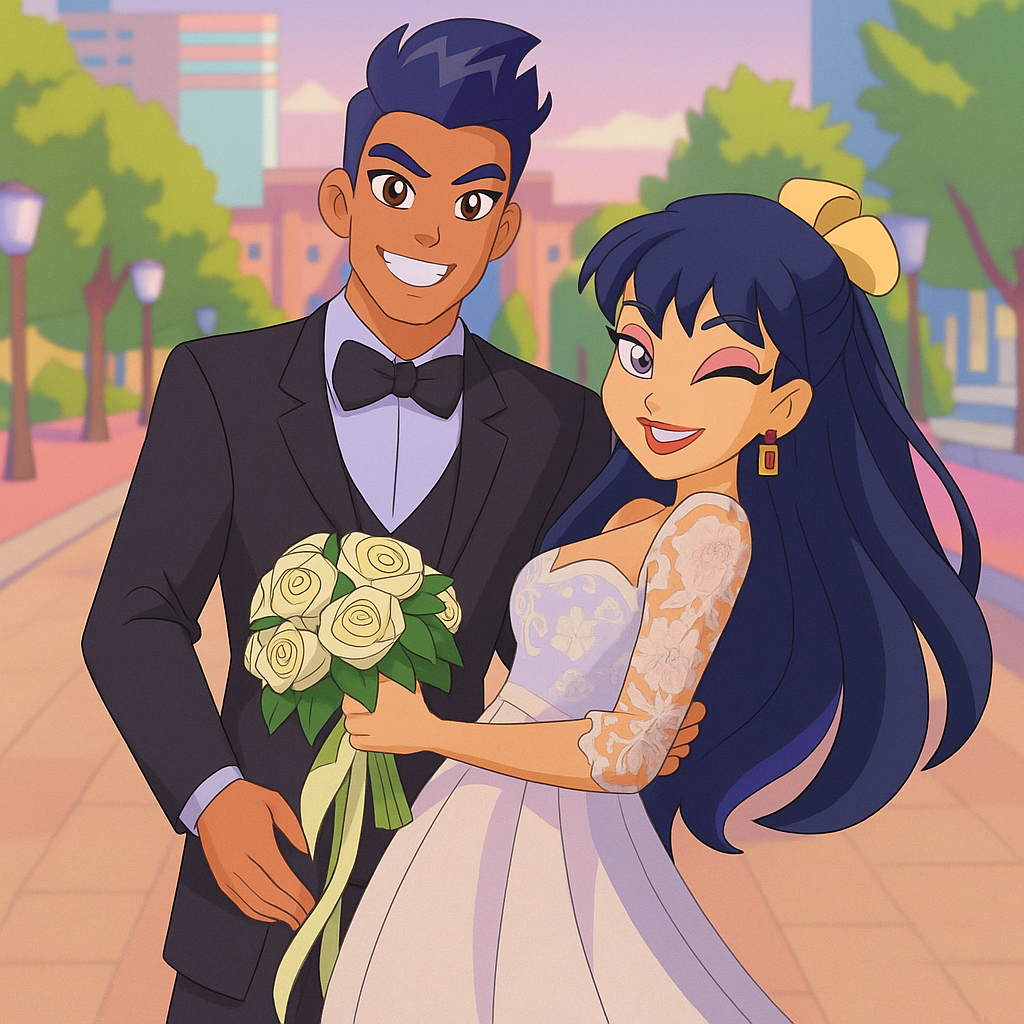

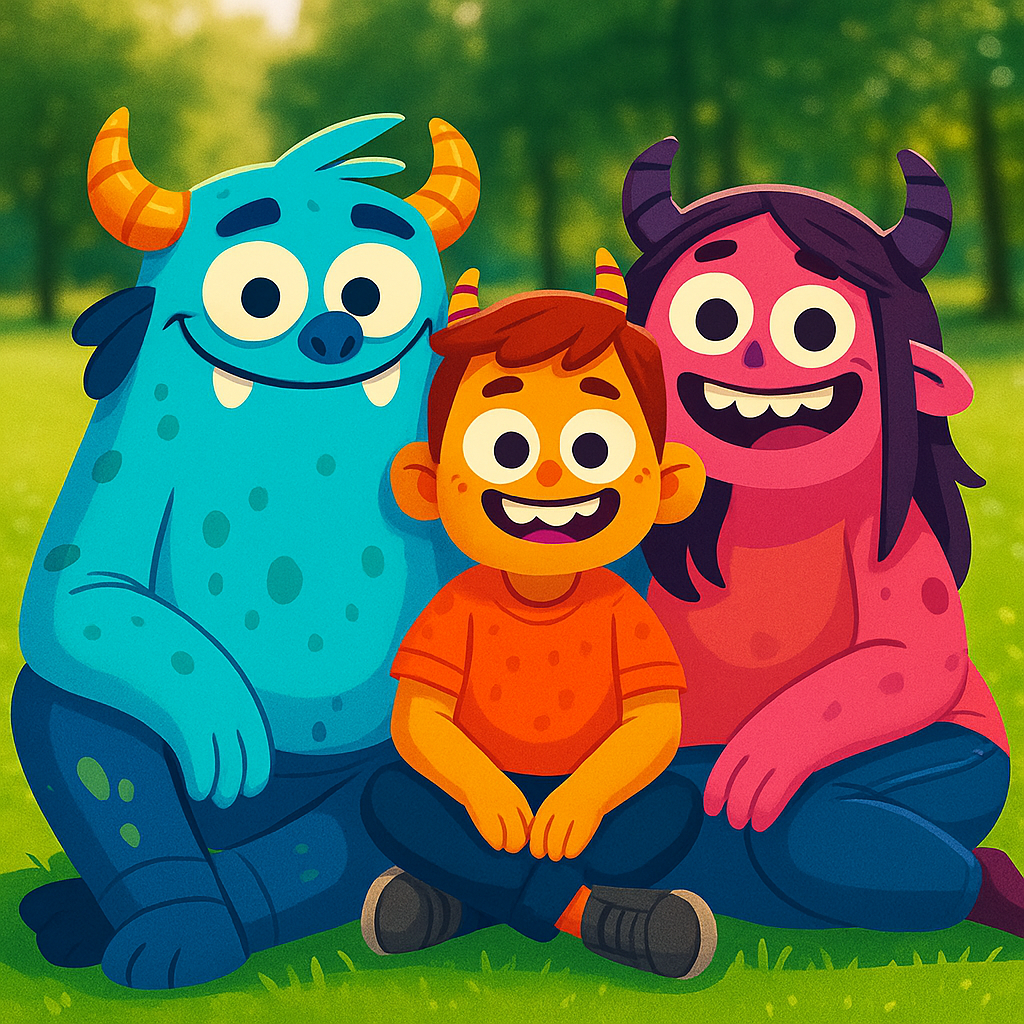

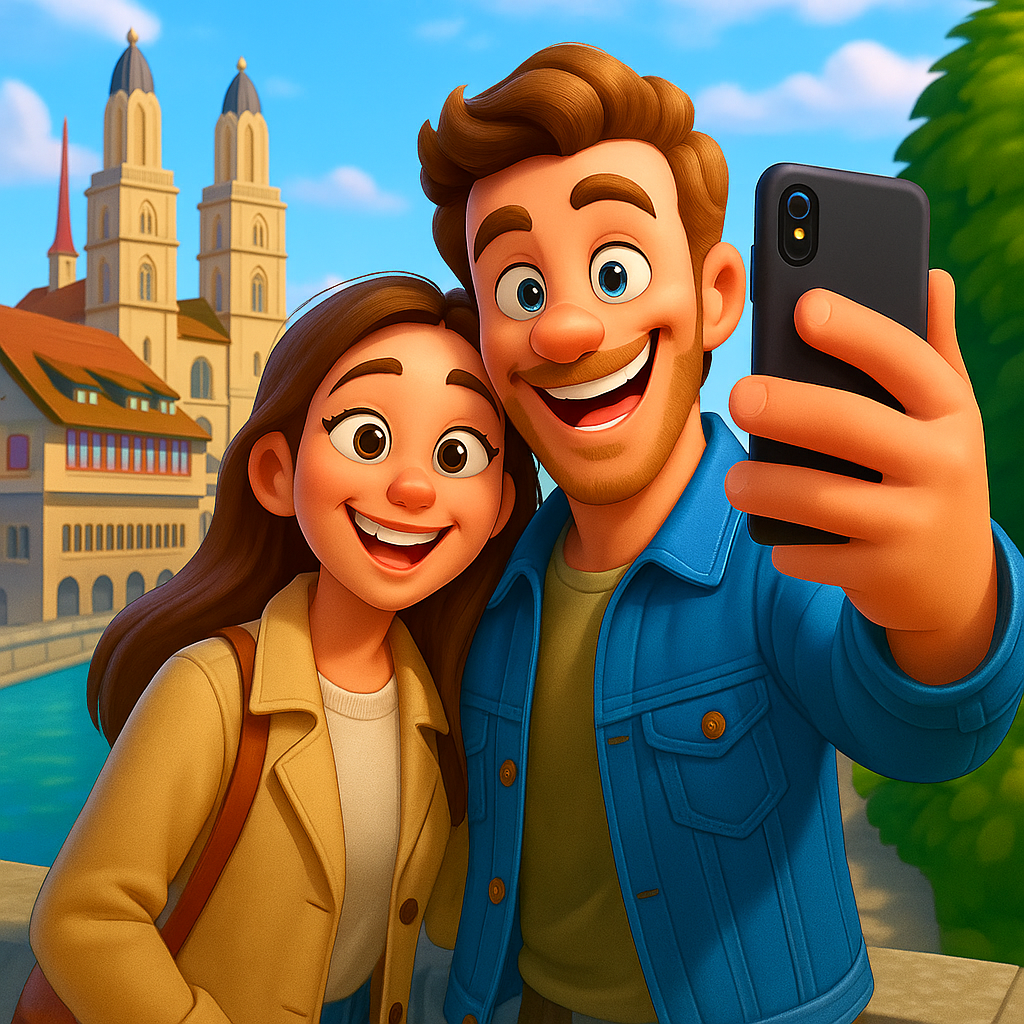

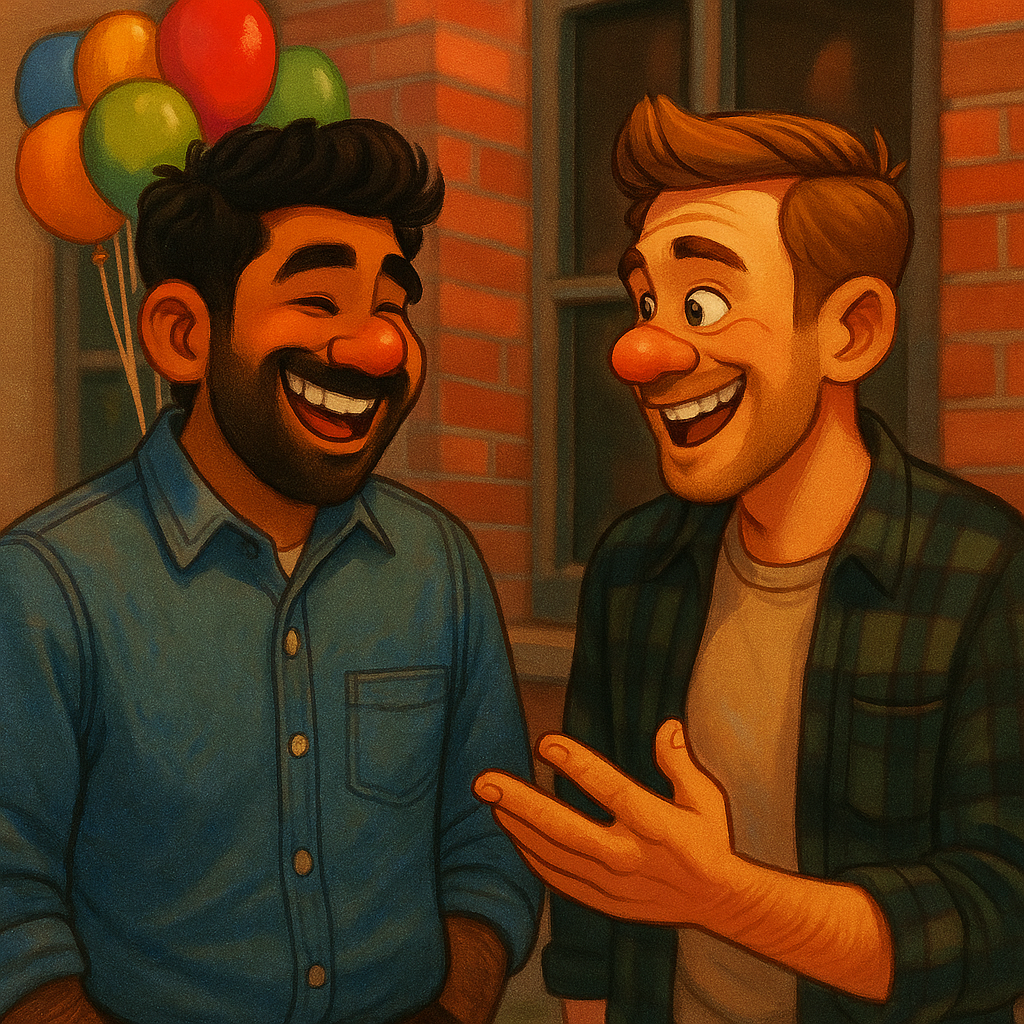

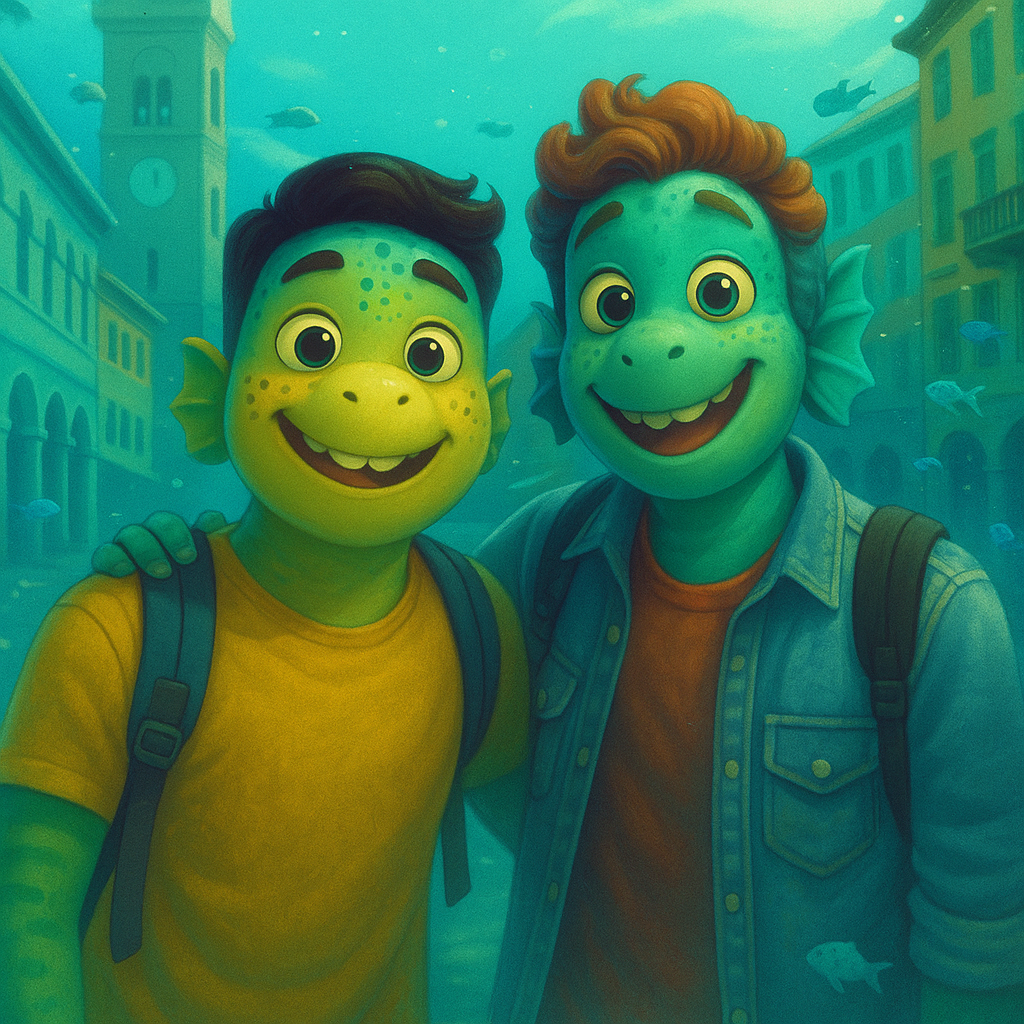
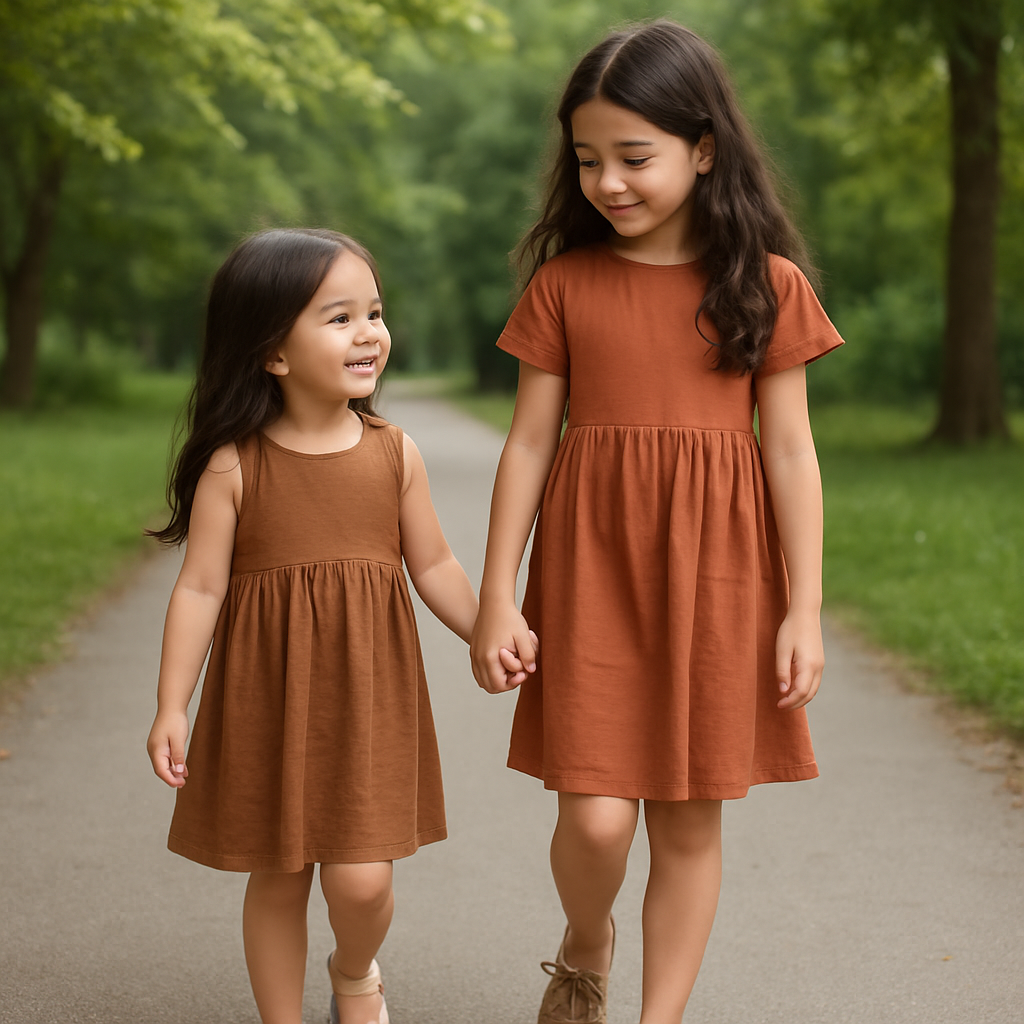
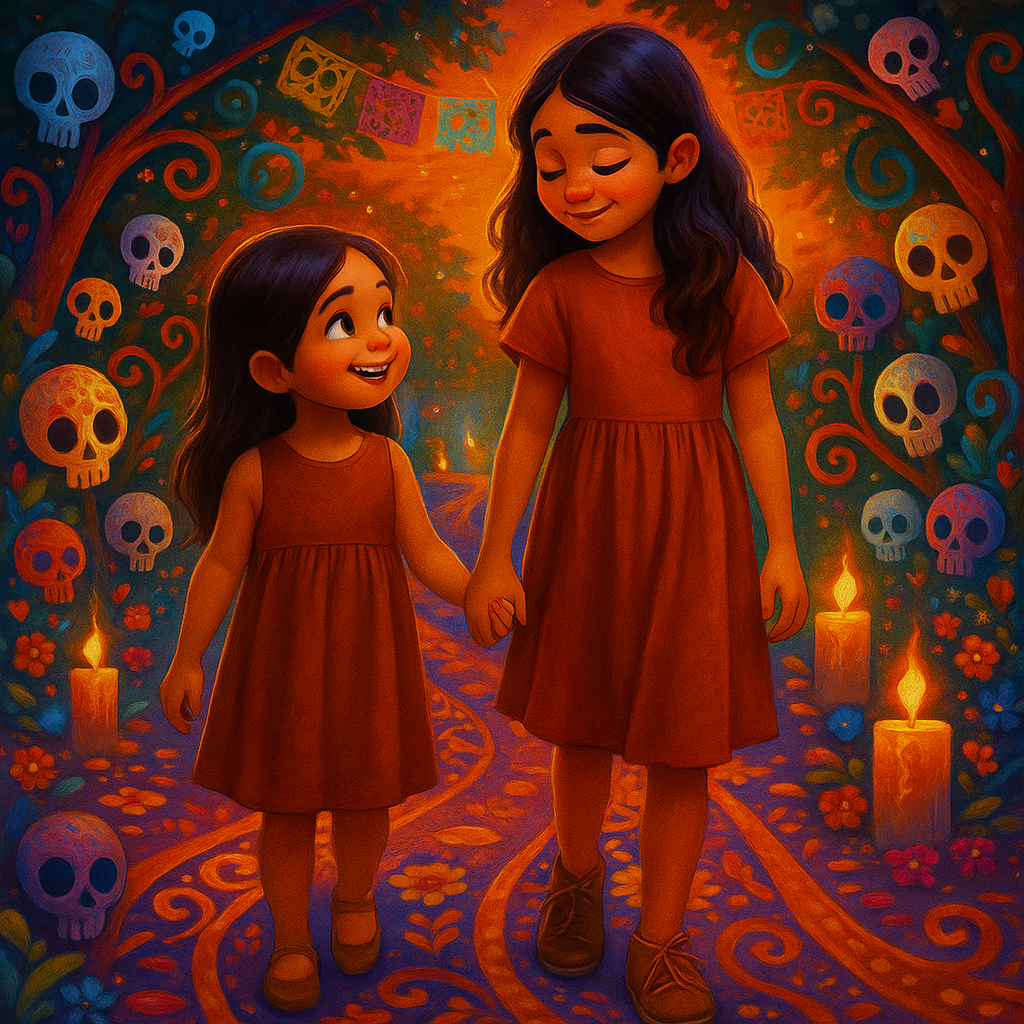
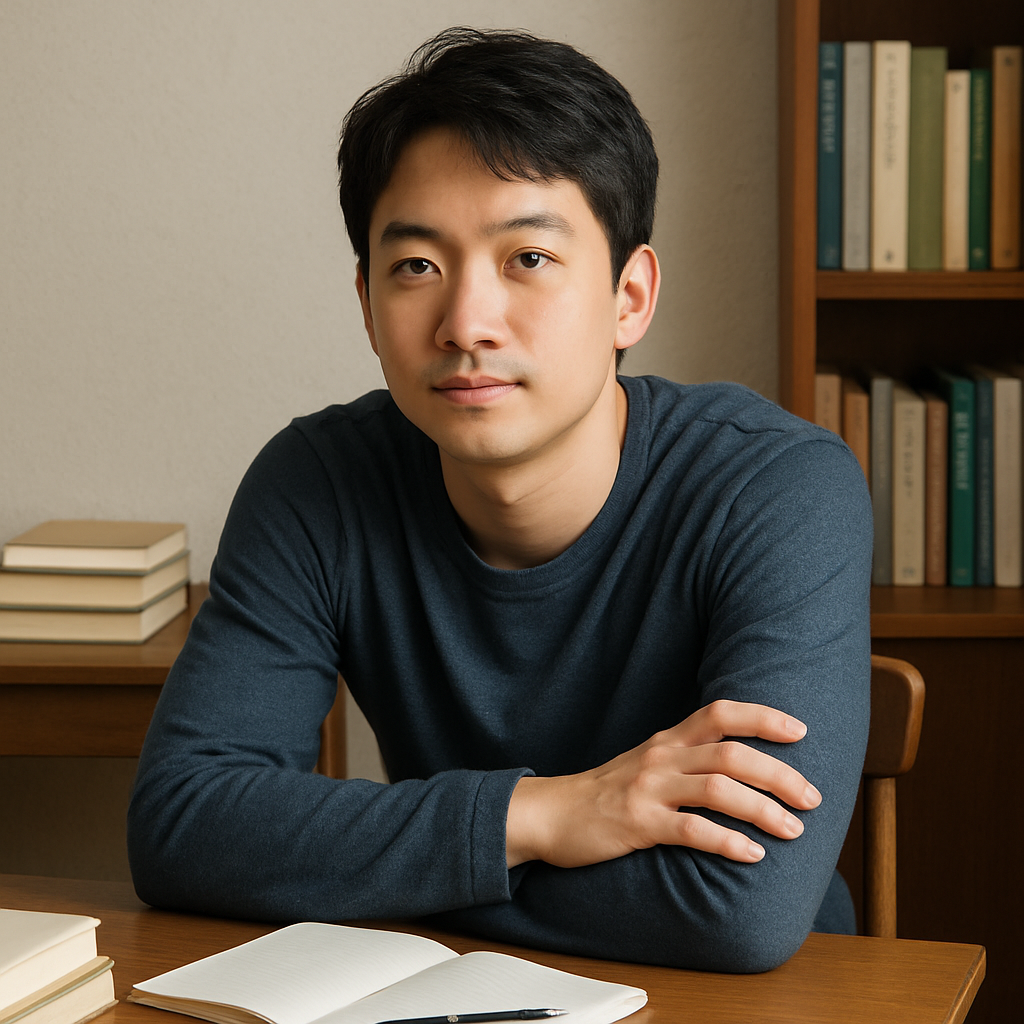
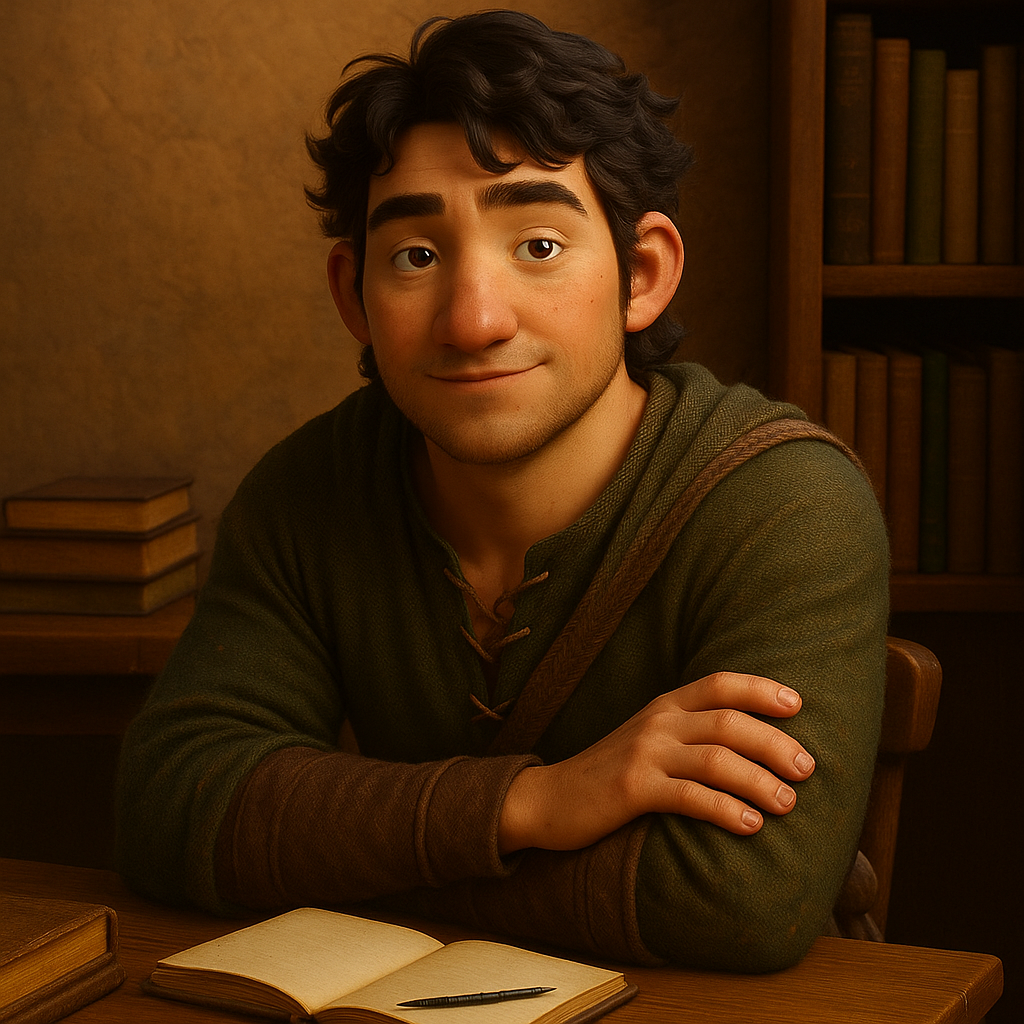

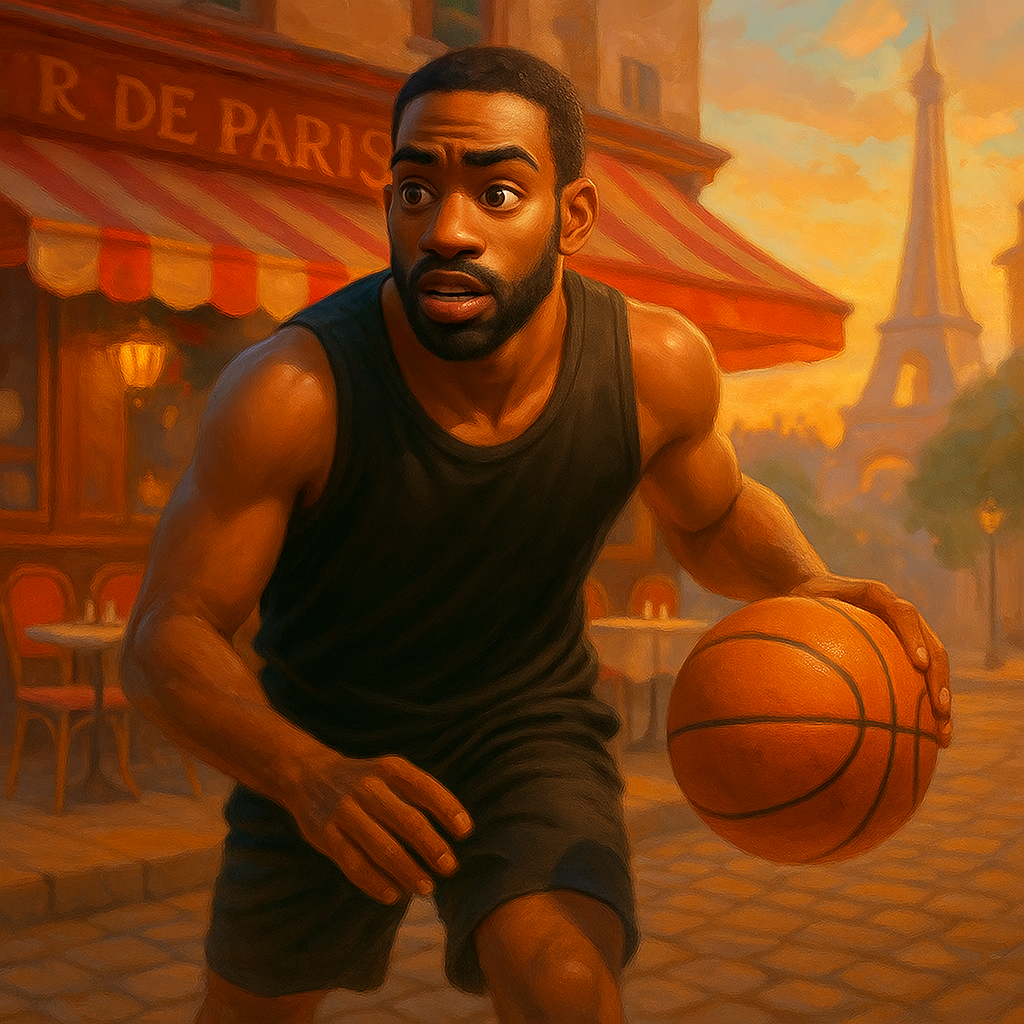
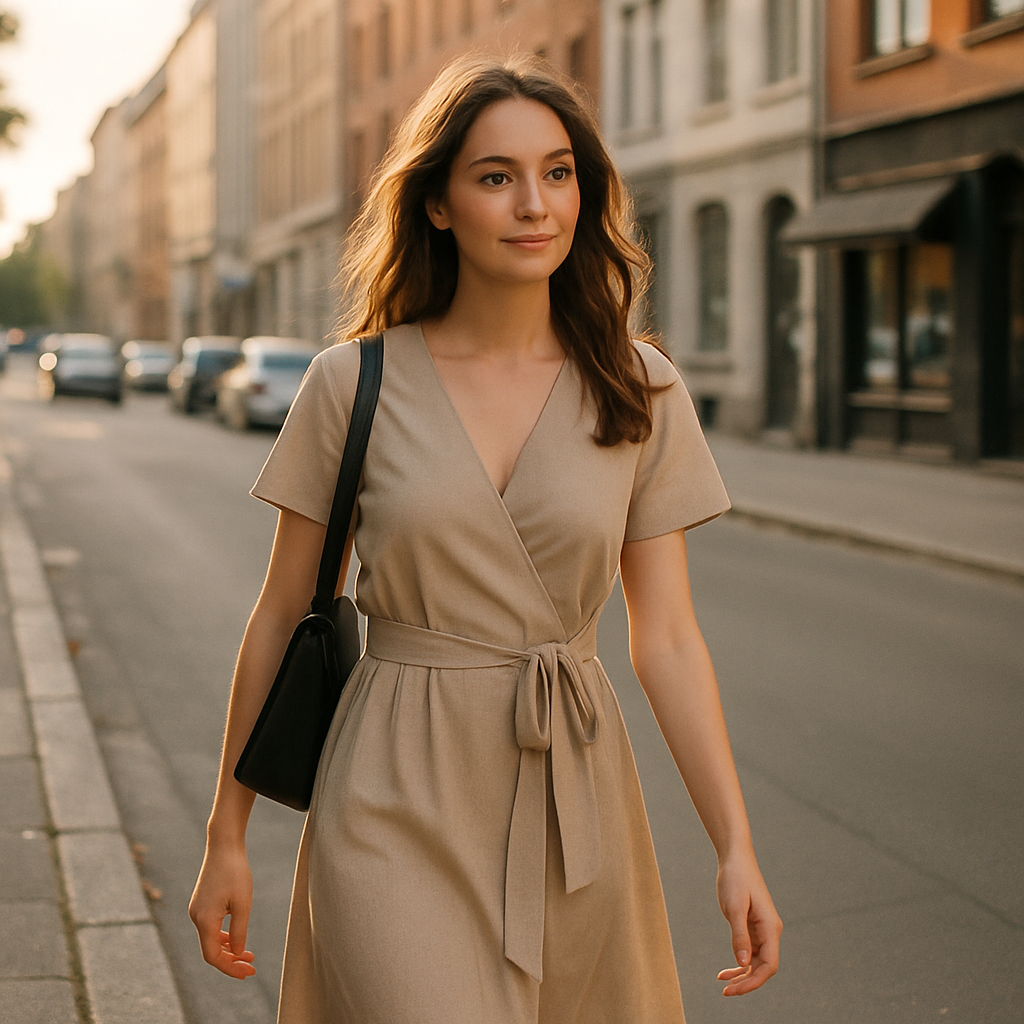
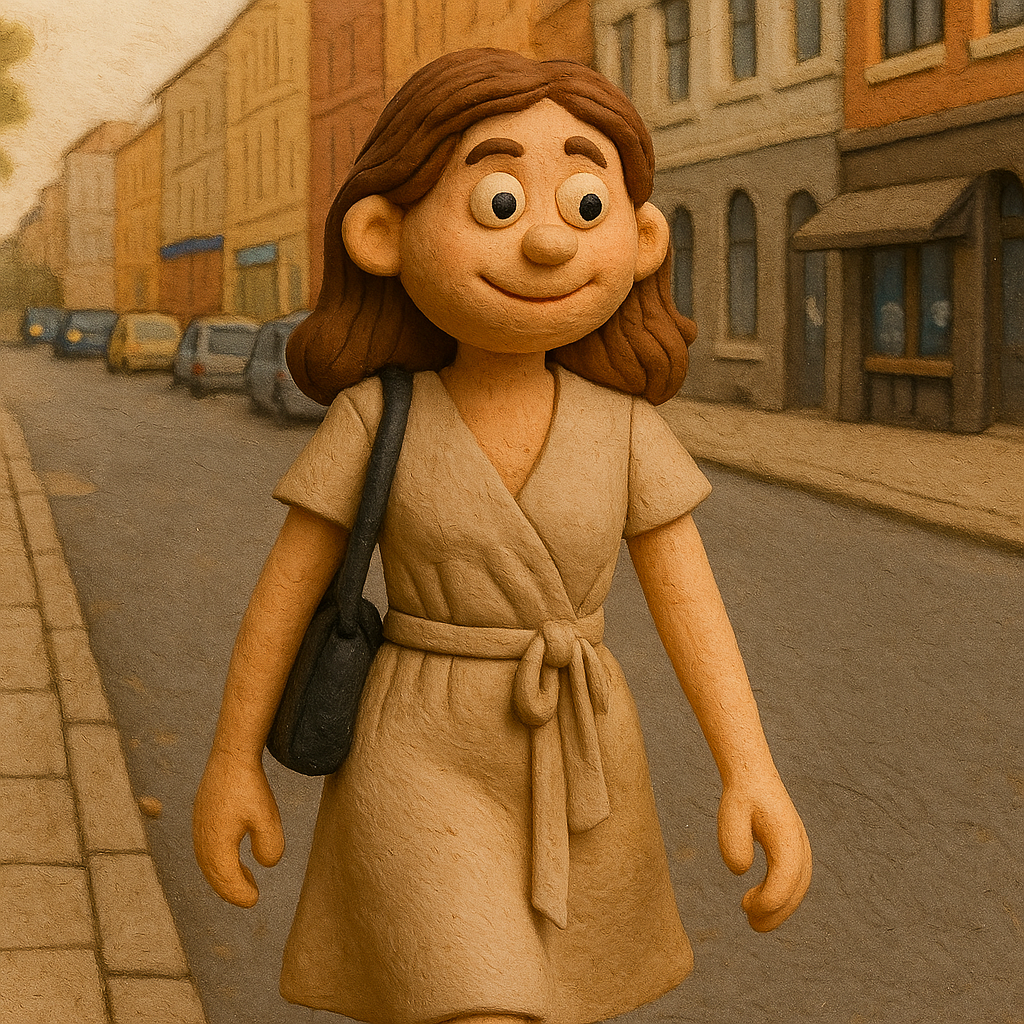
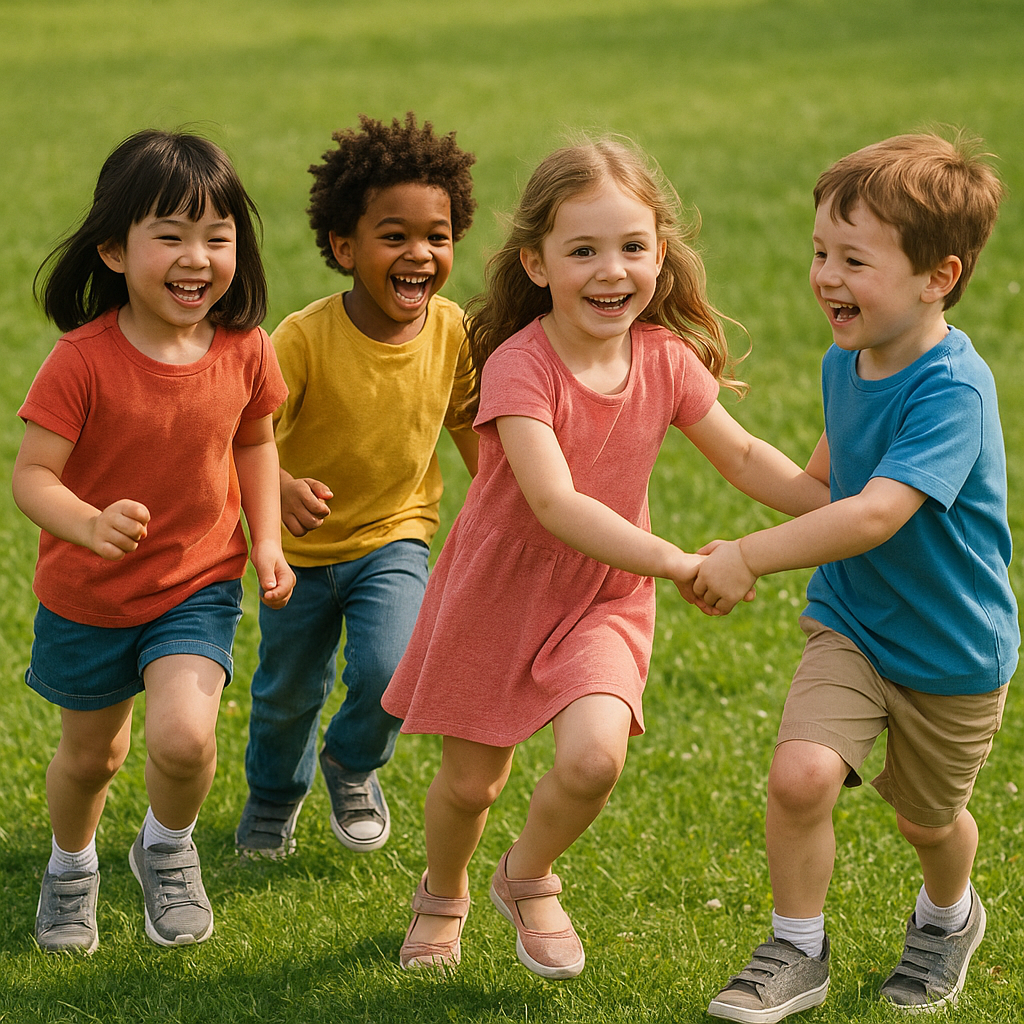
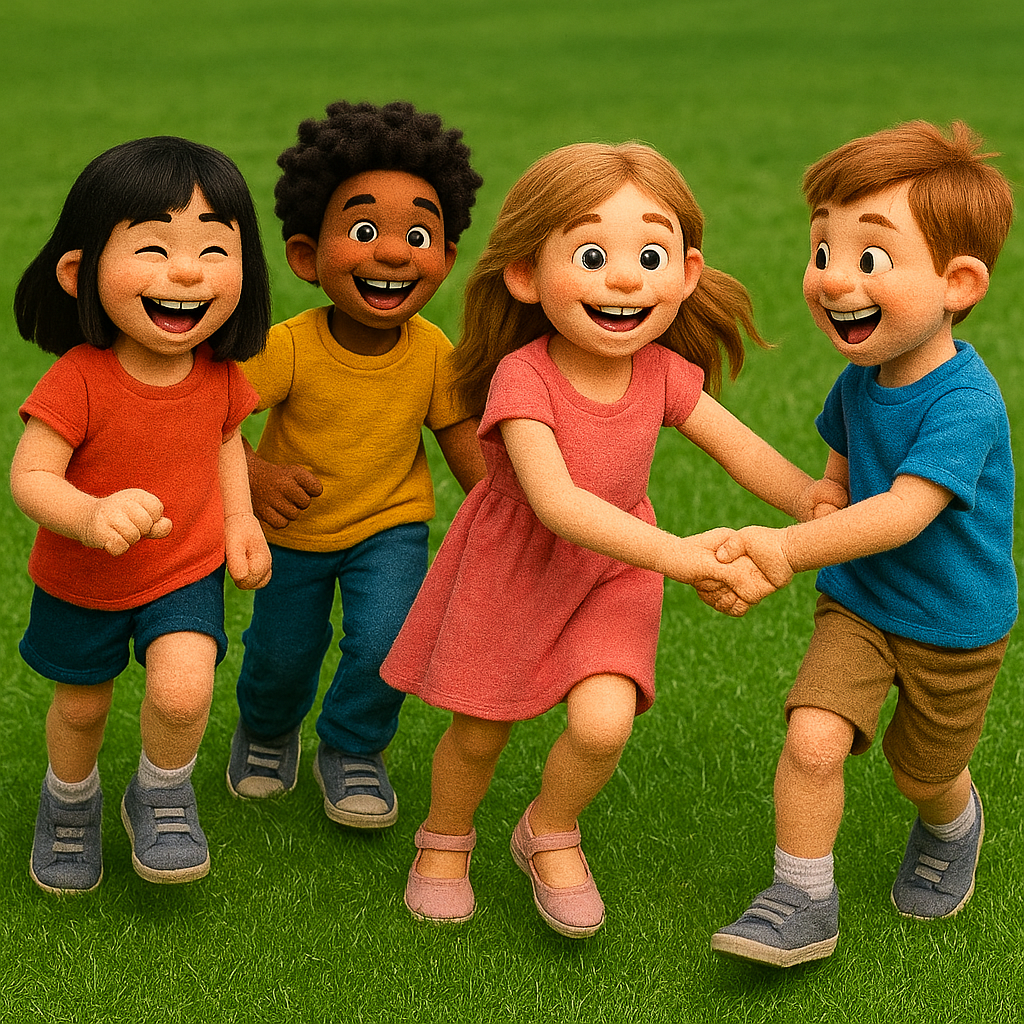

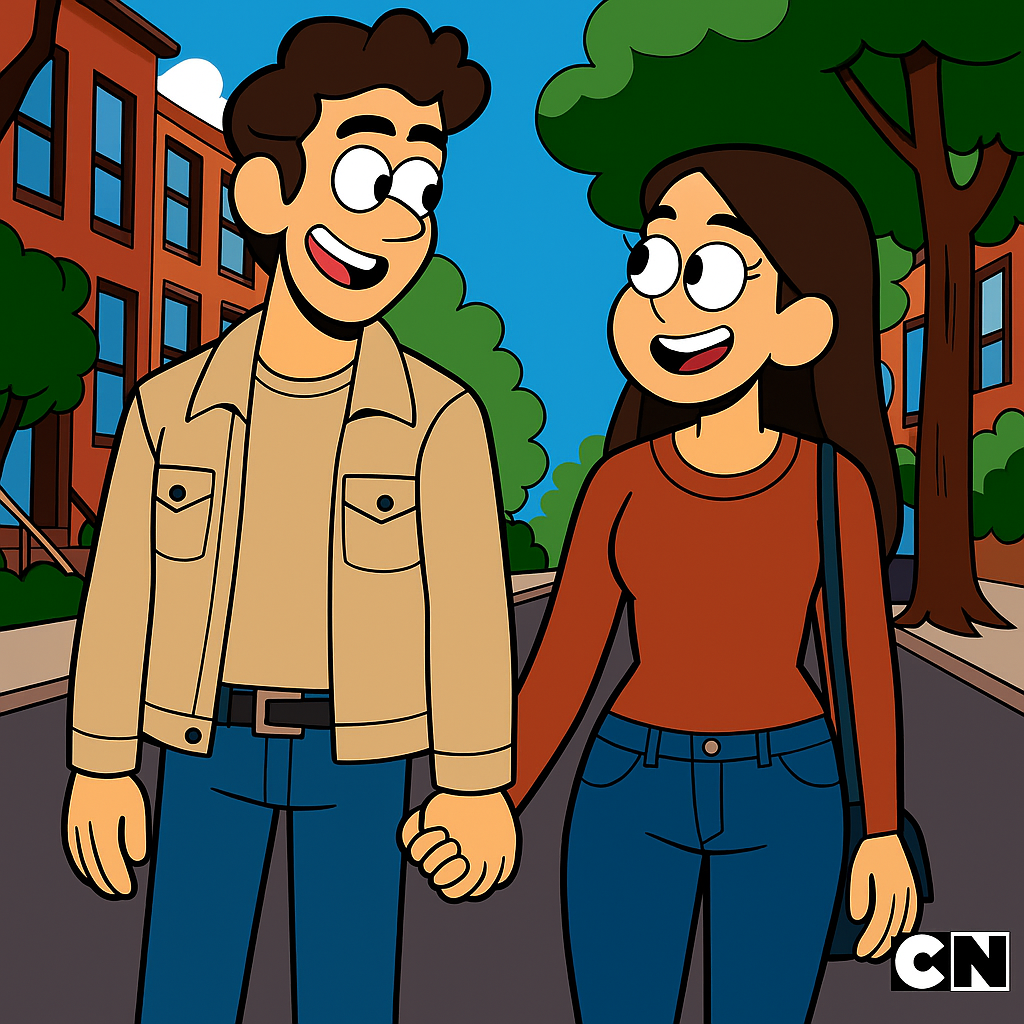

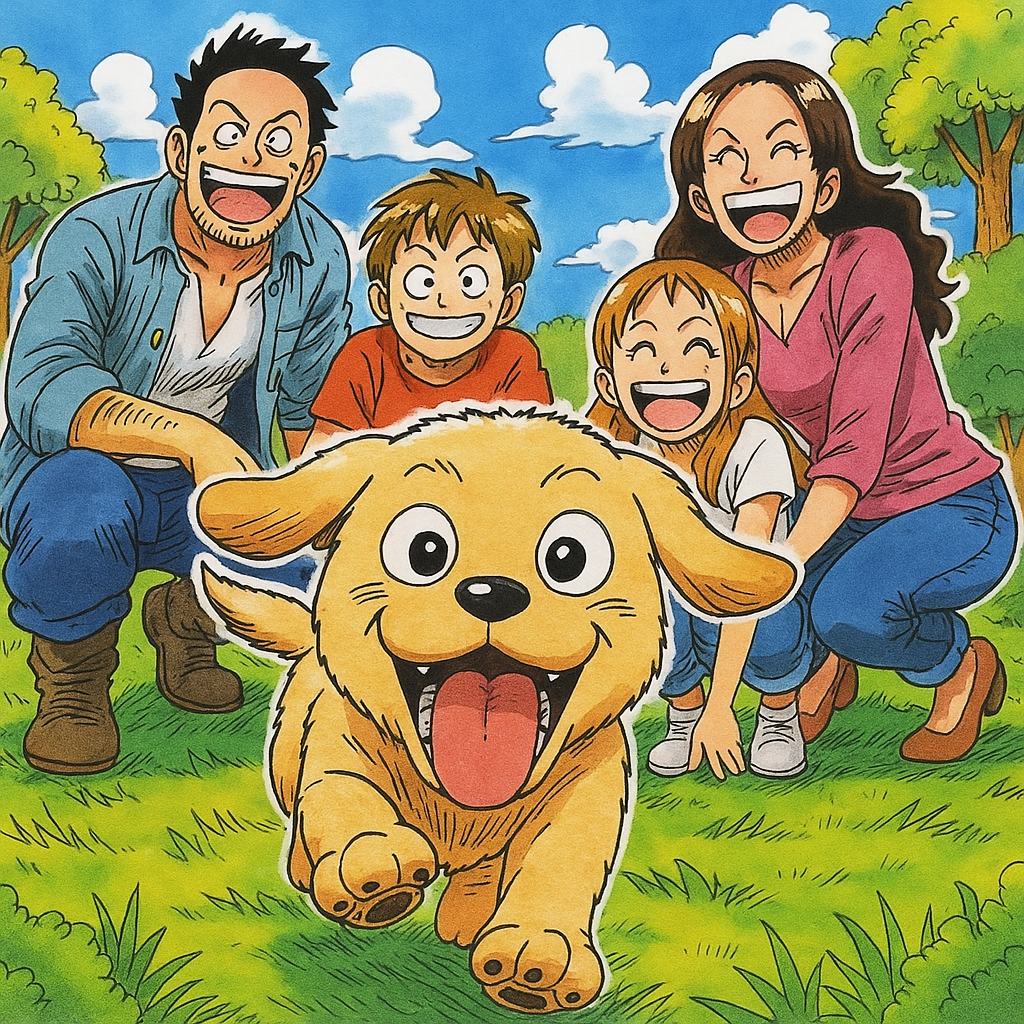
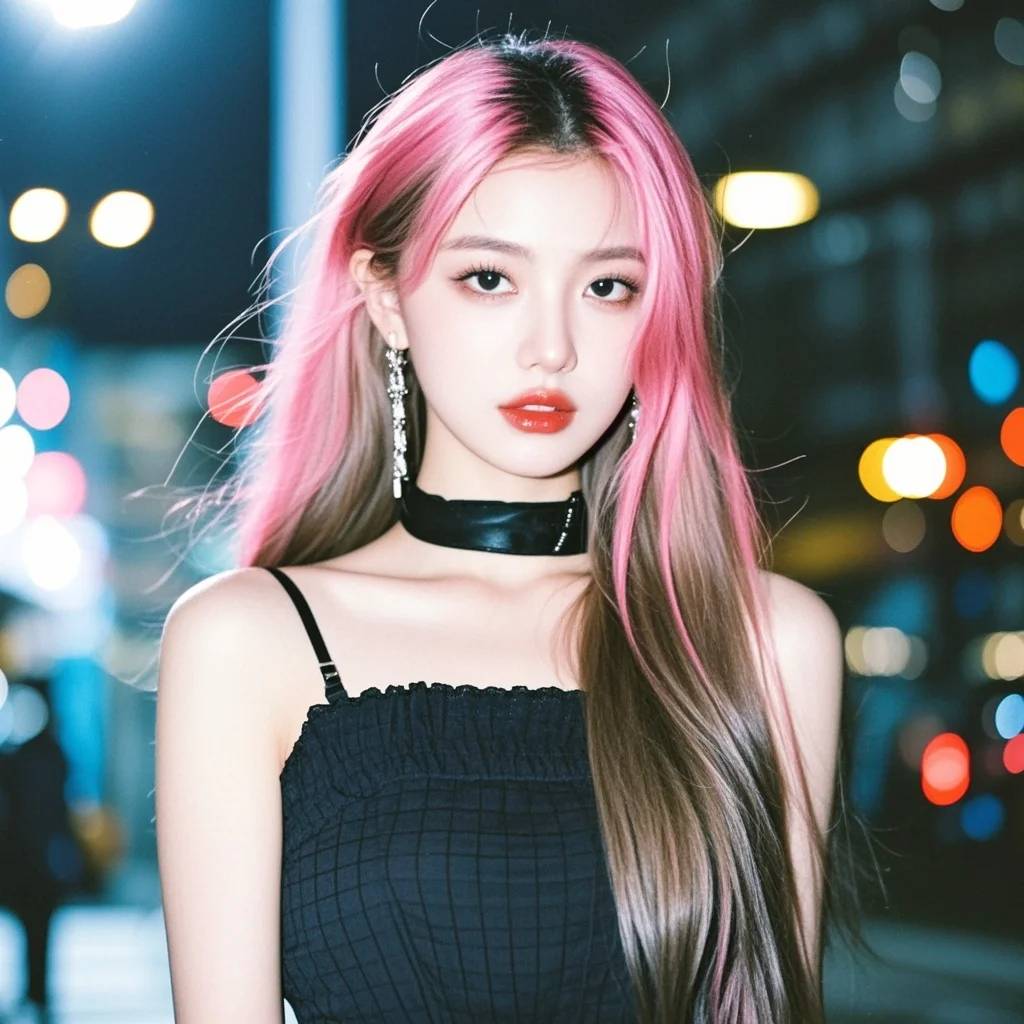
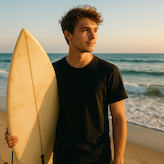
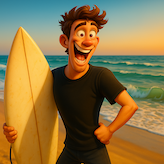


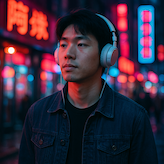
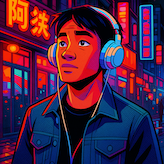

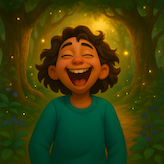




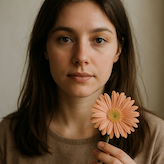


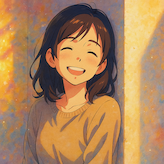

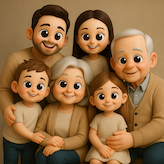
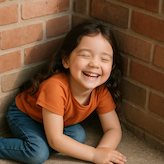
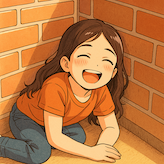

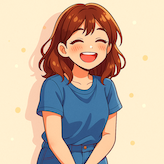

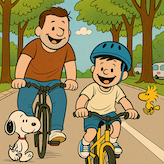
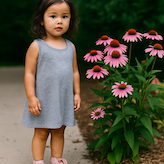
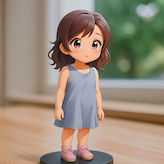
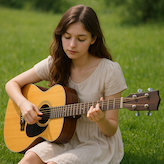
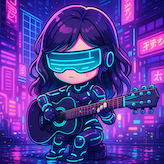

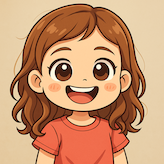
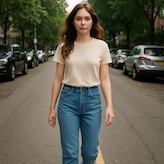
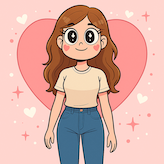
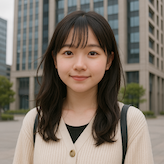
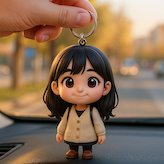
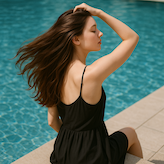
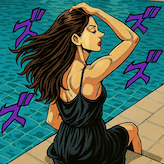
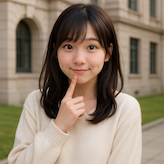

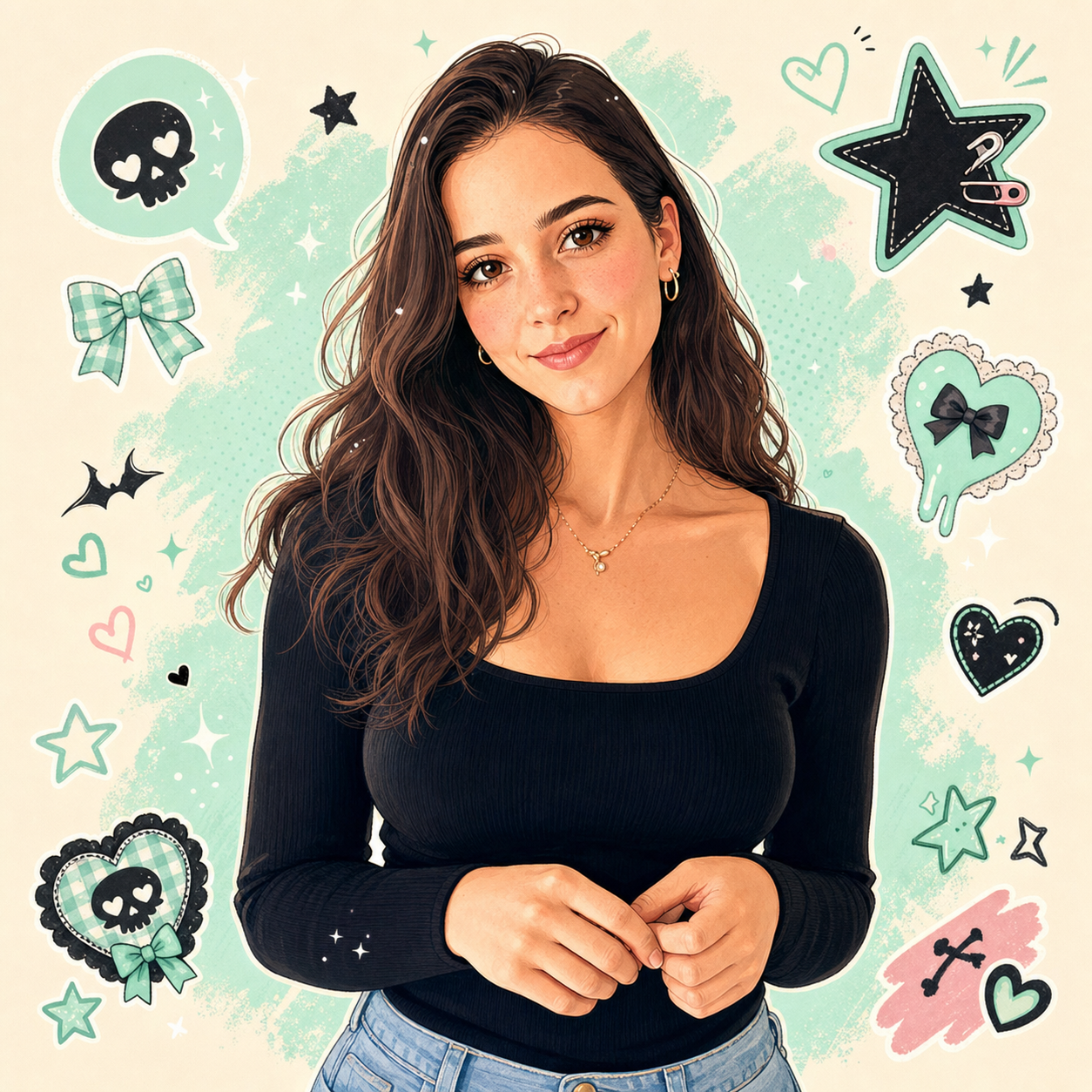
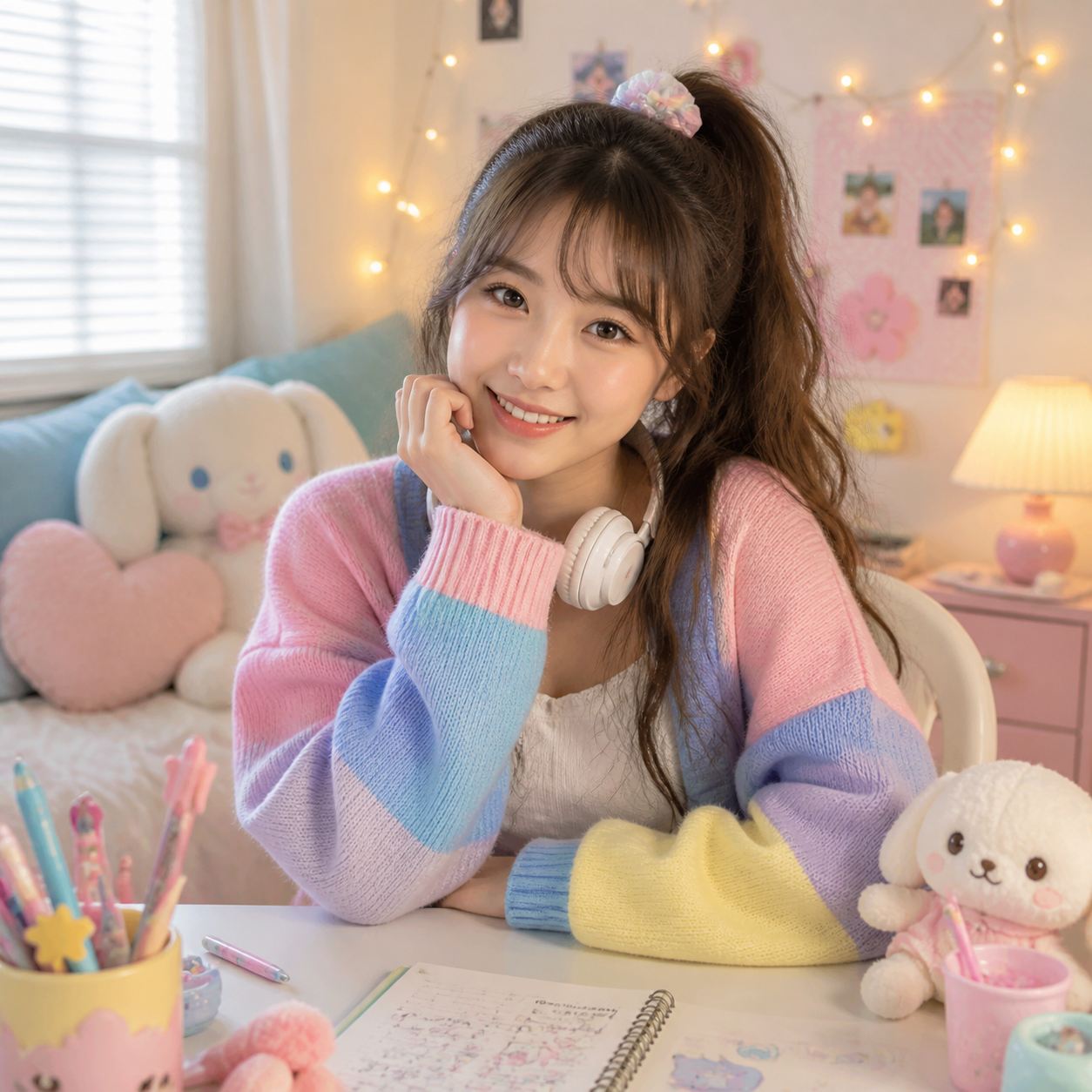
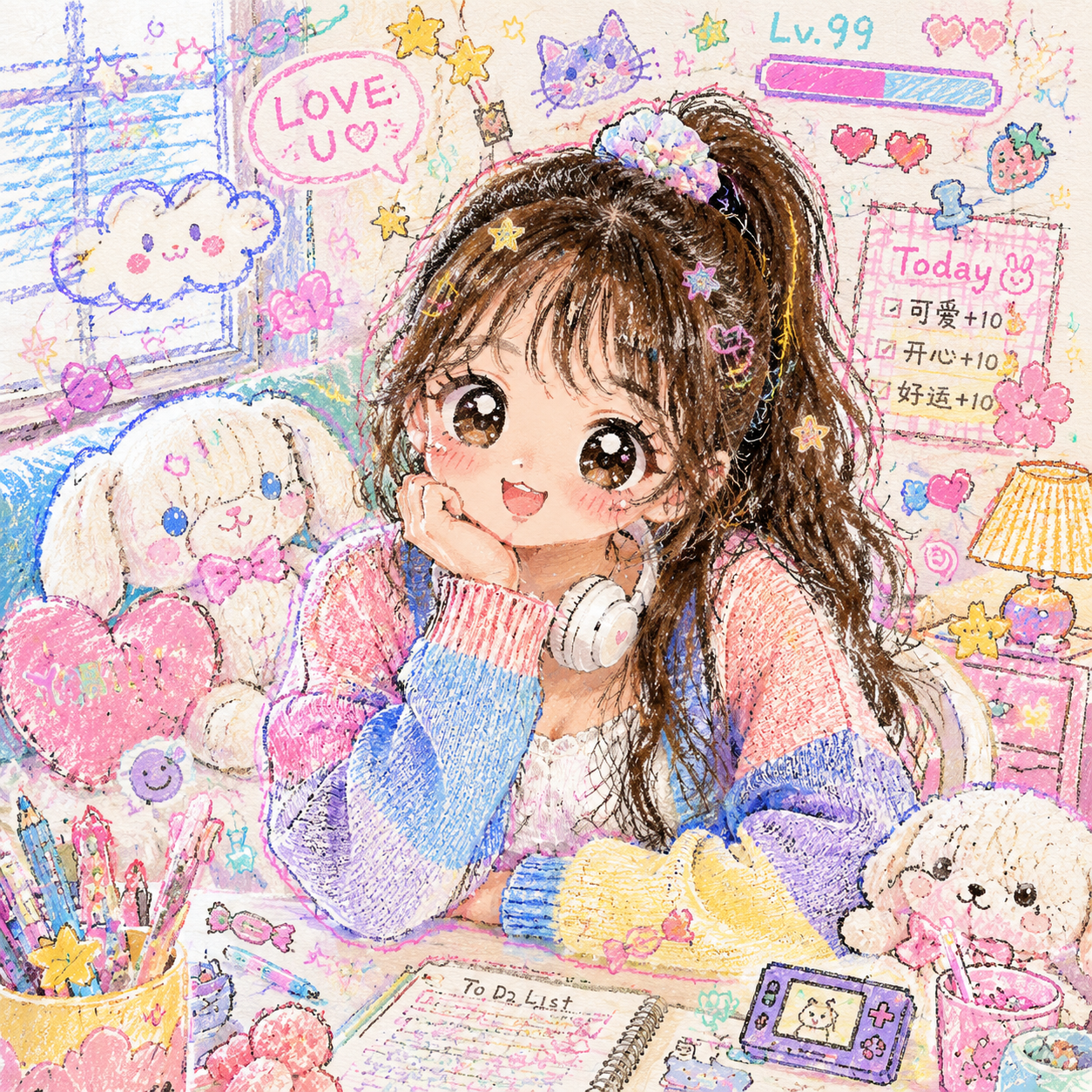
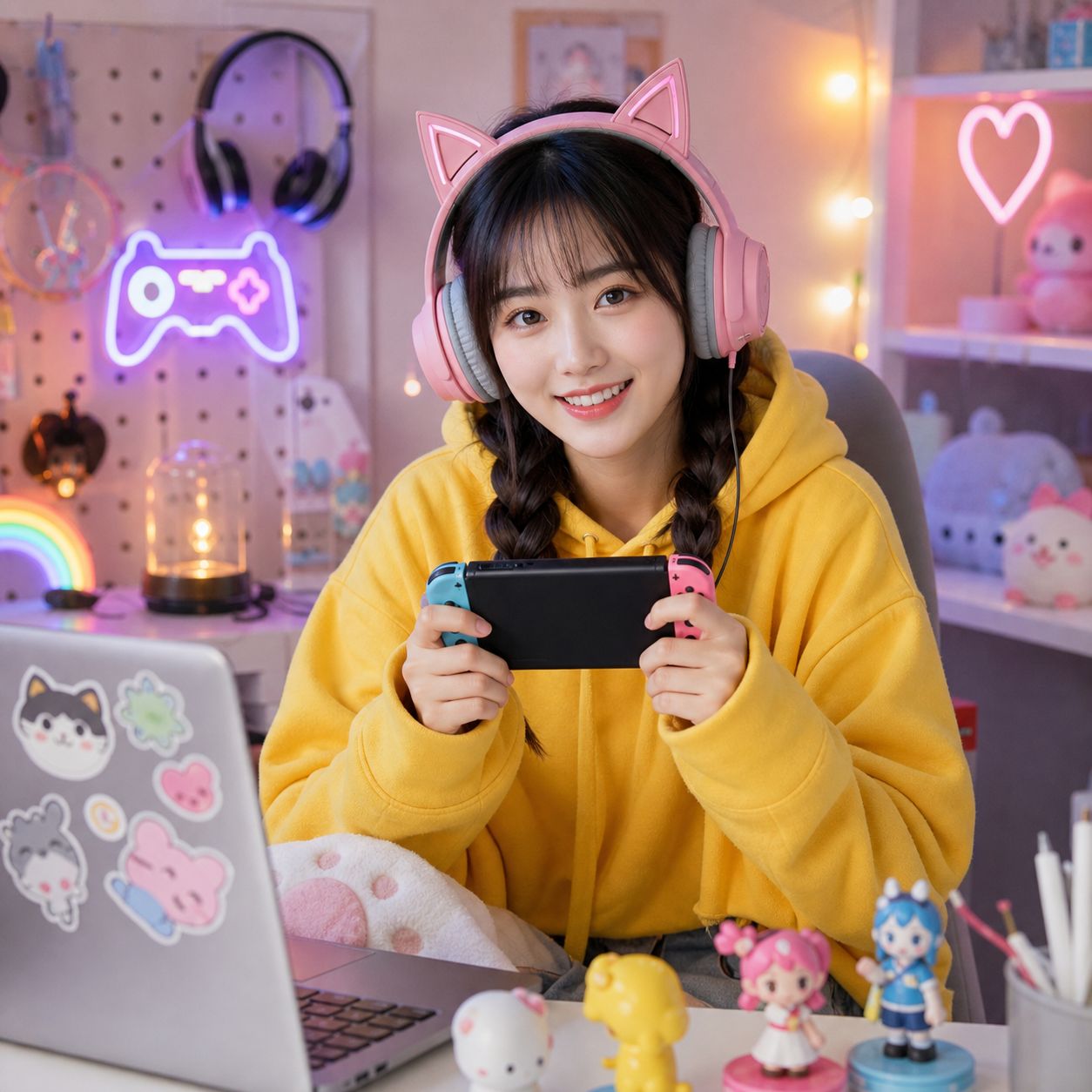
Start with the character direction you want: cinematic cartoon, manga-style portrait, chibi collectible, webtoon look, or a cartoon-to-realistic conversion.
| Intent | Goal | Best Tool | Typical Output |
|---|---|---|---|
| Cartoon | Animated portrait | Disney | Soft cartoon character |
| 3D | Cinematic 3D look | Pixar | Polished animated character |
| Manga | Manga portrait | Japanese Manga | Comic-style anime lines |
| Chibi | Cute collectible | 3D Chibi | Miniature 3D figure |
| Avatar | Game-like avatar | Sims | Stylized life-sim character |
| Realistic | Reverse cartoon look | Cartoon To Realistic | More realistic portrait |
Start with the character direction you want: cinematic cartoon, manga-style portrait, chibi collectible, webtoon look, or a cartoon-to-realistic conversion.
Use cartoon tools for playful character looks, anime tools for manga-inspired portraits, and chibi tools for cute miniature figures.
Portraits work well with anime, cartoon, and chibi styles. Full-body photos are better for figure, Sims, and character-style results.
Upload your image, select the closest style, generate the first version, then remix or regenerate if you need a different expression.
Browse AI cartoon and anime photo tools for Disney-style portraits, Pixar-style characters, manga looks, chibi figures, webtoon edits, and cartoon-to-realistic conversions.
Start with Disney or Pixar when you want a familiar animated portrait. Use 3D Chibi for cute collectible-style characters.
Yes. Cartoon tools usually create softer animated characters, while anime tools focus on manga-inspired faces, line work, and character styling.
Clear portraits with visible facial features, simple backgrounds, and good lighting usually produce stronger anime-style results.
Yes. Choose 3D Chibi or Chibi-related tools when you want cute proportions, larger heads, and a miniature character feel.
Use Cartoon To Realistic when your goal is to move an animated or illustrated image toward a more realistic portrait style.
The tools try to preserve the main composition, but highly stylized cartoon and anime conversions may simplify or restyle background details.
Upload once, pick a cartoon or anime style, and generate directly from this category Hub.