Change eye color in your photo
upload image
Your eye color preview
Upload an image and configure to see the AI-generated result here
Similar Styles
View All
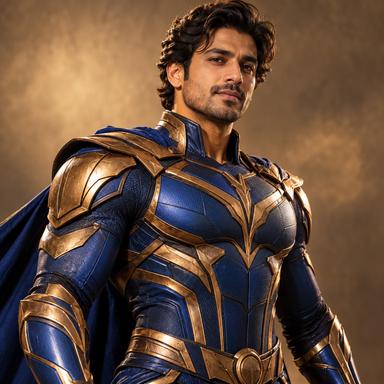




Try a different eye color in your photo
Upload a clear portrait and choose an iris color. Explore a subtle shade or a creative look while asking AI to preserve the rest of the portrait. Page images are illustrative AI examples, not guaranteed results.
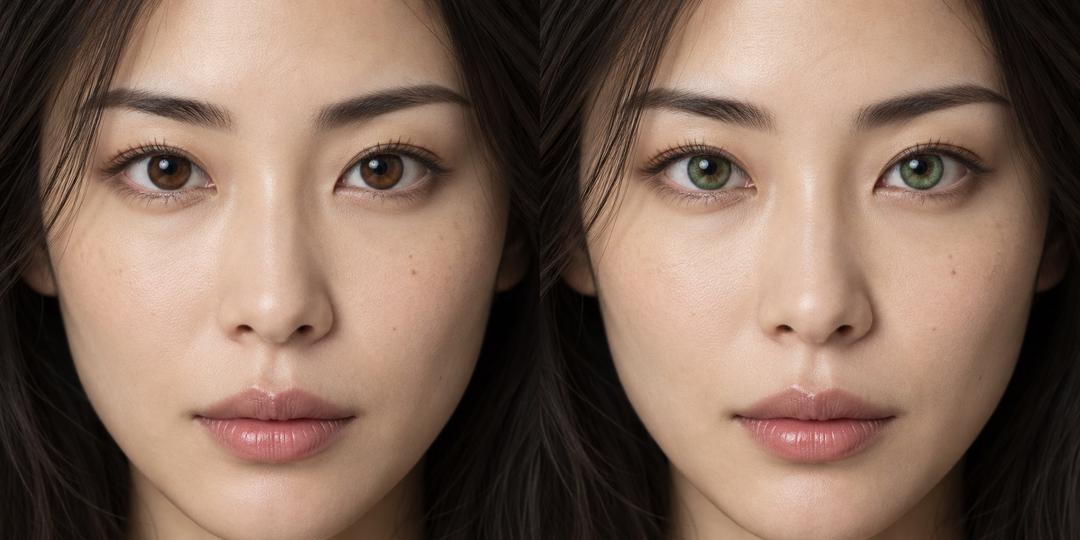
How to change eye color in a photo
Start with visible irises. Illustration shows the intended type of edit; actual results vary.
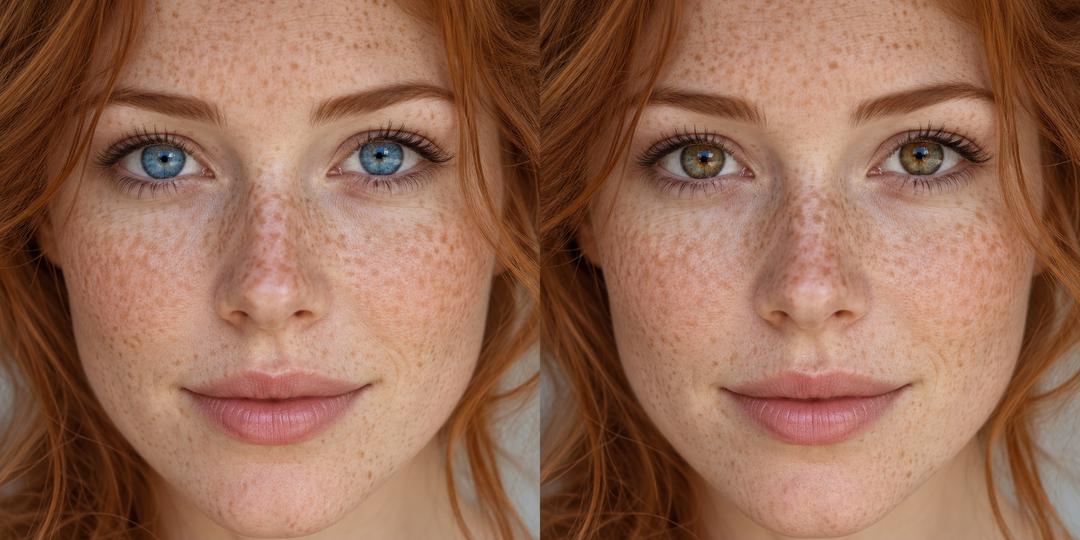
Upload a clear portrait
Use a close, well-lit single-person photo with open eyes. Small faces, reflections and sunglasses make the edit harder.
Choose an iris color
Select brown, blue, green, hazel or gray. The main visible person is selected automatically.
Review and download
Inspect both eyes, pupils and surrounding facial details. Select another color and generate again if needed; each generation follows the displayed credit rules.
Explore a new portrait look
Illustrative AI concepts for personal portraits and creative planning.
Subtle portrait variation
Try a warmer brown or softer green without requesting a full portrait restyle.
Character and costume ideas
Preview a color for a fictional character or costume portrait while retaining the original face.
Color inspiration
Explore the impression of different shades. The preview is not an exact simulation of contact lenses or their fit.
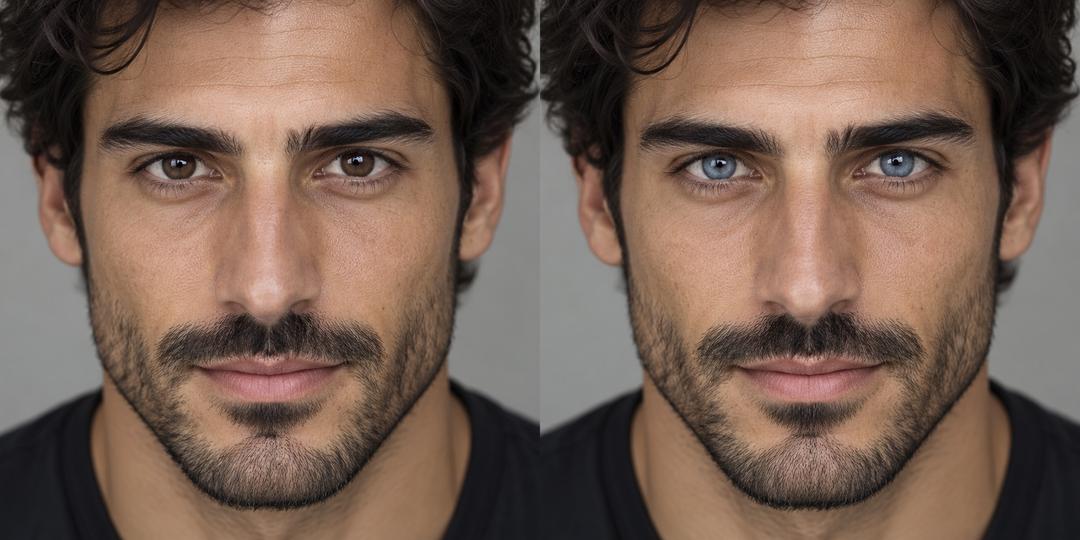
Eye color changer questions
What this photo edit can and cannot do.
Preview another eye color
Choose one portrait and the shade you want to explore.