Glitch Art Generator
Upload a photo and create glitch art instantly with RGB split, VHS scanlines, digital noise, pixel glitches, and slice distortion in your browser.
Upload image
PNG, JPG, or WebP
Glitch preview
Upload an image and apply a glitch effect
Ready to create glitch art
Upload a photo, choose a glitch preset, adjust the controls, then apply once for 1 credit to create a downloadable glitch art PNG.
Similar Styles
View AllGlitch Art Generator - Create Glitch Art From Photos Online
Create glitch art from photos without waiting for an AI render. Upload an image, add RGB channel split, VHS scanlines, digital noise, pixel glitches, and sliced distortion, then preview and download the result as a PNG.


How to Create Glitch Art From a Photo
Turn an existing image into glitch art with a simple upload, adjust, preview, and download flow.
1. Upload your image
Choose a JPG, PNG, or WebP photo. Portraits, product shots, posters, and bold graphics all work well.
2. Pick a glitch preset
Start with RGB Split, VHS Scanlines, Digital Noise, Slice Shift, or Pixel Glitch, then fine-tune the sliders.
3. Preview and download
Apply the effect in your browser, check the result, then download a PNG when the glitch style looks right.
Creative Uses for Glitch Art Images
Glitch art works best when you want a digital, cyber, retro-screen, or corrupted-media look while keeping the original subject recognizable.


Profile pictures and avatars
Add RGB split and scanline distortion to portraits while keeping the face recognizable.
Album and poster visuals
Create noisy, high-contrast digital distortion for music covers, event posters, and campaign graphics.
Social content
Make fast glitch edits for short-form posts, thumbnails, mood boards, and cyber-inspired visuals.
Experimental image editing
Use slice shifts, pixel blocks, and noise to test digital corruption styles before moving into heavier edits.
Glitch Art Generator or Glitch Effect Editor?
This page sits in the art workflow, but the tool is intentionally instant and browser-based: it creates a glitch art look by editing the pixels of your uploaded photo.
Use effects for control
Choose this tool when you want the original composition to stay intact and only add visible distortion.
Use AI for restyling
Use an AI art style page when you want the subject redrawn into a broader cyberpunk, pixel, or illustration style.
Combine both workflows
Start with a clean glitch edit, then try related cyberpunk or pixel tools when you want a more transformed final image.
Glitch Art Generator Features
A browser-based glitch art editor for turning existing photos into distorted digital artwork.

Browser-Based Editing
Upload a photo and create glitch art instantly with RGB split, VHS scanlines, digital noise, pixel glitches, and slice distortion in your browser.

RGB Split and VHS Looks
Choose presets for chromatic RGB split, VHS scanlines, digital noise, slice shifts, and pixel-style corruption.

Adjustable Controls
Tune intensity, channel offset, noise, scanlines, and horizontal slice movement until the effect fits your image.

Download PNG
Export the finished glitch image as a PNG for avatars, social posts, album visuals, posters, and creative edits.
Glitch Art or Cyberpunk / Pixel Style?
Use Glitch Art Generator when you want to keep the original image and add RGB split, scanlines, noise, and slice distortion. Use cyberpunk or pixel art tools when you want the whole image restyled.
Full neon restyle
Transform an uploaded image into a stronger cyberpunk visual when the whole scene should change.
Cyberpunk StylePixel art conversion
Use a pixel art workflow when the output should become a stylized pixel image, not just a distorted photo.
Pixel ArtRetro photo texture
Try a 1970s photo filter when the visual direction should be analog and nostalgic instead of digital glitch.
1970s Photo FilterRelated Pixel & Dot Art Tools Styles
Related Art Styles & Workflows
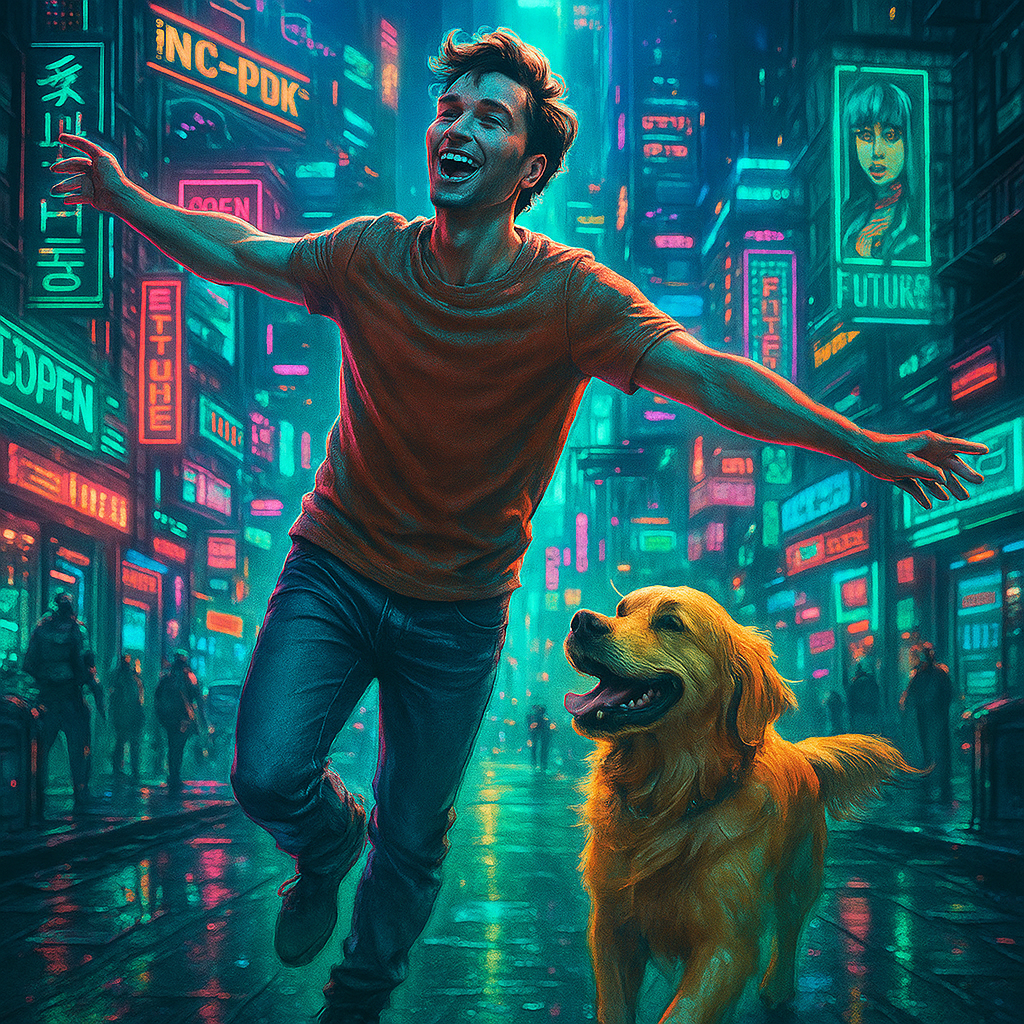
Cyberpunk Style
Use this when the image should be fully restyled into a neon cyberpunk look instead of only adding pixel distortion.
Open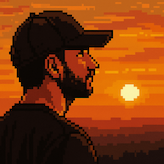
Pixel Art
Try this when the goal is a stronger pixel-art conversion rather than a surface glitch effect.
OpenPixel & Dot Art Tools
Browse nearby pixel, dot, and digital-art workflows after adding a glitch look.
Open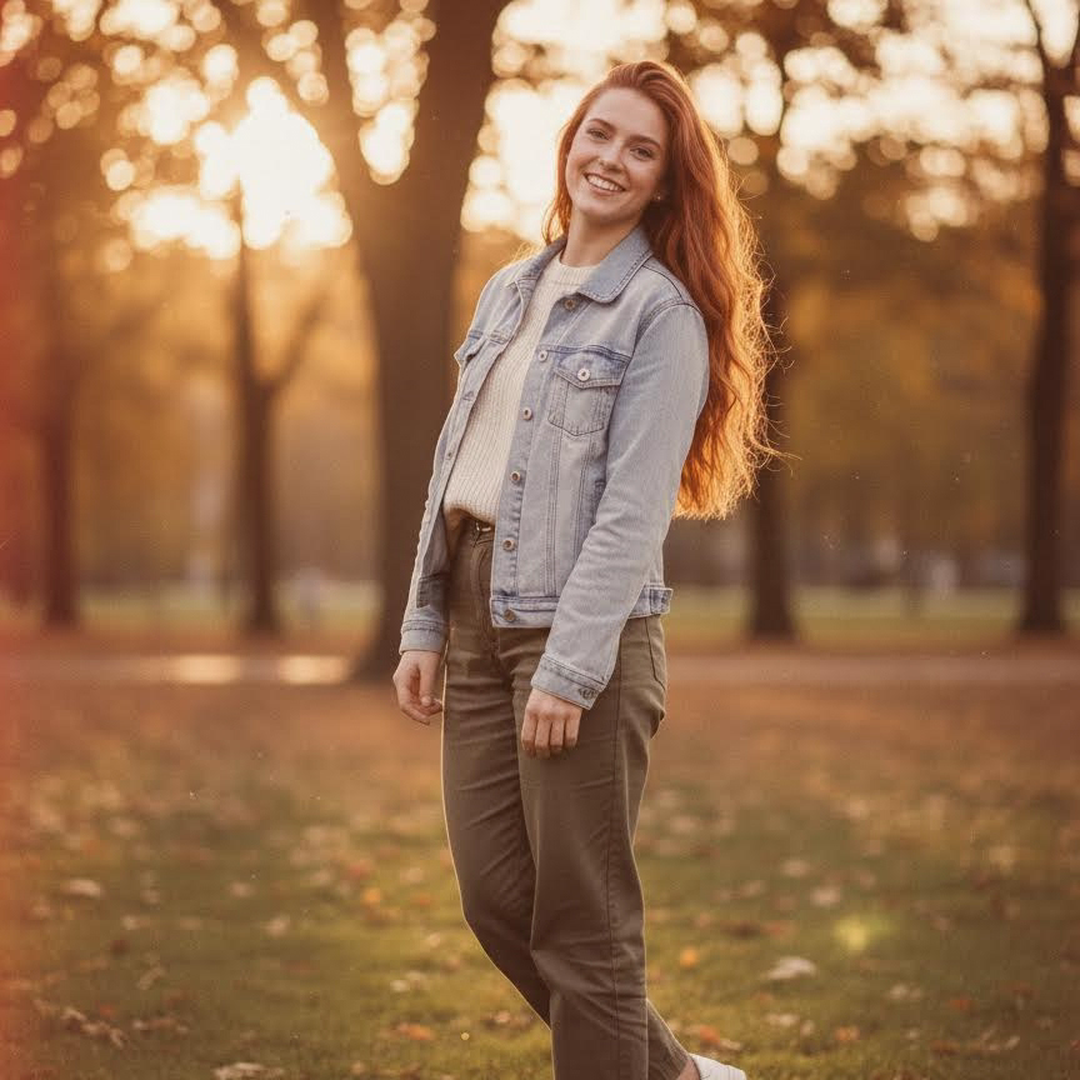
1970s Photo Filter
Use this when you want a retro film texture instead of digital screen distortion.
OpenWho Uses This Glitch Art Tool
A lightweight glitch art editor for creators, designers, musicians, and social media teams.
Music Designer
The RGB split preset is useful for quick cover-art drafts before I move into final layout work.
Content Creator
I like that the image does not get redrawn. I can keep the original photo and just add a digital glitch mood.

Visual Editor
The slice shift controls make it easy to create several glitch variants from the same source image.
Glitch Art Generator FAQ
Answers about creating glitch art from photos online.
Create glitch art from your image
Upload a photo, tune the glitch controls, apply once for 1 credit, and download a browser-made glitch art PNG in seconds.