AI照片风格转换器
上传照片,为你的图片选择风格,并用AI在线转换。探索线稿、可打印模板、卡通、动漫、绘画、3D Chibi、蓝图等照片风格。
风格预览
Cartoon
按风格浏览
先从风格分类开始,再用搜索找到具体的照片转换工具。
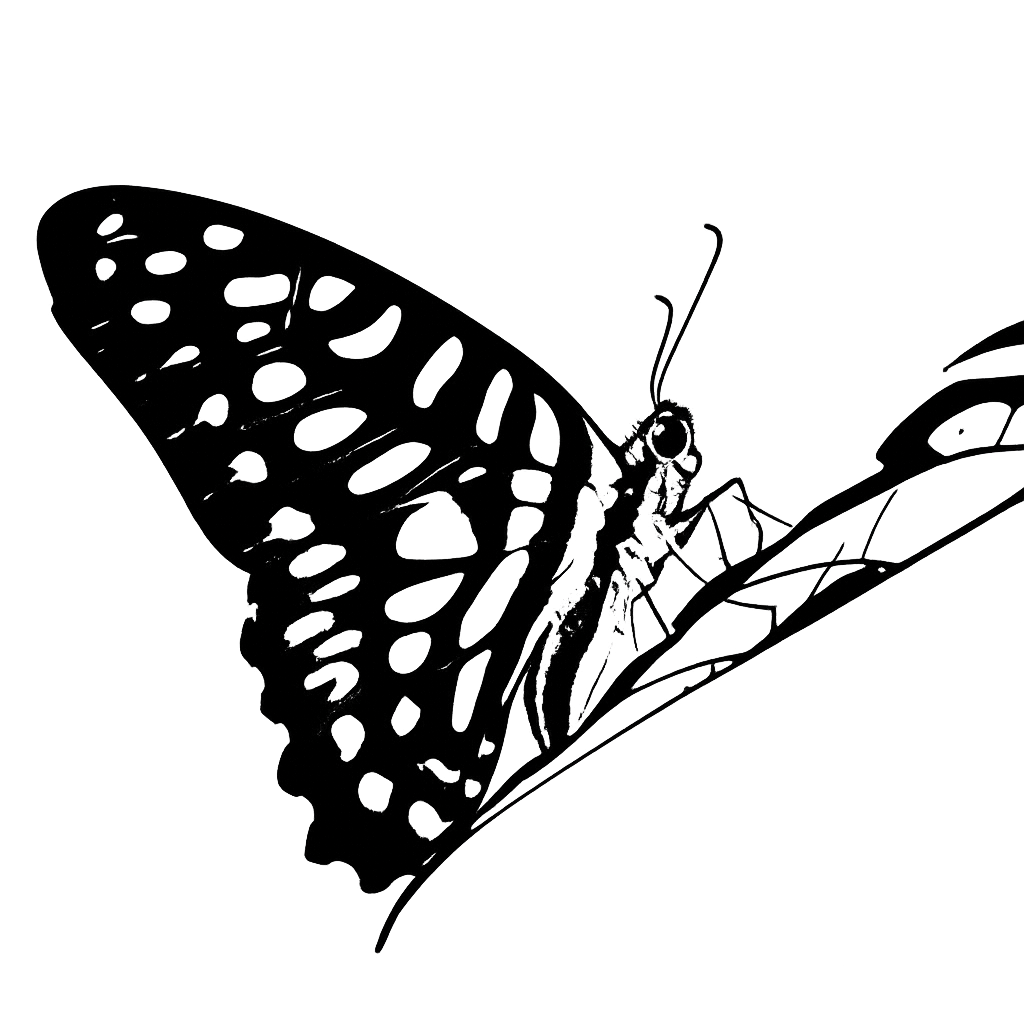
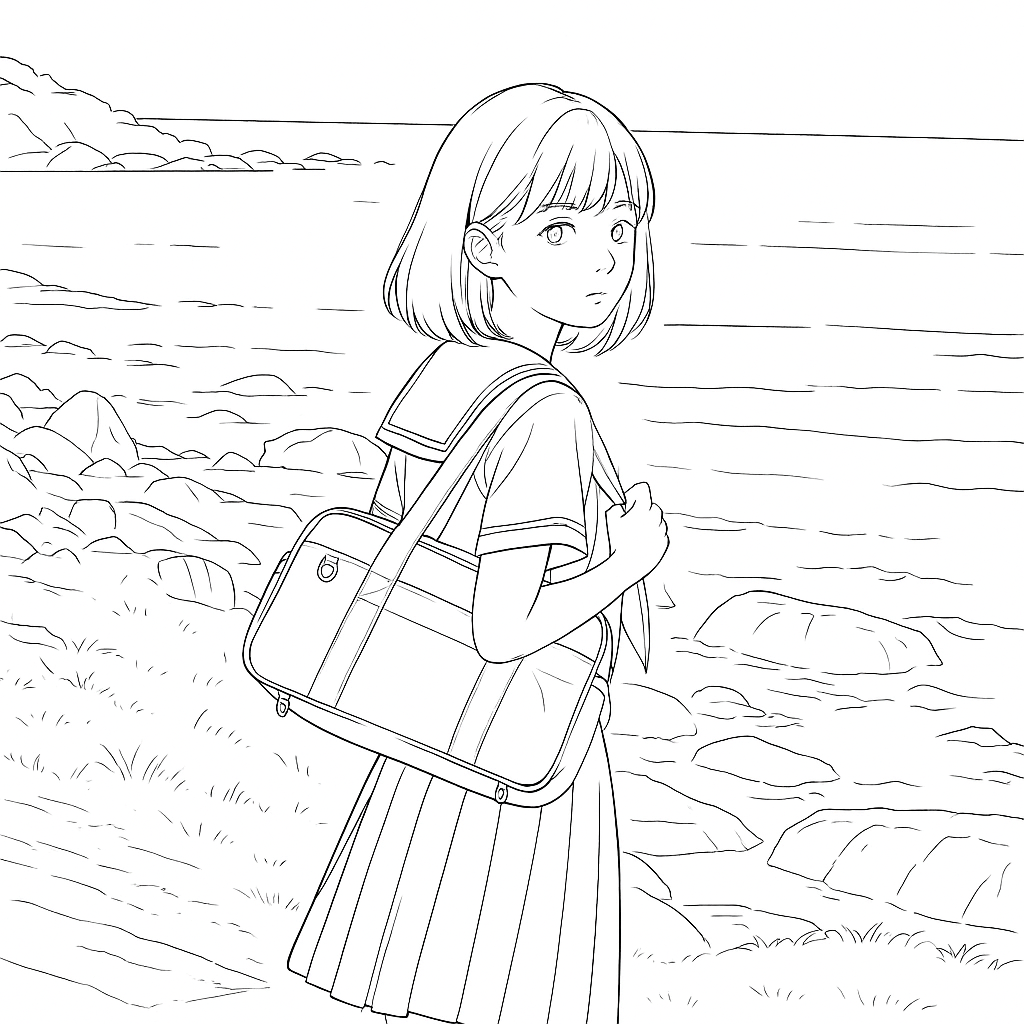
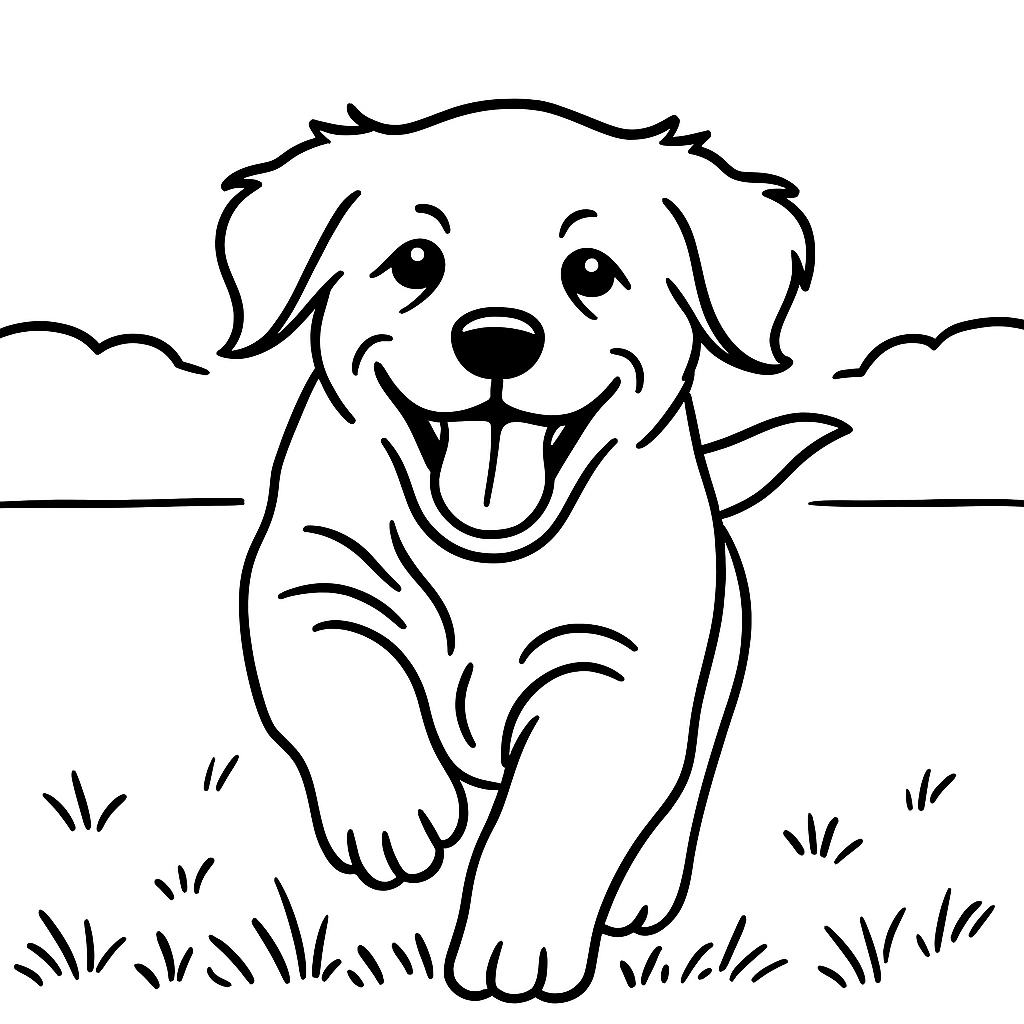
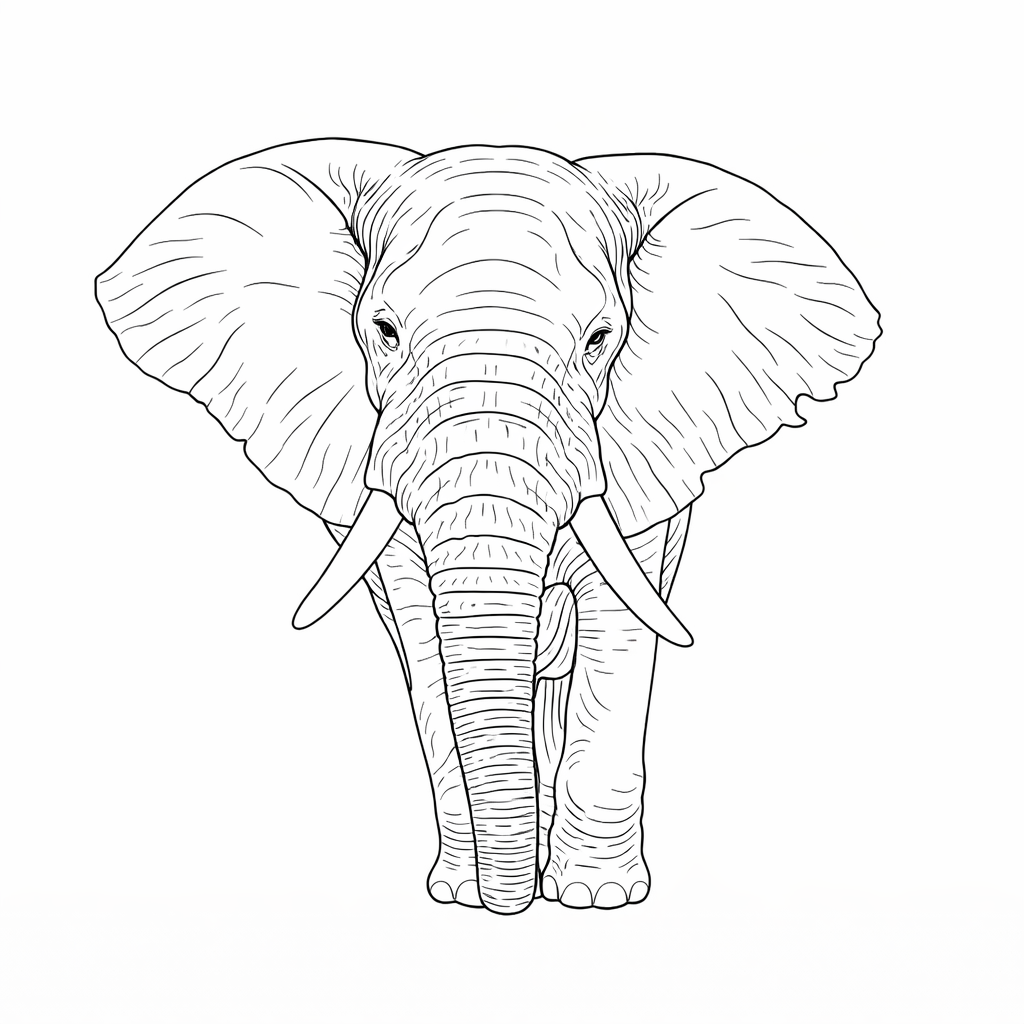
Line Art & Printable
Choose clean outlines, printable stencils, coloring pages, and technical line styles.
Cartoon & Anime
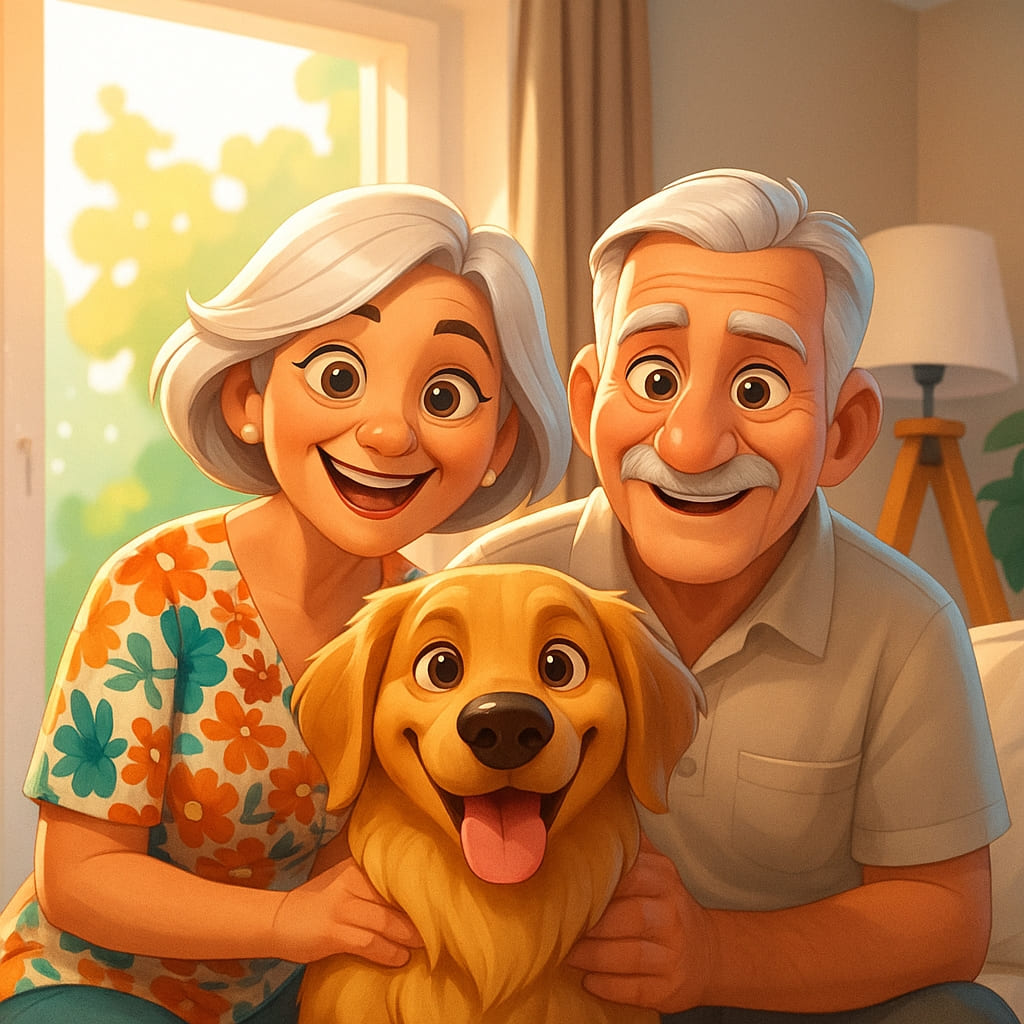
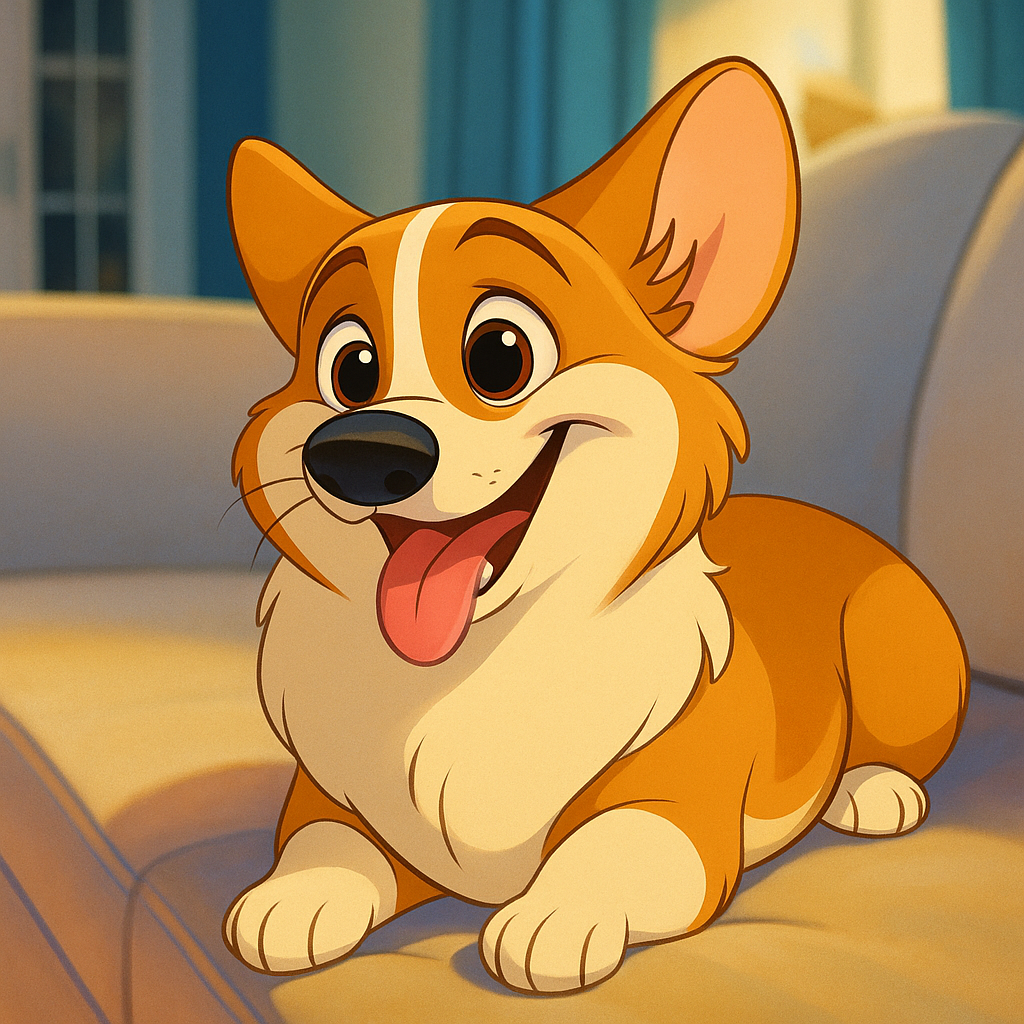
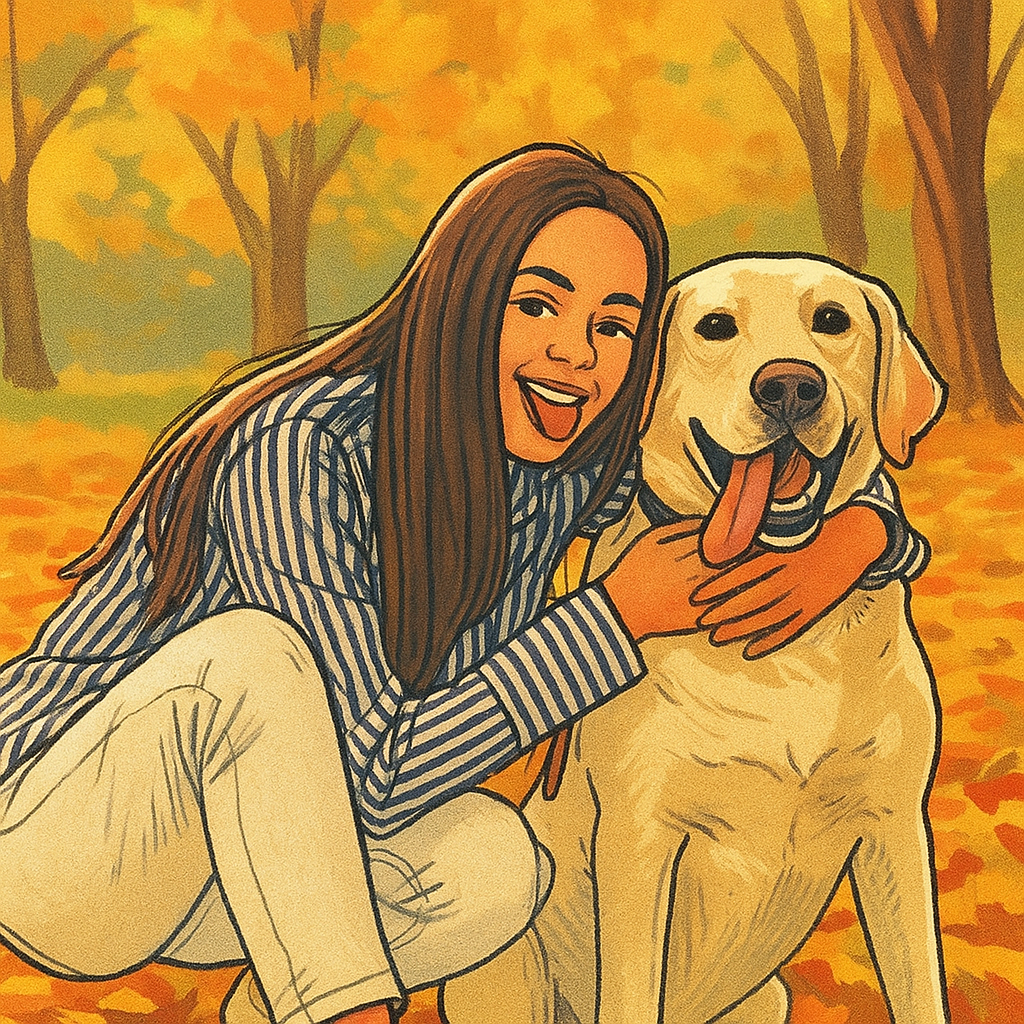
Pick expressive character styles for portraits, pets, and playful edits.
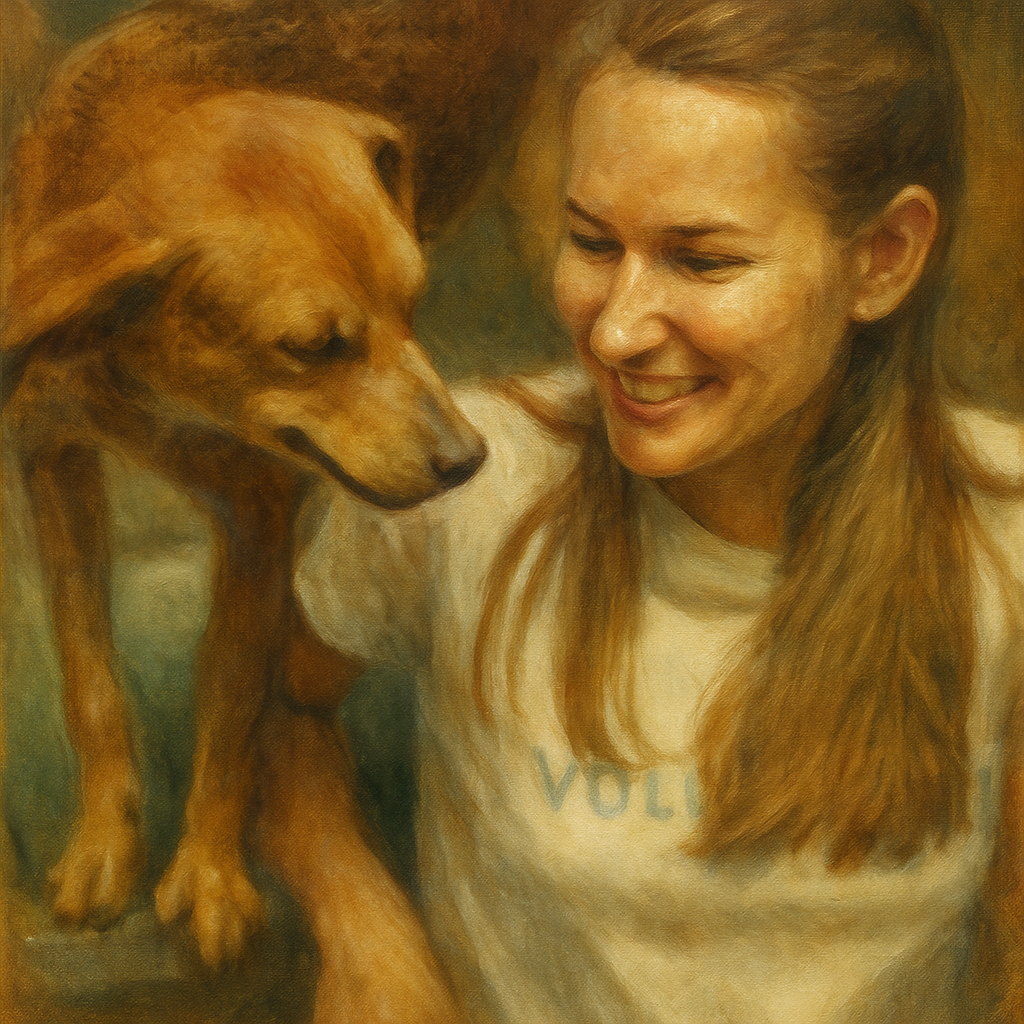
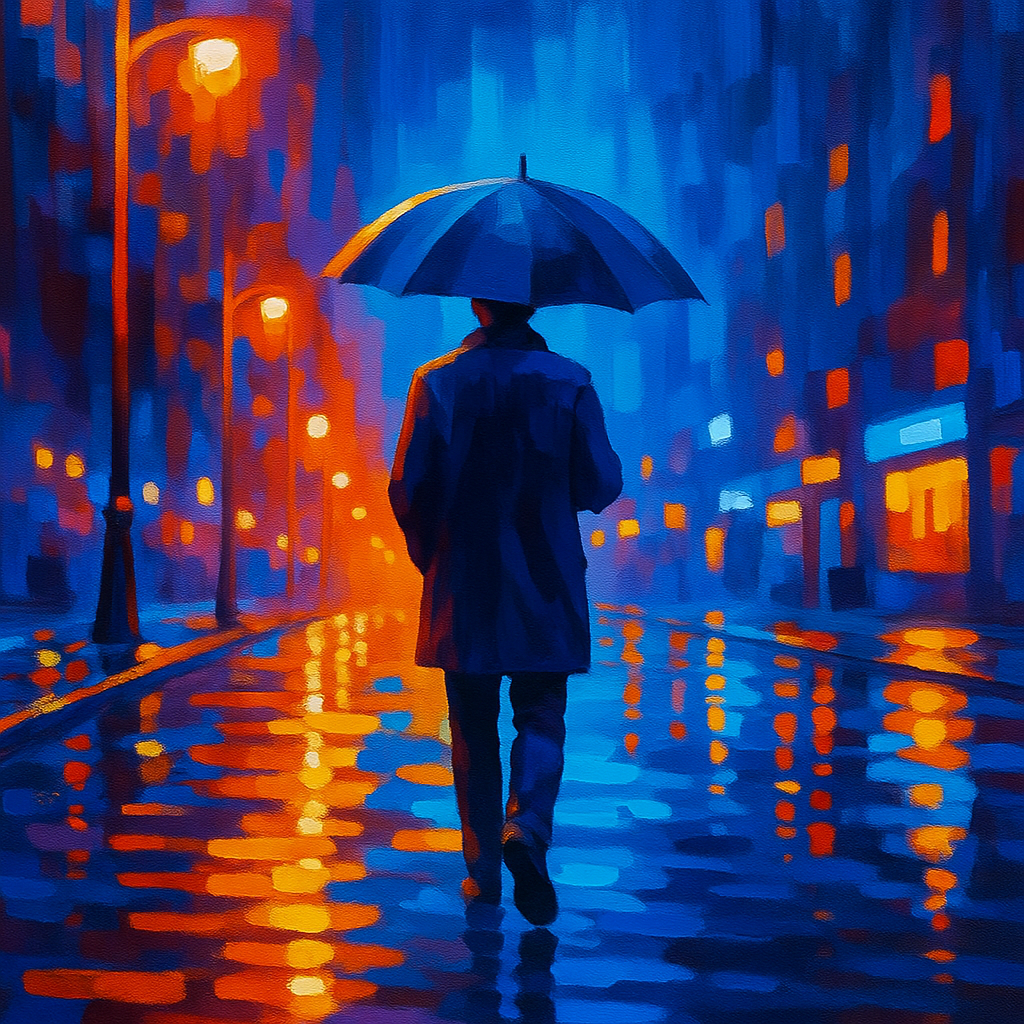
Painting & Fine Art
Turn photos into painterly styles with texture, color, and fine-art finishes.

Pixel & Dot Art
Create dotted, pixelated, mosaic, and low-poly image transformations.
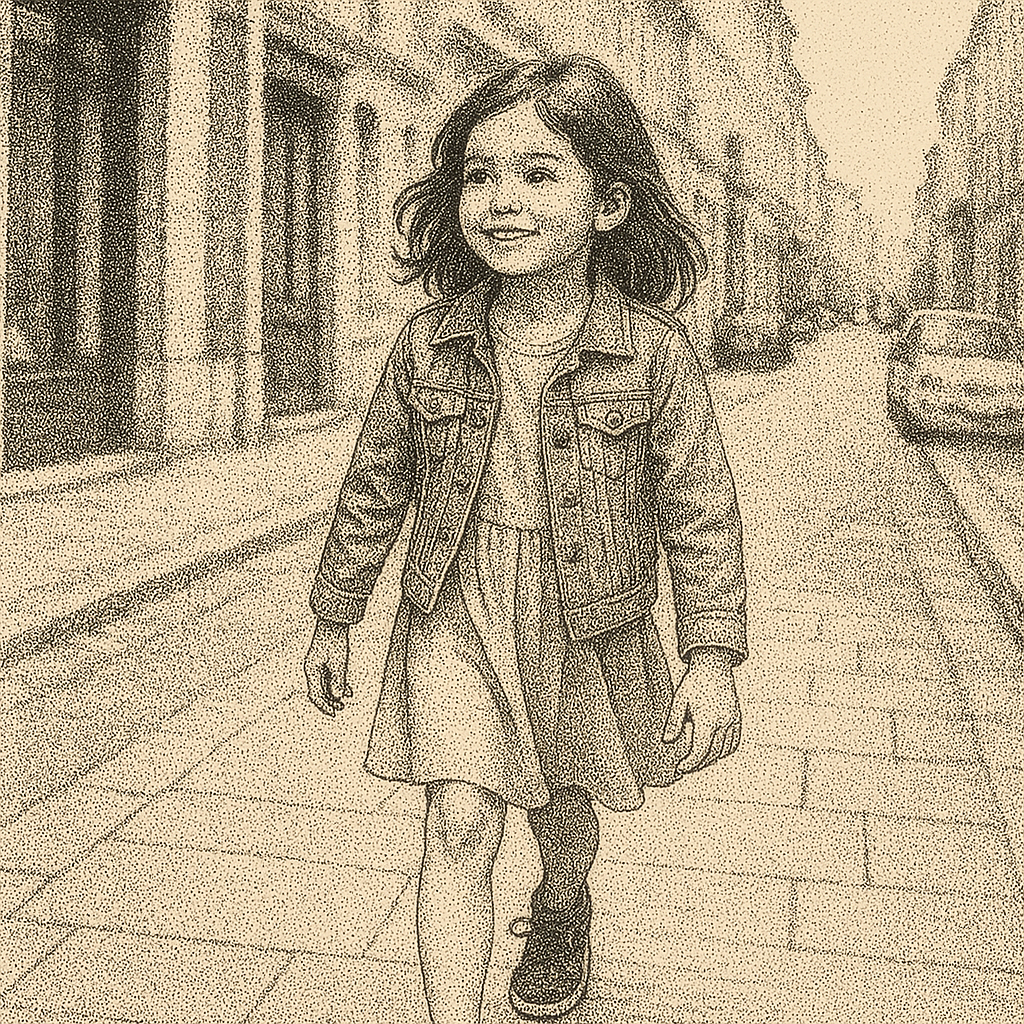
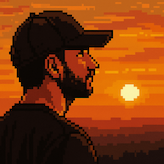
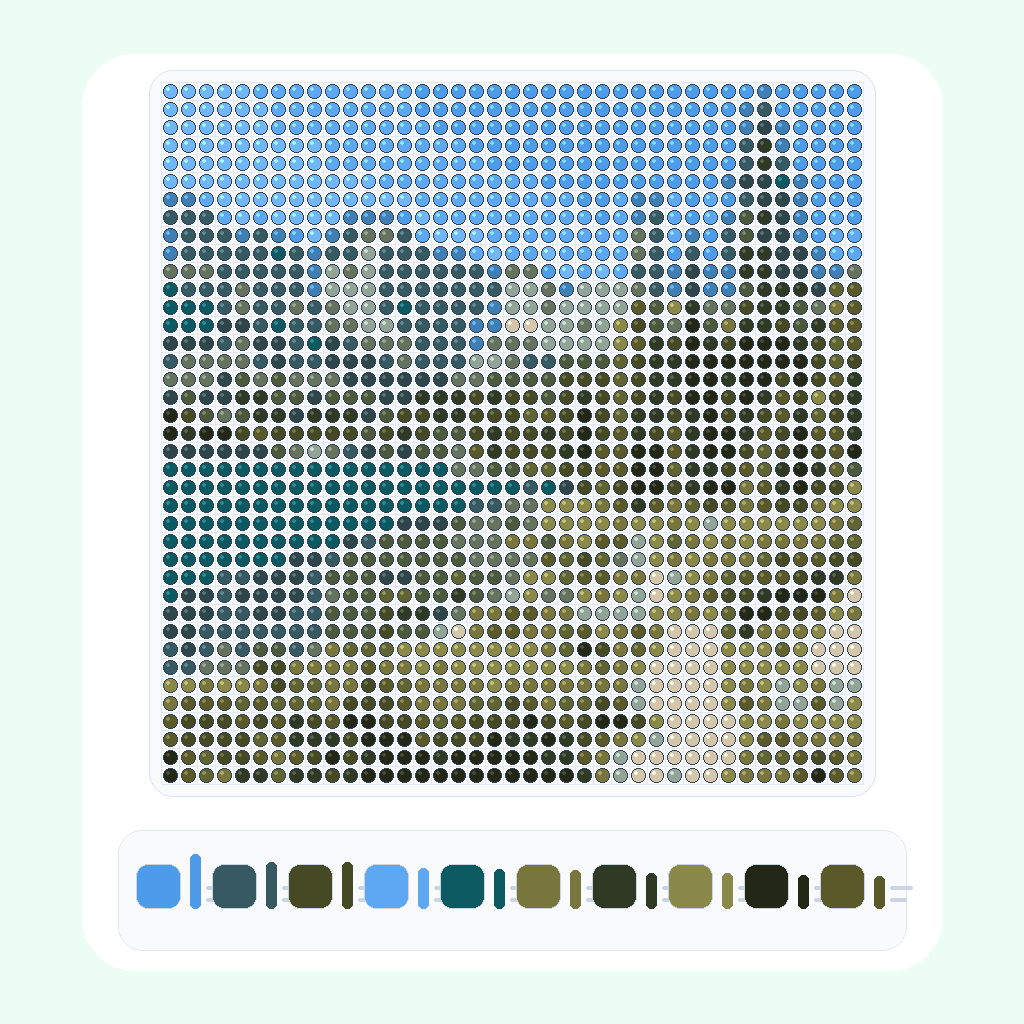
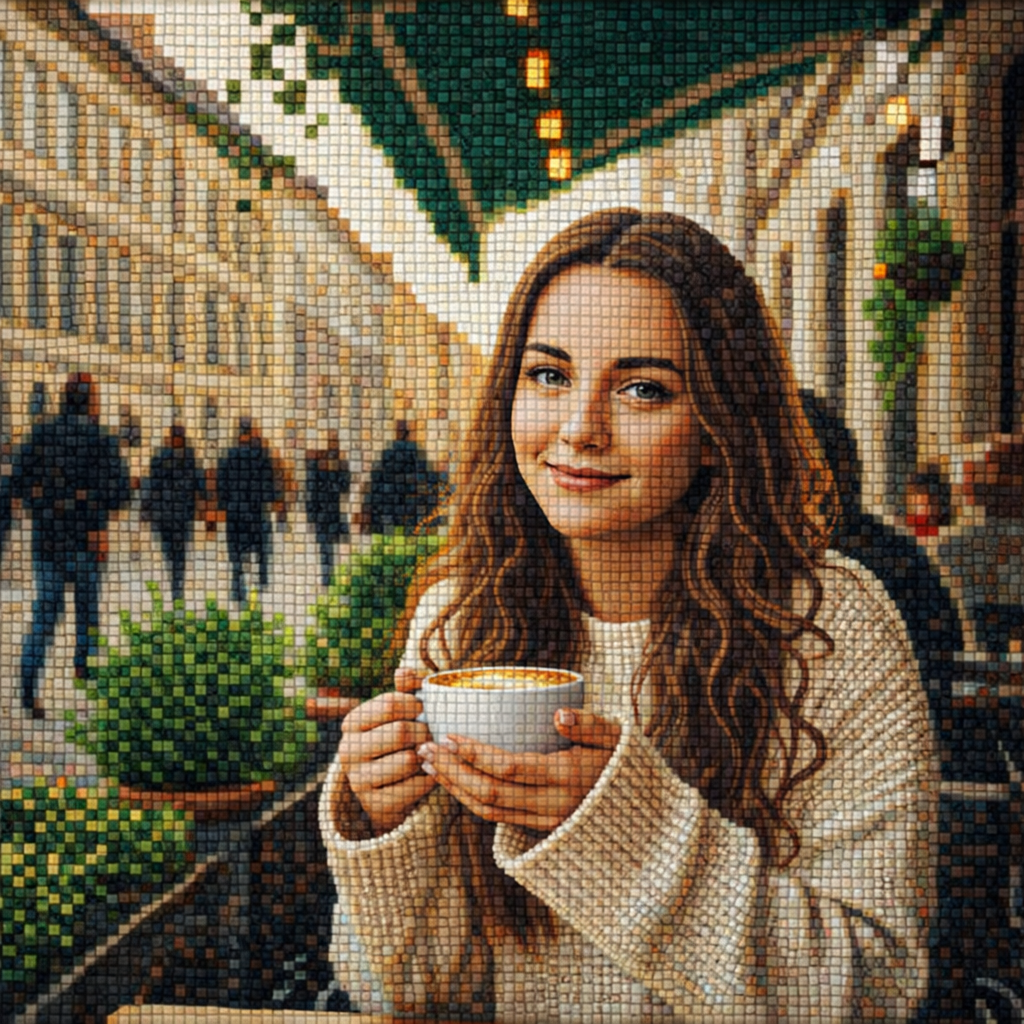
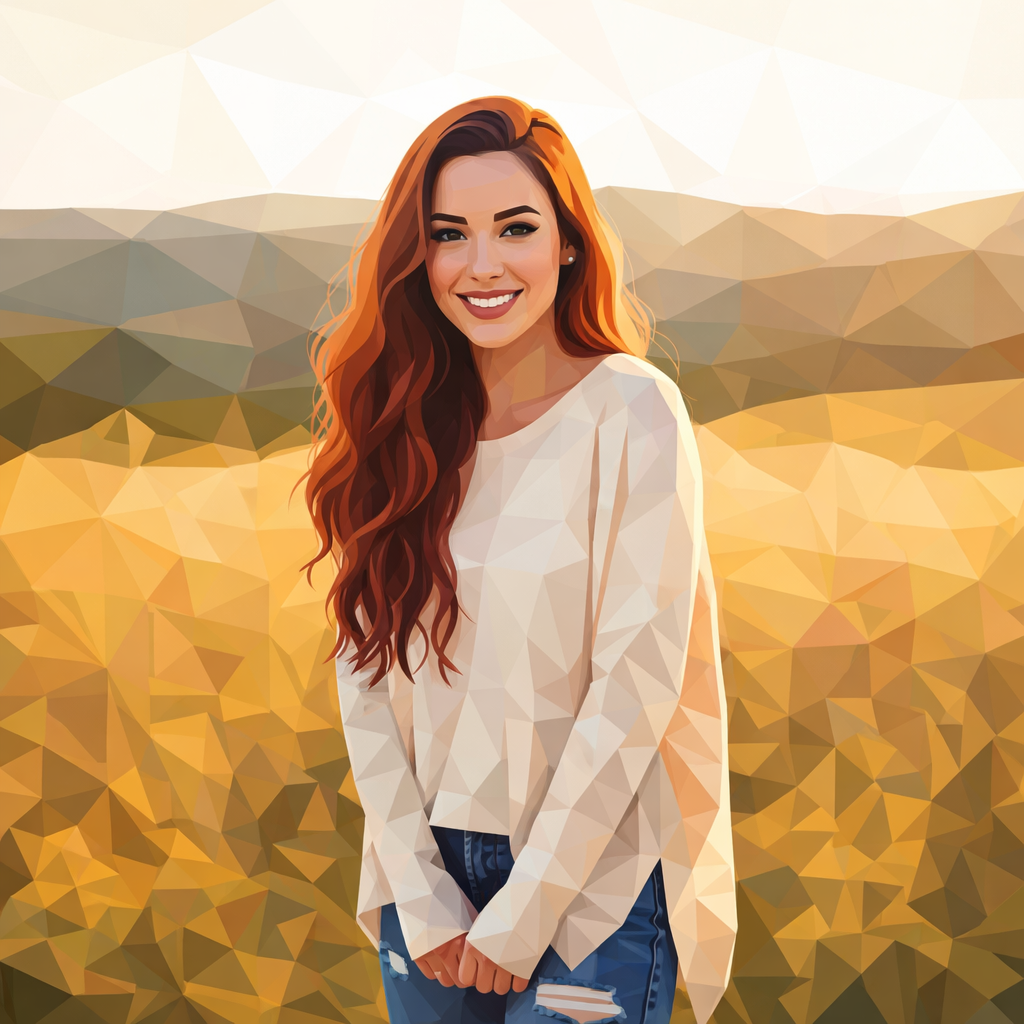
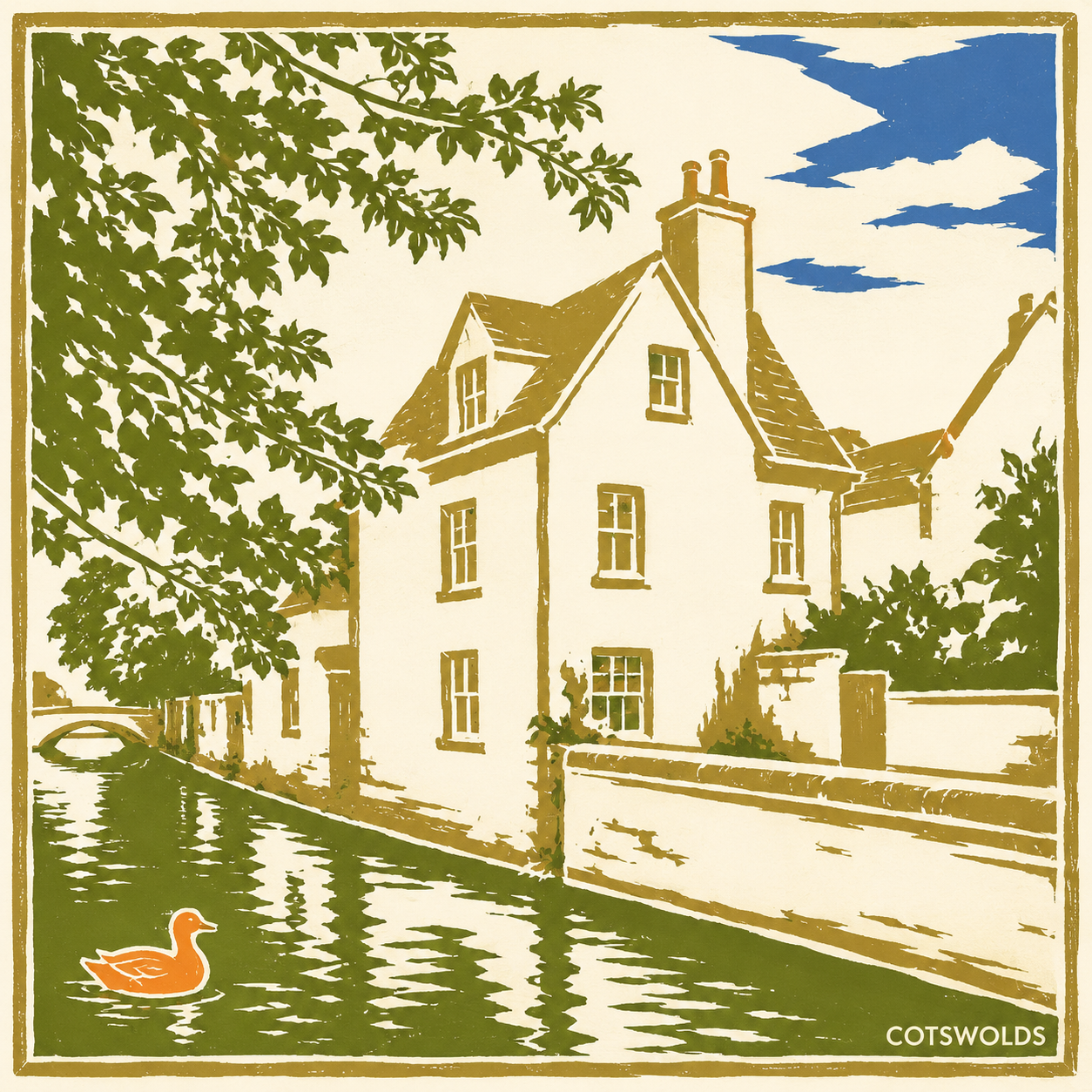
Illustration & Design
Browse illustration, flat design, fashion, botanical, poster, and creative design styles.

AI照片风格转换器常见问题
What is an AI photo style converter?
An AI photo style converter lets you upload an image, choose a visual style, and turn the original photo into a new styled version online.
How do I choose a style for my image?
Start with the subject and purpose of the photo: line art works well for printable outlines, cartoon styles suit portraits and pets, and painting styles are better for polished artwork.
Is the AI photo style converter free?
You can try many photo style tools online for free. Some advanced usage, larger batches, or repeated generations may use credits depending on the selected tool.
Which photo styles are best for portraits?
Cartoon, anime, chibi, oil painting, watercolor, line drawing, and stencil styles are popular choices for portraits because they preserve the main subject clearly.
Can I download the result?
Yes. After the AI style conversion finishes, you can preview and download the generated image for your creative project.
Can I use the generated image for social posts?
Yes. The downloaded result works well for profile images, social posts, thumbnails, mood boards, and other creative sharing formats.
Do I need design skills to use these photo styles?
No. Upload a photo, select a style, and let the AI handle the transformation. You can try different styles until the result fits your idea.