AI Pet Generator
Pet Photo Tools
Pick a pet effect, upload your pet photo, and generate the selected pet photo result.
Upload your own pet photo
Required. The selected effect preview is shown below.
Choose a pet effect
Select one effect below, or upload your own pet photo above.
Image Ratio
Result
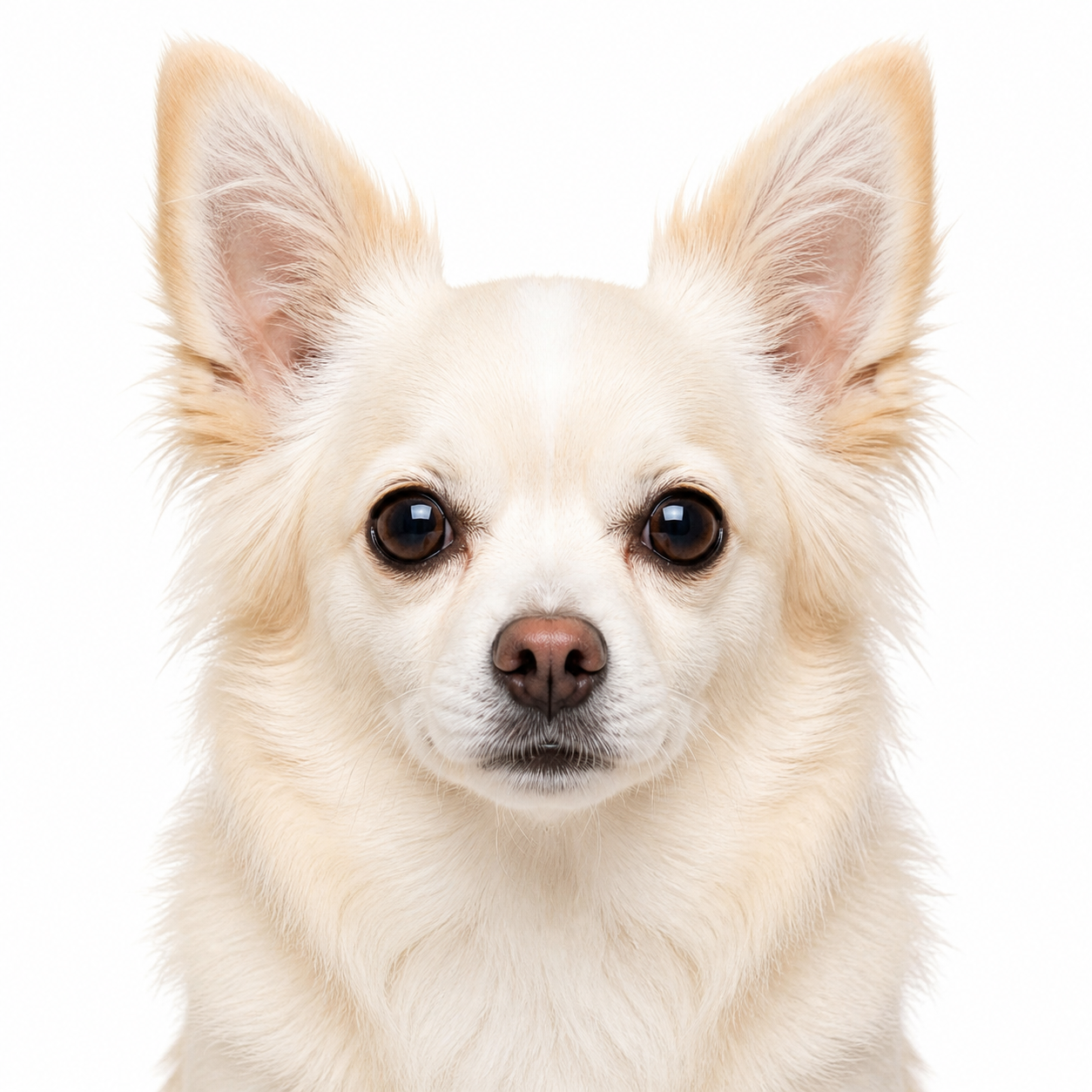
Pet Passport Photo - 1:1
Choose a pet photo to begin
Upload a pet photo, then pick one of the effect previews below.
Why Use Pet Photo Tools
A focused pet photo workspace for turning one uploaded pet image into multiple shareable AI effects.
Effect Preview First
Browse finished effect previews before uploading, so you know whether you want an ID photo, office worker scene, mugshot, nine-grid layout, or meme portrait.
Upload Your Own Pet
The selected preview is only the effect style. Your uploaded pet photo becomes the real source image for generation.
Built for Cats and Dogs
Use clear pet photos of cats, dogs, and other common pets. The workflow keeps the subject recognizable while applying the selected concept.
Ready for Social Sharing
Generate square pet visuals that work well for profile images, posts, memes, and lightweight campaign assets.
How to Create an AI Pet Photo
Generate a pet effect from your own uploaded pet photo in a simple workflow.
Choose a Pet Effect
Pick the finished preview that matches your goal, such as pet passport photo, office worker, mugshot, nine-grid, or realistic pet meme.
Upload Your Pet Photo
Use a clear image where the pet's face, eyes, markings, and body shape are easy to see.
Add Optional Details
Use the custom details field if you want to guide expression, background, lighting, outfit, or mood.
Generate and Download
Create the result, review the generated image, then download or share the final pet photo.
Pet Effects You Can Choose
Each option is a finished effect direction, not an original source image.
Pet Passport Photo
Create a clean ID-style pet portrait with centered composition and polished studio lighting.
Pet Office Worker
Turn your pet into a realistic office worker scene for humorous workplace-style posts.
American Pet ID
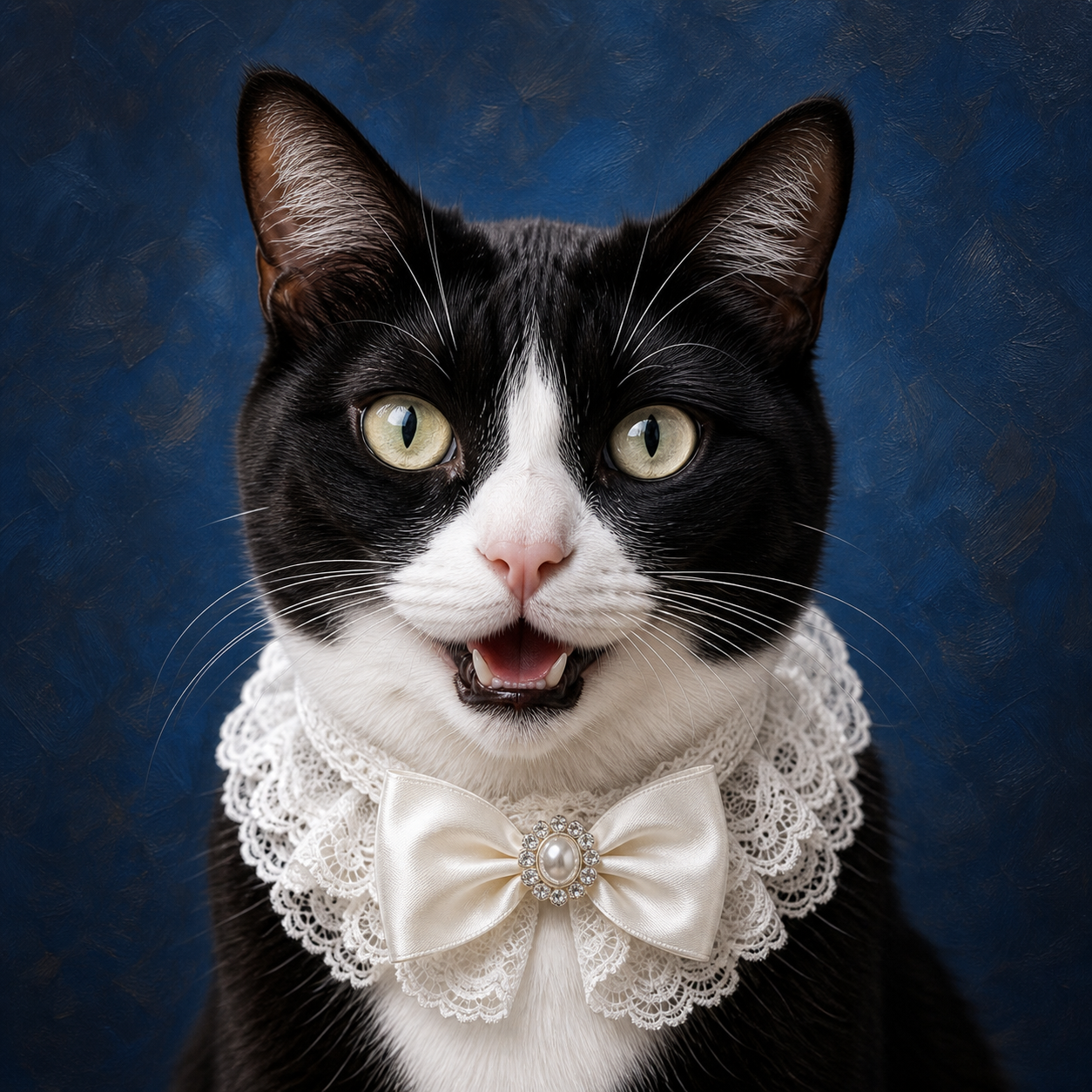
Generate a playful document-style pet portrait for profile, ID, or themed content.
Pet Mugshot
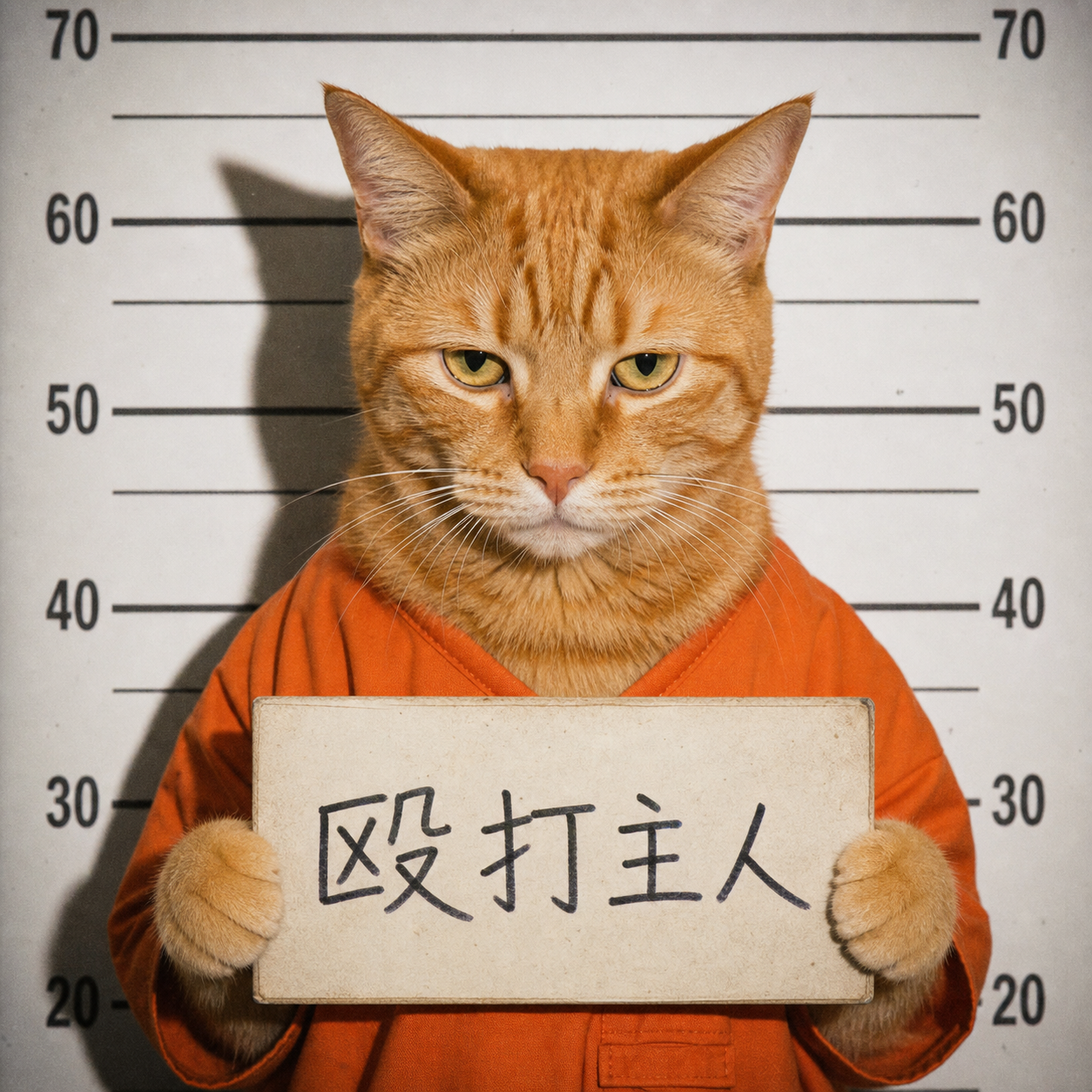
Create a funny pet mugshot concept with realistic lighting and a staged portrait feel.
Pet Nine Grid
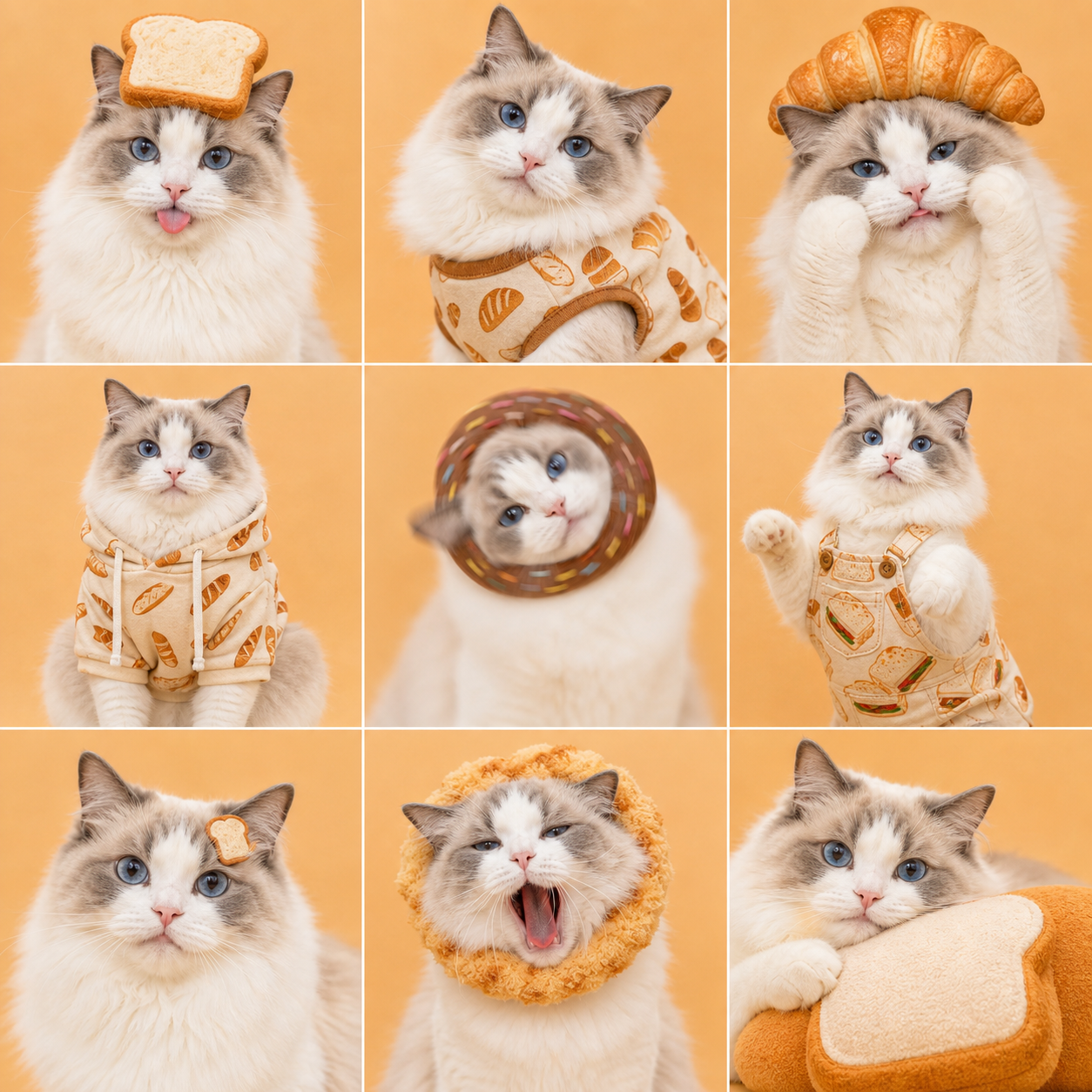
Make a nine-panel layout showing multiple themed pet expressions or outfit variations.
Realistic Pet Meme
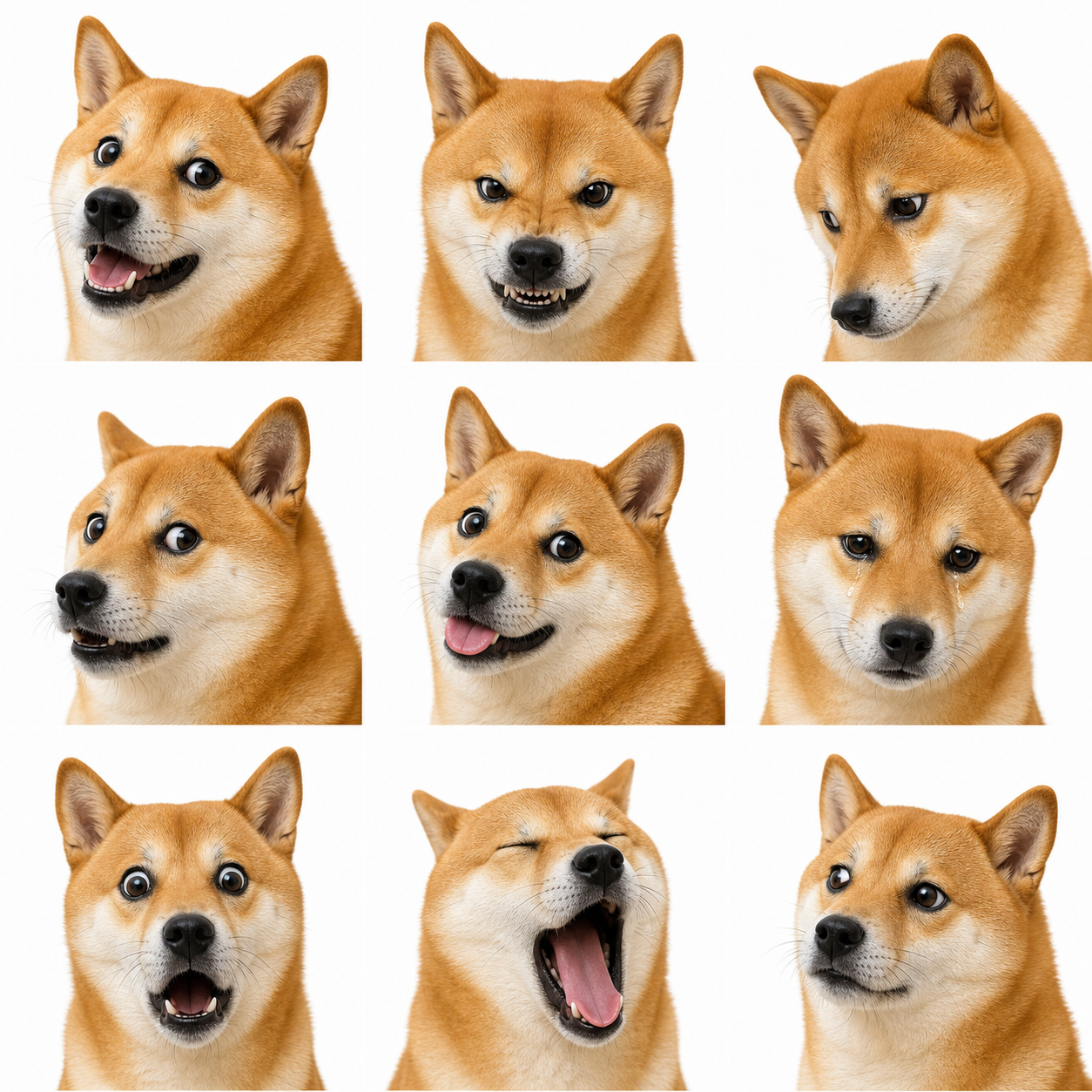
Generate expressive pet meme faces while keeping a photorealistic style.
Best Pet Photos for Better Results
Simple input guidance improves identity preservation and final image quality.
Use a Clear Face Photo
Photos where the pet's eyes, nose, ears, and fur markings are visible usually produce the strongest results.
Avoid Heavy Blur or Cropping
If the pet is too small, blurry, or partly hidden, the generated result may lose important identity details.
Choose Good Lighting
Soft, bright lighting helps the model understand fur texture, facial shape, and natural color.
One Pet Works Best
A single pet as the main subject is easier to transform cleanly than a crowded photo with multiple animals.
Common Ways to Use Pet Photo Tools
Practical pet image use cases for personal, social, and light creative work.
Social Media Posts
Create funny pet images, profile visuals, reaction posts, and themed content for Instagram, TikTok, X, or community groups.
Pet Meme Creation
Use office worker, mugshot, and expressive meme effects to make realistic pet humor without switching tools.
Pet ID and Profile Images
Generate polished passport-style or ID-style portraits for pet profiles, keepsakes, or playful documents.
Campaign and Gift Concepts
Make quick pet visuals for shop promos, pet community posts, custom gifts, or creative drafts.
What to Expect from the Result
Understand how the generator treats your uploaded pet photo.
Recognizable Pet Identity
The result aims to keep major pet features such as fur color, markings, ears, eyes, and facial shape recognizable.
Effect-Driven Composition
The selected effect controls the scene, outfit, background, or layout, so the output may change pose or framing to fit the concept.
Fast Creative Drafts
Most generations are designed for quick review and iteration, especially for social content and meme ideas.
Review Before Commercial Use
Generated images can be useful for campaigns or products, but final commercial use should be reviewed for brand fit, accuracy, and rights.
Related Pet Tools
Open a focused landing page when you need a dedicated pet portrait, memorial, or passport workflow.
AI Pet Portrait Generator
Create watercolor, royal, Renaissance, oil painting, and pop art pet portraits.
Open toolPet Memorial Art
Make soft tribute images, remembrance portraits, and gentle memorial keepsakes.
Open toolPet Passport Photo
Generate clean, front-facing, white-background pet ID photo styles.
Open toolPet Photo Tools FAQ
Common questions about generating AI pet photos from your own uploaded pet image.
Is the effect preview the original image?
No. The preview shows the target effect style. Your uploaded pet photo is the original image used for generation.
Do I need to upload a pet photo?
Yes. Choose an effect preview first, then upload your own pet photo so the generator can apply that effect to your pet.
What pet photos work best?
Use a clear, well-lit photo where the pet's face, eyes, ears, and fur markings are visible. Single-pet photos usually work best.
Can I use dog and cat photos?
Yes. The workflow is suitable for dogs, cats, and many common pets, as long as the photo clearly shows the subject.
Will the result keep my pet recognizable?
The generator tries to preserve important identity details such as fur color, markings, facial shape, and expression, while adapting the image to the selected effect.
How long does pet photo generation take?
Most generations complete in about 15 to 30 seconds, although upload speed, queue load, and prompt complexity can affect timing.
Can I add custom details?
Yes. You can add details for background, expression, outfit, lighting, or mood to guide the generated result.
Can I use the generated pet photos commercially?
Generated pet photos may be used for many normal creative and commercial scenarios, but you should review the final image for brand safety, accuracy, and any platform requirements.
Which effect should I choose?
Choose passport or ID effects for clean profile portraits, office worker or mugshot effects for humor, nine-grid for social layouts, and realistic pet meme for expressive reaction images.
Create an AI Pet Photo
Choose a pet effect, upload your pet photo, and generate a shareable AI pet image in seconds.